


Back to articles
Enterprise Contact Center Solutions: Top 8 Compared
November 27, 2026
By
Cindy Graciella
Every enterprise contact center platform looks great in the demo. You usually find out what you actually bought about six months in, when you're deep in integrations and the add-on invoices start showing up.
And it's not just you. In a Forrester study of companies with 1,000+ agents, more than 40% said their move to the cloud had limited success. Customers feel it too. CCW Digital found 59% of them think service is getting worse.
So I went through eight platforms looking for the stuff that bites you later, like licensing rules, paid add-ons, and missing channels. Here's what I found.
Enterprise contact center software is a cloud platform that runs high-volume voice and digital customer service across many sites, channels, and teams. Treat the picks below as starting points for your evaluation, not a universal ranking.
Nextiva is where I'd start if you want business phones and the contact center from one vendor and one contract. It moved up-market when it bought the enterprise CCaaS platform Thrio in January 2024. Its CX plan now puts routing, supervision, and AI scoring in the base price.
Standout features:
Limitations: Nextiva's pricing page lists SOC 2 and HIPAA, but not PCI DSS or FedRAMP, so confirm those in writing if you need them. Workforce scheduling and forecasting sit in the CX Super Pack, which is quote-based. The page also doesn't name an agent assist tool, a predictive dialer, or concurrent licensing, so ask to see each in the demo.
Pricing: CX is $75 per user per month, billed annually, and monthly billing costs more. The AI Super Pack adds $10 per user per month. XBert AI agents start at $100 per month for 100 conversations, then $0.99 per conversation.
Best for: Midmarket and enterprise teams consolidating phones and contact center with one vendor.
Genesys is the broadest suite here when your problem is journey complexity. Picture a customer who starts in chat, gets handled by an AI agent, then needs a specialist in another country. Genesys routes each customer to the right person, AI agent, or flow with context intact, and exposes open APIs for enterprise development.
It also has the most concrete public-sector credential in this lineup. Genesys Cloud CX is listed in the FedRAMP Marketplace with Certified status at Moderate impact. You still need to confirm which services and regions in your deployment fall inside that record.
Standout features:
Limitations: You'll need dedicated contact center IT staff or a capable partner to design and maintain journeys and integrations. Tier boundaries bite too. CX 1 is voice-led, with email, chat, and messaging sold as a Digital add-on. AI usage draws on Experience Units at a standard $1 per unit.
Pricing: Named-user list prices are $75 (CX 1), $115 (CX 2), $155 (CX 3), and $240 (CX 4) per user per month, billed annually. Concurrent licensing is priced on simultaneous active users, so don't apply named rates to it. CX 4 adds 30 Experience Units per named agent per month on top of the base allocation.
Best for: Large global enterprises running complex multichannel journeys with in-house contact center IT teams.
Where Genesys builds its case on journey design, NiCE builds it on staffing. Its suites add workforce optimization in a deliberate sequence. That suits outsourcers and high-volume operations where forecasting accuracy and quality scores drive margin.
NiCE's trust documentation describes CXone as FedRAMP Moderate for government buyers. Validate that scope against your planned configuration before you rely on it.
Standout features:
Limitations: The entry Omnichannel Suite sells workforce tools as add-ons, and Copilot stays an add-on until Ultimate. So a WFO-led business case almost always lands on Core or higher. Five suites plus add-ons also mean more licensing decisions per agent group. Pin down contract term and named versus concurrent counting in the quote.
Pricing: The suites list at $110 (Omnichannel), $135 (Essential), $169 (Core), $209 (Complete), and $249 (Ultimate) per agent per month. Ultimate also carries a $0.25 per-session charge. Billing is monthly in arrears with no prepayment, which describes billing timing, not a cancel-anytime contract.
Best for: Large contact centers and BPOs where workforce optimization and quality management carry the business case.
Five9 made its name on outbound dialing and has layered AI automation on top. That heritage sets it apart from suites built inbound-first. It matters most on floors where collections, sales, or appointment campaigns share agents with inbound support.
It's a contact center platform, not a business phone system. If you're replacing a PBX and a contact center at the same time, expect to pair it with another communications product.
Standout features:
Limitations: Internal calling and collaboration run through a separate communications product, which adds a vendor and an integration to own. Advanced AI entitlements differ by edition. Confirm newer messaging channels, like WhatsApp, in writing for the edition you buy.
Pricing: Packages are priced per agent and vary by channel mix, with digital-only and all-channel packages at different rates. Before you compare Five9 with a fuller bundle, get the seat basis (named or concurrent), any minimum seat count, and whether workforce licenses and AI usage bill outside the seat.
Best for: High-volume sales and service operations where outbound campaigns matter as much as inbound support.
Talkdesk's difference is packaging. Its Industry Experience Clouds bundle vertical workflows on top of the full Elite edition. So if you're in a covered industry, you configure prebuilt processes instead of commissioning custom builds.
It also offers more licensing shapes than most suites here. Alongside per-user prices, Talkdesk sells concurrent and per-hour-login pricing, which helps distributed teams with uneven shifts.
Standout features:
Limitations: Workforce management and industry packages sit above the base editions. The commercial terms for Talkdesk's AI products (Copilot, Autopilot, and Navigator) need confirming beyond their product pages. And the three-year minimum limits your flexibility if your channel mix is still shifting.
Pricing: List prices are $85 for Digital Essentials, $105 for Voice Essentials, $165 for Elite, and $225 for Industry Experience Clouds, per user per month. The Government cloud is custom-priced. These prices assume a three-year commitment and exclude telecom and usage fees.
Best for: Enterprises in industries Talkdesk packages for that want vertical workflows without heavy customization.
Amazon Connect replaces seat licensing with consumption. Voice is metered per second with a ten-second minimum. So an idle agent adds no voice charge, while every second of conversation does.
AI agents answer questions and take customer-authorized actions through voice and chat, then escalate to human agents. Watch the data boundary, though. AWS documents that AI inference can run outside your instance's Region, in permitted Regions that depend on where the instance sits. Third-party models, external CRMs, and other integrations widen that boundary further, so map it for your actual architecture.
Standout features:
Limitations: Designing flows and integrations takes developer and AWS skills. Usage billing makes seasonal peaks harder to budget. And email sits outside the forecasting and scheduling coverage.
Pricing: Voice is $0.038 per minute. Outbound campaign voice is $0.045 per minute instead of that rate, not on top of it. Third-party speech models add provider costs, AI agents using Amazon Bedrock Knowledge Bases add Knowledge Base costs, and telephony is its own line.
Best for: AWS-oriented organizations with in-house technical teams and highly variable contact volume.

Cisco's pitch is the migration path. Its Collaboration Flex subscription covers cloud-delivered Webex Contact Center and Webex Contact Center Enterprise, plus the on-premises Unified and Packaged products. So a Cisco shop can move between them under one subscription framework. That doesn't make the cloud product hybrid, though. Webex Contact Center itself is cloud-delivered.
Webex Contact Center Enterprise is a separate cloud product for highly customized large centers. Evaluate it on its own, rather than assuming the standard product's capabilities carry over.
Standout features:
Limitations: Much of the value depends on an existing Cisco estate. Workforce optimization is the open question. Cisco's data sheet says new Webex WFO orders stopped on July 27, 2026, so confirm the replacement or partner WEM option before you score it on workforce tools.
Pricing: Cisco sells through authorized partners and direct sales, with a custom quote. Concurrent licensing counts the peak number of agents logged in at once, while named licensing counts every unique agent who logs in during a month. In shift-heavy centers, concurrent usually comes out cheaper.
Best for: Large enterprises running Cisco networking or Cisco contact center infrastructure that want a path to cloud.
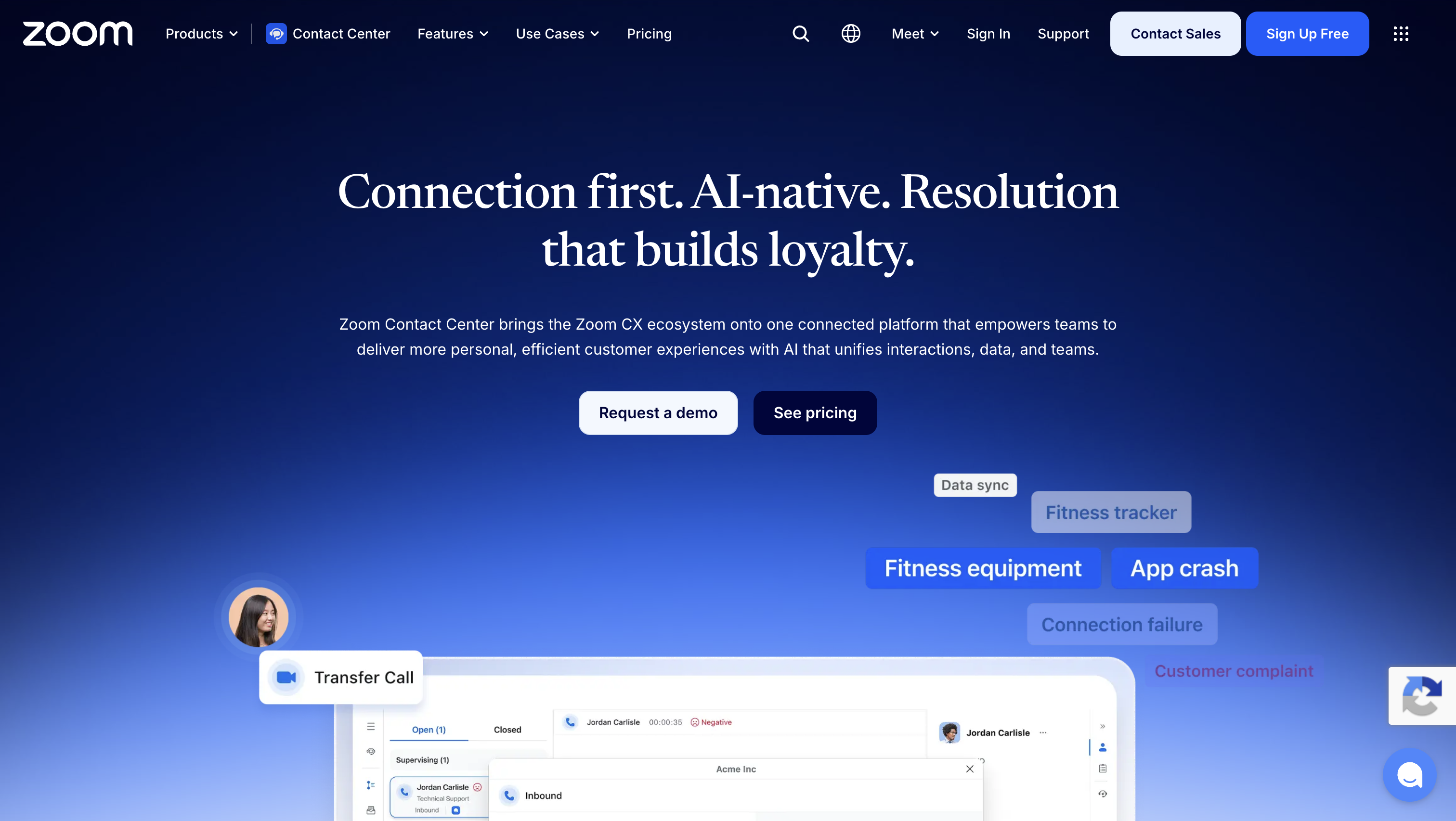
Zoom's argument is consolidation. Video sits alongside voice, SMS, and web chat as a service channel, and the contact center is sold with Zoom's unified communications. So one vendor covers internal calls and customer service.
The licensing rewards a close read. The Elite tier includes Workforce Management, Quality Management, and AI Expert Assist, which makes it the tier to compare against suite rivals, not the entry package.
Standout features:
Limitations: Virtual Agent needs an extra account-wide license. Concurrent Elite customers must buy supplemental WFM and QM licenses when more individual agents use those tools than the concurrent count covers. And since workforce tools aren't the core of the product, test forecasting and routing against your most complex queue.
Pricing: Zoom prices per agent in tiers up to Elite, under named or concurrent models. Ask for standalone and UC-bundled quotes side by side, so any bundle discount is visible.
Best for: Organizations already on Zoom that want video-enabled service and one vendor for UC and contact center.
Routing and CRM integration matter for every enterprise buyer. The rest depends on your contact mix and staffing model, and all of it varies by tier.
You compare contact center pricing fairly by modeling the same configuration over the same billing period. Enterprise pricing follows two structures:
Before you compare anything, confirm the packages include equivalent channels, AI, and workforce tools. Also check whether unified communications is bundled or licensed separately.
Here's a quick example of why the structure matters. Say you run 300 named agents who each handle 5,000 talk minutes a month. On Genesys CX 2, seats cost 300 × $115 = $34,500 a month. On Amazon Connect, voice service alone costs 1.5 million minutes × $0.038 = $57,000, before telephony. Halve the minutes in a quiet month, and Connect drops to $28,500 while the seats stay put.
The two packages don't include the same things, so neither number settles the choice. But the gap shows why you should build a baseline month and a peak month with these variables:
Contacts are C_s = C_base × m_s, and human contacts are H_s = C_s × (1 − a_s). Seat cost is B_s × R plus recurring extras. Consumption cost is the sum of U_j,s × P_j plus recurring extras.
For voice, estimate AI-only minutes, transferred calls (counting both the AI and human stages), and human-only minutes separately. For digital, count actual messages or emails.
At peak, consumption cost rises with every contact, while seat cost moves only if your contract lets B_s flex. Raising a_s cuts human workload, but it only cuts paid seats if your staffing plan and license terms allow it. And AI minutes still bill under consumption.
Keep telephony, AI, and workforce charges in separate buckets, so nothing gets counted twice. Once the recurring totals are settled, add implementation, migration, training, and parallel-running costs one time.
You build a defensible shortlist by cutting to two or three finalists in three steps, in this order.
For each compliance item, confirm the product, region, and contractual scope, plus encryption, role-based access, and audit trails. A vendor's credential doesn't make your implementation compliant. And if you're a Salesforce shop, compare actual integration depth instead of trusting a "native" label.
You roll out an enterprise contact center in six phases, and each one produces something the next depends on. AWS's migration guidance follows a similar arc, and its advice applies well beyond Amazon Connect.
Most of the differences between these platforms come down to two things, how well each one fits the tools you already use, and what the license actually includes.
Before you book demos, list your must-haves, like regions, compliance, peak concurrency, and your CRM. Drop any platform that misses one. Then ask your top two or three to run one of your real queues during the demo.
If you want phones and the contact center on one contract, add Nextiva to that list alongside Genesys or NiCE.
The 80/20 rule is a target of answering 80% of inbound contacts within 20 seconds. It has nothing to do with the Pareto principle or agent occupancy. ICMI frames it as a common objective that may not suit every operation, so set your own target from customer expectations and staffing cost.
A multichannel contact center offers several channels that run side by side. An omnichannel contact center connects them, so routing logic and conversation history carry over when a customer moves from chat to a call.
Yes. Cloud platforms run the agent desktop over the internet, so remote and hybrid staffing works by design. Still, check home-network voice quality and access controls during the pilot instead of assuming they'll hold.
You should switch when your current system blocks a business requirement. Examples include a channel you can't add, a compliance obligation it can't meet, or integration work that eats the roadmap. Hardware end-of-life and expiring contracts give you useful deadlines.

Cindy is an Outreach Manager and SEO Specialist at ONSAAS who helps SaaS companies grow through strategic link building and SEO. Outside of work, she loves spending time in nature, especially hiking in the mountains.


