


Back to articles
Contact Center Workforce Management: Process, KPIs, Tools
November 20, 2026
By
Cindy Graciella
Half your agents are at lunch when the 2:30 p.m. queue doubles. By the time someone reworks the staffing spreadsheet, the spike has passed, and so has your service level.
It's easy to blame the spreadsheet, but a faster tool won't fix a weak plan. Contact center workforce management (WFM) is how you build a better one: forecast demand, work out how many agents you need, schedule them, and adjust during the day to keep service, cost, and workload in balance.
I'll go through each step, show you when a spreadsheet stops being enough, and compare six WFM platforms for when it does.
WFM runs as a loop of five steps. Each one feeds the next, and what you learn in the last step improves your next forecast:
A forecast estimates how many contacts arrive in each interval and how long each one takes. Forecast by interval, not by day, because daily totals can match perfectly while individual half-hours are badly understaffed. That's why ICMI advises against judging forecast accuracy on daily, weekly, or monthly totals.
Start with interval history and seasonality, then adjust for known events like marketing launches, billing runs, and holidays.
Forecast volume and handle time separately. Handle time shifts on its own when a policy changes or a new hire class goes live, and a stale handle time will understaff the floor even if your volume forecast is spot on.
Channel type matters too. Voice and live chat need to be answered as they arrive. Email and tickets land in a backlog, so you're forecasting new arrivals, the existing backlog, and when each item is due.
Here's how it works for one 30-minute voice interval:
Keep in mind that Erlang C assumes random arrivals, one call per agent at a time, and no abandoned calls, so treat it as a starting point.
Shrinkage covers planned time away (breaks, meetings, training, and time off) and unplanned time (absence and lateness). Just don't count the same minutes twice. If shrinkage already includes breaks, don't add a separate break allowance on top.
Other channels need other models. Chat staffing depends on how many sessions each agent handles at once. Email and tickets are planned around clearing the backlog within response-time windows. And multi-skilled agents can't be counted in full by every queue they cover.
A schedule turns interval requirements into real shifts. It has to respect shift rules, local labor laws and contracts, skill coverage for every open queue, and each agent's availability.
Within those limits, use split shifts for separate peaks, part-time shifts for the lunch rush, and staggered starts for opening coverage.
Give agents some control, too. Shift bidding, approved swaps, and self-chosen breaks (all within coverage rules) make schedules easier to live with. Publish schedules early so people can plan their lives. Predictable schedules help you keep good agents.
During the day, compare actual arrivals, AHT, and available agents with the plan for the same interval. That tells you what went wrong:
Real-time adherence tracks whether agents are where the schedule says. But adherence and service are separate. A late return from break may not matter in an overstaffed interval, and perfect adherence won't save you from a bad forecast.
Here are the main levers, and when each one makes sense:
The review closes the loop and decides what changes in your next plan. I'd track five things:
Each pattern points back to a step. Persistent forecast error means fixing the forecast. Coverage gaps despite an accurate forecast mean fixing schedule design. And a steady gap between planned and actual time away means adjusting your shrinkage assumption.
A lot of what gets sold as "AI" in WFM is really rule-based automation, like auto-approving time off when coverage allows. That's useful, but it's workflow automation, not AI.
AI-assisted forecasting and scheduling goes further. It uses predictive models to pick forecasting methods or propose schedules within your rules. Planners should always be able to see why it made a recommendation.
Here's where I'd use it:
Planners still own service goals, operating rules, and final approval on major changes.
Tools only get you so far. The steadiest WFM programs also run on decisions made before things get hectic:
Not necessarily. Everything above can run on spreadsheets if your operation is simple enough. Ask yourself five questions:
Your answers will point you to one of three options:
Team size alone doesn't decide this. A small multilingual team covering voice, chat, and email can be harder to plan for than a much bigger single-queue voice operation.
If your answers point to software, the next question is where it comes from. The right platform depends on whether you're buying it with a contact center platform, a help desk, or a broader engagement suite. Here's how my six picks compare:
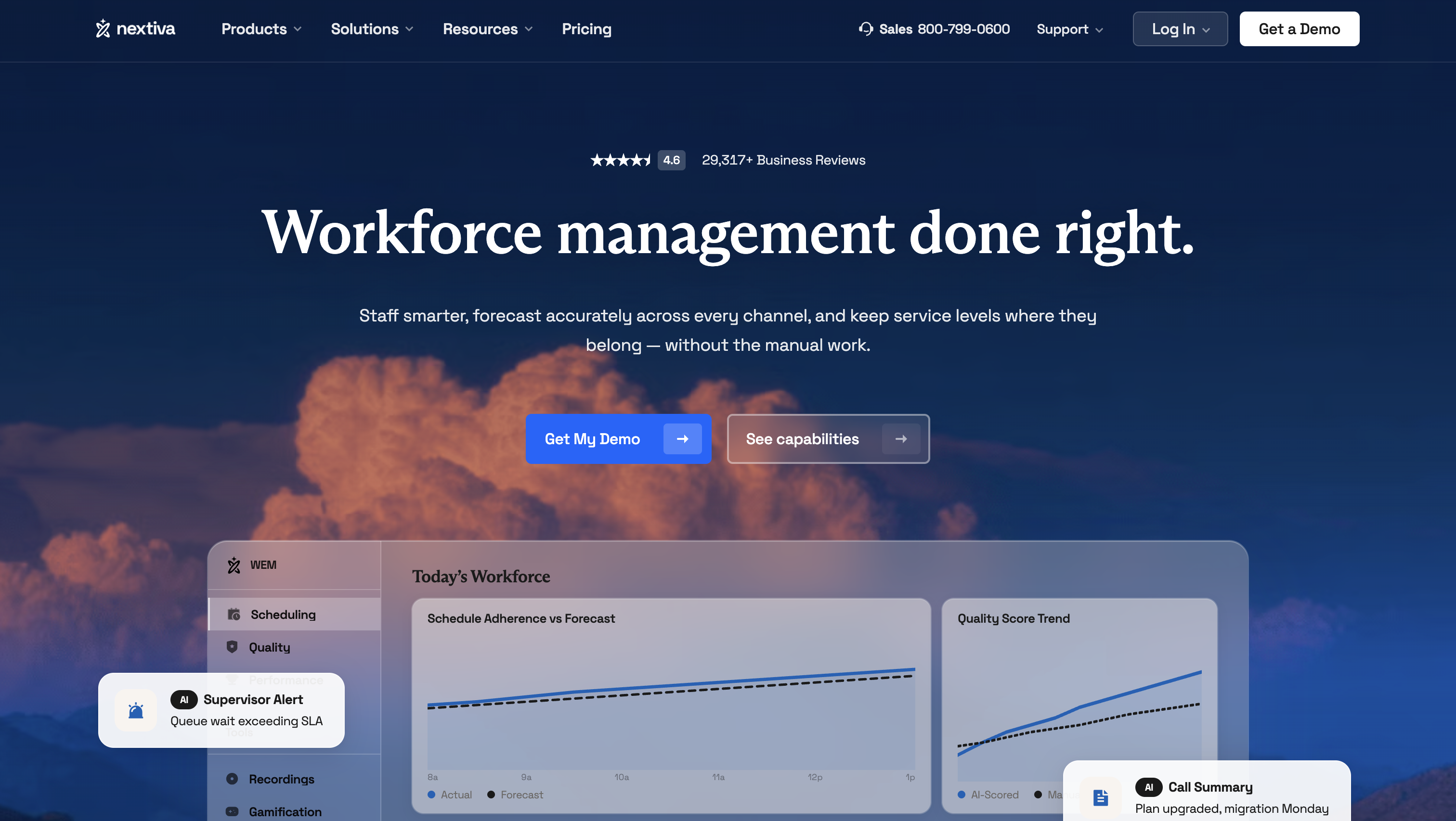
Nextiva combines business phones, a contact center, and workforce management in one platform. Nextiva Workforce Scheduling plugs straight into Nextiva Contact Center, so forecasts and adherence run on live interaction data instead of exports. It's the one I'd look at first if you're a small or mid-sized team that wants everything from one vendor.
Standout features:
Limitations: WFM is an add-on at Professional and only included at Premium, so budget for one of those tiers.
Pricing: Essential starts at $75 per agent per month. Professional and Premium are quoted by sales.
Best for: SMB and mid-market teams that want communications, contact center, and WFM with one vendor.
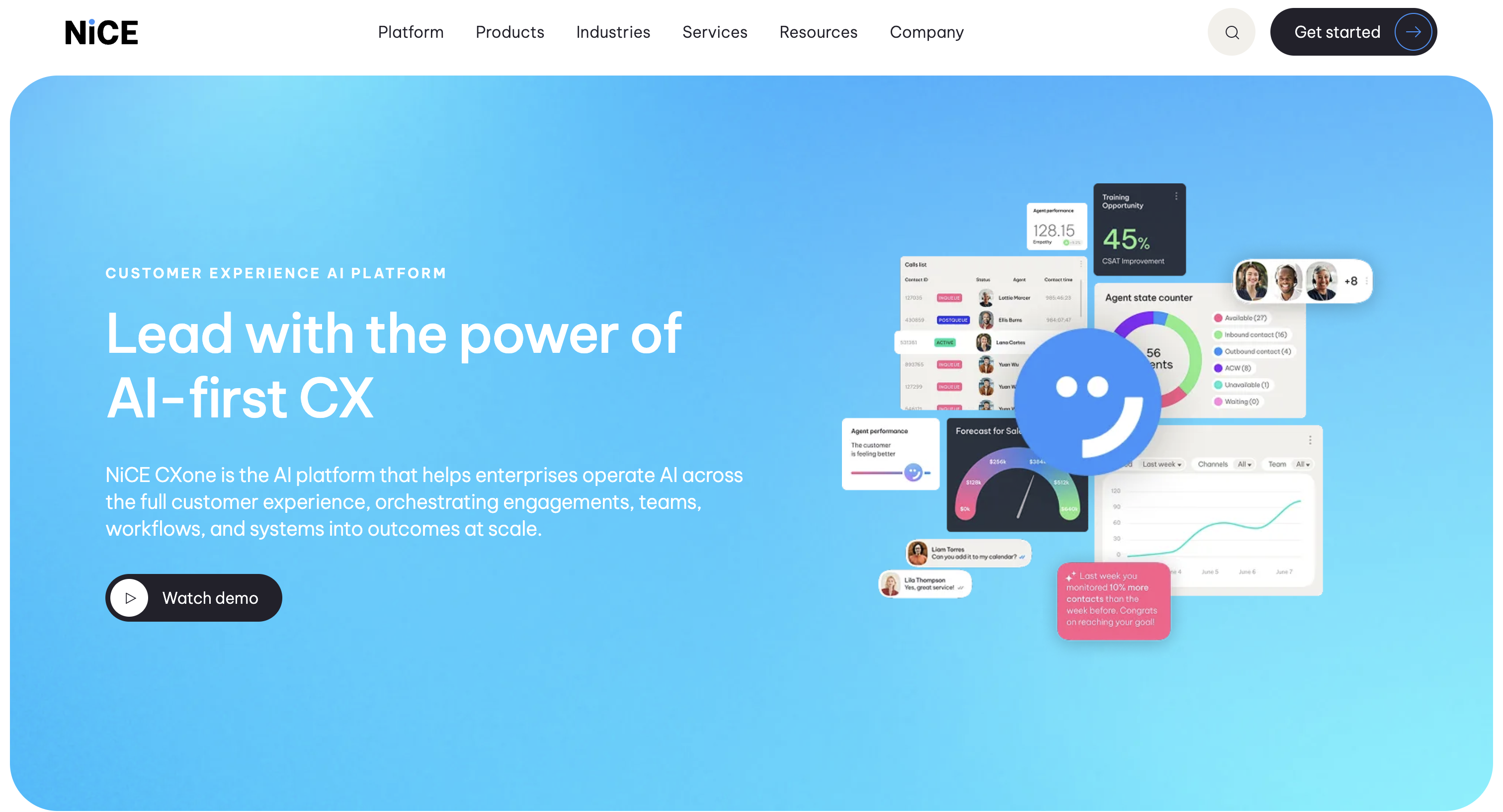
NiCE CXone is an enterprise contact center suite, and CXone WFM is its built-in workforce management module. It's the depth pick for large contact centers juggling lots of skills and channels. Just note that NiCE's older IEX WFM is a separate product, so make sure you're demoing the right one.
Standout features:
Limitations: Its machine-learning forecasting needs at least eight weeks of history, which hurts on new queues and migrations. It can also be more than a smaller team needs.
Pricing: According to NiCE's pricing page, the CXone Omnichannel Suite starts at $110 per agent per month for the platform, not standalone WFM, billed monthly in arrears.
Best for: Large enterprise contact centers with complex multi-skill, multichannel demand.
Verint sells workforce engagement software, and since merging with Calabrio, the combined company operates under the Verint name. Calabrio products are staying in the portfolio, so Verint WFM and Calabrio ONE are still separate product lines. Both suit enterprises that want WFM bundled with quality and analytics.
Standout features:
Limitations: You'll need to figure out which product line fits, and features in one demo may not exist in the other product.
Pricing: Custom quote.
Best for: Enterprises that want WFM tied to quality and analytics in one engagement suite.

Genesys Cloud CX is a cloud contact center platform with WFM built in. Because forecasts and schedules draw directly on its routing data, there's no integration to maintain. That's the main reason I'd pick it over a standalone WFM product if you're already on Genesys.
Standout features:
Limitations: It's strongest when Genesys is already your contact center platform, and WFM access depends on your tier.
Pricing: WFM is included in Cloud CX 3 at $155 per user per month, billed annually. CX 1 and CX 2 customers can add a WEM license just for the users who need it.
Best for: Omnichannel cloud contact centers already on Genesys, or moving to it.
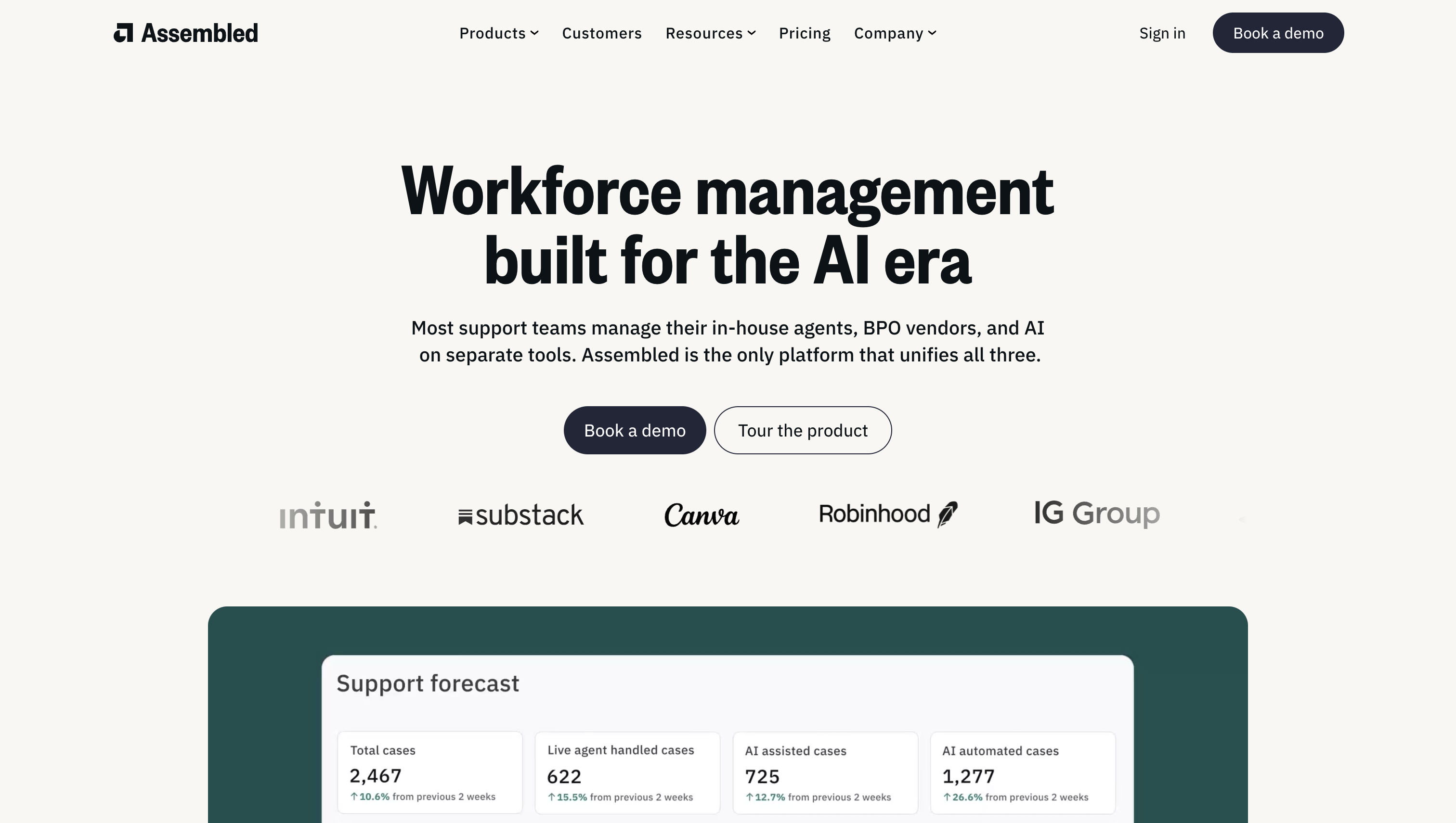
Assembled is a standalone WFM platform built for customer support teams. It plugs into the help desk and phone tools you already use, so you don't have to switch contact center platforms to get better scheduling. That makes it my pick for support teams that just want WFM.
Standout features:
Limitations: The platform fee makes it harder to compare against all-in per-agent quotes, so ask for the full annual cost.
Pricing: Core is $25, Pro is $45, and Enterprise is $75 per agent per month, plus a platform fee.
Best for: Digital-first support teams that want transparent pricing.
Zendesk WFM is the workforce management add-on built into Zendesk's help desk. Agents see their schedules and request changes without leaving Zendesk, and managers forecast from the same ticket data. (If you're still deciding on a help desk, here's how HubSpot and Zendesk compare.)
Standout features:
Limitations: It's less useful if you work across several platforms. Zendesk also requires WEM add-ons for every agent in the account, even if only some need scheduling.
Pricing: WFM on its own is $25 per agent per month, or $50 in the WEM bundle with QA. Both are billed annually.
Best for: Support teams already standardized on Zendesk.
Test each product on your shortlist against your own channels, skills, and service goals, not the vendor's demo script. Here's what I'd check, and what should knock a product off your list:
Keep the WFM decision separate from any bigger platform switch. Buying WFM with a new contact center platform makes sense if you're moving anyway, but it shouldn't force a migration on a team that just needs better scheduling.
When comparing prices, add up platform fees, seat minimums, implementation, and optional modules. And run a pilot on your own data before a full rollout.
Good contact center workforce management comes down to running the loop well: forecast by interval, staff with the right model for each channel, build schedules people can live with, adjust during the day, and review what to change.
Software makes that loop faster once your channels, skills, or sites outgrow a spreadsheet. Use the five questions above to decide whether you're there. If you are, shortlist two or three platforms and pilot them on your own history. If you want phones, contact center, and WFM from one vendor, Nextiva is where I'd start.
It's a service level target of answering 80% of calls within 20 seconds. It's not a universal standard, so set your target based on what your callers need and what your budget allows.
Workforce optimization (WFO) is the bigger umbrella. It adds quality management, performance management, and analytics around WFM.
Contact center management covers the whole operation, including technology, hiring, quality, and customer experience. WFM is the capacity-planning part of it.
No. A CRM, like Salesforce or HubSpot, holds customer records and interaction history. WFM uses contact data to plan staffing.
There's no universal schedule. Reforecast when interval error stays outside a tolerance you set, and refresh long-range forecasts each time you build schedules.

Cindy is an Outreach Manager and SEO Specialist at ONSAAS who helps SaaS companies grow through strategic link building and SEO. Outside of work, she loves spending time in nature, especially hiking in the mountains.


