
.svg)
%20(1).svg)
%20(3).svg)
Back to articles
Best AI Agents in 2027: Top Picks for Work, Code and Teams
October 30, 2026
By
Cindy Graciella
If you're looking for an AI agent, the best place to start is with the kind of work you want it to handle. Claude is a strong choice for complex, multi-step tasks and coding, while ChatGPT is a versatile everyday assistant. If your team already uses Google Workspace, Gemini is worth considering.
For more specialized work, Devin can take on entire coding tasks, while Goose gives developers more control over command-line automation on their own machines. Small businesses can use Lindy to automate everyday workflows, while larger companies already using Salesforce may find Agentforce a better fit. And if you're building your own agents, CrewAI is a good starting point for prototypes, while LangGraph is designed for more controlled production workflows.
The main difference between an AI agent and a regular chatbot is that an agent can take multiple steps toward completing a task, rather than simply answering a question and waiting for your next prompt.
This guide covers four categories: general-purpose assistants, coding agents, business workflow agents and frameworks for building your own.
The easiest way to understand an AI agent is to think about how much work it can do without you guiding every single step.
A chatbot responds to your prompt and waits for your next instruction. An AI agent can plan a task, use tools, work through several steps and decide when it's finished, with varying levels of human supervision.
For example, imagine asking an agent to find last quarter's unpaid invoices and prepare reminder emails. Instead of simply telling you how to do it, the agent can work out which files it needs, review the information, identify overdue invoices and draft the emails.
OpenAI's guide to building agents describes them as systems that can independently accomplish tasks on your behalf, using a language model to manage workflows and adjust when something goes wrong.
This also makes agents different from traditional automation. A fixed workflow might say, "When someone submits a form, add a new row to the spreadsheet." It follows predefined rules, while an AI agent can handle more flexible situations and adjust its next steps based on what it finds.
You can either use a ready-made agent or build one yourself. Most tools fall into four categories:
There are plenty of AI agents on the market, and comparing their feature lists doesn't always tell you which ones are actually useful. A tool might support dozens of integrations, but that doesn't mean it can reliably finish the work you give it.
We focused on five things when putting this list together:
We also checked vendor product and pricing documentation to understand which features are included, what integrations are available and where additional costs may apply.
If you want an AI agent to help with different parts of your workday, start here.
These three assistants can help with research, writing, files and computer-based tasks. Their capabilities overlap quite a bit, so I'd focus on which ecosystem you already use rather than trying to find one universal winner.
Also worth considering: Microsoft Copilot for workplaces that rely heavily on Microsoft 365, and Manus AI for users who prefer a more hands-off approach to multi-step tasks.
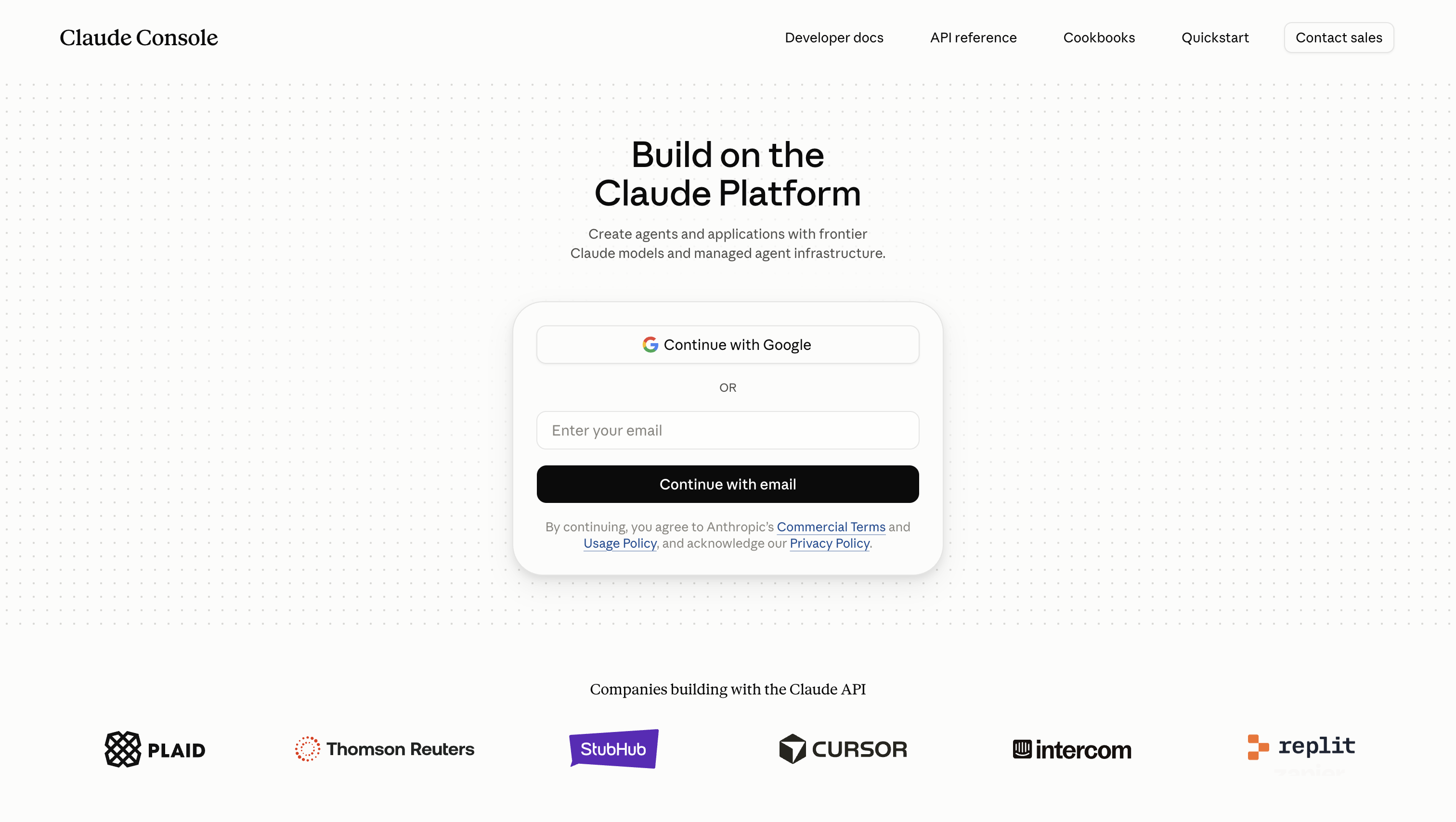
Claude is the pick when the hard part of a job is staying on track across many steps, such as assembling a client report from scattered files or making a change across a codebase. It is also the strongest crossover choice for professionals who split their time between demanding document work and coding.
Claude can be a good fit if you regularly work with longer documents, complex instructions, or coding tasks. Its paid plans also come with different usage limits and features, so it's worth understanding what each tier includes before upgrading. The differences are not always as straightforward as they look in Claude's pricing breakdown
Standout capabilities:
Limitations: Claude and Claude Code draw from the same five-hour and weekly usage limits, so a long coding afternoon can leave you waiting for the window to reset before the desktop work gets done. Daily heavy users should expect to outgrow the entry plan.
Pricing: Pro costs $20 a month, or $17 a month when billed annually as a $200 upfront charge. Claude Code usage counts against the same shared limits.
Best for: Professionals and developers handing off demanding, multi-step work.
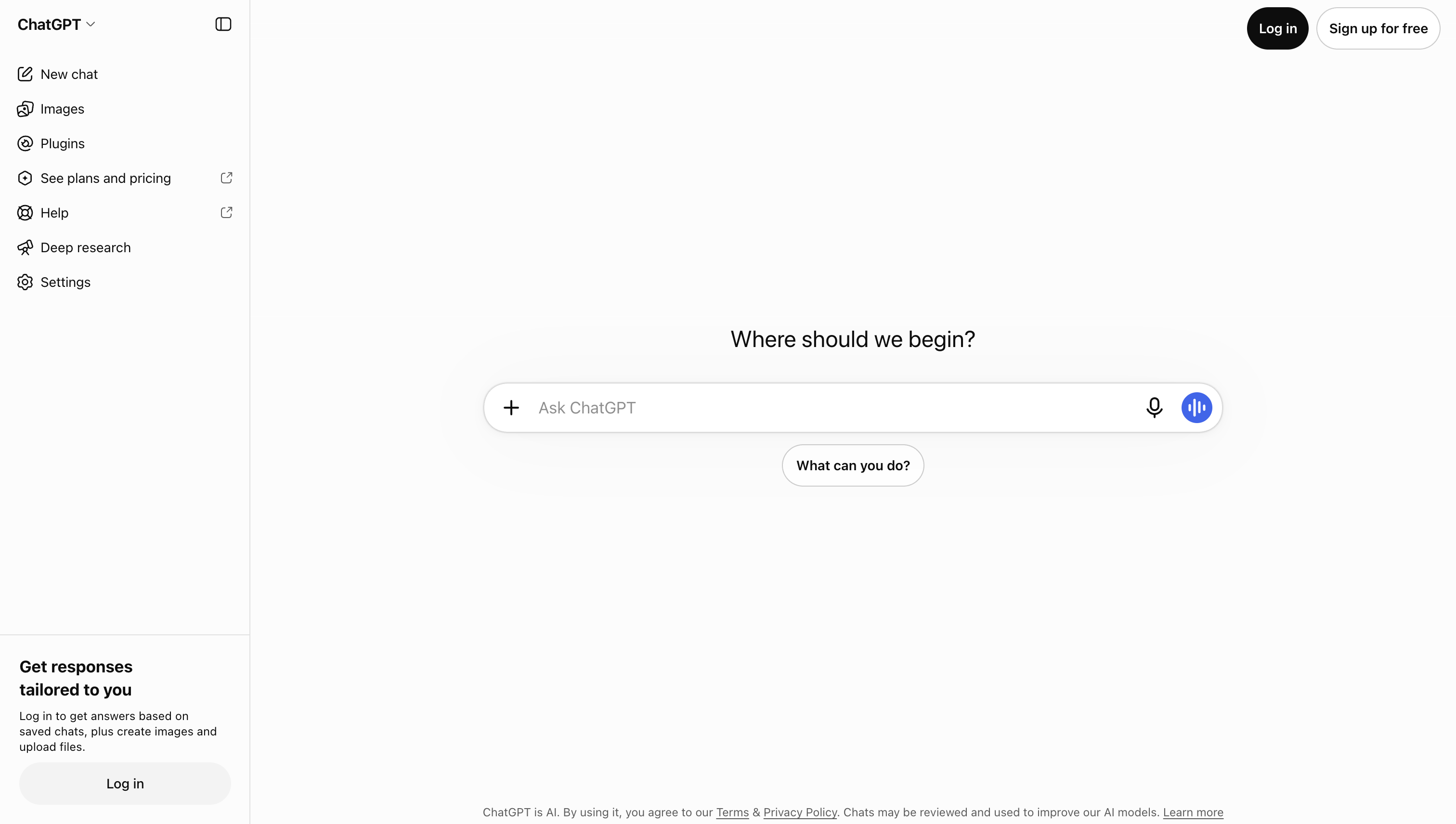
ChatGPT is the generalist. If Monday is a market summary, Tuesday is debugging a formula and Wednesday is planning a product launch, its multi-turn reasoning covers the widest spread of everyday work, which makes it the safest single subscription for someone whose tasks change daily.
Its agent tooling has changed shape. OpenAI has retired the ChatGPT agent product and now points users to ChatGPT Work, so older guides describing “agent mode” are out of date.
Standout capabilities:
Limitations: The SDK demands more integration work than OpenAI’s managed Agents API because your team owns deployment, storage, approvals and runtime integration. Building around its custom tools and hosted services also ties the implementation to OpenAI’s ecosystem.
Pricing: ChatGPT Plus costs $20 a month. OpenAI bills SDK-built agents separately through the API. Charges include model tokens and tools such as web search, file search and hosted containers, with tokens used by built-in tools billed at the chosen model’s per-token rate. A long agent run therefore costs more than a short one, regardless of seats.
Best for: Individuals and teams wanting one versatile assistant for varied daily work.

Gemini is the pick for people whose work already lives in Google’s ecosystem. Its advantage is that ecosystem fit, not a universal edge over the other general assistants.
Standout capabilities:
Limitations: Most of Gemini’s value depends on staying inside Google’s apps, so it is a weaker fit for teams centered elsewhere. Google calls its task capability experimental and warns that it can make mistakes or act unexpectedly. Gemini asks for confirmation before sending communications, modifying data, making purchases or submitting web forms, and usage varies with task complexity rather than a fixed task count.
Pricing: Consumer plans are for personal Google accounts only. Google AI Plus starts at $9.99 a month in the US with Gemini in Gmail, and Google AI Pro costs $19.99 a month with Gemini in Docs, Vids and other Google apps. Workspace customers get Gemini through their seats. Starter costs $7 per user per month on an annual commitment with Gemini in Gmail, while Standard costs $14 per user per month on an annual commitment with Gemini in Gmail, Docs, Meet and more.
Best for: Google Workspace teams and Android-first users.
Coding agents can do more than suggest the next line of code. They can write, run and fix code, and some can take on an entire development task.
The biggest difference is how much control you want to keep. Some tools let you assign a ticket and review the finished pull request, while others are designed to work locally alongside you as you make decisions.
Claude Code, covered in the previous section, is also worth considering if you prefer terminal-based coding assistance. The following two options focus on task delegation and local automation.
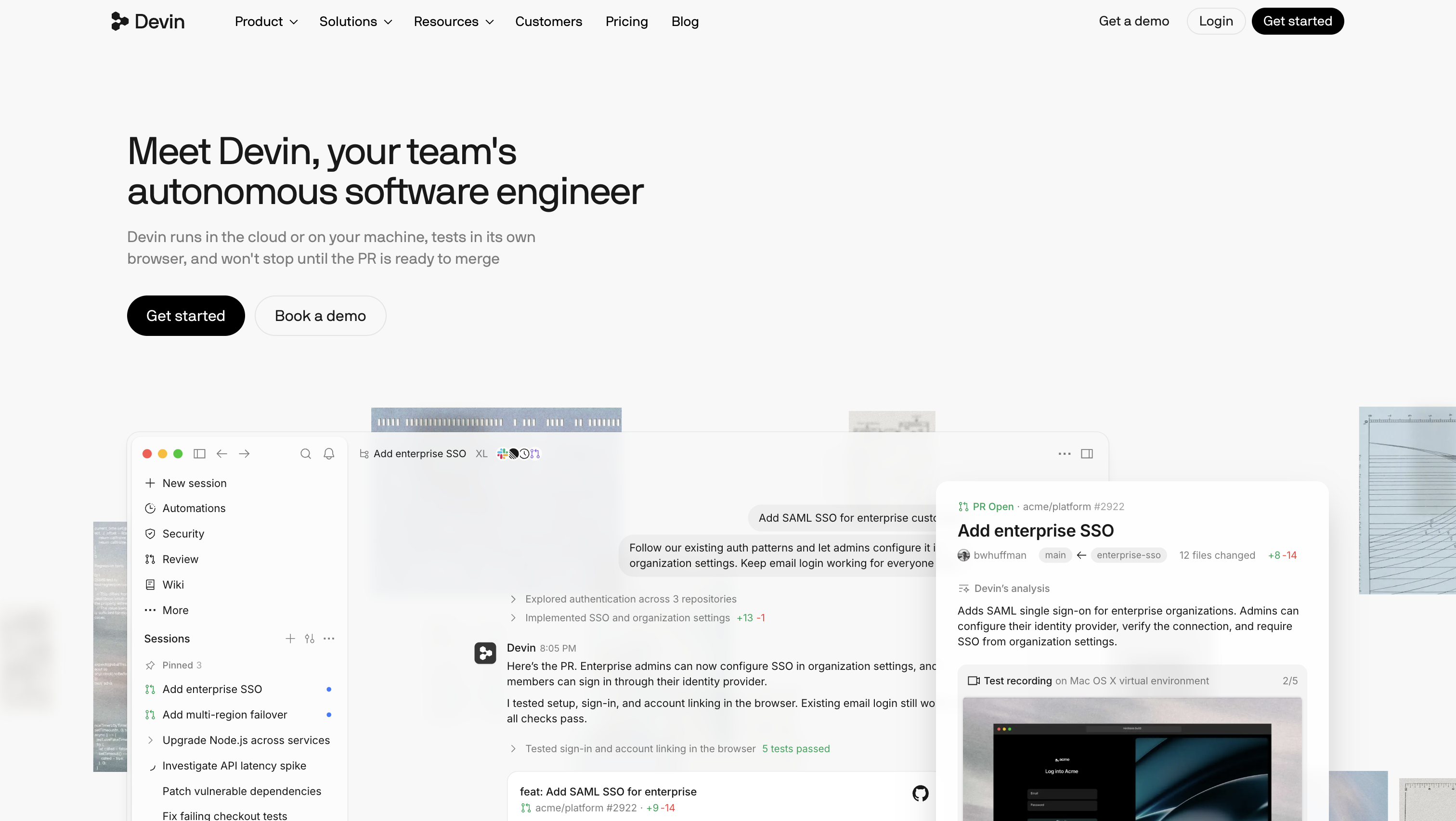
Devin is built for handing off a well-scoped coding task rather than pairing line by line.
Standout capabilities:
Limitations: Review every pull request before merging it, just as you would any other code contribution. Assign well-scoped tickets with clear acceptance criteria rather than vague tasks.
Pricing: Devin offers a Free plan, Pro at $20 a month, Max at $200 a month, and Teams at $80 a month plus $40 per month per full seat. The entry price makes Pro accessible to solo developers, while Teams is structured for shared use.
Best for: Engineering teams offloading well-scoped tickets.
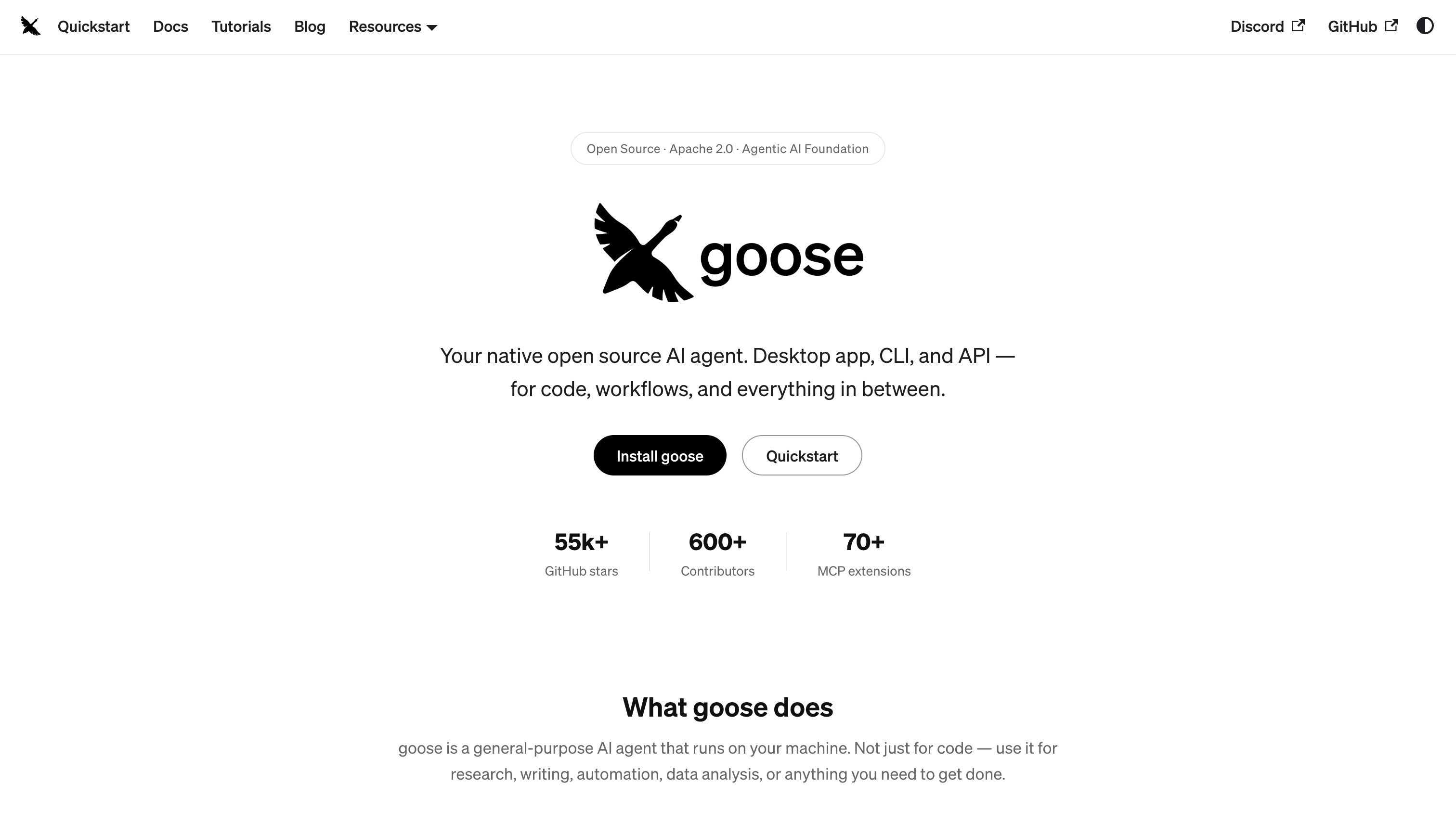
Goose is the local-control option for developers who want command-line automation rather than a hosted coding service.
Standout capabilities:
Limitations: You install the desktop app or CLI yourself, then configure a model provider and credentials, so setup demands more technical comfort than a hosted tool. Results also vary with the selected model.
Pricing: The software is free, but running it isn’t necessarily. API usage, model subscriptions or the local hardware behind Ollama remain your cost.
Best for: Developers who want control over models and local execution.
Not every business needs an agent that can write code or conduct complex research. Sometimes, the biggest time savings come from automating repetitive tasks that happen every day.
Business workflow agents are designed to connect different apps and handle these processes with less manual work. For smaller companies, ease of setup and affordability are usually the priorities. Larger organizations, on the other hand, need integrations, security controls and billing that can support more complex operations.

Lindy is the small-business workflow pick for repetitive admin.
Lindy’s pricing page gives new users $50 in credits for seven days without requiring a credit card. This is a trial rather than a permanent free plan, and it gives a team a week to measure how many credits its normal workflow consumes before choosing a paid tier.
Standout capabilities:
Limitations: Heavy users need to monitor credit consumption so a workflow does not pause midway through a busy month. Workflows spanning many systems with complex branching may eventually need a custom framework.
Pricing: Team starts at $29.99 per active user per month with 3,000 credits. Extra credits cost $10 per 1,000. Regularly buying top-ups is the signal to move to a bigger plan.
Best for: Small business owners and lean teams automating repetitive admin.
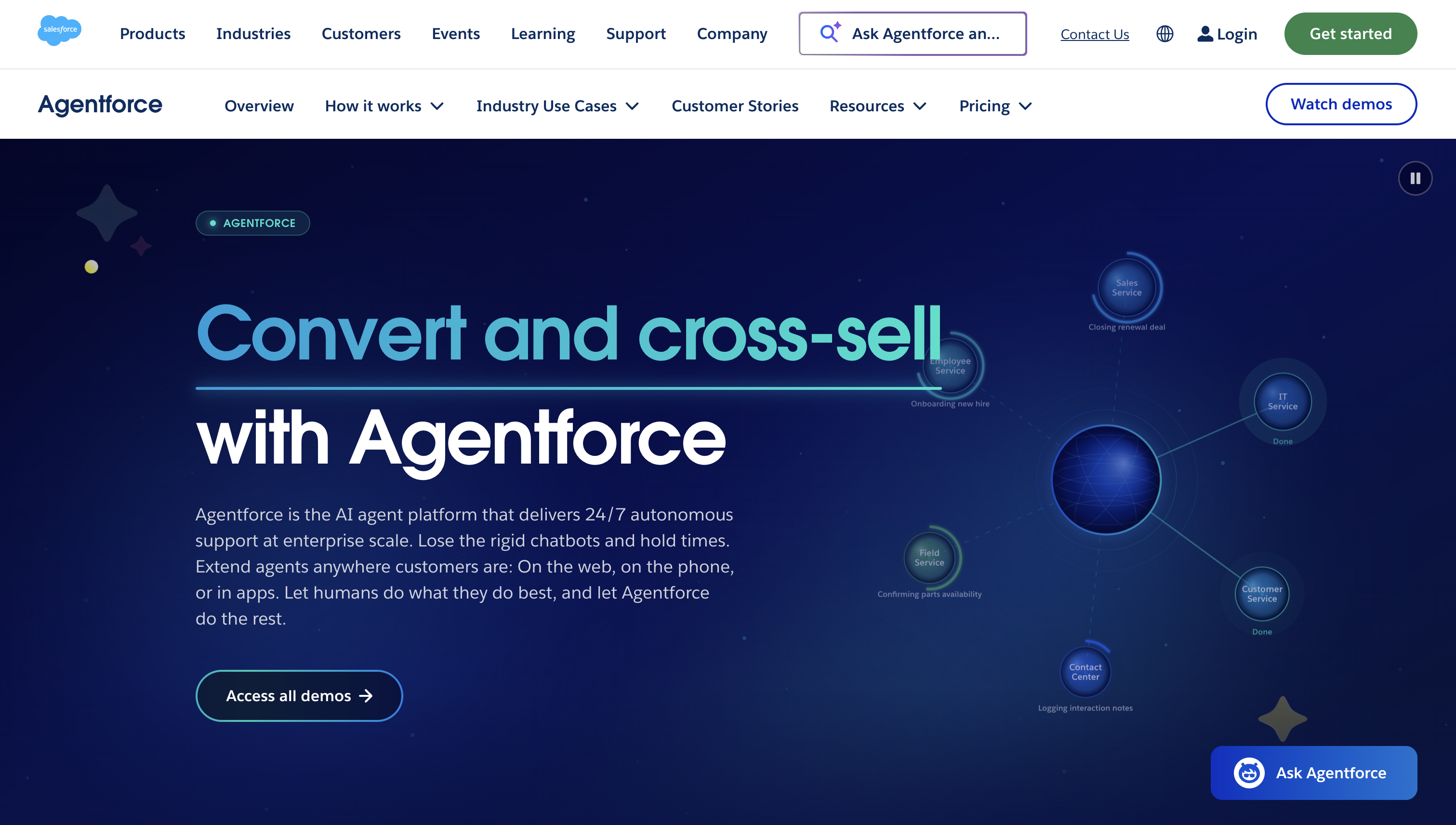
Agentforce is the enterprise pick for organizations already centered on Salesforce.
Salesforce Foundations includes Agentforce Builder and related tools at no additional charge. Deployment still carries metered usage and implementation costs.
Standout capabilities:
Limitations: It assumes you’re committed to Salesforce, and getting value requires implementation work on data, processes and permissions. A five-person team without Salesforce has nothing for it to plug into.
Pricing: Salesforce lists Flex Credits at $500 per 100,000 credits. A standard agent action consumes 20 credits, equivalent to $0.10 per action. The $5-per-user monthly license requires Flex Credits on top, while the alternative conversation model costs $2 per conversation. Model the expected action or conversation volume before choosing between them.
Best for: Large organizations already invested in Salesforce.
If you're a developer or building an AI-powered product, ready-made agents might not give you enough flexibility.
That's where agent frameworks come in. They provide the building blocks for creating your own agents, connecting tools and controlling how different parts of a workflow interact.
The right framework depends on your development stack and how much control you need over the workflow.
Also worth considering: PydanticAI for type-safe Python development, and Mastra for teams working with TypeScript and Node.js.
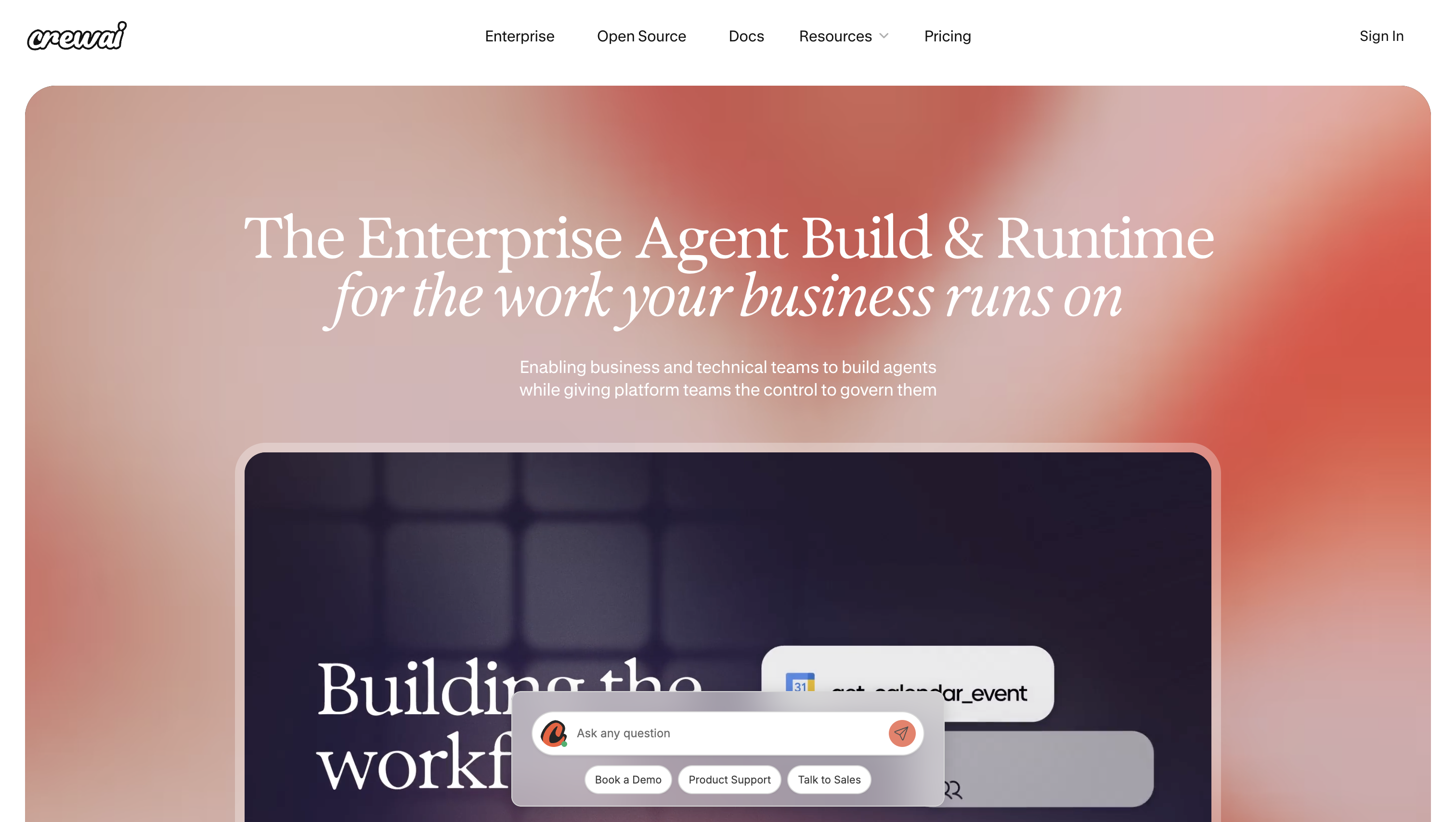
CrewAI is the prototype pick for teams that prefer role-based collaboration to graph-based control.
Standout capabilities:
Pricing: Basic is a free hosted plan with 50 workflow executions per month. Enterprise is custom-priced and adds governance, deployment choices and onboarding.
Best for: Teams prototyping multi-agent workflows quickly.
LangGraph is the production pick when a team accepts more engineering work in return for explicit control over a complex agent workflow.
Standout capabilities: Observability and managed deployment are separate LangSmith services.
Pricing: The listed managed-service prices belong to LangSmith, not a LangGraph license. LangSmith Developer is free for one seat with 5,000 base traces per month, then pay-as-you-go. Plus costs $39 per seat per month with 10,000 base traces and access to managed deployment, plus usage charges.
Best for: Engineering teams shipping reliability-critical agents.
With so many options available, it's easy to get caught up comparing features and pricing. I'd start with a much simpler question: what do you actually want the agent to do?
Here are four things I'd consider before signing up:
Once you've narrowed down your options, test one agent on a simple, low-risk task. Give it a clear goal and see whether it can finish the job, handle corrections and actually perform the actions it claims to have completed.
If it works reliably, you can gradually give it access to more tools and responsibilities. There's no need to automate everything on day one.
No single agent wins every job. Claude is the strongest all-round pick for demanding multi-step work and coding, but a Google Workspace team will usually get more from Gemini because it already sees their data.
There is no official list. For general-purpose assistants, a useful four-product shorthand is ChatGPT from OpenAI, Claude from Anthropic, Gemini from Google and Copilot from Microsoft.
Power depends on the model underneath and on what the product lets it touch. An agent with access to your codebase, desktop or CRM can do far more than a stronger model locked in a chat window.
Start with the general assistant that matches your ecosystem. Learn how it handles a multi-step task before paying for a specialized agent.
Yes. Goose is free, open-source software, though model, API or hardware costs remain the user’s responsibility. CrewAI’s free hosted tier and Devin’s Free plan let you try real workflows before paying.
Lindy for automating repetitive admin without a developer. If the business already pays for Google Workspace, Gemini comes bundled with the seats, so try that before adding another subscription.
ChatGPT behaves like a chatbot when it only answers prompts. ChatGPT Work handles longer multi-step tasks, while developers can build custom agents with the separate Agents SDK.

Cindy is an Outreach Manager and SEO Specialist at ONSAAS who helps SaaS companies grow through strategic link building and SEO. Outside of work, she loves spending time in nature, especially hiking in the mountains.
.svg)
.svg)
.svg)
.svg)
.svg)