
.svg)
%20(1).svg)
%20(3).svg)
Back to articles
Salesforce vs HubSpot: Our Honest Take on Which One’s Worth It
June 25, 2026
By
Irina Maltseva
Salesforce and HubSpot, two giants in the CRM world, are often pitted against each other, but which one fits your business best?
Whether you're into complex workflows or crave a clean, user-friendly dashboard, the choice isn't always clear.
In this side-by-side comparison, we’ll break down their strengths, limitations, and best use cases. Whether you're scaling a startup or managing a large enterprise, this Salesforce vs HubSpot showdown will help you decide which CRM is the better fit for your business goals.
If you’re short on time, here’s the bottom line:
In 2026, the choice comes down to simplicity vs. flexibility: HubSpot is easier to adopt, while Salesforce offers unmatched customization for complex organizations.
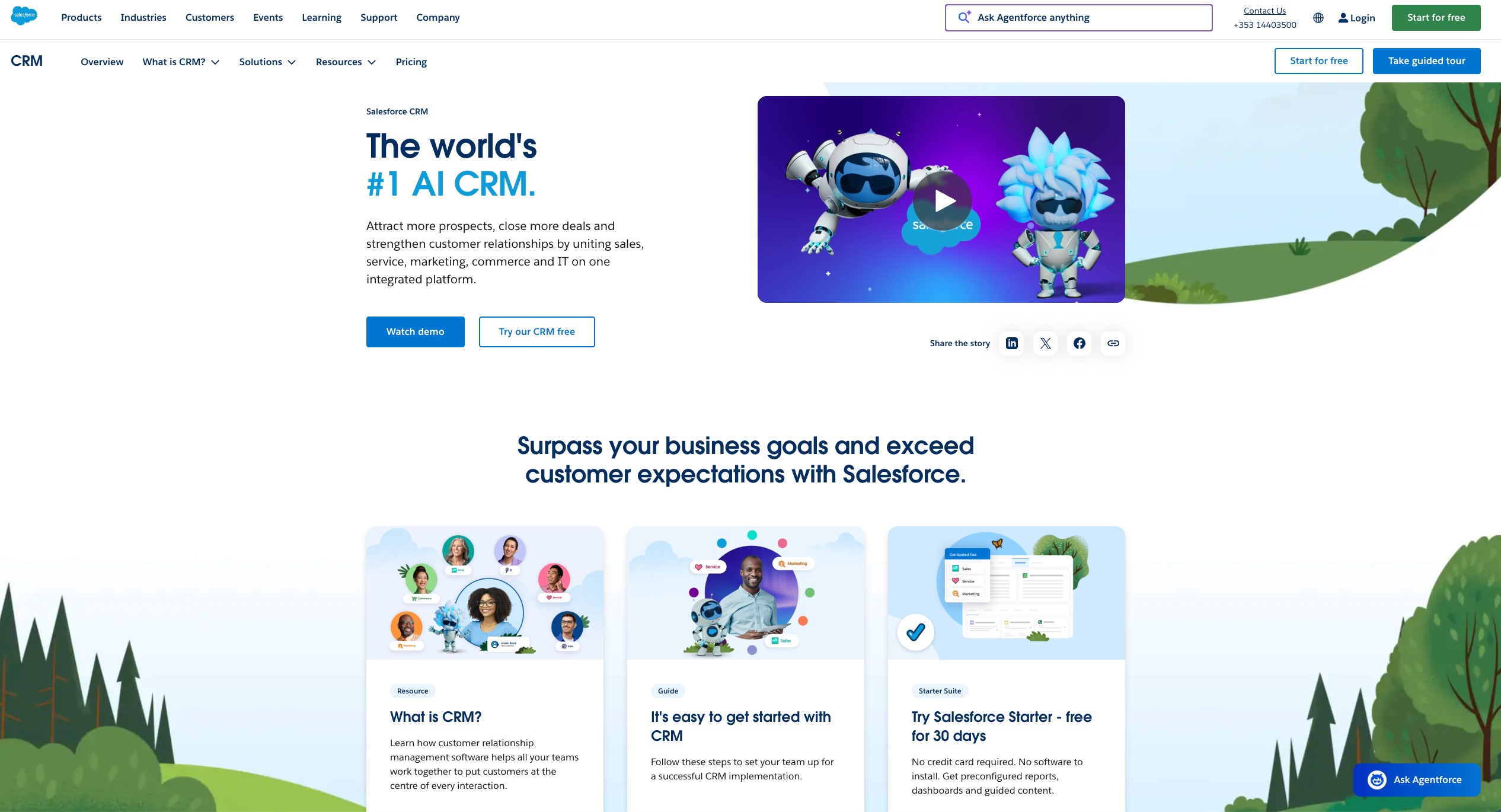
Salesforce is one of the most established customer relationship management (CRM) platforms in the market and a popular alternative to Hubspot.
It is known for its robust capabilities and offers a high level of flexibility, deep customization options, and an extensive ecosystem of third-party integrations.
Salesforce is particularly well-suited for large sales teams and organizations with complex sales processes and cross-functional teams. It supports detailed workflow automation, advanced reporting, and tailored user experiences for different departments.
User reviews on G2 and Capterra frequently praised Salesforce for its scalability and depth. However, users also note that the platform comes with a steep learning curve and often requires dedicated admins or consultants for implementation and maintenance.
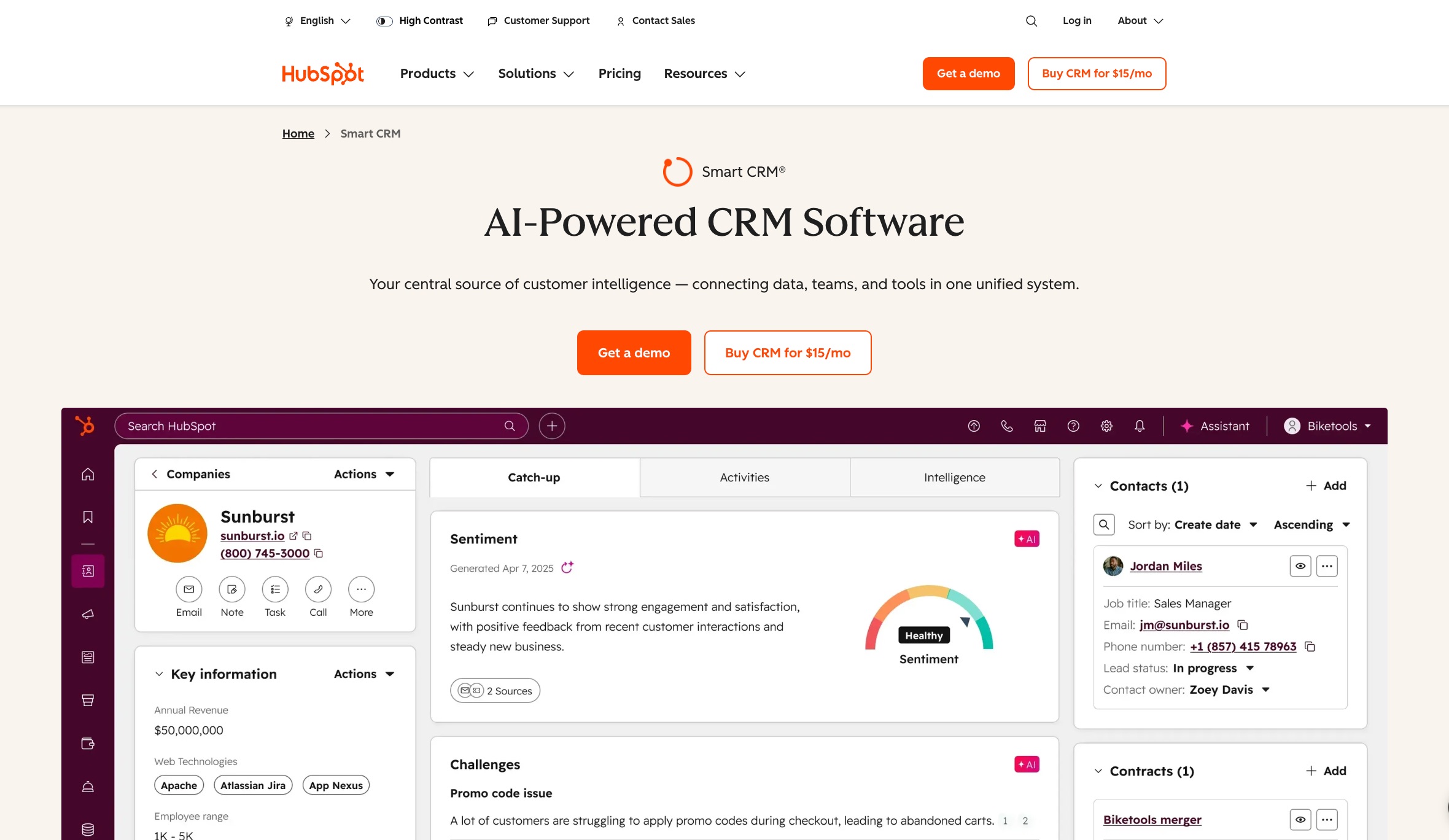
HubSpot CRM is a modern platform designed to simplify customer relationship management for growing businesses. It offers an intuitive interface, fast onboarding, and a unified platform that brings together marketing, sales, customer service, and operations in one place.
One of its most distinctive advantages is the availability of a robust free plan, which includes core CRM features like contact management, email tracking, deal pipelines, and reporting.
User reviews highlight Hubspot’s ease of use, clean design, and time-saving automation features. They also appreciate how HubSpot helps their teams stay organized and productive without needing a dedicated administrator or third-party consultant.
Both Salesforce and Hubspot offer tiered pricing, but their models differ significantly.
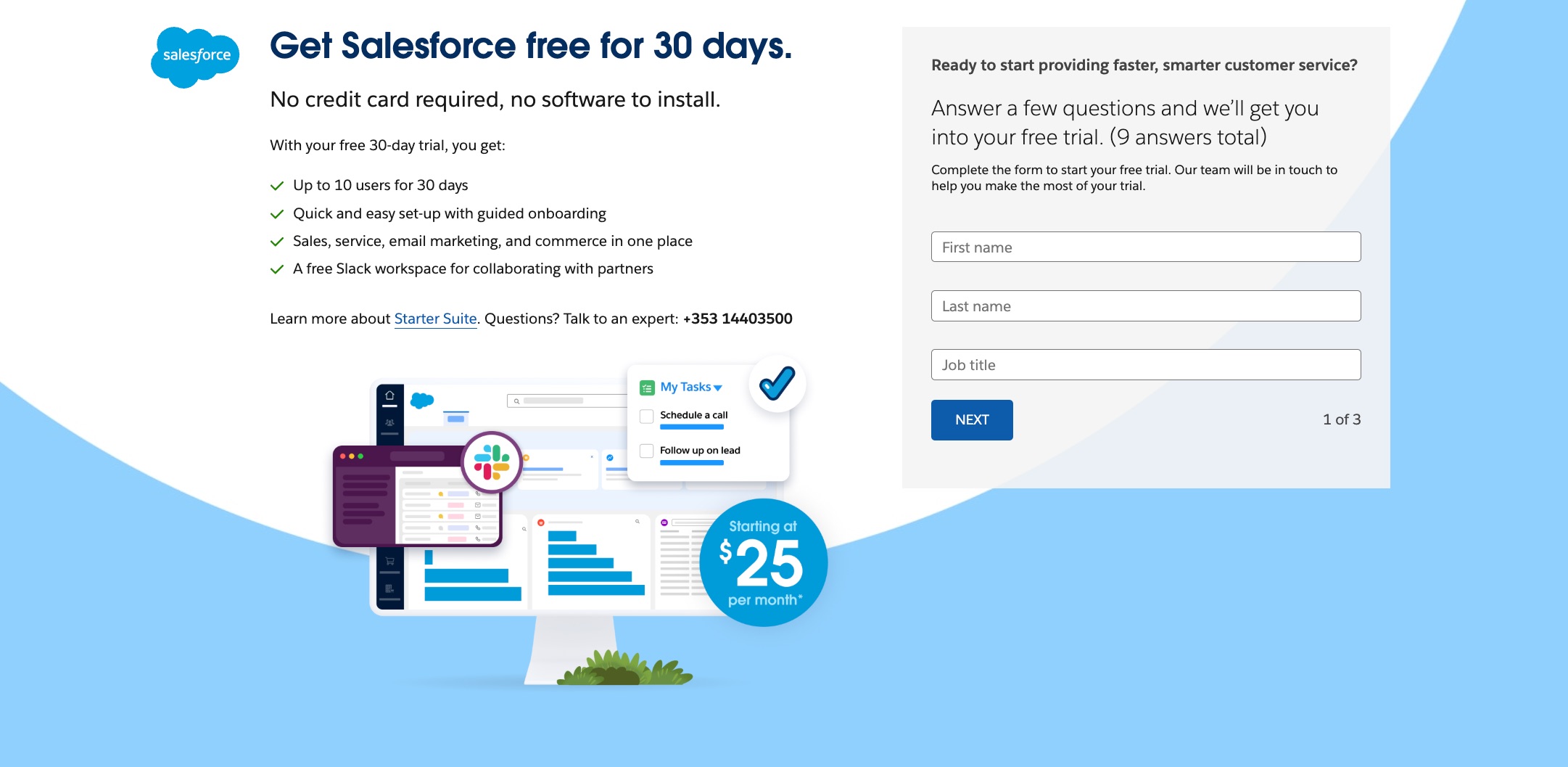
Salesforce offers a free trial, but there is no “forever free” plan. Its tiered pricing plan accommodates businesses of all sizes, from SMBs to enterprises, billed annually:
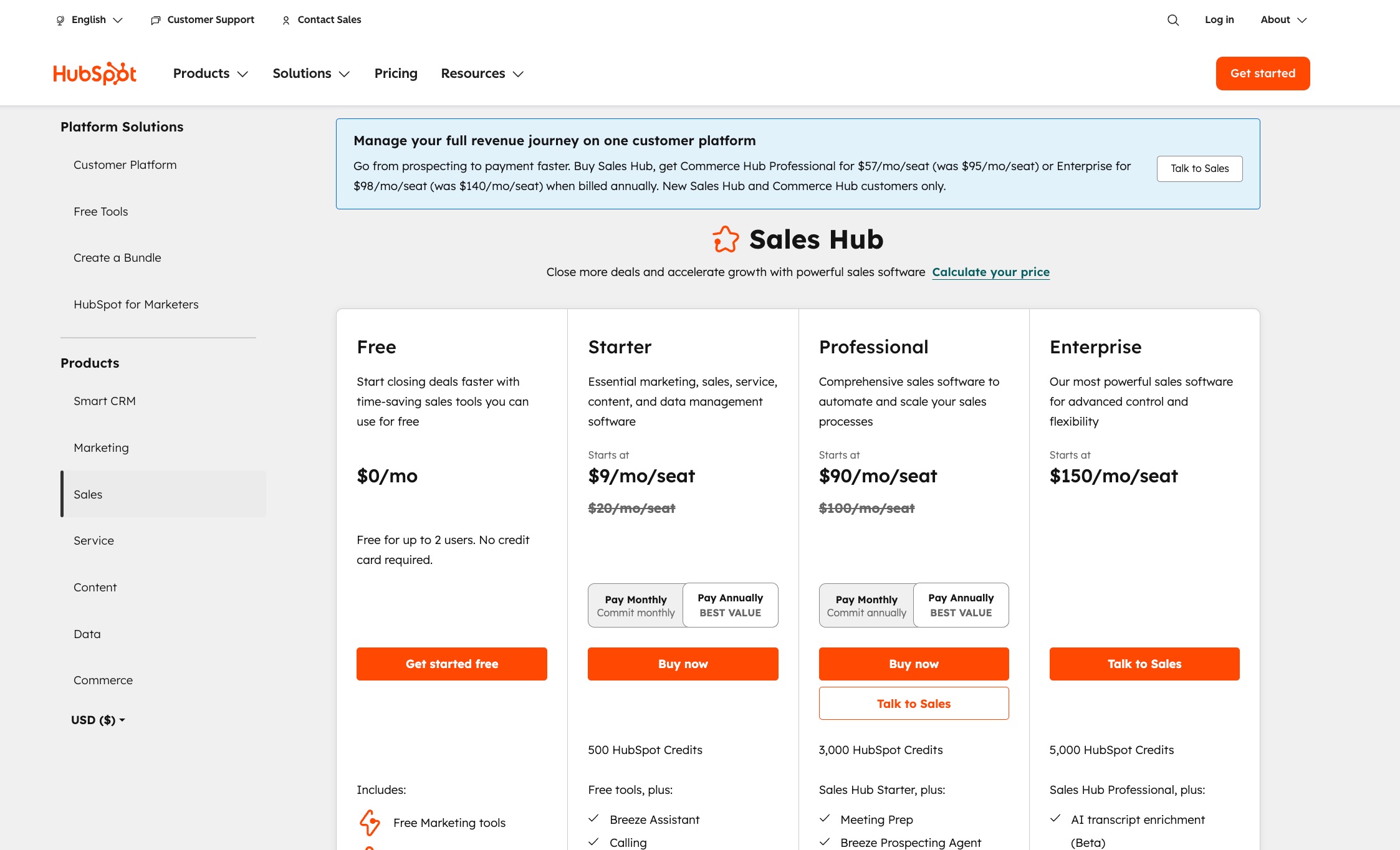
HubSpot offers a more accessible pricing structure than Salesforce. Getting started with its CRM is free forever, with core features for contact management, deal tracking, and email outreach.
Billed annually, Hubspot CRM’s paid tiers include:
Base pricing is only part of the story. Salesforce's real cost typically runs 30–40% higher than the sticker price once you factor in implementation consulting (often $5,000–$50,000+ for mid-size deployments), a dedicated admin salary ($80,000–$120,000/year in most markets), premium support tiers, and AgentExchange add-ons that unlock features competitors include by default.
HubSpot's total cost is more predictable. Most teams can self-implement, and the per-seat model scales transparently. The main cost surprises come at the Professional and Enterprise tiers, where per-seat fees add up quickly for larger teams, and some features — like custom reporting and advanced automation — require upgrading from Starter.
Rule of thumb: if you're budgeting for Salesforce, double the license cost to estimate your first-year spend. With HubSpot, the listed price is usually close to what you'll actually pay.
Salesforce offers extensive contact and lead management capabilities with deep customization.
Users can create complex lead assignment rules, define multi-stage qualification processes, and set up automation for follow-ups, scoring, and conversion tracking.
It supports custom fields, duplicate management, and territory-based routing. Advanced features include predictive lead scoring, web-to-lead forms, and comprehensive activity tracking across multiple touchpoints.
HubSpot likewise offers a remarkable feature set. This includes “Contact Record,” a tool that lets it automatically track every customer interaction (form submissions, emails, calls) in a clear timeline.
Its lead management tools include customizable pipelines, automated lead scoring, and integrated marketing tools that improve close rates.
The platform provides lead routing, lifecycle stage tracking, and seamless handoffs between marketing and sales teams for streamlined lead nurturing.
A tie between both tools.
While Salesforce shines with some powerful enterprise-level features, Hubspot offers better value for most SMBs at a lower price point and with less friction.
Salesforce provides a highly customizable sales pipeline with detailed forecasting, opportunity tracking, and territory management.
Users can build multiple pipelines with custom stages and also automate deal progression using workflows. However, most of these features are only available in the Enterprise plan and higher.
HubSpot offers a more streamlined but effective set of sales tools. The drag-and-drop pipeline builder is easy to configure, and reps can manage deals, tasks, and communications in one place.
Features like email templates, meeting scheduling, quote generation, and pipeline automation are built-in and work out of the box.
HubSpot is easily the top choice for teams that want a quick and efficient sales workflow without needing an extensive or complicated setup.
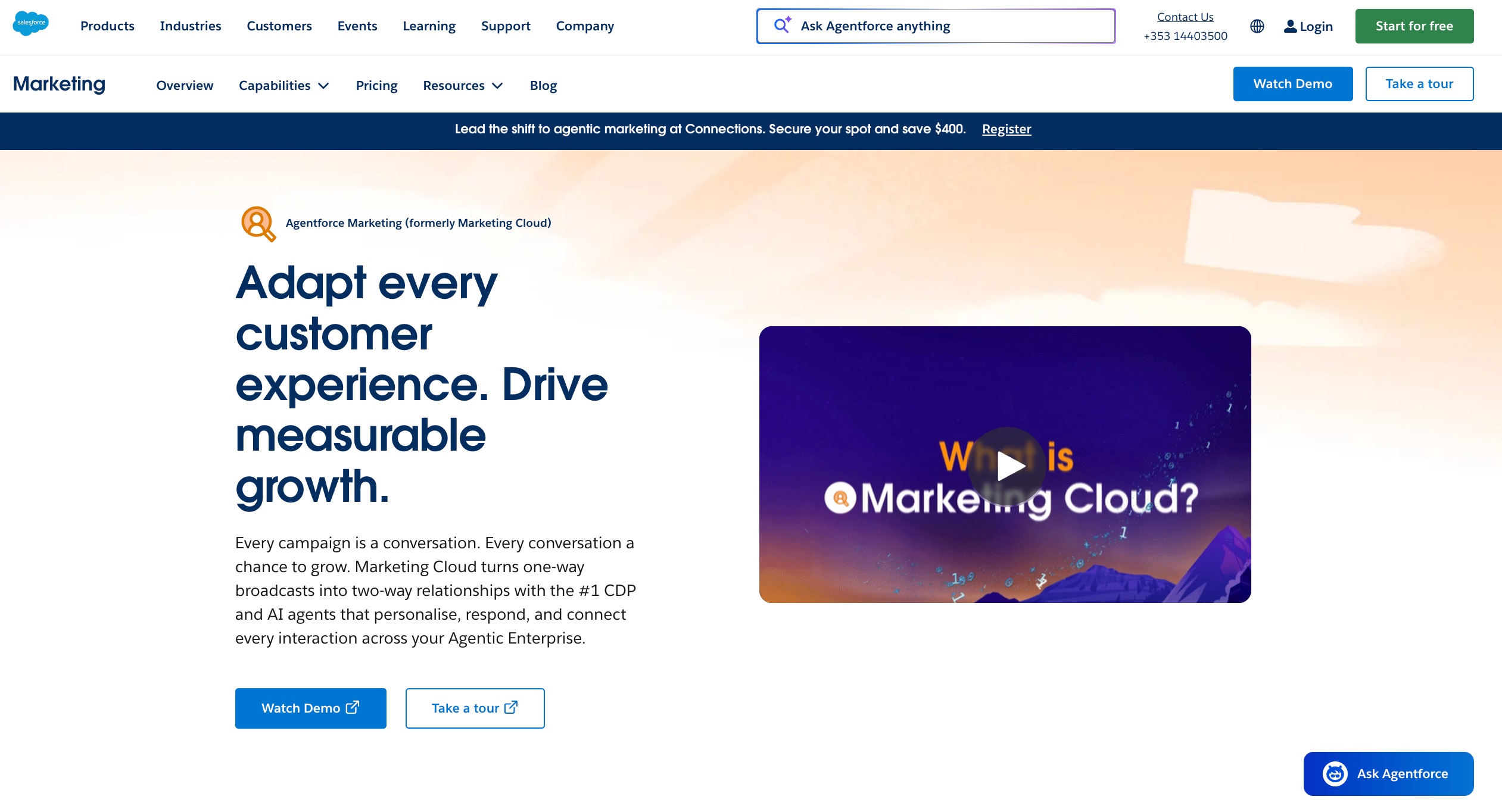
Salesforce offers simple marketing tools (emails and lead capture) to users on the SMB and Pro Suite plans and delivers powerful marketing functionality through its Marketing Cloud.
It supports advanced segmentation and multi-channel automation (email, SMS, ads, web), amongst other features. However, it requires a separate subscription, specialized training, and often third-party support for implementation.
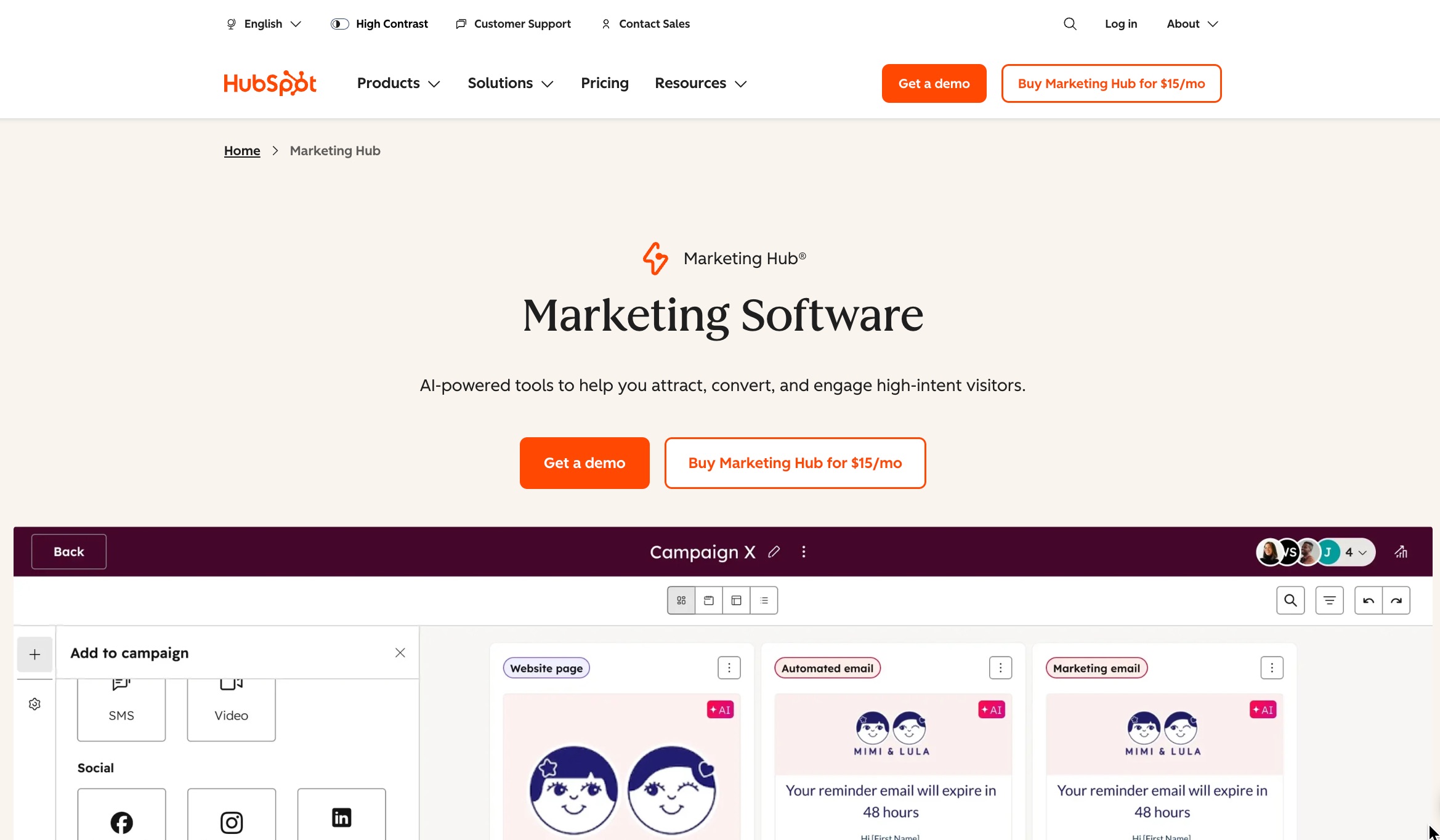
HubSpot, by contrast, integrates marketing tools directly into its core platform. Even on the free and lower-tier plans, teams can access email marketing, landing pages, lead forms, and ad tracking.
The Marketing Hub (priced separately) also adds powerful automation, campaign reporting, SEO tools, and social media scheduling via one unified interface.
HubSpot wins in terms of accessibility and ease of use as it costs less and is quite intuitive for most marketers.
Salesforce Marketing Cloud is powerful but comes with a higher cost and may require a “marketing ops” team or expert to manage.
Salesforce offers robust reporting and analytics tools that help users track performance, visualize trends, and make data-driven decisions.
It offers highly granular control over data visualization, custom dashboards, and real-time metrics.
Its reporting engine supports advanced filters, calculated fields, and cross-object reporting, making it ideal for organizations with complex data needs.
HubSpot provides accessible reporting tools that are easy to set up and use.
Users can create dashboards with visual summaries of sales, marketing, and service data, and generate custom reports based on properties, activities, and conversions.
However, deeper analytics like attribution modeling or multi-touch ROI tracking are only available on higher-tier plans.
Salesforce wins.
Its reporting capabilities are more flexible and powerful, especially for data-heavy businesses, compared to what's offered on Hubspot.
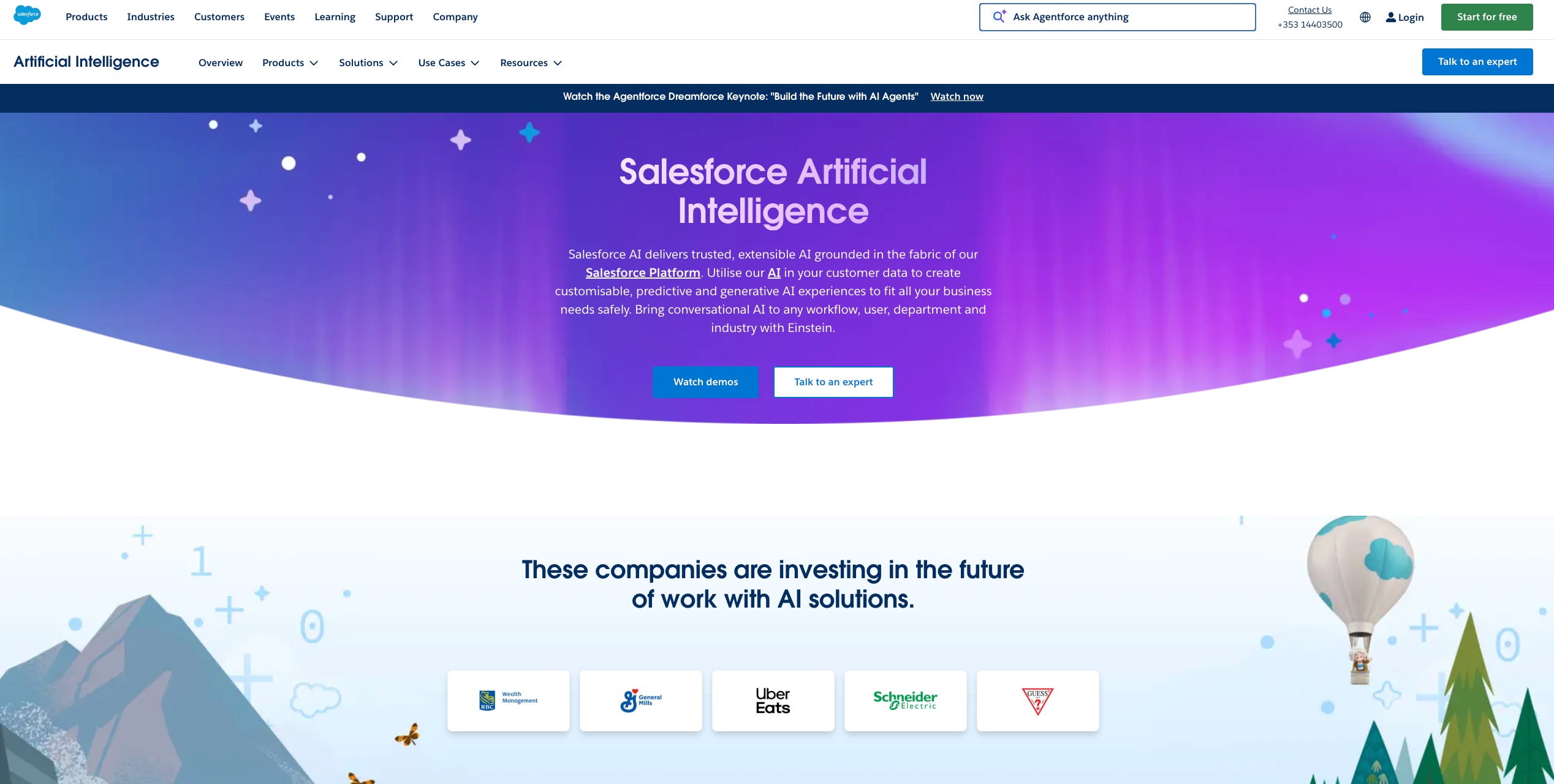
Salesforce leads on AI depth through Einstein AI and its newer Agentforce platform.
Einstein handles predictive lead scoring, opportunity health tracking, automated data entry, and next-step recommendations for reps.
Agentforce, launched more recently, enables autonomous AI agents that can handle customer queries, route leads, and execute multi-step workflows without human intervention.
For sales teams, Einstein Conversation Insights analyzes call recordings to surface objection patterns and coaching opportunities. These aren't bolt-on features — they're deeply embedded across Sales Cloud, Service Cloud, and Marketing Cloud.
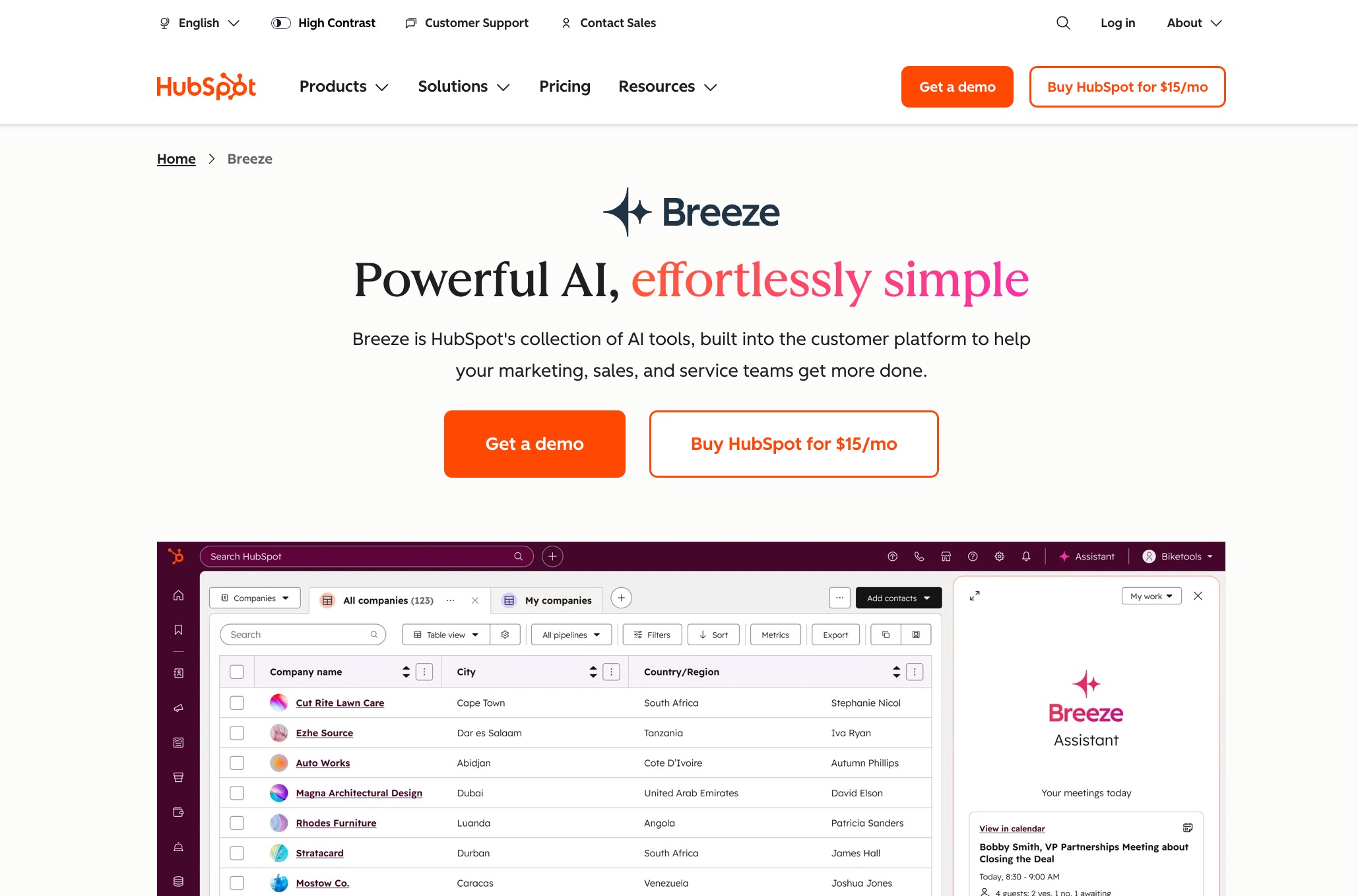
HubSpot's AI layer is called Breeze, and it's designed for accessibility over depth.
Breeze Copilot helps reps draft emails, summarize contact records, and prep for calls.
Breeze Agents handle prospecting research, content creation, and customer service responses.
For marketers, AI tools assist with SEO recommendations, social captions, and campaign copy. The predictive lead scoring is solid for mid-market use cases, though it doesn't reach the sophistication of Einstein's models for large data sets.
Salesforce wins.
Its Einstein AI is more sophisticated and tailored for large-scale, data-driven organizations, providing advanced predictive insights and automation capabilities.
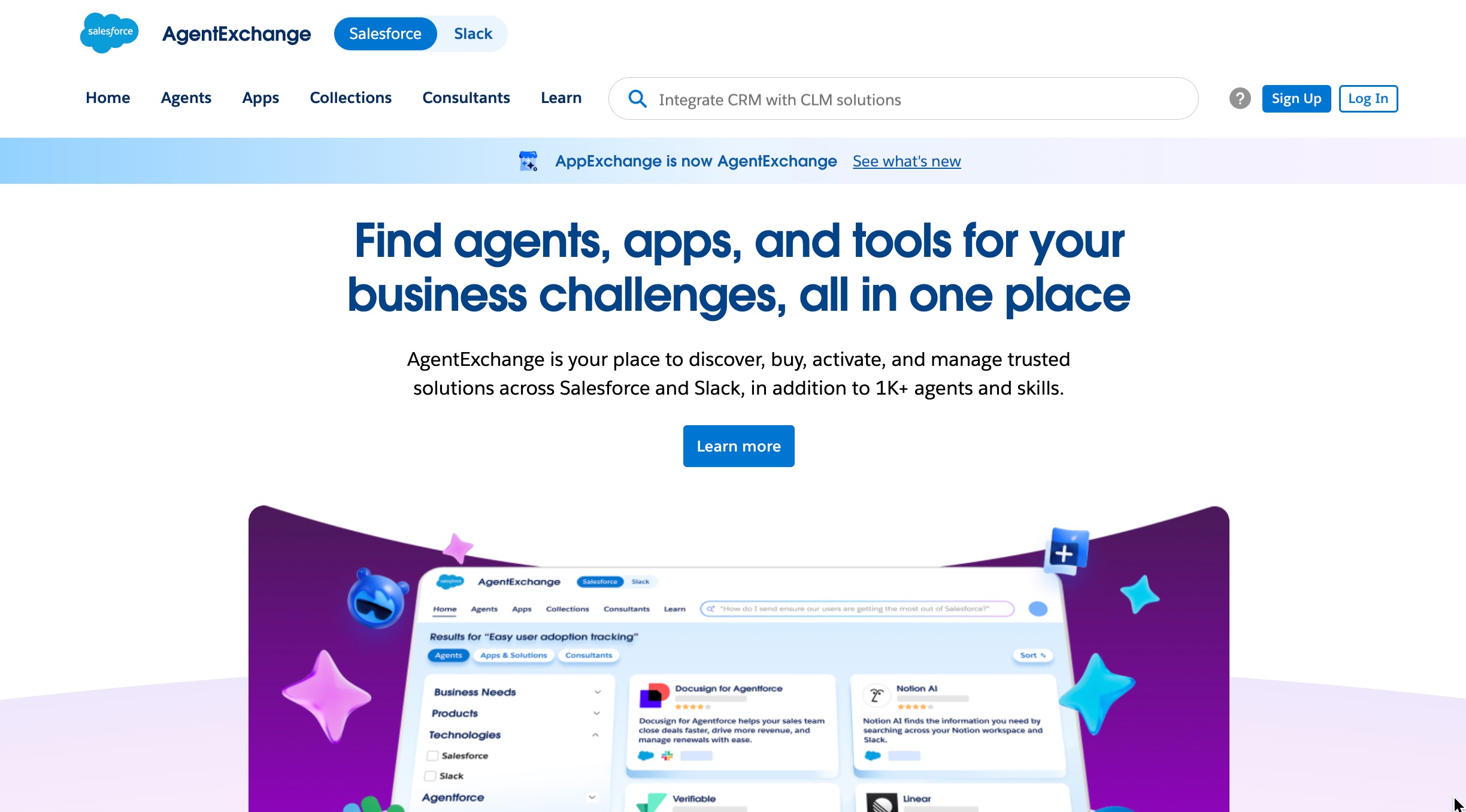
Salesforce offers an extensive range of integrations through AgentExchange, its unified marketplace that brings together traditional third-party apps, AI agents, and Slack integrations under one roof.
With over 13,000 apps, agents, and tools spanning marketing, finance, customer service, accounting, and more, Salesforce can connect with nearly every tool in the enterprise software ecosystem.
Its flexible API also allows developers to extend and customize the platform to suit specific business needs — for example, organizations that need to sync Salesforce data to SQL Server can build reliable pipelines using Salesforce APIs and third-party ETL tools.
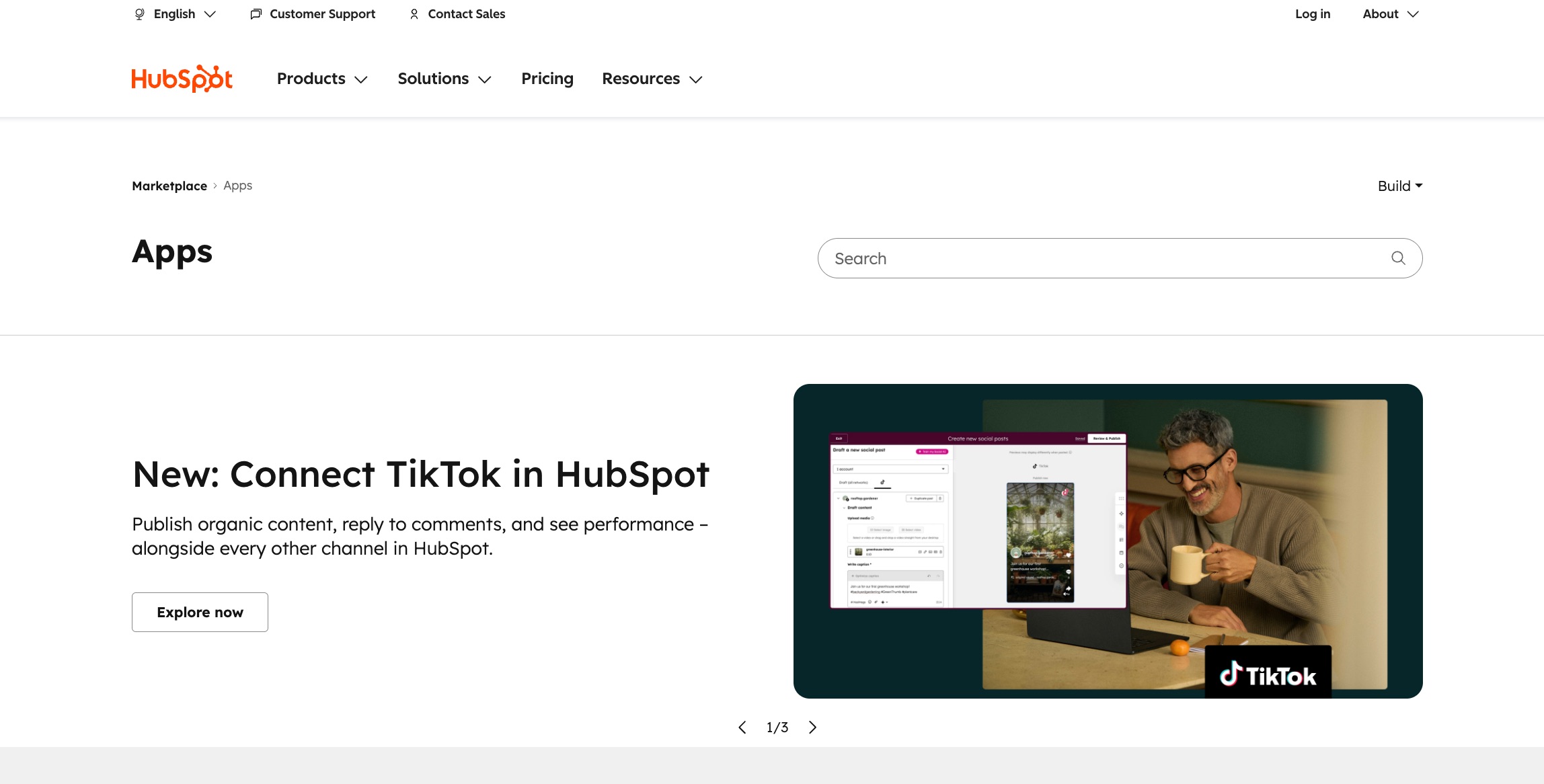
HubSpot also provides a solid set of integrations, especially for marketing, sales, and customer service.
With 1,800+ apps available through the App Marketplace, it integrates well with popular tools like Gmail, Slack, Mailchimp, and Shopify.
HubSpot’s integrations are user-friendly and designed to work out-of-the-box, which is a significant advantage for small to mid-sized businesses looking for quick, hassle-free connectivity.
Salesforce wins.
The breadth and depth of integrations available on Salesforce are unmatched, particularly for enterprise environments.
Salesforce is known for its flexibility, but this comes at the cost of ease of use.
The platform has a steep learning curve due to its vast array of features, customization options, and complex workflows.
Setting up and managing Salesforce often requires a dedicated admin, as the interface can be overwhelming for new or less tech-savvy users.
HubSpot, on the other hand, is designed with simplicity in mind. Its user interface is intuitive, with easy-to-navigate dashboards and a straightforward setup process.
Even users with limited technical expertise can quickly get started, thanks to HubSpot’s drag-and-drop features, pre-built templates, and helpful tooltips.
Its seamless integration of marketing, sales, and customer service tools further enhances usability, allowing teams to work from a single platform without feeling bogged down by complicated configurations.
HubSpot wins.
Its user-friendly interface and minimal learning curve make it the clear choice for users seeking a simple, intuitive CRM experience.
Salesforce offers robust customer support, including a 24/7 support team for premium subscribers, detailed knowledge base articles, online communities, and training through Trailhead.
While its support is generally responsive, the complexity of the platform often requires users to rely on Salesforce-certified consultants to maximize the platform’s potential and solve issues, which can incur additional costs.
HubSpot provides 24/7 support for paid users and offers a variety of resources such as live chat, phone support, and an extensive knowledge base.
Its vibrant community and user forums are always open for quick answers to common questions, and the well-organized onboarding and training resources can help users get up to speed more quickly.
Additionally, the simplicity of the platform typically means that support queries are resolved faster.
HubSpot wins.
Its faster response times, user-friendly resources, and comprehensive onboarding make it more accessible for most users.
.svg)
Salesforce allows extensive customization of workflows, reports, and integrations to meet complex business needs.
It offers robust tools across sales, marketing, and support, including AI, predictive analytics, and automation.
Salesforce scales easily with business growth through its vast app ecosystem and flexible integration options.
.svg)
Salesforce has a steep learning curve and can be difficult to navigate for non-technical users.
Salesforce can be quite expensive, especially for smaller businesses.
Setting up Salesforce often requires external help, making the process lengthy and costly.
HubSpot is intuitive and user-friendly, making it ideal for small to mid-sized businesses that need a CRM without the steep learning curve.
It combines marketing, sales, and service tools into one platform, ensuring seamless alignment across teams.
It is generally scalable and designed to grow with businesses of various sizes.
HubSpot’s pricing is lower and clearer, and it offers a free tier, making it an attractive option for startups and small businesses.
While HubSpot is flexible, it is not as customizable as Salesforce, and users who need extensive customization may find it limiting.
Some of its more advanced features, like advanced reporting, AI tools, and custom workflows, are only available in the higher-tier plans.
Moving away from HubSpot can be challenging due to proprietary data structures and integrations, making it difficult to export data cleanly.
Yes — and it's a common setup. Many organizations use HubSpot for marketing and top-of-funnel activity while running Salesforce as their system of record for sales and revenue operations. HubSpot offers a native Salesforce integration that syncs contacts, deals, and lifecycle stages bidirectionally.
This hybrid approach works well when marketing teams prefer HubSpot's ease of use but sales teams are already embedded in Salesforce. The main challenge is data hygiene — duplicate records, sync conflicts, and field mapping require ongoing maintenance.
It's worth considering if your marketing and sales teams have different tool preferences, or if you're mid-migration between the two platforms.
The best CRM choice between HubSpot and Salesforce boils down to a matter of business needs, use cases, and goals.
Ultimately, the best CRM for your business depends on your size, budget, and requirements.
Salesforce is unmatched in terms of power, flexibility, and scalability for large organizations with complex needs. However, HubSpot offers an intuitive, all-in-one CRM that works exceptionally well for smaller teams and businesses that need fast results without the complexity of Salesforce.
Both CRMs have their distinct advantages, so take into account your team’s capacity and your growth trajectory to make the most informed decision.
HubSpot’s all-in-one CRM is built for ease, speed, and growth—offering powerful marketing tools like email, landing pages, and lead forms even on the free plan. No tech headaches, no credit card required.
.svg)

HubSpot for most. The free tier, fast setup, and lower total cost make it the practical choice for teams under 50. Salesforce's power isn't worth the overhead until you have complex enough processes to justify it.
For the majority of SMBs and mid-market companies, yes. HubSpot covers contact management, pipeline, marketing automation, and reporting in one place. You'd typically outgrow it when you need deeply custom objects, advanced territory management, or enterprise-level forecasting.
HubSpot is cheaper to start and easier to scale predictably. Salesforce becomes more cost-competitive at enterprise scale, where its customization saves money on workarounds and third-party tools — but that threshold is usually 200+ users.
HubSpot: days to weeks for most teams, often self-serve. Salesforce: weeks to months, typically requiring a certified implementation partner for anything beyond a basic setup.
Yes. HubSpot's native Salesforce integration is one of its most-used connectors. It syncs contacts, companies, deals, and activities bidirectionally, making a hybrid setup viable for teams that need both.
Yes and no. They're both CRMs, but they're built for different users. Salesforce is an enterprise-grade platform with deep customization, complex automation, and a vast app ecosystem — but it comes with steep costs and a long implementation timeline. HubSpot is designed for speed, simplicity, and all-in-one accessibility, making it better suited for small to mid-sized teams. They're comparable in category, but not in complexity or target audience. Choosing between them depends less on features and more on your team size, budget, and how much CRM infrastructure you can realistically manage.
By market share, Salesforce. It has held the top position in the global CRM market for over a decade, consistently commanding around 20–23% of the market — more than its next four competitors combined, according to IDC data. HubSpot is one of the fastest-growing CRM platforms and leads in the SMB segment, but Salesforce dominates overall by revenue and enterprise adoption. If you're asking which is #1 for your business specifically, that's a different question — and the answer may well be HubSpot.

Irina is a Founder at ONSAAS, Growth Lead at Aura, and a SaaS marketing consultant. She helps companies to grow their revenue with SEO and inbound marketing. In her spare time, Irina entertains her cat Persie and collects airline miles.
.svg)
.svg)
.svg)
.svg)
.svg)