


Back to articles
8 Virtual Contact Center Software: Features, Costs, Picks
November 20, 2026
By
Cindy Graciella
Picking contact center software is harder than it should be. Every vendor promises omnichannel routing, AI, and easy integrations. And every pricing page is built to make the cheapest tier look like the one you'll end up buying. It almost never is.
So here's the short version. Your team size and the tools you already use should decide your shortlist, not feature counts.
If you're a small or mid-sized team that wants phones and a contact center from one vendor, I'd start with Nextiva, RingCentral RingCX, or Dialpad. If you run a large omnichannel operation, look at Genesys Cloud CX or NICE CXone first.
Here's the rule I follow: a vendor's product pages show everything it sells, but its pricing matrix shows what you actually get. If a feature is labeled "add-on," "consumption," or "contact sales," or only appears in the top tier, either budget for it separately or cross that plan off your list.
Then I'd run every finalist through the same four tests, on the exact plan they're quoting:
One thing before we dive in. Treat contact center licensing and company-wide communications as separate buying decisions. Buying both from the same vendor doesn't mean your phones, meetings, and messaging share one subscription.
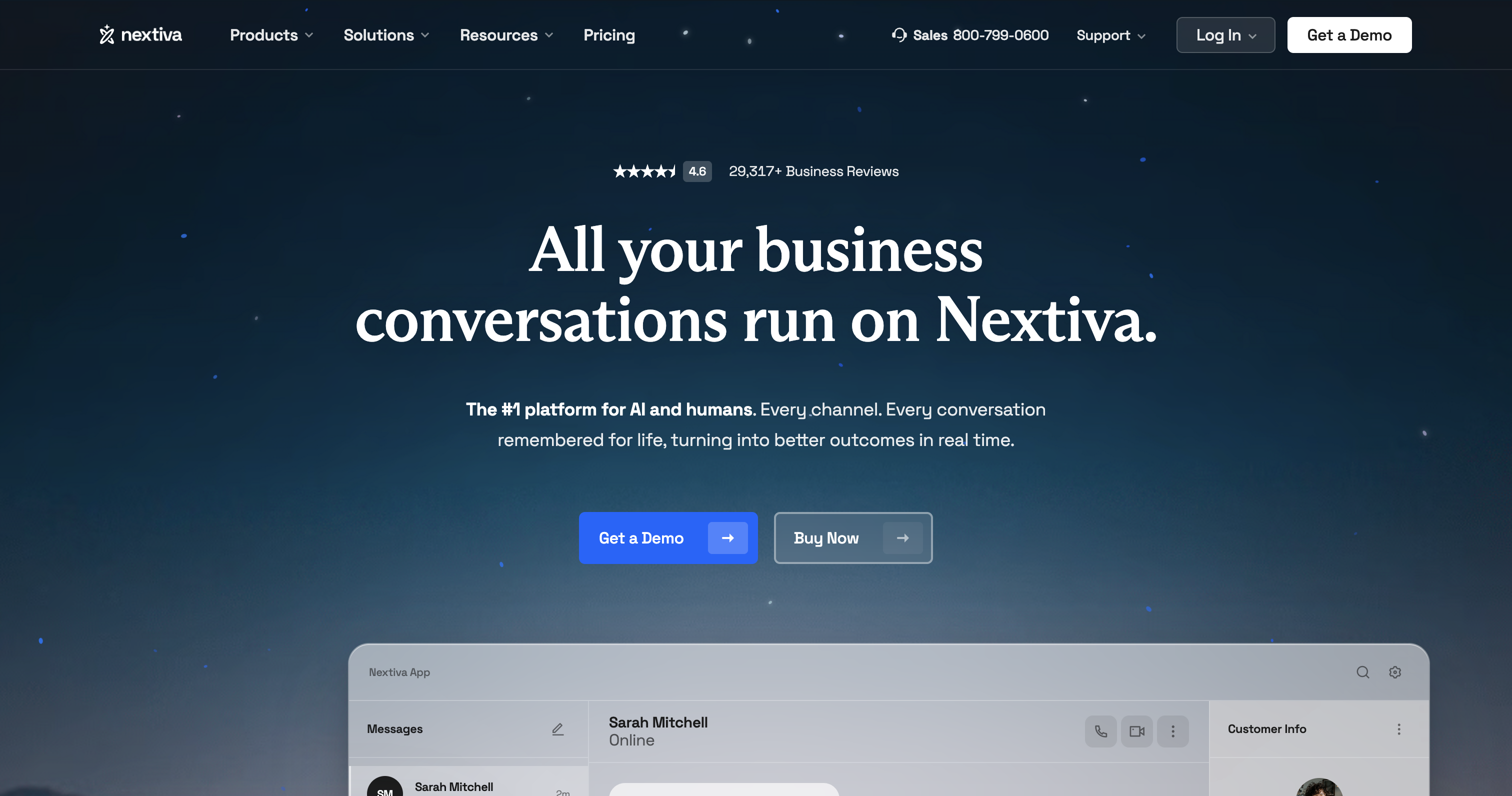
Nextiva is where I'd start if you're a small or mid-sized team that wants phones, messaging, and a contact center from one vendor. Its contact center comes in three tiers, Essential, Professional, and Premium, so you can start small and add outbound dialing or workforce planning later. Just watch the pricing page: it lists the small-business phone plans separately from the contact center tiers, so use the contact center line when you're comparing agent software.
Standout features:
Limitations: WFM is where the math changes. It's an add-on at Professional and only included at Premium. So if you need both outbound dialing and workforce planning, budget for both instead of stopping at the entry price.
Pricing: Essential starts at $75 per agent per month. You'll need to talk to sales for Professional and Premium pricing.
Best for: SMB and mid-market teams consolidating their communications with one vendor.

Genesys Cloud CX is built for operations where a customer's journey crosses channels, regions, and business units. It keeps routing, customer handling, and staffing inside one suite, so you're not stitching separate products together. It's also the most flexible option on this list when it comes to how you license seats.
Standout features:
Limitations: A full rollout means designing routing, building schedules, and setting up management units. Real-time adherence, for example, only works once each agent belongs to a management unit and has a published schedule. Assign someone to own that admin work before you sign. Running in the cloud doesn't make it disappear.
Pricing: CX 1 is $75, CX 2 is $115, and CX 3 is $155 per user per month, billed annually. CX 1 is voice-focused, and digital channels cost extra. Some native AI features also consume Experience Units, so factor those into your budget.
Best for: Large or global enterprises running complex, multichannel customer journeys.
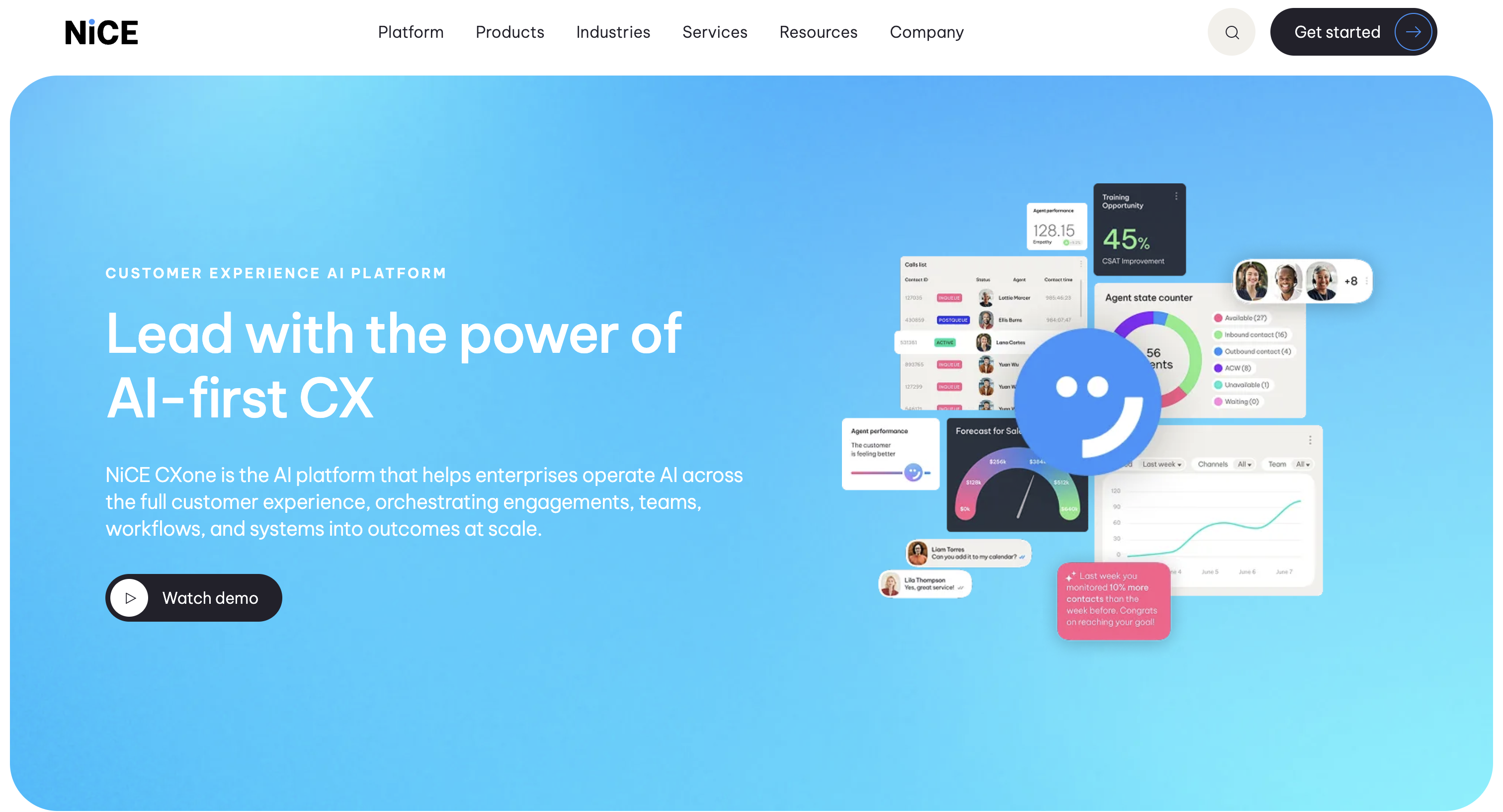
NICE CXone is built for big contact centers where workforce management and quality control drive the buying decision. Unlike most vendors here, NICE doesn't offer a voice-only entry plan: CXone starts at Omnichannel Suite. From there, a five-suite ladder lets you pick a tier based on your workforce and quality needs.
Standout features:
Limitations: Every step up the ladder costs more, so smaller teams should pick the suite that covers their must-have workflows instead of defaulting to the top. The suite matrix also mixes included, add-on, and consumption-based features. Seeing a feature in the portfolio doesn't mean it's in your seat price. And while billing is monthly in arrears, that alone doesn't tell you how long a contract you're committing to.
Pricing: Omnichannel Suite is $110, Essential Suite is $135, Core Suite is $169, and Complete Suite is $209 per agent per month. Ultimate shows $249 per agent per month and $0.25 per session, but how those two combine comes down to your quote.
Best for: Large contact centers with complex compliance and workforce needs.

Five9 is the dialer-led option on this list, so it's the one I'd look at first if outbound calling is a big part of your day. TechnologyAdvice highlights its blended inbound and outbound calling, which lets one team handle support calls and outbound campaigns on the same platform. The catch is its 50-seat minimum, which rules it out for many smaller teams.
Standout features:
Limitations: TechnologyAdvice warns that the seat minimum and pricing structure can feel heavy for smaller teams. And even if you're outbound-first, you still need a plan that covers whatever digital channels your team can't do without.
Pricing: Digital is $119 and Core is $159 per concurrent user per month, with a 50-seat minimum and usage charges on top. Higher bundles are quote-based.
Best for: High-volume outbound sales and blended inbound and outbound centers.
Talkdesk puts AI at the center of its platform, with tools that guide agents through conversations in real time. It splits its entry plans by channel: Digital Essentials is digital-first, and Voice Essentials is voice-first. If you're a phone-heavy team and you shortlist Talkdesk on its lowest price, you'll end up on the wrong plan.
Standout features:
Limitations: Because the entry plans are channel-specific, a mixed-channel team can get pushed up the price ladder before AI costs even enter the picture. If you're voice-heavy, use Voice Essentials as your starting point, not the cheaper digital plan.
Pricing: Digital Essentials is $85, Voice Essentials is $105, Elite is $165, and Industry Experience Clouds are $225 per user per month.
Best for: Support centers that want AI automation at the core, including regulated industries.
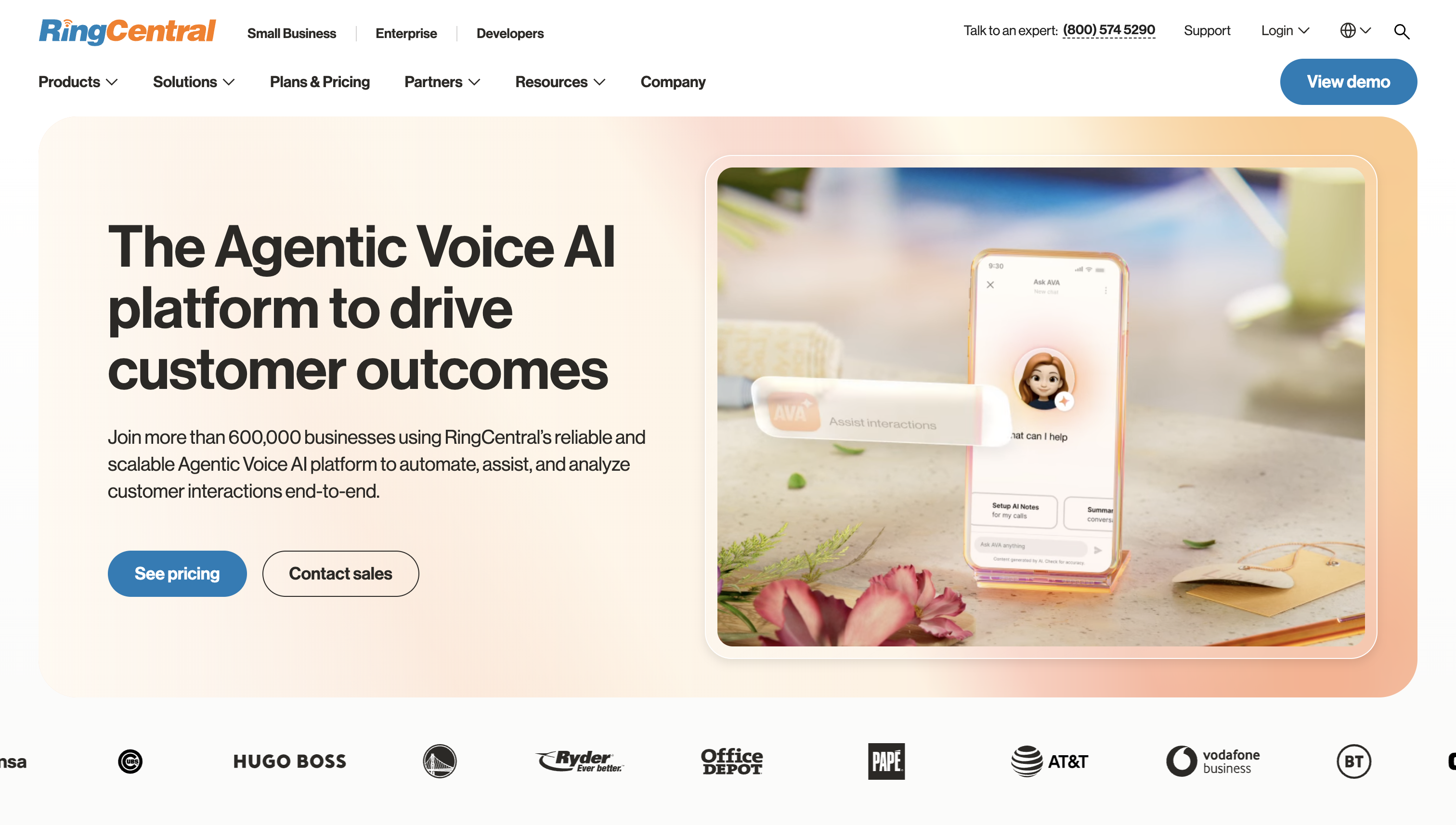
RingCX is RingCentral's contact center, and it's a natural pick if your company already uses RingCentral's business phone system. It has the lowest entry price of the seat-based tools here, and voice and digital routing are included from the start. Its prebuilt CRM integrations are another big plus if your agents live in Salesforce or Zendesk.
Standout features:
Limitations: Plan around your supervisors' workload, not just your agents'. Comparing entry prices hides the tier jumps you'll need for coaching and workforce tools. And for complex digital routing, I'd push RingCX through the same tough scenarios you'd give an enterprise suite.
Pricing: Standard is $65, Professional is $95, and Elite is $145 per agent per month, paid annually. AI Receptionist is still an add-on.
Best for: Phone-first teams and existing RingCentral customers.

Dialpad Support is built around AI that listens to your calls and turns them into coaching material. Transcripts, recaps, and sentiment come with the entry plan, so you don't have to pay extra just to see what's happening on calls. It's a great fit if you want conversation analytics to feed your everyday coaching.
Standout features:
Limitations: According to Dialpad's setup docs, Support users start with an extension, not a direct phone number. That's fine for queue-based work, but it's a problem if every agent needs their own direct line.
Pricing: Support Essentials is $89, Support Advanced is $119, and Support Premium is $149 per user per month. The autonomous voice-and-digital AI Agent is priced separately, per conversation.
Best for: SMB and mid-market teams that want AI coaching and analytics with a fast rollout.
Amazon Connect changes the budgeting conversation from headcount to traffic. Instead of paying per seat, you pay for the minutes and messages you actually use. It's built for teams that want to design their own contact flows and plug in other AWS services.
Standout features:
Limitations: A custom build needs an owner for ongoing integration changes and day-to-day operations, not just the initial setup. And since your bill moves with volume, engineering ownership and traffic forecasting should be part of the buying decision.
Pricing: The main Customer offer is $0.038 per voice minute and $0.010 per chat message. Customer-Basic is a separate offer at $0.018 per voice minute and $0.004 per chat message, with real-time agent assistance metered at $0.008 per minute. Telephony is billed on top.
Best for: Organizations with AWS engineers who want a custom, pay-per-use contact center.
The per-agent list price is the wrong number to compare. It leaves out the tier you'll actually need, the usage you'll generate, and the add-ons that make the platform work. In my experience, teams usually get bumped up a tier for one of three reasons: workforce management, quality management, or a digital channel they can't do without.
Your licensing model also changes who pays what:
One more thing that trips people up: concurrent-call capacity is the number of live calls your setup can handle, not the number of agents logged in. Keep that separate from agent licensing. Then add in phone numbers, minutes, metered AI, WFM modules, and any separate business phone subscription you need.
To make this concrete, here's a budget model for a 50-agent support team, with all amounts in USD. The workload, labor, and service allowances are my planning assumptions, not vendor quotes. Before you turn this into a like-for-like quote comparison, you'd still need to confirm RingCX's telephony charges and what workforce features Amazon Connect Customer actually covers.
Here's what I assumed:
RingCentral prices Elite at $145 per agent per month, paid annually. AWS lists Customer at $0.038 per voice minute and $0.010 per chat message, and its US-WEST-2 example adds $0.0022 per inbound US DID minute and $0.03 per number per day.
Amazon Connect looks cheaper here, but watch what happens when traffic grows. Doubling voice usage to 200,000 minutes a month adds $4,020 per month for Amazon Connect service and carrier charges in this model, before any extra engineering or support. If you run that scenario, reprice RingCX telephony at the same volume too, rather than leaving its allowance fixed.
I'd use five questions to narrow down your shortlist:
ISG Research recommends weighting your evaluation criteria to match your own priorities, and I completely agree. A compliance-heavy insurer and a SaaS support team shouldn't score vendors the same way.
Once you have your finalists, run a proof-of-fit check. Ask each one to demo the same routing rules, channels, and CRM workflow on the exact plan they're quoting, not a premium demo environment. If a must-have feature fails, cross that vendor off. Don't treat it as something to fix during rollout.
If you take one thing from this guide, make it this: shortlist based on your team size, your channels, and the tools you already use, then price the plan you'll actually need. For most small and mid-sized teams, that means starting with Nextiva, RingCX, or Dialpad. For large omnichannel operations, it means Genesys Cloud CX or NICE CXone. And if you have AWS engineers and want to pay for traffic instead of seats, Amazon Connect is worth a serious look.
From there, pick two or three finalists and make each one demo the same routing, AI, workforce, and CRM scenarios on the plan they're quoting. Build a first-year budget that includes usage, add-ons, and the admin time you'll need, not just the per-agent price. If a vendor can't show your must-haves working, cross them off and move on.
For most small businesses, I'd start with Nextiva, Dialpad, or RingCX. Then judge them on the smallest setup that actually works for you, not on an enterprise feature list. During the pilot, see how one supervisor handles routing, coaching, and schedule changes during your quietest shift.
CCaaS (contact center as a service) covers customer service: queues, routing, and agent tools. UCaaS (unified communications as a service) covers internal communications: business phone, meetings, and messaging.
Business VoIP is often enough if calls just go to a few people through simple ring groups. Once your supervisors need to manage service levels, routing, and coaching as one operation, it's time for contact center software.
It depends on how many queues, integrations, and numbers you're moving, and on whether you're configuring an off-the-shelf platform or building a custom one. I'd plan around a small pilot queue and a staged number port rather than a date a vendor promises you.
Not really, at least not for production use. Free trials are useful for testing, but budget for real traffic separately. Usage-based billing swaps a seat subscription for metered charges. It doesn't make minutes and messages free.
Yes, but start with staffing. Assign language coverage by queue and shift first. Then treat automated translation and language-specific AI as separate requirements from simply routing a caller to a bilingual agent.

Cindy is an Outreach Manager and SEO Specialist at ONSAAS who helps SaaS companies grow through strategic link building and SEO. Outside of work, she loves spending time in nature, especially hiking in the mountains.


