


Back to articles
6 Cloud Contact Center Solutions Compared: Features & Costs
November 13, 2026
By
Cindy Graciella
If you're comparing cloud contact center platforms, start with what your team actually needs. Genesys Cloud CX and NICE CXone are strong options for large, omnichannel operations. Five9 is worth a look if you handle both inbound support and outbound campaigns, while Amazon Connect makes sense for AWS-based teams with engineering resources. Talkdesk focuses on faster deployment and industry-specific workflows, and RingCentral is a good fit if you'd rather keep your phone system and contact center with one provider.
Three things will narrow down your options quickly: the number of agents you have, the channels your customers use most, and the CRM your team works in. Get clear on those before booking demos. Otherwise, it's easy to get distracted by features you may never use.
A cloud contact center solution is a provider-hosted platform that helps businesses manage customer conversations across voice and digital channels. You'll also see these platforms called CCaaS, or contact center as a service.
Depending on the provider and plan, supported channels can include phone calls, email, live chat, SMS and social messaging. The main difference from a traditional on-premises system is that the provider hosts, maintains, updates and secures the platform. Agents access it through a browser or desktop app instead of relying on servers installed in the office.
That doesn't mean you can forget about hardware altogether. Your team still needs computers, headsets and a reliable internet connection.
You'll also come across the terms call center and contact center. A call center usually focuses on voice conversations, while a contact center handles several communication channels.
So why are businesses moving to the cloud? Flexibility is a big reason. You can support remote agents, manage teams across locations and adjust capacity as demand changes. For example, you might need extra seats during a busy season but fewer once things settle down. Just check how your contract handles adding or removing licenses.
This isn't a universal ranking. Each platform has a different strength, and the right choice depends on your team's size, workflows and technical resources.
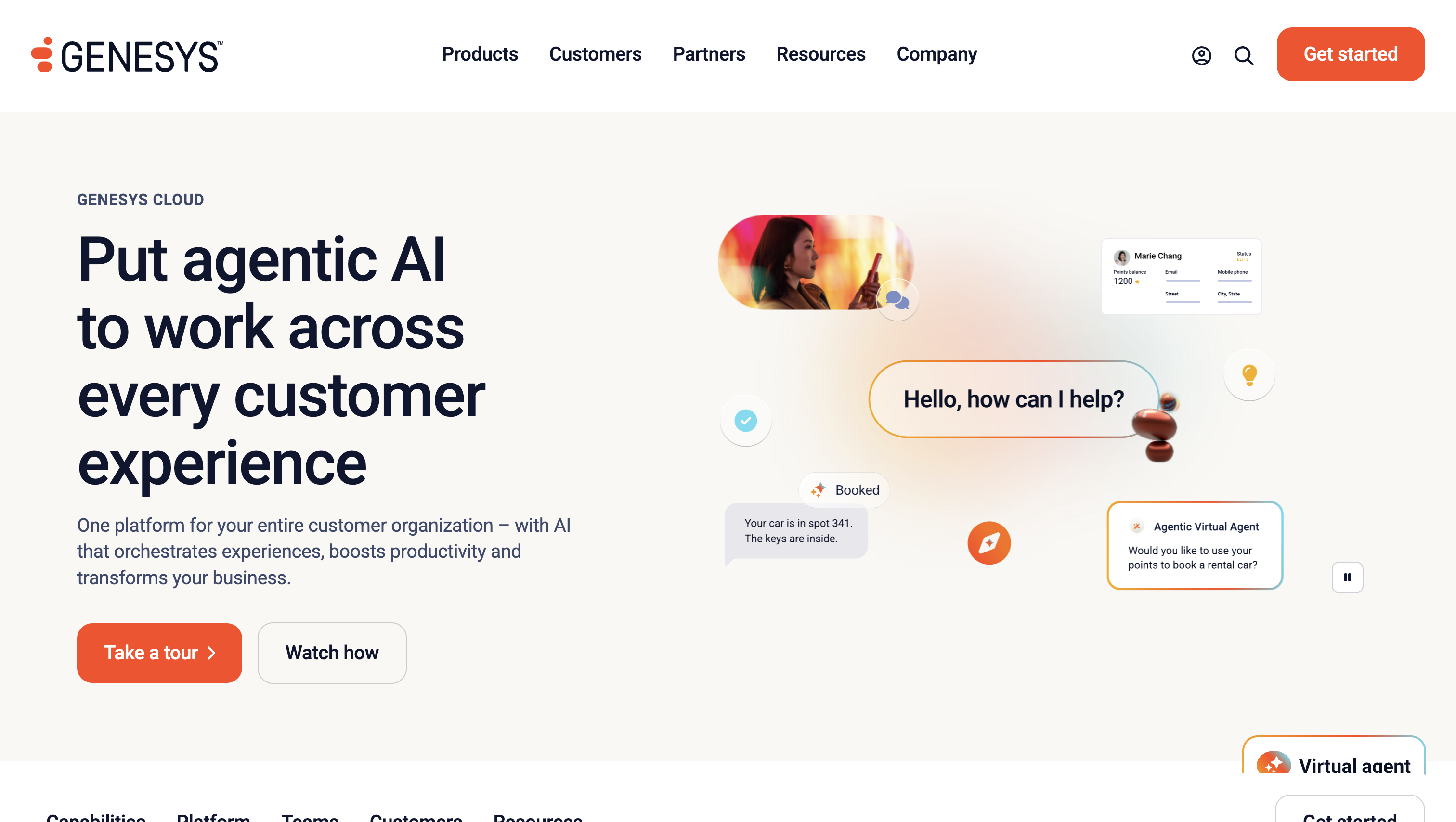
Genesys Cloud CX is built for businesses that need to manage customer interactions across multiple channels and touchpoints. It's particularly useful for larger teams with complex routing requirements or custom integration needs.
Standout capabilities:
If Salesforce is your main CRM, there's another detail worth considering. Salesforce plans to retire Open CTI on February 28, 2028. Genesys and Salesforce offer CX Cloud, an API-level integration that brings Genesys capabilities directly into the Salesforce workspace.
Limitations: Some AI features use Genesys Cloud Experience Units, which can add usage charges on top of your subscription. Smaller teams should also consider whether they really need the platform's extensive configuration options.
Pricing: CX 1 starts at $75, CX 2 at $115, CX 3 at $155 and CX 4 at $240 per named user per month, billed annually.
Best for: Large, multi-region businesses with complex routing, integration and customer journey requirements. If workforce management and analytics are more important than journey orchestration, compare it with NICE CXone.
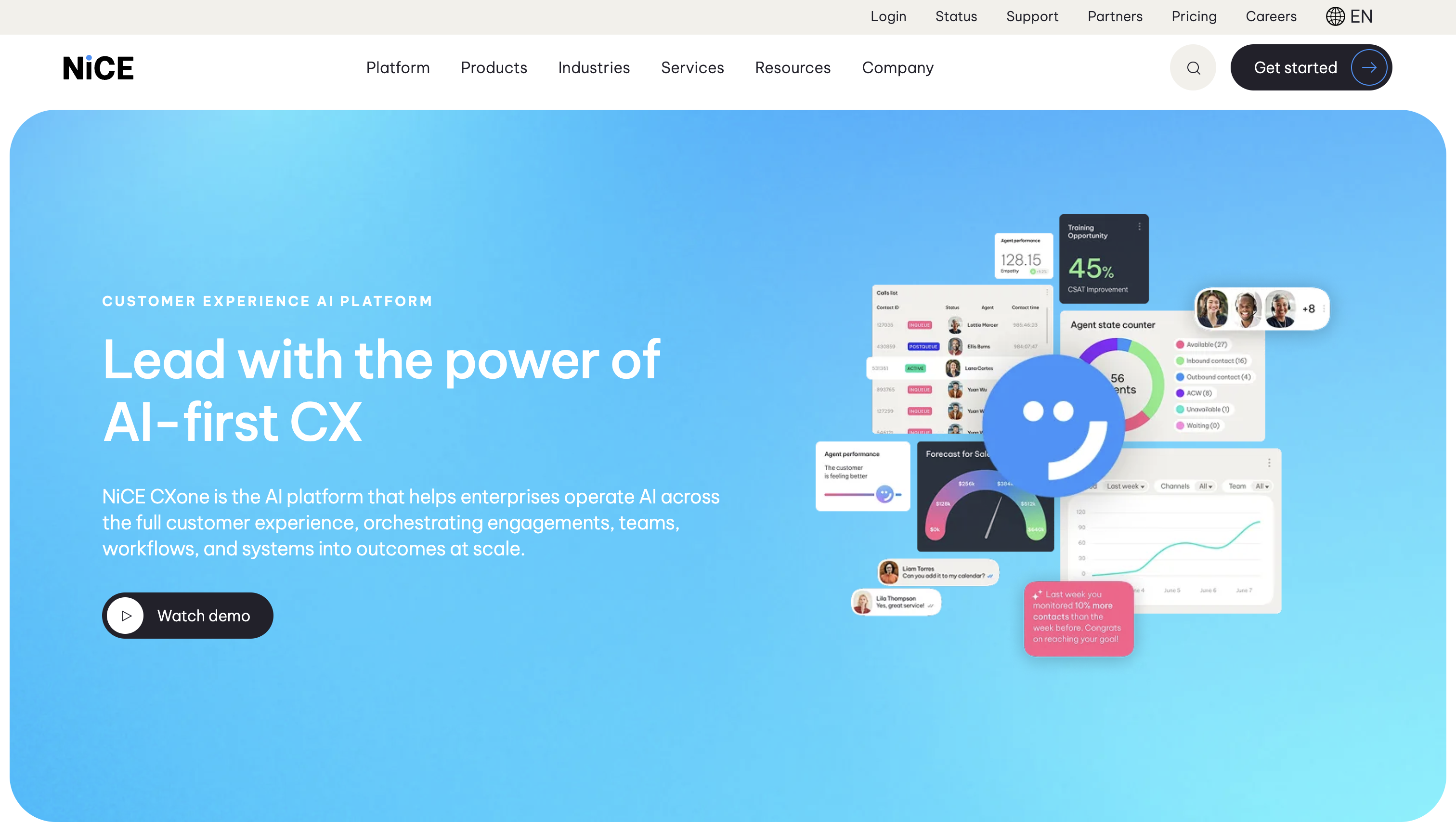
NICE CXone is worth considering if workforce management, quality monitoring and analytics are central to your contact center operations.
Rather than treating these capabilities as optional extras, NICE groups applications into suites designed for different levels of contact center complexity.
Standout capabilities:
Limitations: There's a lot to consider when choosing a package. Make sure you understand which features are included and which require additional licenses. Analytics can also become expensive overhead if your team doesn't have the time or processes to act on the insights.
Pricing: NICE publishes per-agent monthly reference prices for its Omnichannel, Essential, Core, Complete and Ultimate suites. Billing is monthly in arrears, with no prepayment required. Ask for a quote that clearly explains the currency, contract term, usage charges and any add-ons. Pay particular attention to how Ultimate's session charge is calculated.
Best for: Large contact centers that rely on analytics, quality management and workforce scheduling to manage day-to-day operations. If your priority is coordinating customer journeys across channels, Genesys may be a better starting point.
Amazon Connect takes a different approach to pricing. Instead of charging primarily by agent seat, it charges for usage, making it appealing to businesses with fluctuating contact volumes.
It's especially worth considering if your company already uses AWS. However, you'll need to think about the technical resources required to configure and maintain the platform.
Standout capabilities:
Limitations: Usage-based pricing can be difficult to forecast. Telephony charges sit on top of standard channel rates, and a sudden increase in contact volume can affect your bill. You'll also need engineering resources to maintain custom workflows and integrations.
Pricing: Amazon Connect Customer charges $0.038 per voice minute, plus standard telephony rates. Chat costs $0.010 per message sent or received, while email costs $0.080 per email sent or received. SMS and third-party messaging cost $0.014 per message sent or received. There are no minimums or long-term contracts.
Best for: Businesses already working with AWS that have technical resources and want pricing to scale with contact volume rather than agent count.
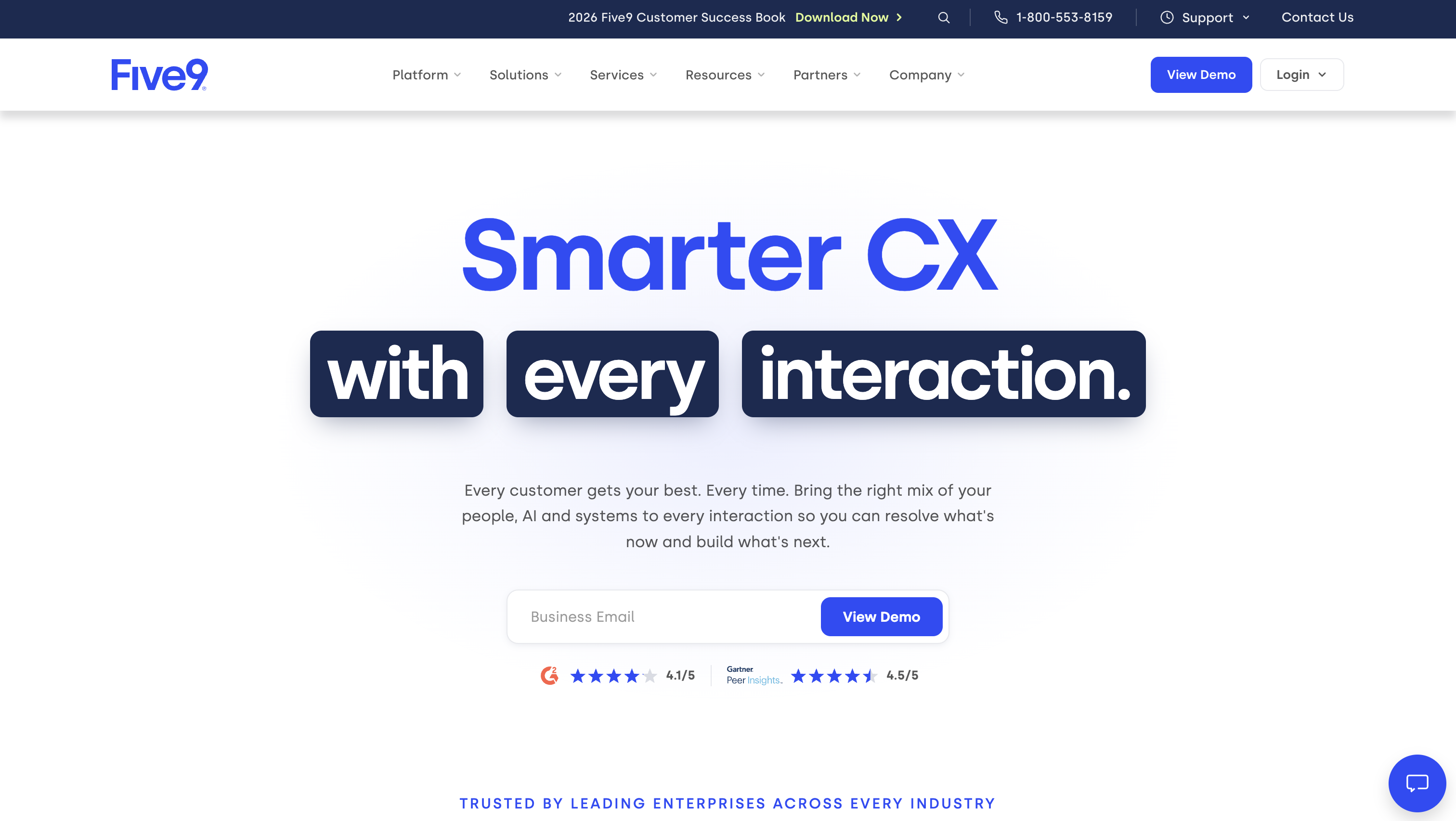
Five9 is a strong option for contact centers where agents switch between inbound customer support and outbound campaigns.
For example, a sales and service team might spend part of the day following up with prospects and the rest handling incoming customer requests. Five9's outbound dialing and blending capabilities are designed for these types of operations.
Standout capabilities:
During your demo, ask the provider to show how campaign activity and inbound interaction history appear in your CRM. A list of supported integrations doesn't necessarily mean every workflow is ready to use out of the box.
Limitations: Workforce engagement management uses named-user licensing. This means you should calculate your contact center seats and WEM users separately, particularly if agents work in shifts.
Pricing: Five9 offers Digital, Core, Plus, Pro and Enterprise bundles. Pricing is based on concurrent users per month, with a 50-seat minimum. Concurrent users refer to the maximum number of people logged in at the same time, rather than your total number of named employees. Plus, Pro and Enterprise require a sales quote.
Best for: Sales and service teams that combine outbound campaigns with inbound support. If you only need inbound support, Genesys and NICE may be better starting points.
Talkdesk focuses on helping businesses get their contact centers up and running without building every workflow from scratch. Its industry-specific offerings can be useful when a package already matches your team's processes.
The closer your workflows are to what Talkdesk offers out of the box, the less custom implementation work you'll need.
Standout capabilities:
Limitations: The separate voice and digital entry packages mean you'll need to check which combination covers your channels. Don't assume that choosing an entry-level edition gives you every omnichannel feature.
Pricing: Digital Essentials costs $85, Voice Essentials $105 and Elite $165 per user per month. These prices are based on a minimum three-year commitment and exclude telecommunications and usage fees. Industry Experience Clouds is a separate edition priced at $225 per user per month, not an extra charge on top of Elite.
Best for: Mid-size businesses that want a relatively quick deployment and can benefit from Talkdesk's industry-specific workflows. If you need extensive customization and an API-first approach, consider Genesys instead.
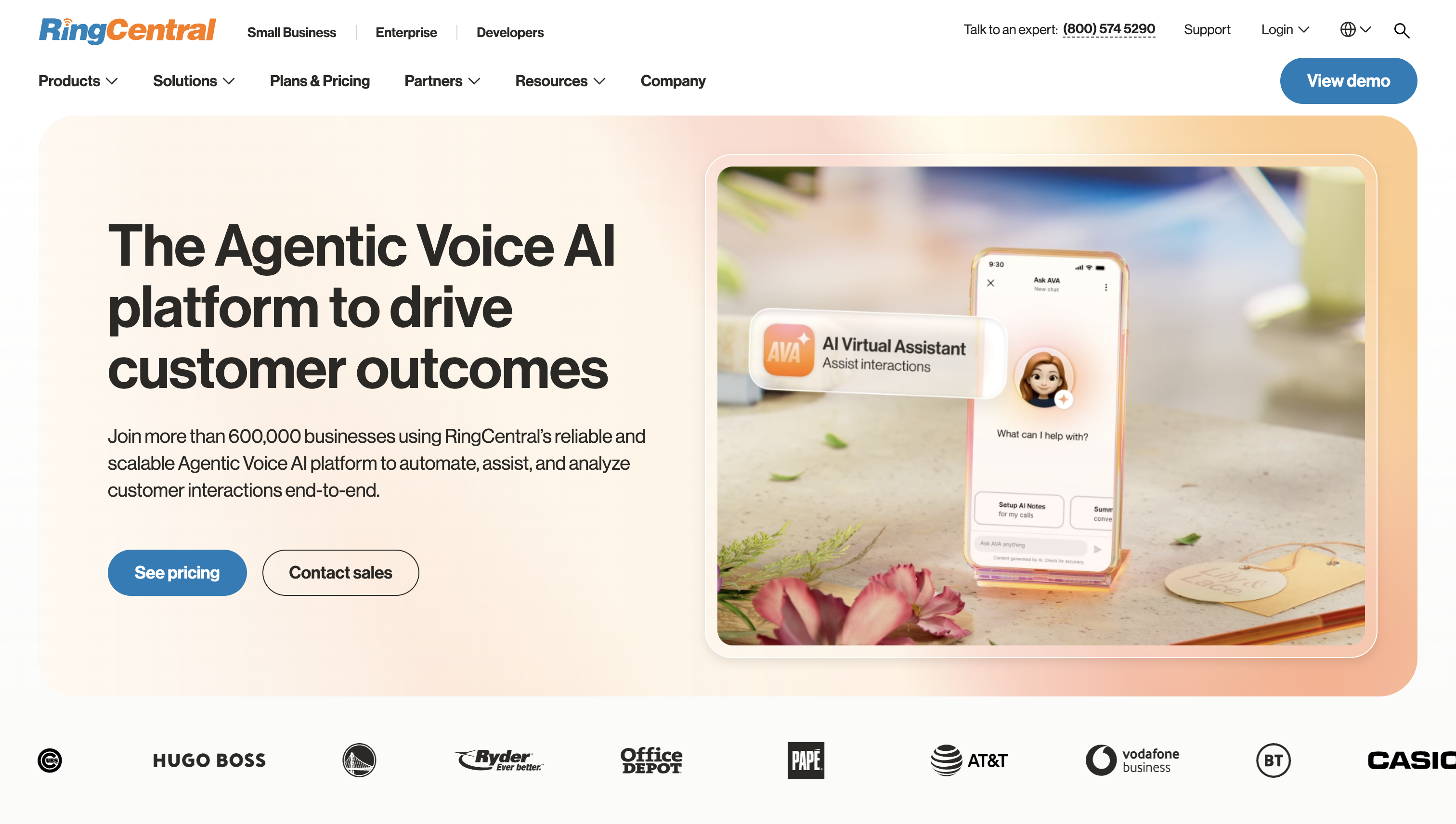
RingCentral is an interesting option if you want to bring your business phone system and contact center under one provider.
This section focuses on RingCX, rather than RingCentral's separate Enterprise Contact Center product. RingCX and RingEX (the company phone system) are distinct products that are available through the RingCentral app.
Standout capabilities:
Limitations: Make sure RingCX can handle your more complex routing and support workflows before choosing it for the convenience of having one provider. The features available also depend on the tier you purchase.
Pricing: RingCX has Standard, Professional and Elite plans with annual billing. You'll need a quote to confirm the cost of contact center seats, RingEX phone licenses and AI usage.
Best for: Businesses that want to consolidate their company phone system and contact center with one provider. If contact center functionality is your main priority, compare RingCX with the CCaaS-focused platforms above.
The six options above aren't the only providers in the market. You can also look into Cisco Webex Contact Center, Content Guru storm CONTACT, Zoom Contact Center, Vonage Contact Center, 8x8, Dialpad and CloudTalk.
Apply the same criteria before adding them to your shortlist: channel coverage, CRM compatibility, implementation requirements and total cost.
Cloud contact center pricing generally follows one of two models:
Neither model is automatically cheaper. Seat-based pricing is easier to estimate when staffing stays relatively stable. Usage-based pricing can work well when contact volumes fluctuate, but it requires more careful forecasting.
Also, don't compare platforms using the advertised seat price alone. Your actual bill may include telephony minutes, phone numbers, digital channels, AI usage, workforce engagement modules and support fees.
Implementation, integration and training are usually one-time expenses. Keep them separate from recurring monthly costs when comparing proposals.
Let's say you have 50 agents handling 100,000 voice minutes, 20,000 chat messages and 5,000 emails in a typical month. You also need workforce management and agent assist.
During a seasonal peak, your team grows to 75 agents and contact volumes double.
Here's what the variables mean:
Using Amazon Connect's published channel-service rates, the normal month would cost $4,400, increasing to $8,800 during the seasonal month. These figures exclude standard telephony, phone numbers, third-party or dependent-service costs and separately charged modules.
One more thing: if your contract commits you to 75 seats for the year, you'll pay for 75 seats even during months when only 50 agents are working.
For a first-year estimate, calculate 10 normal months and two seasonal months, then add implementation (I), integration (G) and training (T). Include number rental, carrier charges, support, storage, taxes and any overlap with your legacy system, but avoid counting anything twice.
The easiest way to compare providers is to ask each one to complete the same cost model using your expected contact volumes and staffing levels.
Before booking demos, decide which requirements are non-negotiable. These might include supported channels, CRM workflows, compliance requirements and your maximum budget.
Treat them as pass-or-fail criteria. A platform that doesn't support your essential workflows isn't worth keeping on the shortlist just because its demo looks impressive.
Then work through these five questions:
1. How large is your team, and how much does contact volume change?
Large operations might start with Genesys for journey orchestration, NICE for workforce management and analytics, or Five9 for blended inbound and outbound workflows.
If contact volume changes significantly throughout the year, Amazon Connect is worth considering, provided you have the engineering resources and your usage estimates fit the budget.
2. Which channels and AI workflows do you actually need?
A voice-heavy contact center has different requirements from a digital-first support team. Make a list of the channels your customers use most and check which ones are included in each package.
Also, separate customer-facing self-service from agent assistance. A chatbot that handles routine requests solves a different problem from an AI assistant that helps agents resolve complex conversations.
3. Which CRM workflows must work?
Don't rely on a vendor's list of supported integrations. Ask them to demonstrate your actual workflows, including screen pops, interaction history, routing context, transfers and data write-back.
If a feature is essential to your team, test it during the pilot rather than assuming it will work as expected.
4. Do you want to consolidate your phone system?
If using one provider for company-wide calling and contact center operations is important, include RingCX in your comparison.
Otherwise, focus on the platform that best meets your contact center requirements. Consolidation is convenient, but it shouldn't come at the expense of essential functionality.
5. What are your budget and compliance requirements?
Use the total-cost model to compare proposals, then look beyond the monthly price.
Ask where call recordings, transcripts, AI processing and backups are stored. Request documentation covering encryption, access controls, data retention, certification scope and disaster recovery. Your compliance team should review the evidence before you sign a contract.
Once you've answered these questions, narrow the shortlist to two or three vendors. Give each one a clear reason for being there and a specific pilot test. For example: "Five9 fits our blended contact center, but we need to validate its Verint workforce management integration."
There's no single best CCaaS platform for every business. The right choice depends on how your contact center operates and what you need it to do.
Here's where I'd start:
Before making a decision, compare the same workflows and cost assumptions across your shortlisted platforms. A well-configured pilot will tell you much more about day-to-day fit than a feature list or a polished sales demo.
Agents sign in through the platform’s supported browser or app. For remote staff, test audio, sign-in and network access from the locations they’ll actually use.
NICE’s glossary distinguishes CCaaS for customer interactions from UCaaS for employee communication and collaboration.
It can be, if the required routing and CRM workflows justify the full bill. For a small team, minimum seat counts and contract length can matter more than a long feature list.
Yes, with a package that supports both. In a demo, check which dialing modes are included and how the platform shifts agents between outbound lists and inbound queues as volume changes.

Cindy is an Outreach Manager and SEO Specialist at ONSAAS who helps SaaS companies grow through strategic link building and SEO. Outside of work, she loves spending time in nature, especially hiking in the mountains.


