


Back to articles
Contact Center Vendors: 8 Top CCaaS Platforms Compared
November 20, 2026
By
Cindy Graciella
Every contact center vendor says it does omnichannel routing, AI, and easy CRM integrations. So the feature lists all start to blur together, and the pricing pages don't help. Half of them hide the real cost behind add-ons, usage fees, or a "contact sales" button.
Here's the shortcut I use: let your team size, channel mix, and current tech stack pick the shortlist. If you're a small or mid-sized team that wants phones and a contact center from one vendor, start with Nextiva. Large global operations should look at Genesys Cloud CX or NICE CXone first.
Before we get into each vendor, one thing to keep in mind. Every tool on this list is software. It routes, records, and reports on conversations, but it doesn't supply anyone to answer them. If you need agents rather than a platform, skip ahead to Software Vendor or Outsourced Contact Center?
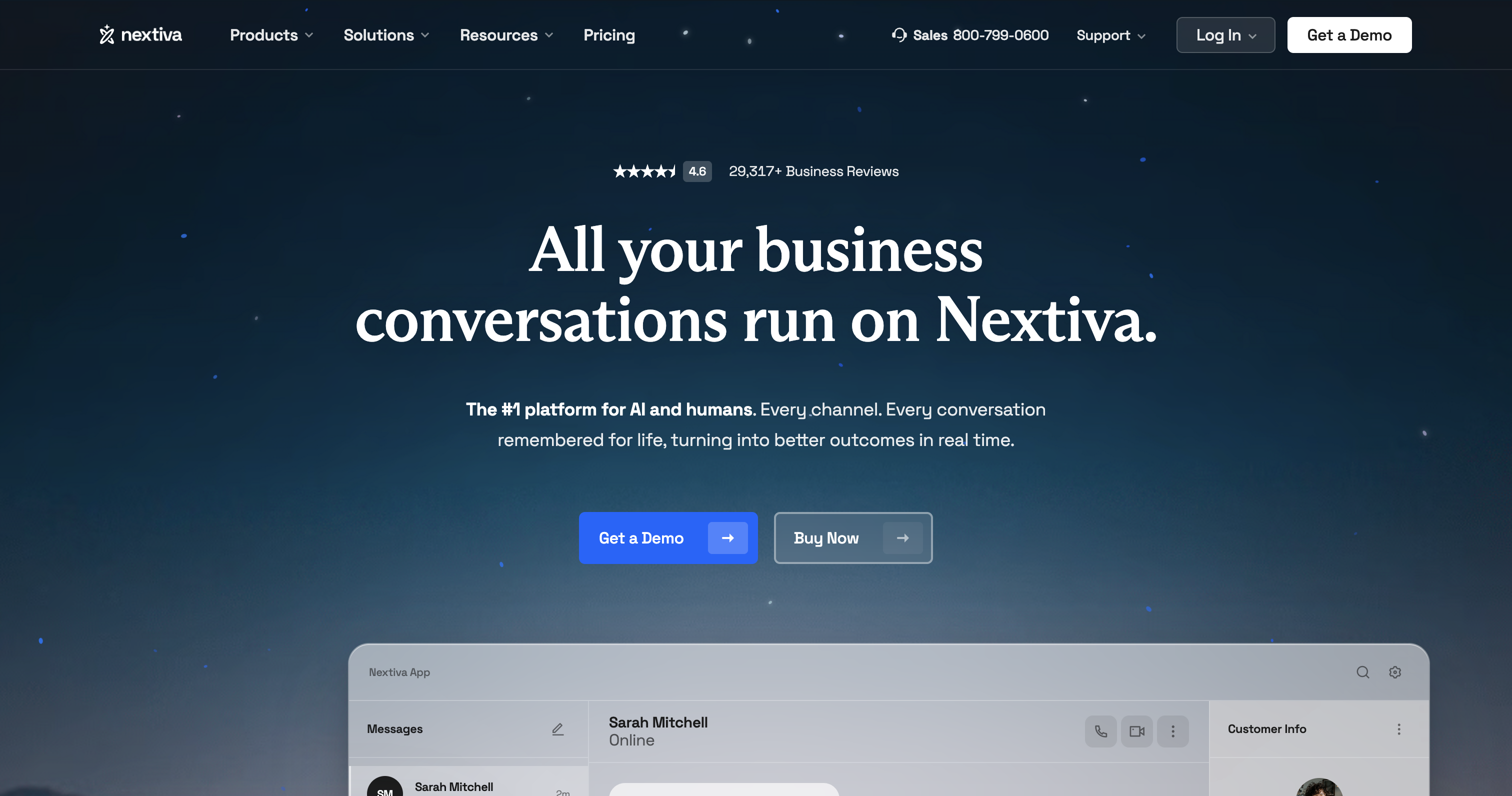
Nextiva is where I'd start if you're a small or mid-sized team that wants business phones, messaging, and a contact center from one vendor. One tip: its pricing page lists the small-business phone plans separately from the contact center tiers (Essential, Professional, and Premium). Use the contact center line when you compare it with the vendors below.
Standout features:
Limitations: Workforce management (WFM) is where the math changes. It's an add-on at Professional and only included at Premium. If you need both outbound dialing and scheduling, budget for both rather than stopping at the entry price.
Pricing: Essential starts at $75 per agent per month. Professional and Premium are quoted by sales.
Best for: SMB and mid-market teams consolidating phones and contact center with one vendor.
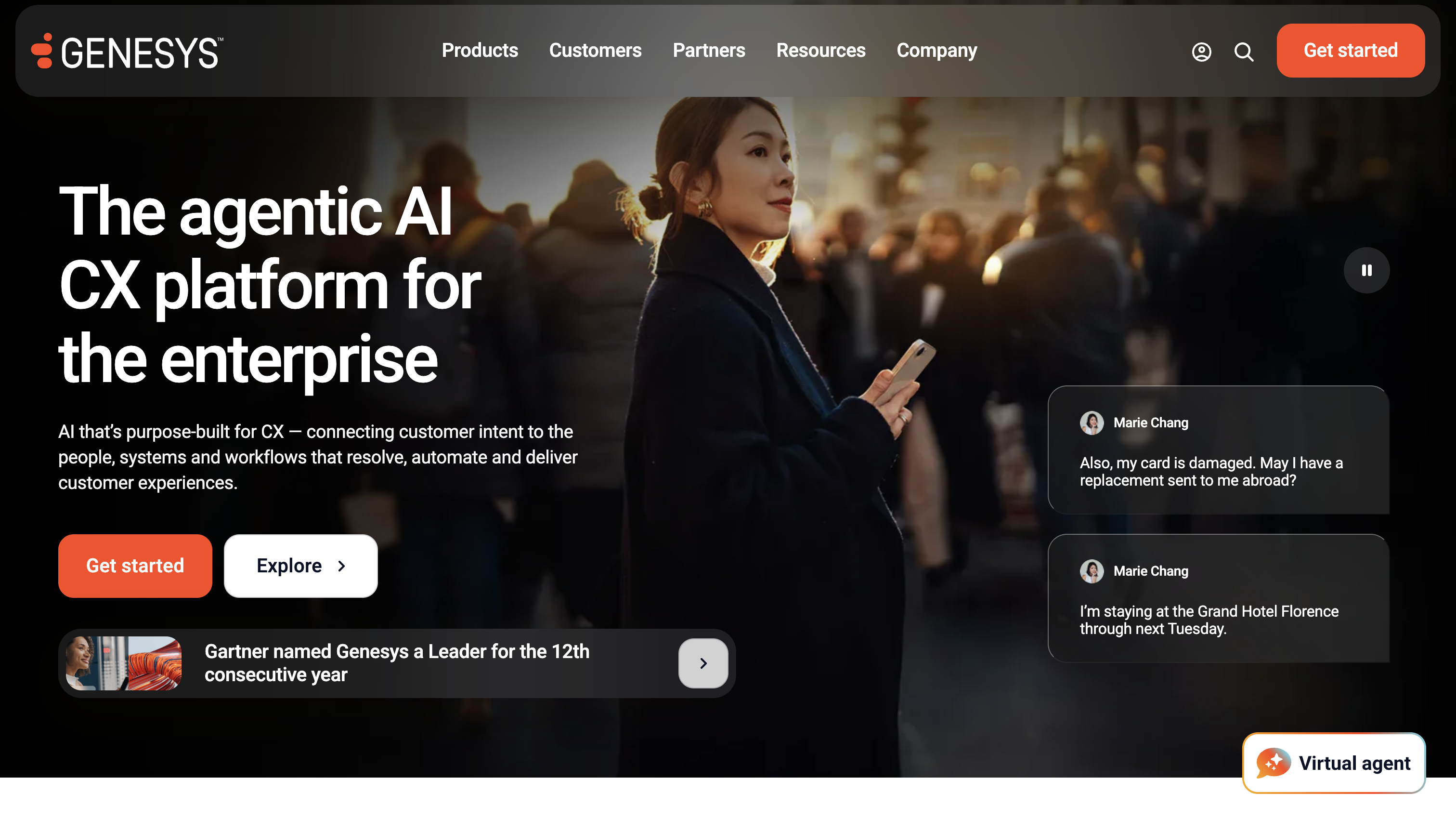
Genesys Cloud CX is the suite I'd measure every other enterprise option against. Voice, digital channels, and workforce engagement all live in one product, which matters a lot when you run a global, multi-site operation.
Standout features:
Limitations: Named-user licenses don't pool across shifts, so a 24/7 center pays for every person, not every seat in use. Some AI features also burn through metered Experience Units, so the seat price won't cover all your AI usage. And if you're a small team with a few simple queues, you'll pay for a lot of suite you'll never touch.
Pricing: CX 1 is $75, CX 2 is $115, CX 3 is $155, and CX 4 is $240 per named user per month, billed annually.
Best for: Large and global enterprises running complex, multichannel customer journeys.
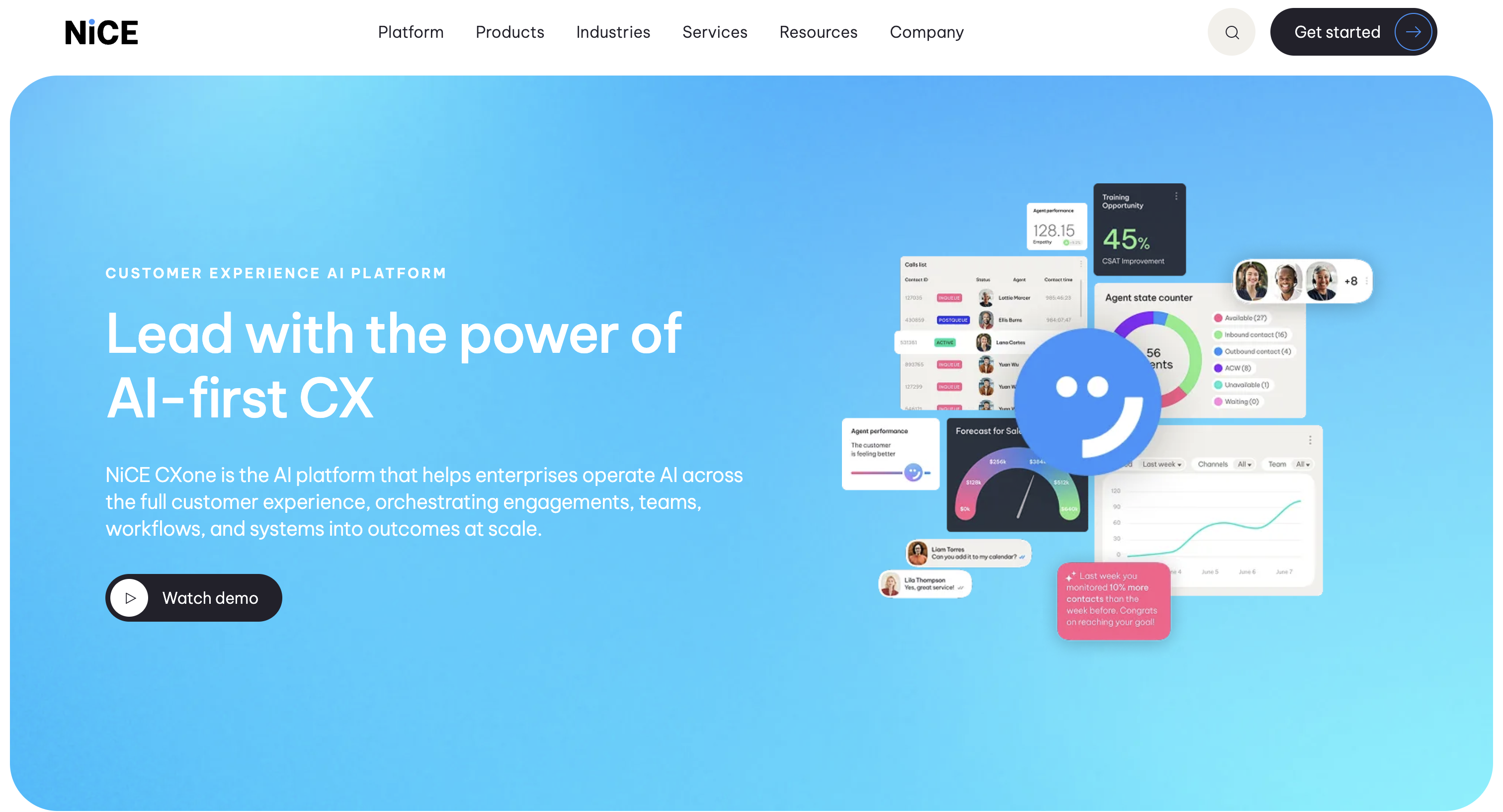
NICE is my pick when your WFM and quality assurance (QA) teams matter as much as your agents. Its pricing covers voice and digital channels, omnichannel routing, workforce management, quality management, and interaction analytics.
Standout features:
Limitations: What's included changes from suite to suite. So if you need WFM, QA, and analytics together, ask for a module-by-module quote. Comparing entry prices alone will mislead you.
Pricing: Omnichannel Suite is $110, Essential is $135, Core is $169, Complete is $209, and Ultimate is $249 per agent per month. Billing is monthly in arrears, with no prepayment.
Best for: Large omnichannel contact centers with dedicated WFM and QA teams.

Five9 is built around blending. TechRadar describes how it moves outbound agents onto inbound queues when demand spikes, then back again. That's a big deal if you run collections, renewals, or outbound sales campaigns next to your service queues.
Standout features:
Limitations: The 50-seat minimum rules out small teams. WEM is also licensed per named user, not per concurrent seat. So if 120 people share 60 seats, you could be paying WEM for all 120.
Pricing: Digital is $119 and Core is $159 per concurrent seat per month, with a 50-seat minimum. Plus, Pro, and Enterprise are quote-only.
Best for: Mid-market and enterprise teams running outbound programs alongside inbound service.
Talkdesk is the clearest of the bunch about its two kinds of AI. Copilot helps human agents in real time, and Autopilot handles customer conversations on its own. It also packages industry-specific versions, called Industry Experience Clouds, for healthcare, financial services, and retail.
Standout features:
Limitations: Copilot and Autopilot are billed as usage, and Talkdesk only quotes those rates on request. Its CX Cloud edition prices also assume a three-year commitment and leave out telecom and usage fees. So the listed seat price is a floor, not a total.
Pricing: Digital Essentials (email, chat, SMS, and social messaging) is $85, Voice Essentials is $105, Elite is $165, and Industry Experience Clouds are $225 per user per month. Government pricing is custom.
Best for: Mid-market and enterprise support centers that want AI-assisted service and industry workflows.
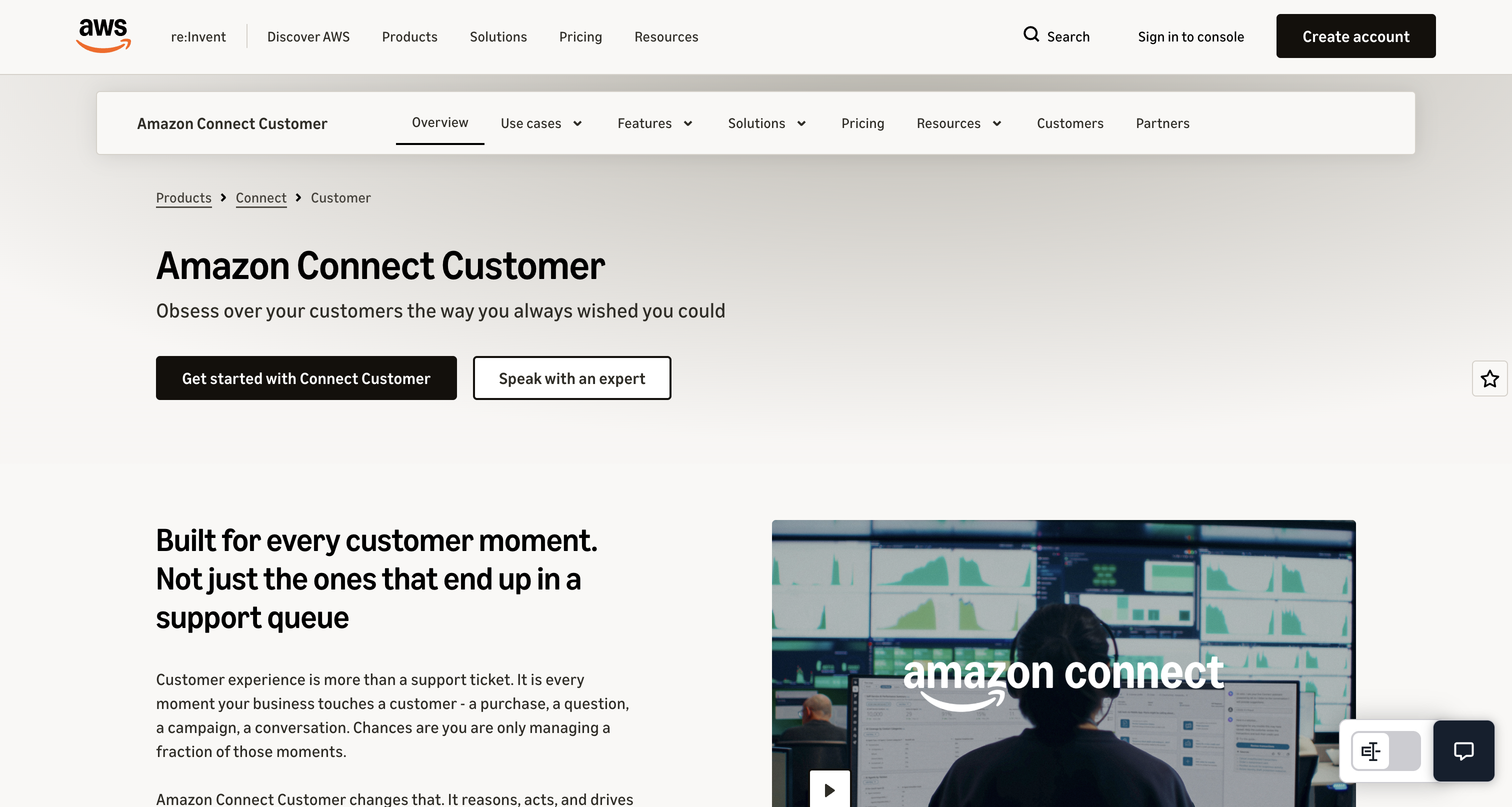
Amazon Connect charges per minute and per message instead of per seat. If your team already runs on AWS, you can plug it straight into the data and AI services you use today.
Standout features:
Limitations: Your bill grows with your volume, so it's a poor fit if finance wants a hard monthly cap. Custom AI agents can also add AgentCore Gateway and Bedrock Knowledge Base charges on top of channel rates. And someone on your team has to own custom integrations after launch, not just build them.
Pricing: Bundled voice is $0.038 per minute plus telephony, and chat is $0.010 per message sent or received. Basic voice is $0.018 per minute before communication charges and optional features. Basic forecasting and scheduling adds $27 per scheduled agent per month.
Best for: AWS-centric, engineering-led teams that want a custom build and can live with variable spend.
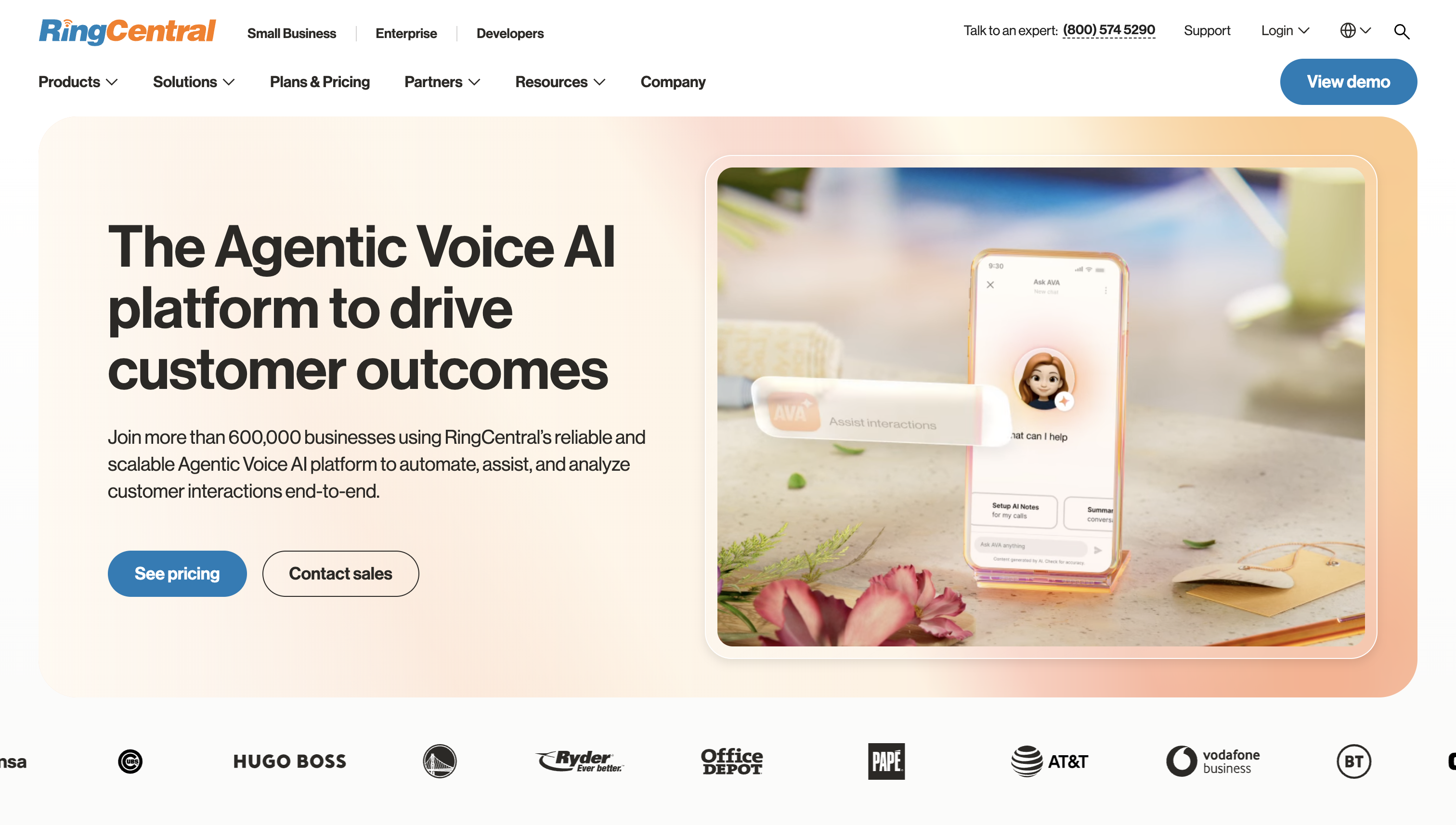
RingCX makes the most sense if your company already uses RingCentral phones. RingCX and the RingEX phone system share one app, one directory, and live presence. So a support agent can see that someone in billing is free and message them mid-call.
Standout features:
Limitations: If you don't use RingCentral phones, the main reason to pick RingCX mostly disappears. For a combined deployment, spell out admin duties, support ownership, and contract coverage in the order form.
Pricing: Standard is $65, Professional is $95, and Elite is $145 per agent per month, paid annually. WFM is included at Elite. Ask for RingCX and RingEX as separate line items in any combined proposal.
Best for: RingCentral customers adding a dedicated contact center.
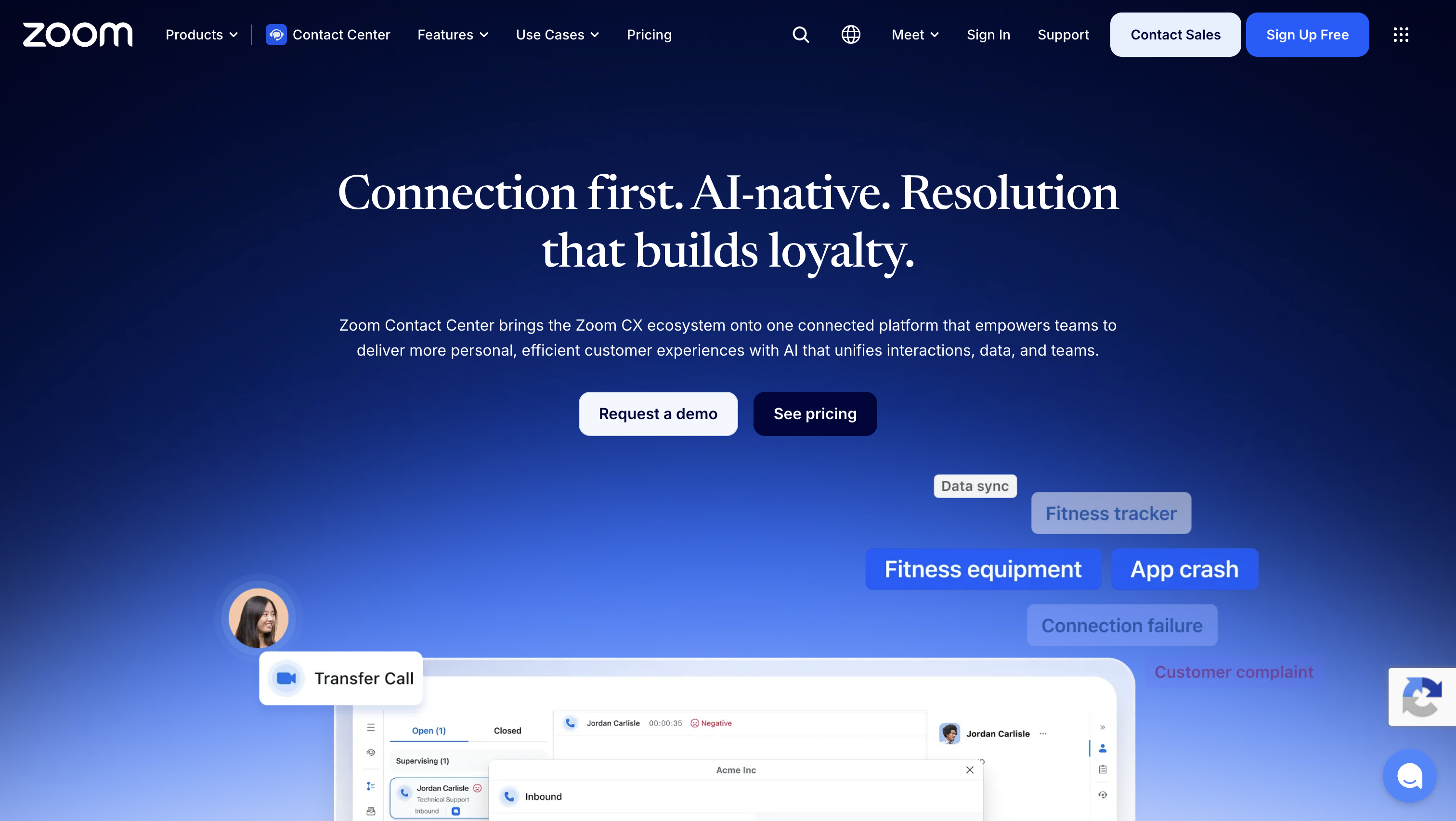
Zoom Contact Center is the natural choice if your company already lives in Zoom. Just know that Zoom sells its AI in three separate pieces: summaries and transcription, Expert Assist for agents, and Zoom Virtual Agent for customers. Don't assume your Zoom licenses give you all three.
Standout features:
Limitations: Zoom requires a WFM and quality management license for every person who uses those tools, even on concurrent Elite licenses. For example, 40 concurrent seats shared by 80 people still need WFM and QM coverage for all 80.
Pricing: Essentials is $69, Premium is $99, and Elite is $149 per agent per month, billed annually. If you also use Zoom Phone, list it separately in your proposal.
Best for: Teams already on Zoom that want an integrated contact center.
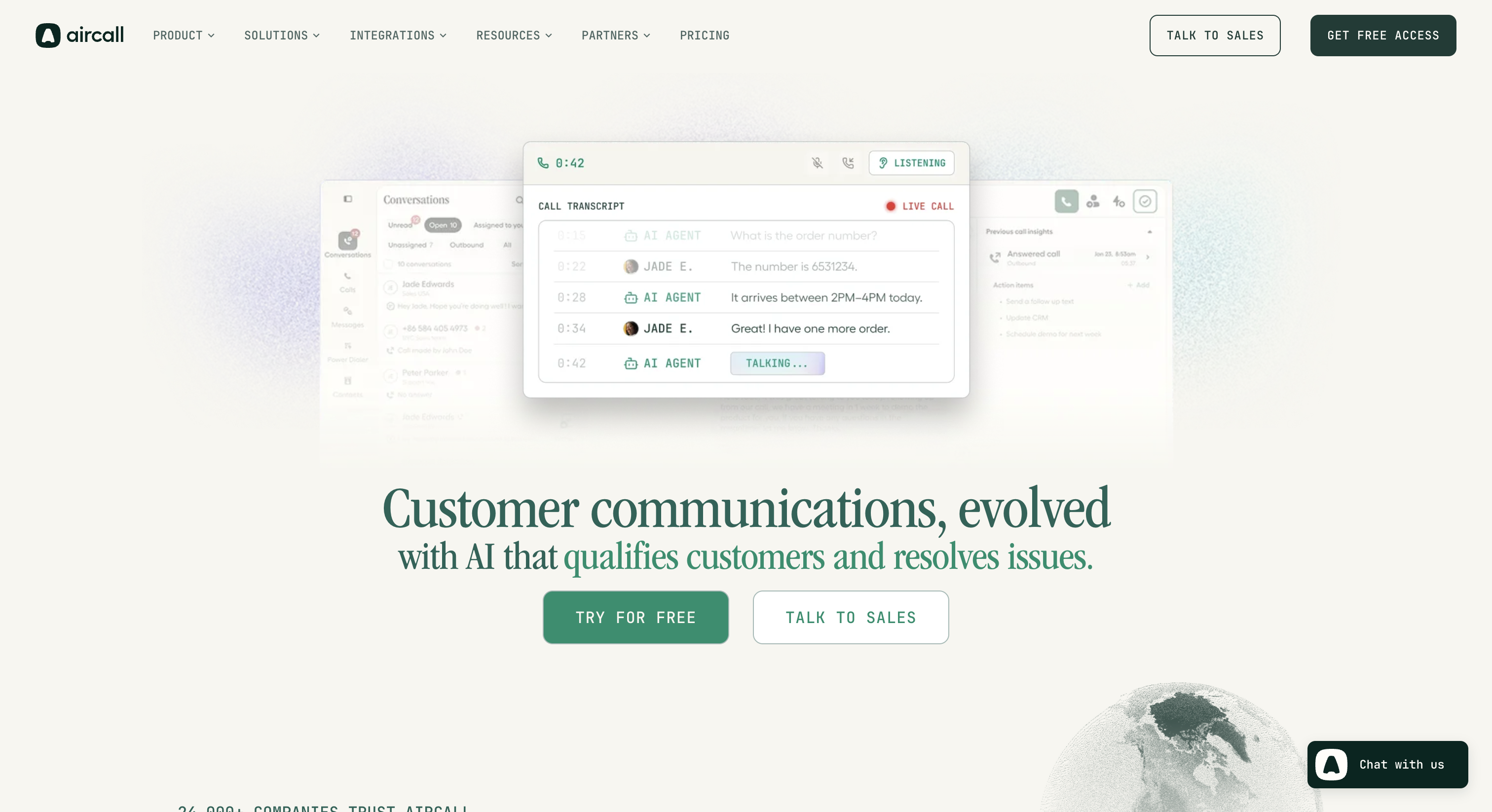
Aircall is for teams where calls are the job, like a sales team dialing prospects or a support desk taking inbound calls all day.
Standout features:
Limitations: If you need Salesforce, Essentials is out, since the integration starts at Professional. And real-time coaching needs the AI Assist Pro add-on, not just Professional's conversation intelligence.
Pricing: Essentials starts at $30 per license per month, billed annually, and includes IVR, call recording, and SMS. Professional starts at $50. Both have a three-user minimum, and Enterprise starts at 25 users.
Best for: Small and mid-sized voice-led sales and support teams on HubSpot, Zendesk, or Salesforce.
You need a software vendor if you employ agents (or plan to). You need an outsourcer, or business process outsourcing (BPO) provider, if you don't have a team and don't want to build one.
Two more questions usually settle it:
Plenty of companies do both, with outsourced agents working inside their own platform. If you go that route, put these answers in the contract:
If you're staffing your own team, make sure you're shopping in the right category before you compare vendors:
Still on an on-premises system? It might be working fine. When it isn't, here's how the leading cloud contact center solutions compare. I'd move when a renewal bill, a hardware refresh, or a missing digital channel forces the question, not just because "cloud" sounds better.
Write your requirements before you sit through a single demo. (I've also put together a list of what to check in every virtual contact center demo.) Start with team size, must-have channels, your inbound vs outbound split, and the systems agents already use. Then separate must-haves from nice-to-haves.
Next, pick three or four real workflows, like a billing dispute or an order-status check. Decide upfront what good looks like for resolution, handoff to a human, data sync, and supervisor visibility. Then run the same scenarios with every finalist, so you're comparing results instead of sales pitches.
Vendors sell two very different kinds of AI under the same label, and each needs a different test.
For AI agents, give every vendor the same tasks, permissions, and definition of done. "Reset a password" only works if the AI can verify the caller and reach the system that holds the account. Also test where it should stop: which requests it should refuse, and on which channels.
Then throw some curveballs at it, like an angry customer, a vague request, or a policy exception. When it hands off to a human, does the agent get the conversation history, verified identity, and account details? Or does the customer have to start over? I'd judge AI on finished tasks and clean handoffs, not on how many features have "AI" in the name.
A "native" integration can still miss the one field your team depends on. So don't assume native beats middleware. Compare them on the workflows they support, who maintains them, and who you call when they break.
If you use Salesforce, HubSpot, or Zendesk, ask each finalist to run your workflow live:
For custom API work, find out what needs building, who maintains it after launch, and how errors get flagged before a supervisor notices missing records.
Smaller teams often need basic scheduling, not a full forecasting operation. So decide what's mandatory before you pay for it.
Seat prices and usage bills don't compare well side by side, so model both against the same workload. Per-agent vendors like Nextiva, Genesys, NICE, Talkdesk, Five9, and Aircall charge for licenses whether agents are busy or not. Your real cost depends on seat minimums, contract length, and whether licenses are named or concurrent. Usage pricing, like Amazon Connect's, charges per minute and message, so the bill follows your volume and channel mix.
Either way, expect extra recurring charges for telephony minutes and numbers, metered AI, extra channels, and WFM if it isn't bundled. Keep one-time implementation and migration costs separate from the subscription.
Let's say you're a US-based team of 50 named agents. Each month you handle 100,000 inbound voice minutes and 10,000 chat messages (sent and received). There's no email, SMS, outbound, or third-party AI. You need WFM and agent assist for all 50 agents.
CX 3 covers voice, digital, and WEM. Amazon Connect's bundled rates cover forecasting, scheduling, and real-time agent assist. So your first-year formulas look like this:
Amazon Connect looks like half the price here. But double the voice minutes to 200,000 a month, and its channel subtotal jumps to $7,700, basically the same as Genesys. The Genesys seat cost stays at $7,750 as long as headcount and tier don't change, though its telephony and AI usage can still climb.
The safest migrations happen in stages, and each one has to pass before you move on:
The right contact center vendor is the one that fits your team size, channels, and current stack, not the one with the longest feature list. If you want phones and a contact center from one vendor, start with Nextiva. For large global operations, look at Genesys Cloud CX or NICE CXone. And if you're already on AWS, RingCentral, or Zoom, test that ecosystem's contact center first.
Whichever vendors make your shortlist, run the same real workflows with each one on the exact plan they're quoting. Then price them against your own call and chat volumes, and get the exit terms in writing before you sign.
For a small business that wants phones and a contact center from one vendor, I'd start with Nextiva. If calls are basically all you do, Aircall is a good fit too. If customers reach you by email and chat as much as by phone, shortlist by channel coverage before you compare seat prices.
Usually, yes. But keeping your CRM doesn't automatically keep your contact history. Add customer IDs, activity mapping, and access to historical records to your migration acceptance tests.
Multichannel means you offer several ways to get in touch. Omnichannel connects them, so an agent on a call can see the chat that same customer started earlier. Ask vendors to show you that channel switch live rather than trusting the label.
Most do, but at different tiers. Nextiva adds predictive dialing at Professional, Genesys includes outbound campaigns in its entry tier, and Aircall adds a Power Dialer at Professional. Check which dialing modes your campaigns and compliance rules require.
It depends on how complex your call flows are, how many integrations you need, and how many numbers you're porting. Ask vendors for separate dates for the pilot, number porting, and accepted production service. An account activation date isn't an implementation schedule.
Not usually. A software subscription covers the platform, not people. If a proposal also includes agents, compare staffing coverage and responsibilities separately from software features.

Cindy is an Outreach Manager and SEO Specialist at ONSAAS who helps SaaS companies grow through strategic link building and SEO. Outside of work, she loves spending time in nature, especially hiking in the mountains.


