


Back to articles
GEO Audit Tool Guide: What It Checks and Free Options
November 6, 2026
By
Cindy Graciella
Want to know if your website is ready for AI search without paying for another SEO tool? You have a few options. Geoptie and AIclicks let you run free GEO audits without signing up, while SEOptimer and OtterlyAI offer trials with access to more detailed checks.
The catch is that these tools don't all measure the same things. Some check whether AI crawlers can access your pages and understand your content. Others look at brand mentions, competitor visibility, or actual citations in AI-generated answers.
We'll walk through four GEO audit tools, what you can get without paying, and what each one is best at. We'll also cover how to interpret the results and which issues to fix first, so you can turn an audit into a practical action plan.
We focused on tools that give you a way to assess your website's readiness for generative engine optimization (GEO), either through a free audit or a trial. The goal is to help you understand what each one actually checks and whether you can get useful insights without committing to a paid subscription.
Here's what we looked at:
We also considered how easy each tool is to use, especially if you're running your first GEO audit and don't have a dedicated technical SEO team.
One important distinction: a readiness score isn't the same as actual AI search visibility. A website can pass technical checks and still not appear in ChatGPT, Gemini, or Perplexity answers. We keep those two things separate throughout the comparison.
A GEO audit looks at how well your website is set up to be discovered, understood, and potentially cited by AI-powered search engines.
It's a little different from a traditional SEO audit. Classic SEO tools focus on things like keyword rankings, backlinks, technical issues, and organic traffic. GEO audits look at some of those same foundations but also consider how AI systems access and interpret your content.
Depending on the tool, you'll usually find some combination of these checks:
You'll also come across recommendations about creating an llms.txt file. Jeremy Howard's proposal describes it as a Markdown file that provides background information, guidance, and links to more detailed content.
It can be useful as supporting documentation, but don't treat it as a shortcut to AI visibility. Google Search Central says AI Overviews and AI Mode don't require special AI text files or special schema markup.
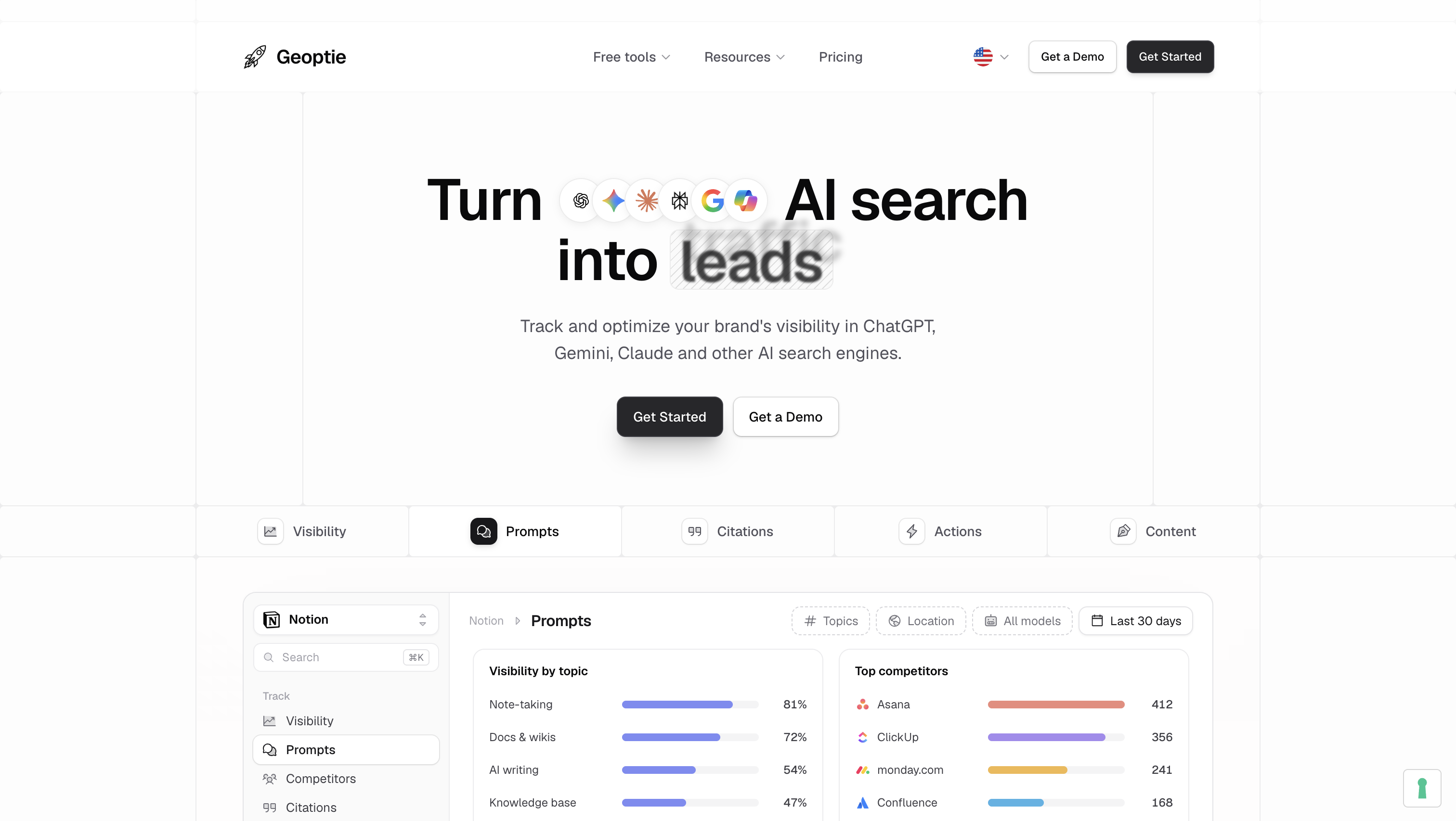
Geoptie is a good starting point if you just want to see whether your website is ready for AI search. You don't need to create an account or enter payment details. Just paste a URL and run the audit.
What you can do for free:
The distinction between these tools matters. The GEO audit checks website readiness, while the AI Visibility Checker gives you a snapshot of how your brand appears in AI-generated answers. Geoptie's GEO Rank Tracker is another separate product for ongoing monitoring.
Limitations: You'll need to audit important pages individually rather than assume one URL scan covers your entire website. The free AI Visibility Checker is also a snapshot, so it won't show you how visibility changes over time.
Pricing: Geoptie's Starter monitoring plan costs $49/month and includes 15 prompts. Annual billing charges for ten months while giving you twelve months of service.
Best for: Website owners who want a quick first look at their AI search readiness without signing up for another platform.
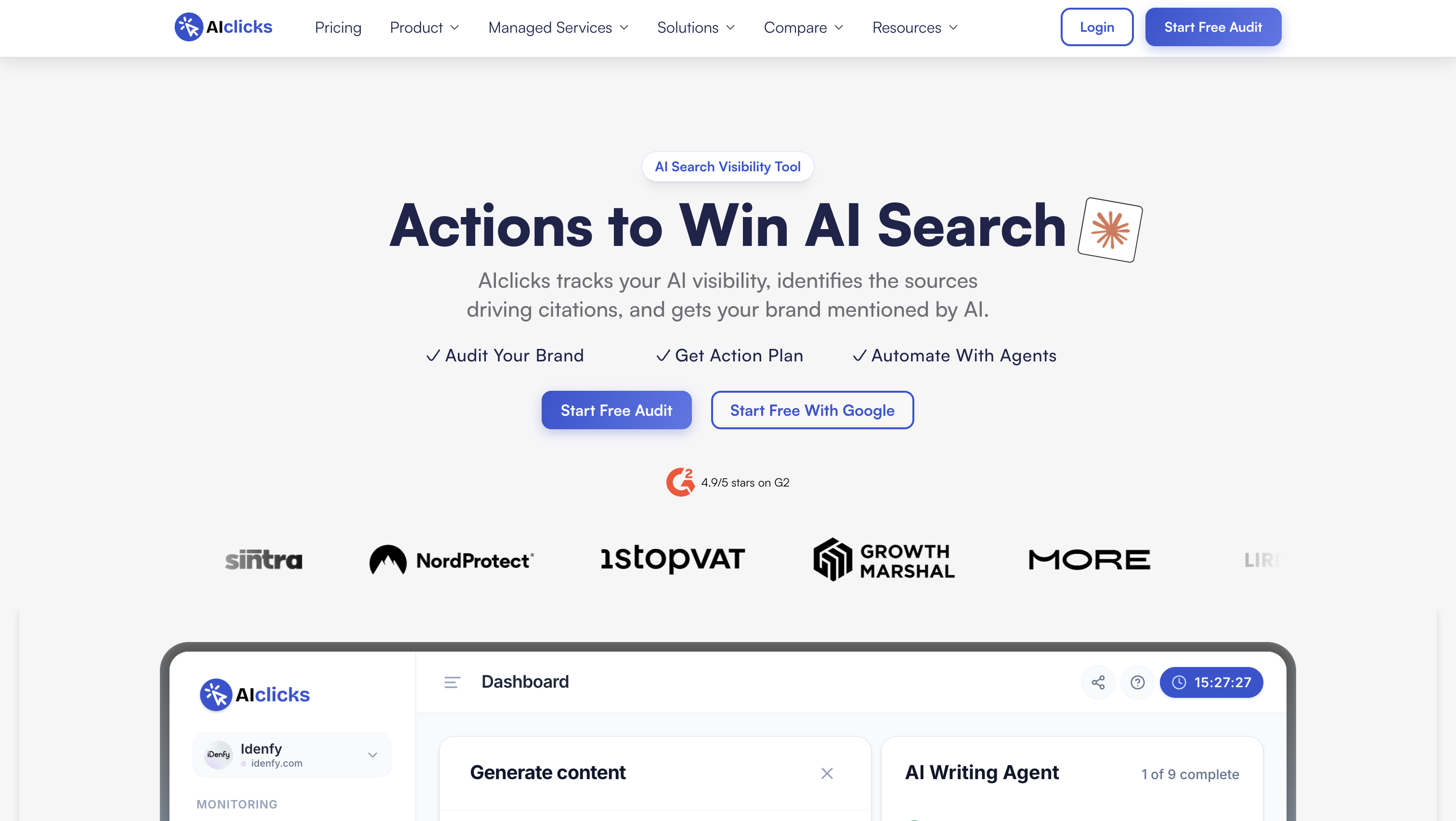
AIclicks is another easy option if you don't want to register for an account just to run an audit. It advertises unlimited free audits and lets you enter either a domain or an individual page URL.
What makes it interesting is that it doesn't just give you a score. It also tries to show you what to fix first.
What you can do for free:
The citation tracker is particularly useful if you want to see what AI-generated answers look like for the questions your potential customers might ask.
Limitations: The audit measures website readiness, not actual citation performance. Also, the impact ranking is AIclicks' estimate, not a guarantee that completing a recommendation will increase your citations. For multi-engine tracking over time, you'll need its paid platform.
Pricing: AIclicks offers a free audit without signup. Its Starter plan costs $59/month and includes 30 tracked prompts across a choice of three models. Managed-service pricing is available through its team.
Best for: In-house SEO and content teams that want a clear list of things to improve instead of another dashboard full of scores.
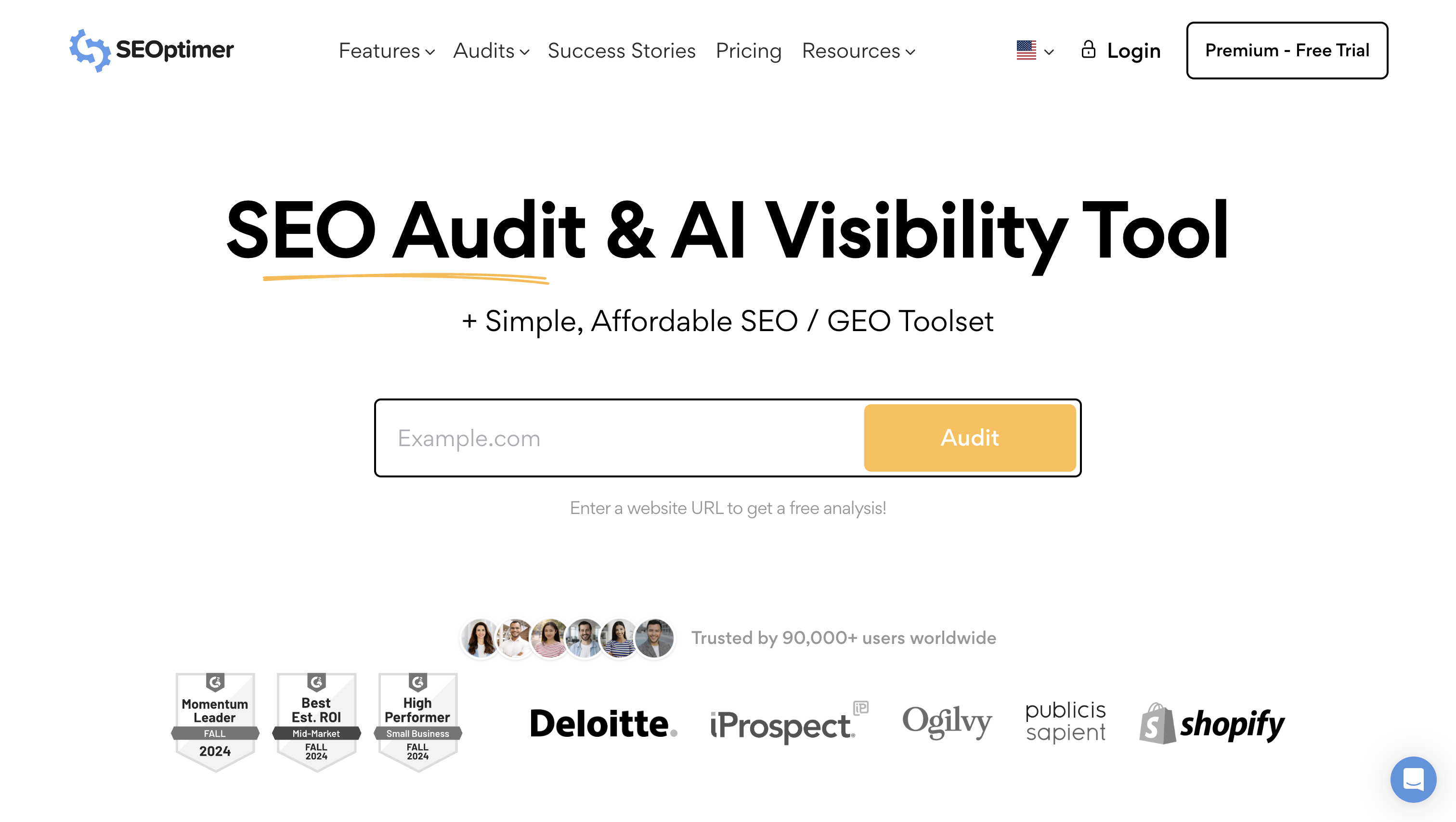
If you're more interested in seeing how your brand compares with competitors in AI search, SEOptimer is worth checking out.
Unlike the free URL-based audits, its GEO Audit focuses on brand visibility and competitor comparisons across AI platforms.
What you can do during the trial:
This is particularly useful if you're preparing a client report or trying to understand why competing brands show up in AI answers while yours doesn't.
Limitations: The main drawback is that access is trial-based rather than an ongoing free audit workflow. You'll have a limited window to explore the comparisons, so it's worth deciding which competitors and questions you want to investigate before starting.
Pricing: SEOptimer offers a 14-day free trial specifically for its GEO Audit.
Best for: Agencies, freelancers, and marketing consultants who want to compare brand visibility with competitors.
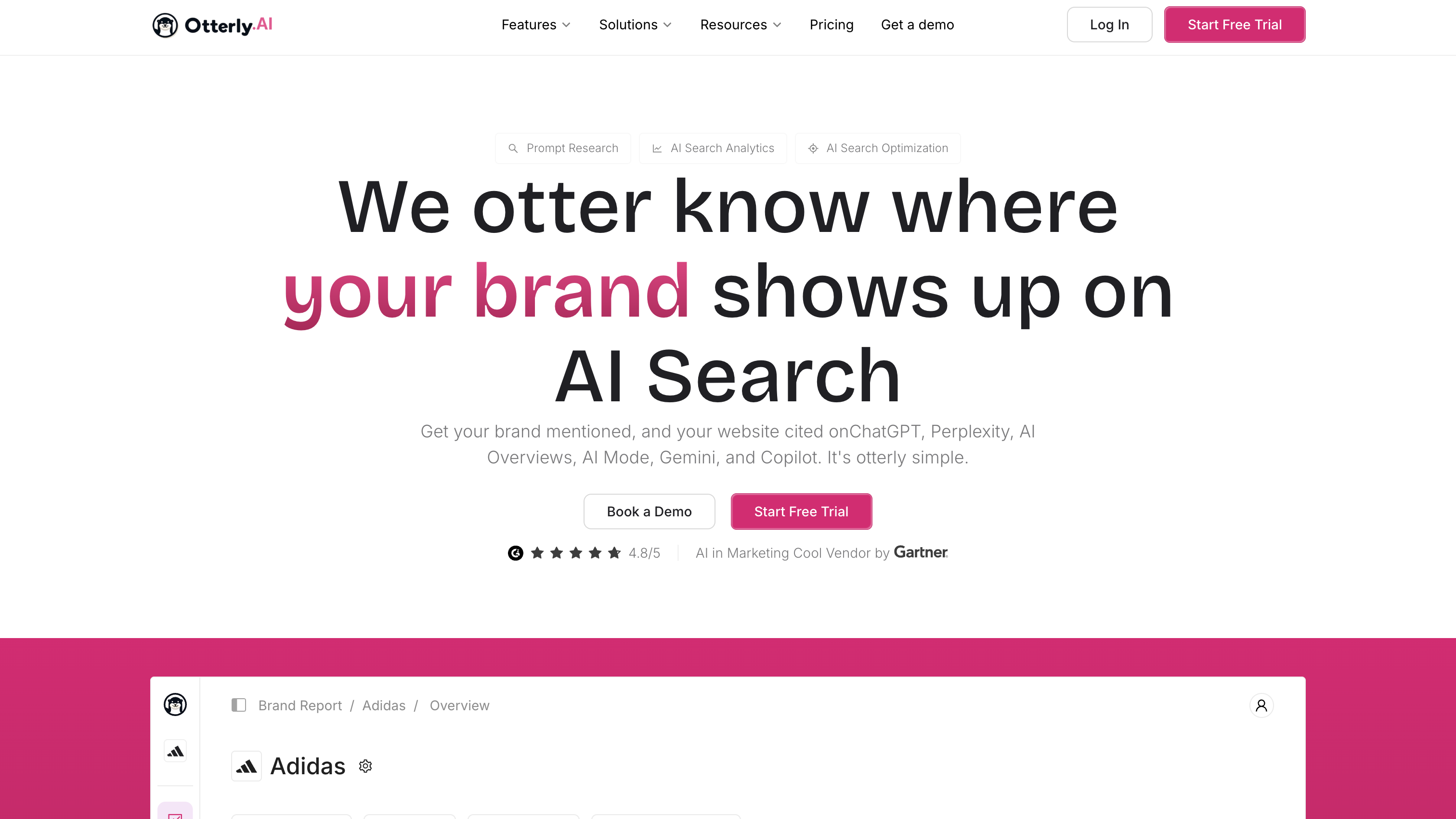
OtterlyAI takes a slightly different approach. Rather than offering just a standalone GEO audit, it includes website checks within a broader AI search monitoring platform.
This makes it a good option if you're already thinking about tracking AI visibility over time.
What you can do during the trial:
I like that its audit tools separate technical accessibility from content readiness. That makes it easier to understand whether a problem is related to crawler access or how your page is structured.
Limitations: Unlike Geoptie and AIclicks, you'll need an account to run an audit. The trial is also limited, so you won't be able to continue monitoring indefinitely without upgrading.
Pricing: OtterlyAI offers a seven-day free trial without requiring a credit card. It includes 50 search prompts and 100 GEO audit URLs.
Its paid plans also have different monthly GEO URL audit allowances: 1,000 on Lite, 5,000 on Standard, and 10,000 on Premium.
Best for: Marketing teams that want to run website audits and track AI search visibility from the same platform.
The four tools above are good starting points, but they're not your only options.
A few others are worth a look depending on what you're trying to measure:
These aren't necessarily direct replacements for the free audit tools above. They're worth considering when you need more specialized analysis or ongoing visibility research.
Before you change anything, record the audited URLs, each dimension score and the date. If you ran prompt tests, save the exact prompts, the engines and which answers mentioned or cited you.
A higher GEO score does not guarantee more visibility. Use dimension scores to prioritize within the order below rather than jumping to the lowest number, and skip checks that already pass.
You don't need to subscribe to an expensive AI search platform just to find out whether your website is GEO-ready. Start with Geoptie or AIclicks for a quick, free check, or use SEOptimer and OtterlyAI's trials if you need more detailed comparisons and monitoring.
Just remember that a good audit score doesn't automatically translate into more AI mentions or citations. Use the results to identify technical issues, improve important pages, and understand where your brand is missing from the conversation. Once you know what you're trying to fix, it'll be much easier to decide whether a paid monitoring platform is actually worth it.
Treat AEO (answer engine optimization) as the broader answer-focused label and GEO as the generative-AI-specific one. The terms overlap, so compare the checks and outputs rather than choosing by acronym.
Re-run it immediately after any material change, such as a site migration, a robots.txt or firewall edit, or a template redesign. Otherwise, start with a monthly audit and adjust the cadence to how often the site changes.
Only within a tool’s permitted audit scope. Restrict page checks to public URLs; a domain input doesn’t establish a full-site crawl. For competitor mentions and citations rather than site structure, use SEOptimer or Profound.
OpenAI’s estimate of about 24 hours applies to its search systems processing robots.txt updates, not to earning citations from content edits. For visibility trends, Profound recommends looking at windows of 7 to 30 days rather than individual daily changes.
If training collection is your concern, target training crawlers rather than blocking every AI bot. Anthropic documents a dedicated robots.txt group (User-agent: ClaudeBot with Disallow: /) for its training crawler.

Cindy is an Outreach Manager and SEO Specialist at ONSAAS who helps SaaS companies grow through strategic link building and SEO. Outside of work, she loves spending time in nature, especially hiking in the mountains.


