


Back to articles
Contact Center Speech Analytics Guide: Uses and Platforms
November 27, 2026
By
Cindy Graciella
Most QA teams review a handful of calls per agent each month. So the billing bug, the skipped disclosure, or the agent who needs coaching often hides in the thousands of calls nobody hears.
You can't fix that by hiring more reviewers. Speech analytics can process every eligible call instead of a small sample. But tools that demo well on clean vendor audio often struggle on your noisy lines and product names.
So I'll walk through how the technology works, which use cases to start with, how to compare platforms, and how to run a pilot that proves the findings lead to action.
Contact center speech analytics is AI software that turns recorded or live calls into searchable transcripts, categories, scores, and alerts. Common starting points are automated QA, coaching, and compliance.
Speech analytics converts call audio into text, then turns that text and the audio itself into categories, scores, and alerts. It happens in four stages:
Here's a made-up call I use to explain the stages. It isn't a record of any vendor's performance.
At 01:12, the customer says, "I was charged twice for the same order." A phrase rule tags the call as a duplicate-charge dispute. The acoustic layer flags an 18-second silence after the agent says they'll look into it, plus two turns where both people talk at once.
The QA form has five equally weighted items. The agent passes four, for a score of 80/100. The failed item is "explained the hold," so the call lands in the supervisor's coaching queue with a link to that silence.
Neither signal proves a cause. The 18 seconds could be a slow billing system, an agent researching the charge, or a customer opening a banking app. Overlapping speech can mean frustration, but people also talk over each other when they're confirming an order number.
So I treat these signals as cues to open the recording, not as conclusions about what happened or how the customer felt.
Real-time analysis lets someone step in while the call is still happening. Post-call analysis reviews finished calls in bulk to improve the ones that follow.
"Real time" covers several outputs that arrive at different speeds. Transcripts, scores, prompts, and alerts can each reach people at different moments. And some features sold with live analysis run afterward anyway. Amazon's Transcribe pricing page notes that audio redaction in its real-time Call Analytics is processed after the call.
That timing decides whether the feature is worth paying for. A disclosure reminder that shows up after the agent has moved on can't change the call. Neither can guidance in a separate window the agent never checks. So ask each vendor for end-to-end timing per output, measured to the screen of the person who has to act.
My rule of thumb:
Every speech analytics output needs an owner, a specific action, and a metric that shows whether the action worked. Here's how I'd pair them:
A few traps sit behind those rows:
The best test of speech analytics software is your own audio running through your own workflows. A vendor's sample calls tell you how the tool handles the vendor's setting, not yours. In each demo, check these five things:
Speech analytics pricing usually follows one of four meters, and each one grows with something different:
To compare quotes fairly, give every vendor the same user count, call volume, average call length, language mix, modules, retention period, integrations, and billing term. Otherwise, you're comparing different products.
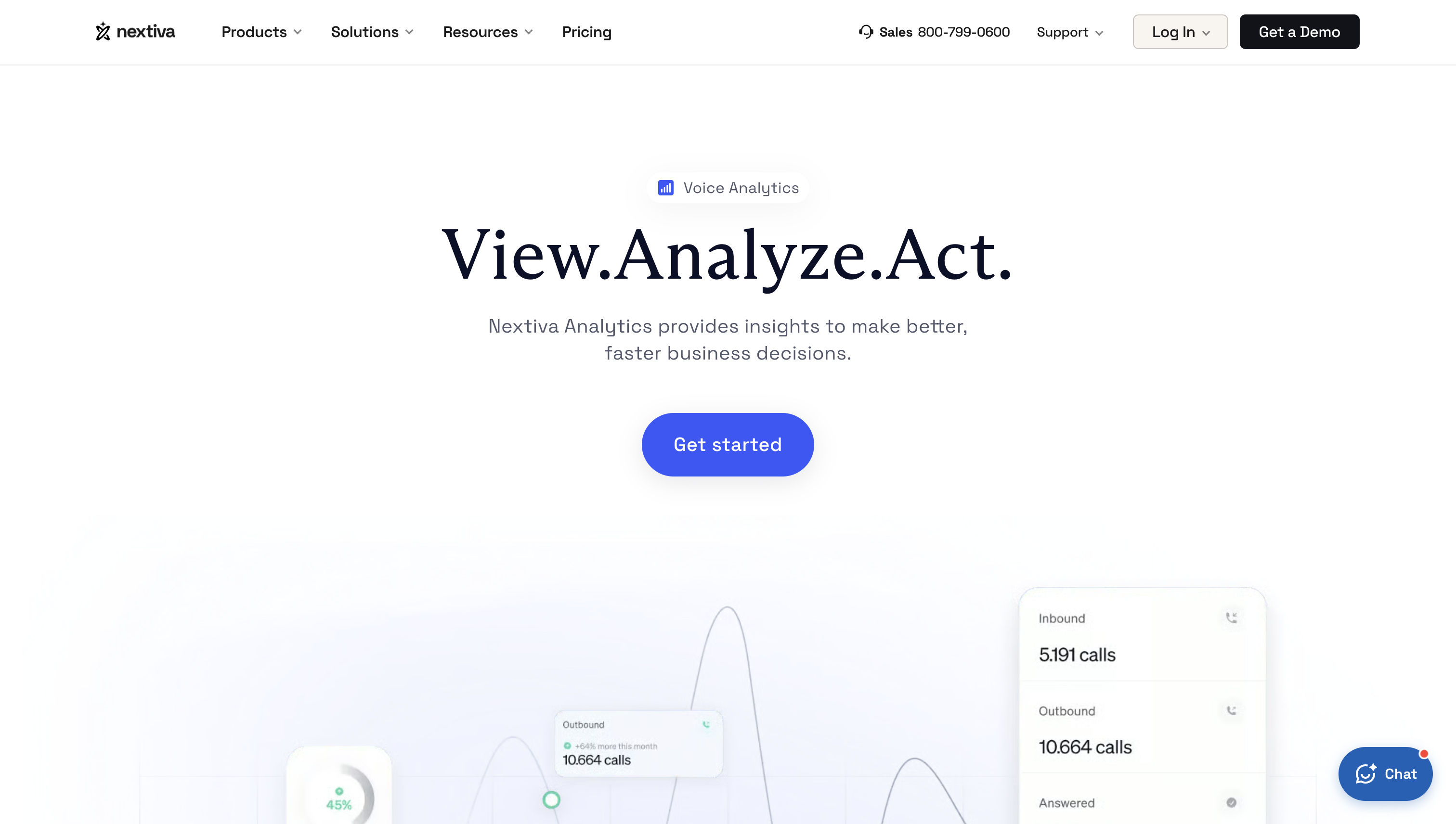
Nextiva is where I'd start if you want speech analytics without adding another vendor. Its CX plan bundles transcripts, summaries, and AI scoring into the same subscription as your phones and contact center. So there's no separate analytics layer to connect to telephony, recordings, and CRM.
Standout features:
Limitations: Nextiva's product pages don't describe custom QA forms, configurable compliance rules, redaction, or supported languages. So bring your own QA rubric and redaction questions to the demo. The analytics page also doesn't spell out which tier includes sentiment and alerts, so confirm that in the quote.
Pricing: The CX plan is $75 per user per month, billed annually, and monthly billing costs more. Lower plans can add AI transcription, summaries, and scoring through the AI Super Pack at $10 per user per month, billed annually.
Best for: Small and midmarket contact centers that want speech analytics built into their phone and contact center platform.
CallMiner is the dedicated analytics specialist here. It describes CX automation across voice, chat, email, and other digital conversations. That scope suits analytics programs chasing issues that span phone and digital contacts.
Standout features:
Limitations: A separate analytics layer needs connections to telephony, recordings, and CRM. Plan who will configure and maintain categories and scoring rules alongside that integration work.
Pricing: CallMiner's pricing FAQ describes subscription bundles based on user count or interaction volume. Enabled modules and integration needs shape the quote.
Best for: Large enterprises that want a dedicated, highly configurable analytics platform independent of their contact center vendor.
NiCE puts Interaction Analytics inside a full contact center and workforce optimization suite. So analytics, quality management, and workforce management come from one vendor.
Standout features:
Limitations: The fit is strongest for teams already running their contact center on NICE. Its broad suite may be more than an analytics-only project needs.
Pricing: NICE lists Omnichannel at $110 per agent per month, with voice and digital channels, routing, recording, and compliance. Interaction Analytics is an add-on there. It's included in Complete at $209 or Ultimate at $249 per agent per month. Ultimate also shows $0.25 per session, so ask how that applies alongside seat charges. Billing is monthly in arrears with no prepayment.
Best for: Large contact centers that want analytics, quality management, and workforce management from one vendor.
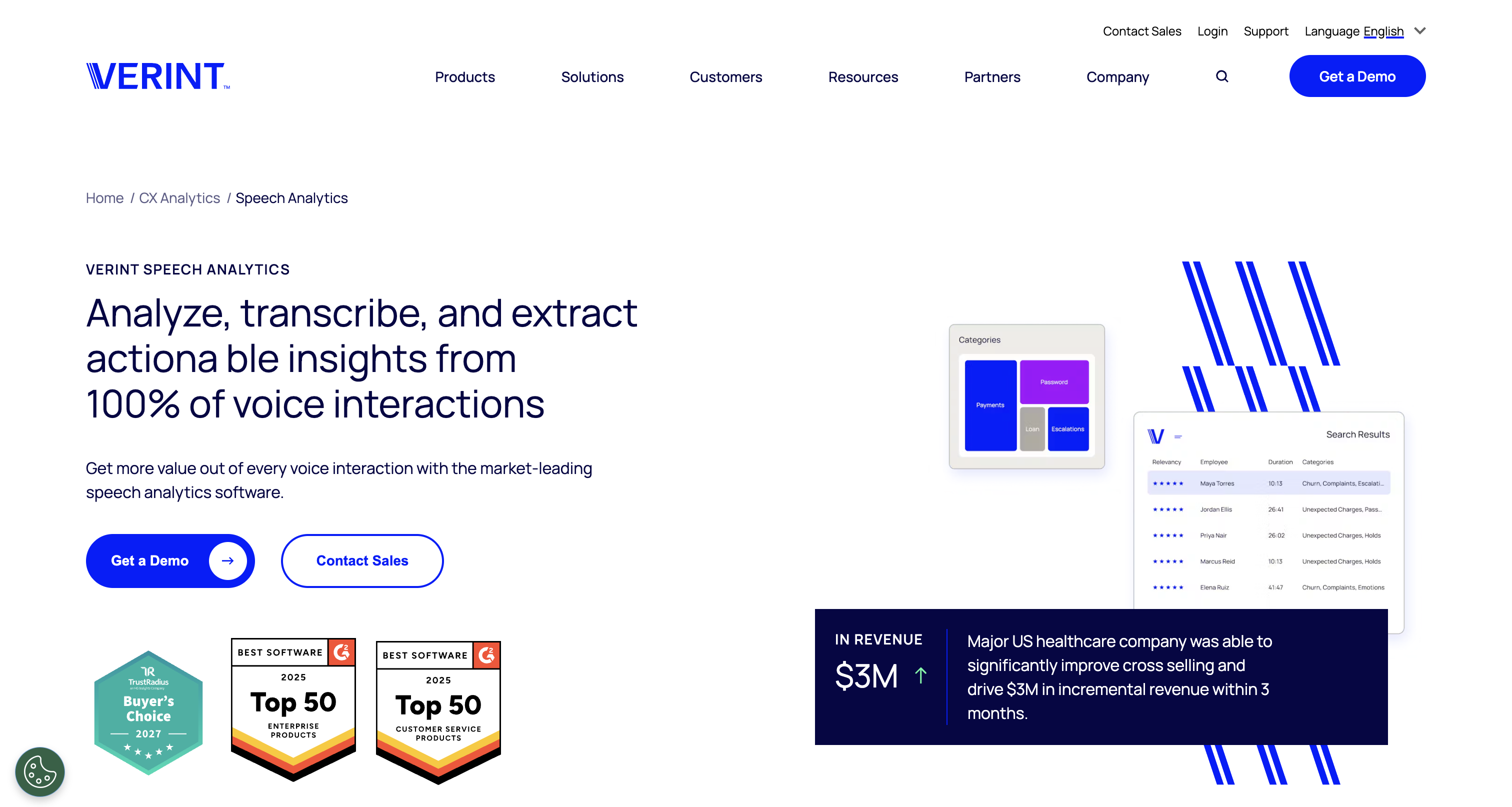
Verint's strength is depth for compliance-heavy teams. Its Speech Analytics pairs Exact Transcription with sentiment scoring and root-cause analysis.
Standout features:
Limitations: The breadth of the suite can be more than a mid-size team needs.
Pricing: Verint offers custom pricing based on business needs.
Best for: Financial services, insurance, and other regulated enterprises where compliance monitoring drives the purchase.
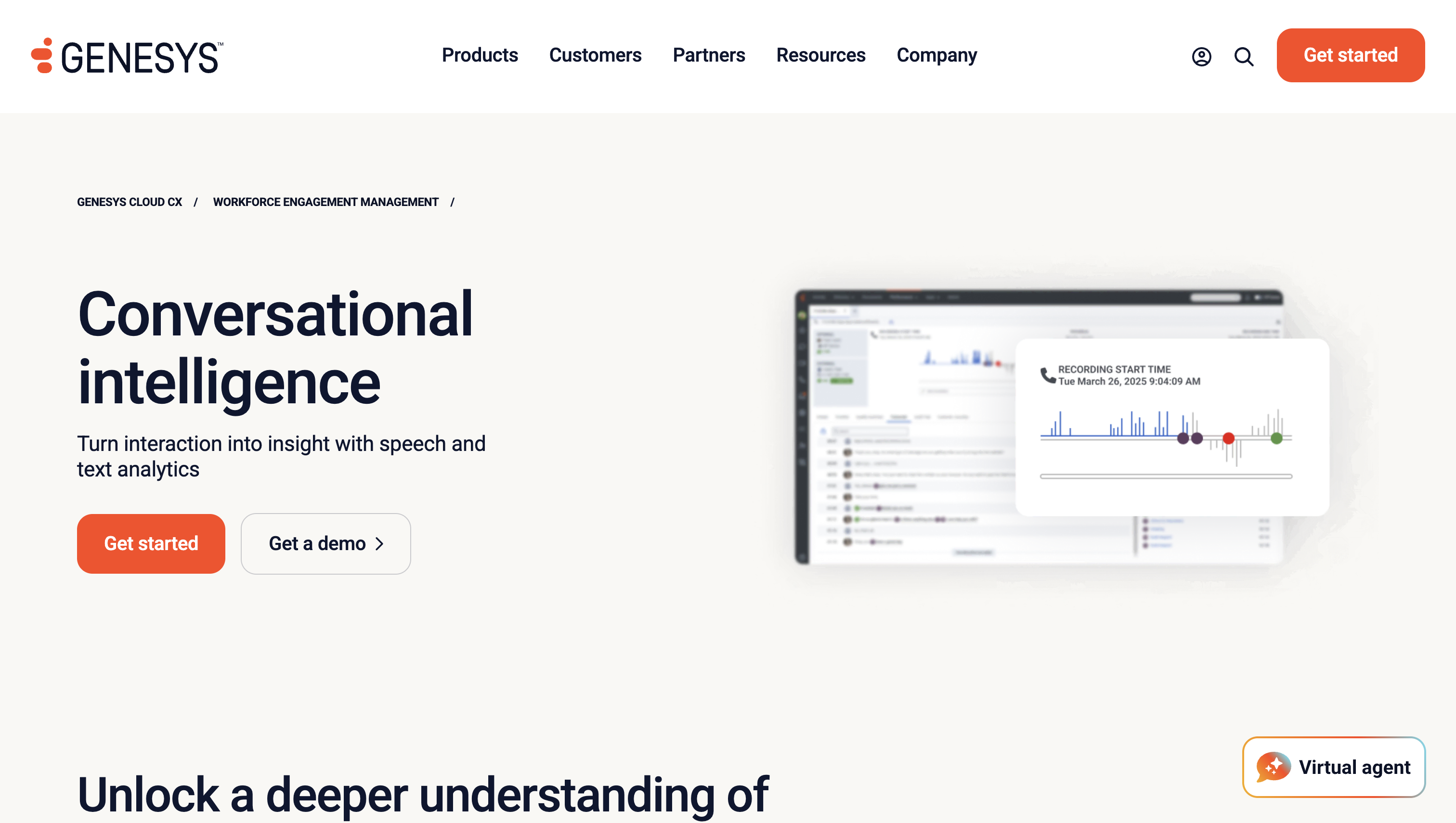
Genesys builds analytics into Cloud CX, so you get it as part of the contact center rather than as a separate product. Its tiers decide how much analytics usage is included.
Standout features:
Limitations: The best fit is a team running or moving onto Genesys Cloud CX. That said, Bring Your Own Interactions means consolidation doesn't always require replacing your current contact center.
Pricing: Base prices are per named user per month, billed annually: CX 1 at $75, CX 2 at $115, CX 3 at $155, and CX 4 at $240. Transcription, topic analytics, and sentiment and acoustic analysis use Experience Units on CX 1 and CX 2, and they're included on CX 3 and CX 4.
Best for: Enterprises standardizing on one omnichannel contact center platform.
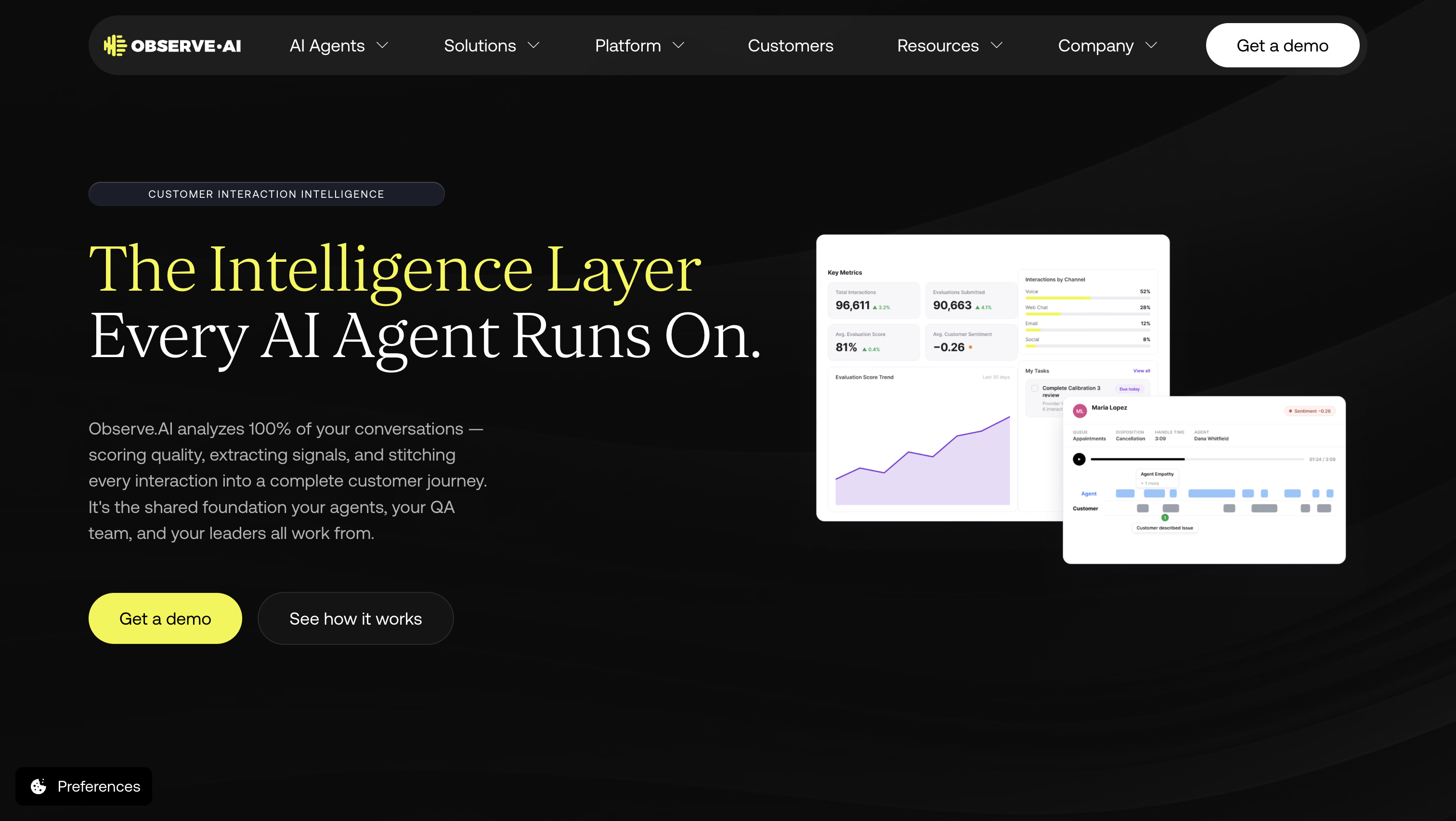
Observe.AI leads with automated QA. It evaluates interactions against consistent standards and turns the results into coaching.
Standout features:
Limitations: If you need broad omnichannel voice-of-customer analytics or an enterprise compliance suite, weigh its scope against the suite vendors.
Pricing: Observe.AI offers custom pricing based on deployment scope, deployed AI agents, conversation volume, and channels covered.
Best for: Voice-heavy contact centers where automated QA and agent coaching are the priority.
You run a speech analytics pilot by testing one queue against one question for a fixed period, then expanding only if it beats your baseline. Here's the sequence I'd follow:
Contact center speech analytics is only worth paying for if someone acts on what it finds. A duplicate-charge category that never reaches the billing team won't prevent a single callback.
So start with one queue and one question, and record your baseline before you buy anything. Then test two or three platforms on your own calls, including the noisy ones with heavy jargon.
If you want analytics inside the system that already runs your calls, put Nextiva on that list. If you need a separate tool with deeper rule configuration, add CallMiner or Verint.
Speech analytics can improve repeat-contact rates, resolution, handle time, satisfaction, retention, and wrap-up time. Pick one primary metric that matches the action you'll take, rather than treating a higher analytics score as the goal.
Banking, insurance, collections, and healthcare benefit most when disclosure review or sensitive conversations drive the purchase. But choose your use case by your recurring problem. A financial services team might start with disclosure review, while a product support team might hunt for recurring defects.
QA managers and supervisors need practice interpreting the rubric, reviewing transcripts against audio, and tuning categories. They also need to calibrate against model scores, manage permissions, and track actions.
Yes. Focus the pilot on recurring work that can justify the licensing, integration, and review effort. Compare an option built into your current platform with a dedicated tool using the same expected workload, since company size alone doesn't decide the better buy.
Call recording preserves the audio. Speech analytics turns that audio into searchable transcripts, categories, scores, and insights.

Cindy is an Outreach Manager and SEO Specialist at ONSAAS who helps SaaS companies grow through strategic link building and SEO. Outside of work, she loves spending time in nature, especially hiking in the mountains.


