If you’ve searched for the best AI phone assistant, you’re probably not looking for another generic list that throws all tools into the same bucket and calls it a day.
You’re trying to figure out something practical: Which assistant actually makes your life easier?
Because the reality is, AI on your phone isn’t just about setting timers anymore. It’s also about scheduling meetings, summarizing emails, answering calls, and much more.
The problem is that every company claims its assistant does it all.
In reality, comparing them isn’t straightforward because they’re not built for the same job. Some assistants are deeply baked into your device. Others live inside work apps, and so on.
So, instead of another surface-level roundup, this guide breaks down the top 10 AI phone assistants in 2026 based on real-world usability, ecosystem integration, voice intelligence, privacy, and actual user feedback.
Forget about “cool features”, here’s what you really need to pay attention to before choosing the best AI phone assistants for you:
The strongest assistants behave as if they were built into the phone from day one. For example, when you say “add this event and invite Mom,” it updates your calendar, pulls the contact, and drafts the invite. Then, it sends the invite without jumping between five different apps.
On Android, assistants that integrate with Google Workspace (Gmail, Calendar, Drive, Meet) feel far more powerful. On iOS, deep compatibility with Apple HomeKit, Messages, and system settings makes a noticeable difference.
The less you have to switch apps, the more the assistant actually feels useful.
Everyday conversations happen in noisy places, with accents, mumbled words, interruptions, or background chaos. The best assistants can manage multi-turn dialogue smoothly; when you ask a follow-up question, they remember the context instead of making you start over.
Also, the background noise cancellation and strong microphone optimization allow you to work reliably in cars, cafés, or busy environments, without limitations.
The most advanced AI voice assistants now combine camera input, screen context, and voice capabilities for richer real-time assistance.
Voice lets you act hands-free. Vision allows you to point your camera at a document, product, sign, or screen and get instant context. Text input remains essential for precise instructions, longer prompts, or quick corrections.
Now imagine combining all three. Combining these features together, the assistant can understand context more accurately and deliver far more useful responses than voice alone.
On-device processing has become essential for anything personal. Assistants that run core tasks locally keep your queries, photos, calendar entries, and voice recordings off remote servers most of the time.
Look for clear explanations of what information stays on the device, what gets encrypted end-to-end, and what (if anything) is sent to the cloud, when it comes to complex requests.
Strong compliance with regulations like GDPR and CCPA adds another layer of trust. If privacy is a priority for you, choose options that give you control over your sensitive information and minimize data collection.
The real benefit comes when the assistant can integrate into and enhance your day-to-day routines. Imagine if you could create a single voice command like “Morning routine” that would open your preferred music app, read the first few calendar items, or start your usual coffee maker.
Easy-to-build routines, voice-triggered shortcuts, and support for connecting third-party apps (fitness trackers, notes, email, etc.) make a huge difference.
Personalized voice styles, response tones, or visual themes also help it feel less generic and more personalized.
You’ll inevitably be somewhere with no signal, on a plane, in a tunnel, or in a remote area. The best assistants still let you run basic tasks without an internet connection.
Speed is just as important. Modern on-device chips deliver responses in well under half a second for most commands, and well-optimized models avoid draining your battery during longer sessions.
Now, let’s jump into 10 of the best AI phone assistants to take into consideration.
Best For: Apple ecosystem users who prioritize privacy and seamless device integration
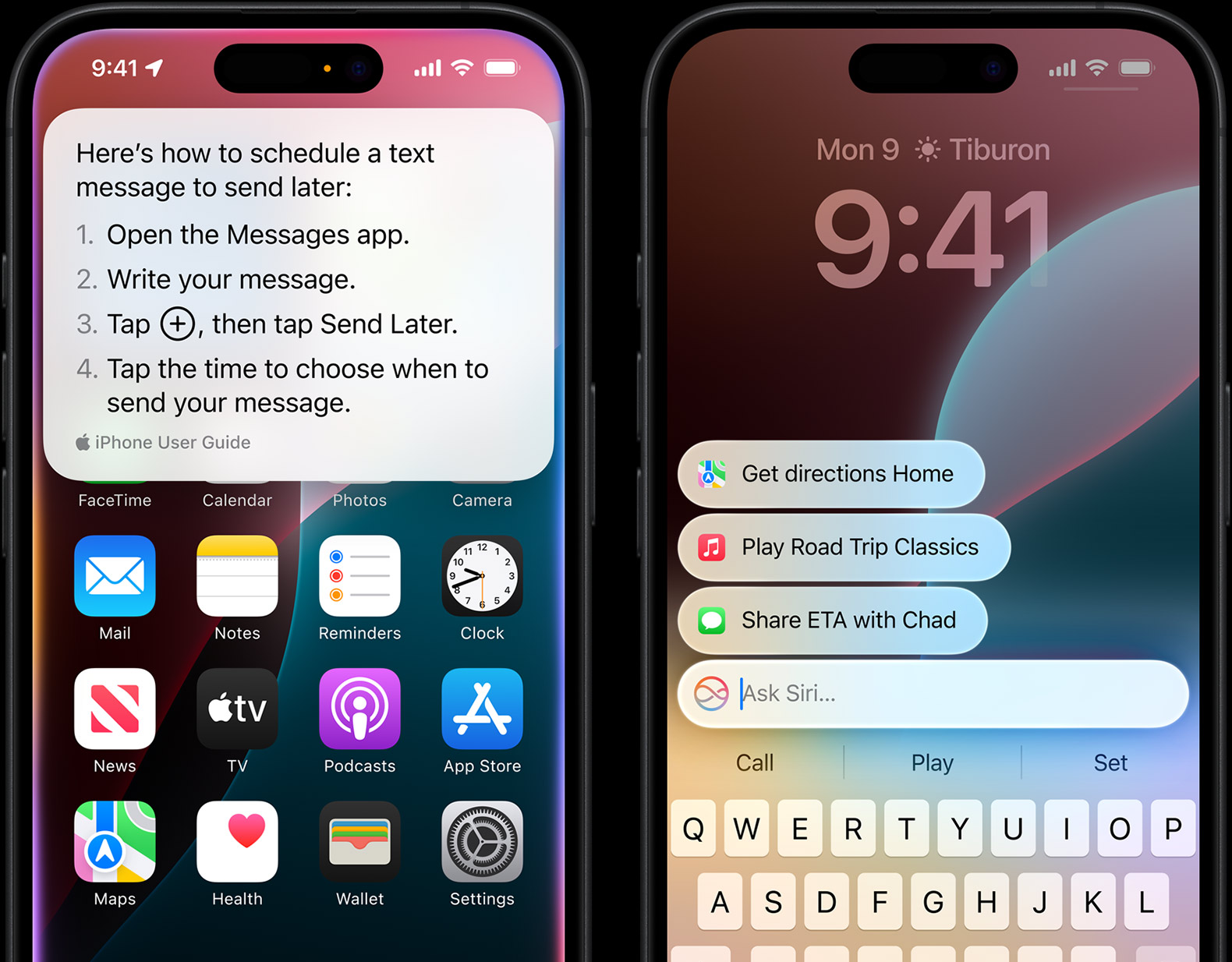
Apple users use Siri daily on their iPhone and Mac, and at this point, Siri feels less like an app and more like a part of the operating system. It’s perfect for quick tasks, like setting reminders, adjusting calendar events, or dimming the lights through HomeKit. It’s fast, predictable, and requires almost no setup.
If you rely heavily on third-party services or use multiple operating systems, you may find its capabilities somewhat limited. But for users committed to Apple devices, it remains one of the most stable and privacy-focused AI phone assistants available.
.svg)
Smooth experience within Apple's ecosystem
Strong privacy-first architecture
Fast execution for everyday commands
Minimal setup required
Works consistently across devices
.svg)
Limited advanced reasoning and multi-step dialogue
Works best only within Apple devices
Fewer third-party integrations than competitors
Advanced AI upgrades depend on newer hardware
Smart home compatibility is narrower than Alexa
Free with all compatible Apple devices. No subscription required.
4.4/5 (Apple)
Best For: Android users who want advanced AI reasoning deeply integrated into Google services
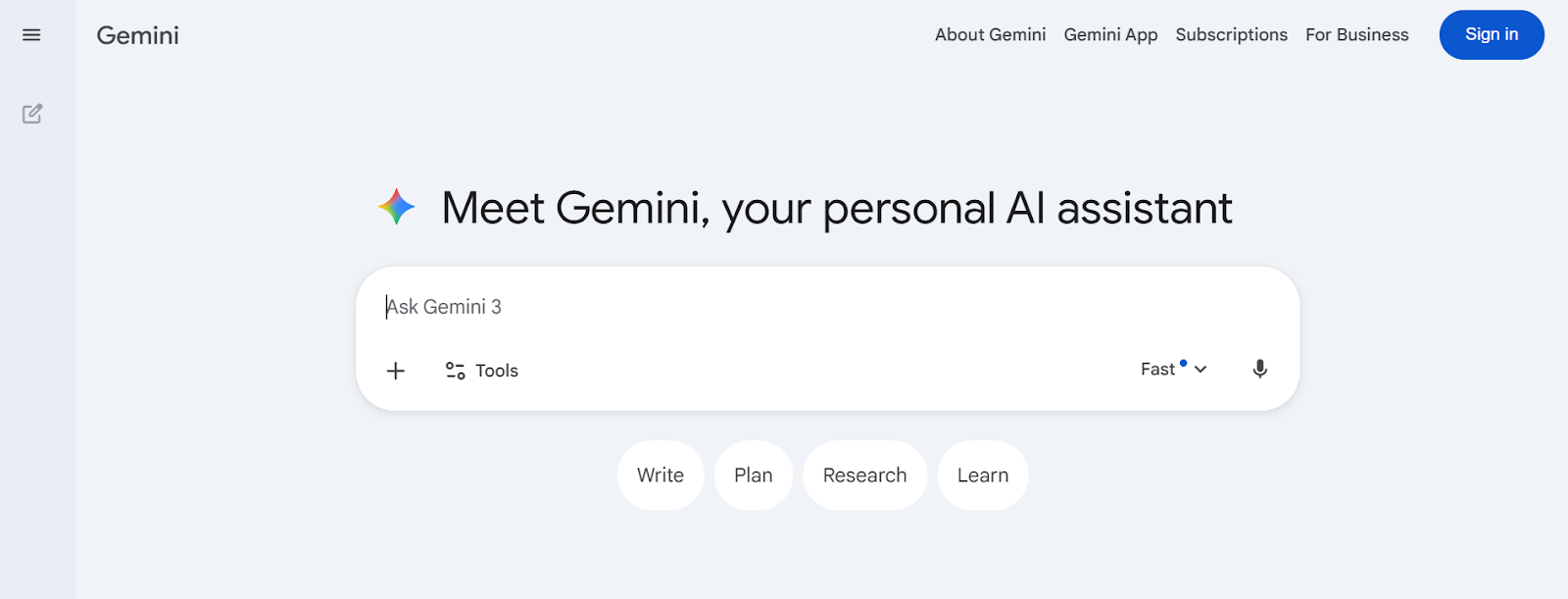
Google Gemini is Google’s next-generation AI assistant, designed to offer deeper reasoning, multimodal input, and stronger integration with Google Workspace. It’s built into Android devices and accessible through the Gemini app, and it connects directly with Gmail, Docs, Drive, Maps, and YouTube.
Excellent contextual understanding and follow-up handling
Strong integration with Google apps and the Android system
Powerful multimodal capabilities (camera + voice + text)
Free basic access for most Android users
Handles research-style queries well
Limited system-level access on iOS
Some advanced features require a Gemini Advanced subscription
Privacy concerns for users cautious about data usage
Performance varies depending on device model
4.7/5 on App Store
Best For: Samsung Galaxy users who need deep device-level automation
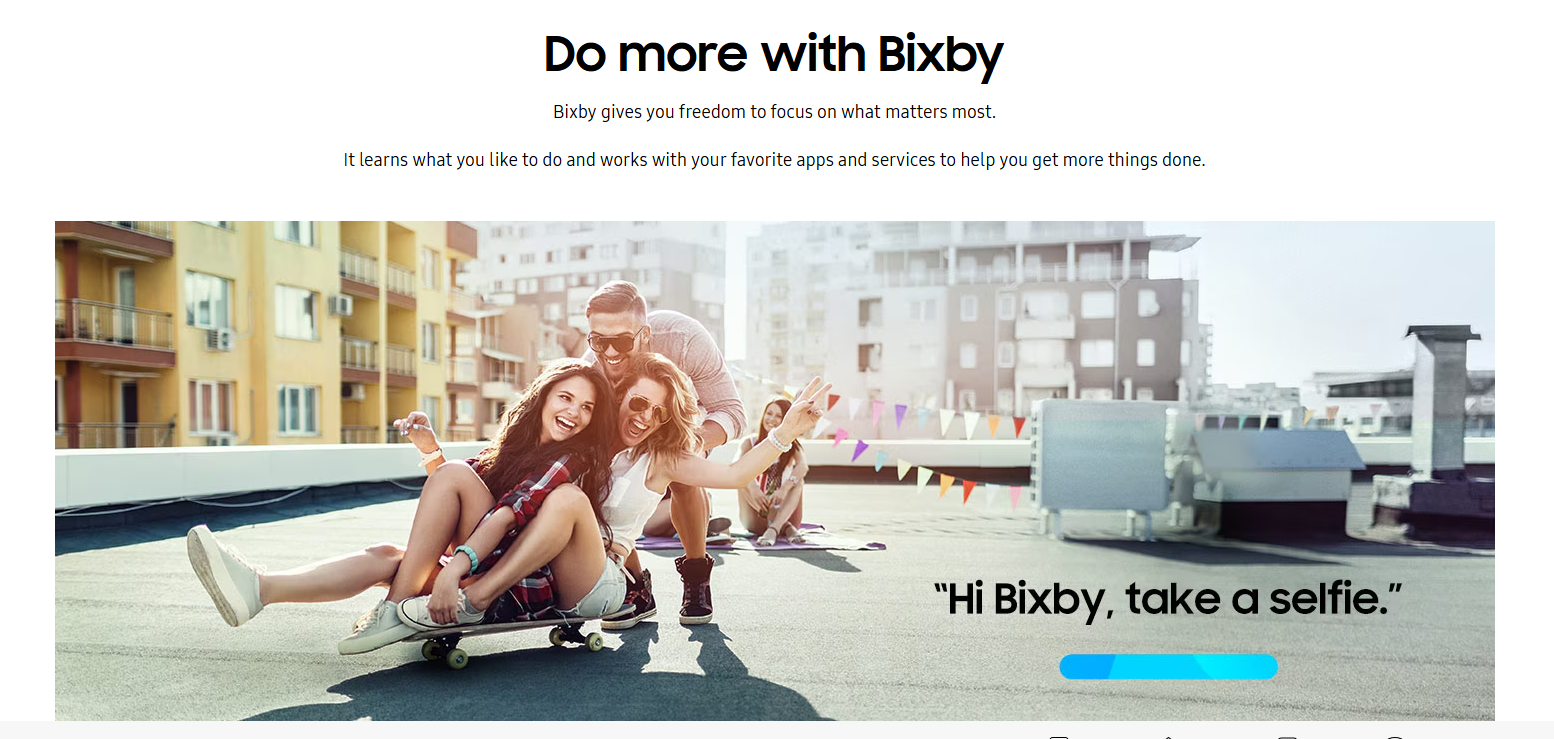
Samsung Bixby is Samsung’s built-in AI phone assistant designed to control Galaxy devices at a system level. It allows users to adjust settings, trigger routines, manage SmartThings devices, and automate actions based on location or usage patterns.
Bixby integrates tightly with Samsung hardware; therefore, it’s especially useful for users fully invested in the Galaxy ecosystem.
Lightning-fast on Samsung hardware with minimal lag
Deep device and SmartThings integration
Strong offline support for core functions
Excellent accent and noise handling in real-world use
Free and pre-installed on Galaxy phones
Limited to Samsung Galaxy devices only
Weaker at creative writing, deep research, or non-Samsung ecosystems
Voice wake-up can be finicky compared to "Hey Google"
Some advanced features still feel less polished than competitors
Currently free to use, it’s integrated as a standard feature on Samsung Galaxy devices, TVs, and appliances.
3.3/5 on Google Play
Best For: Professionals, students, and productivity-focused users who want AI built into their work tools
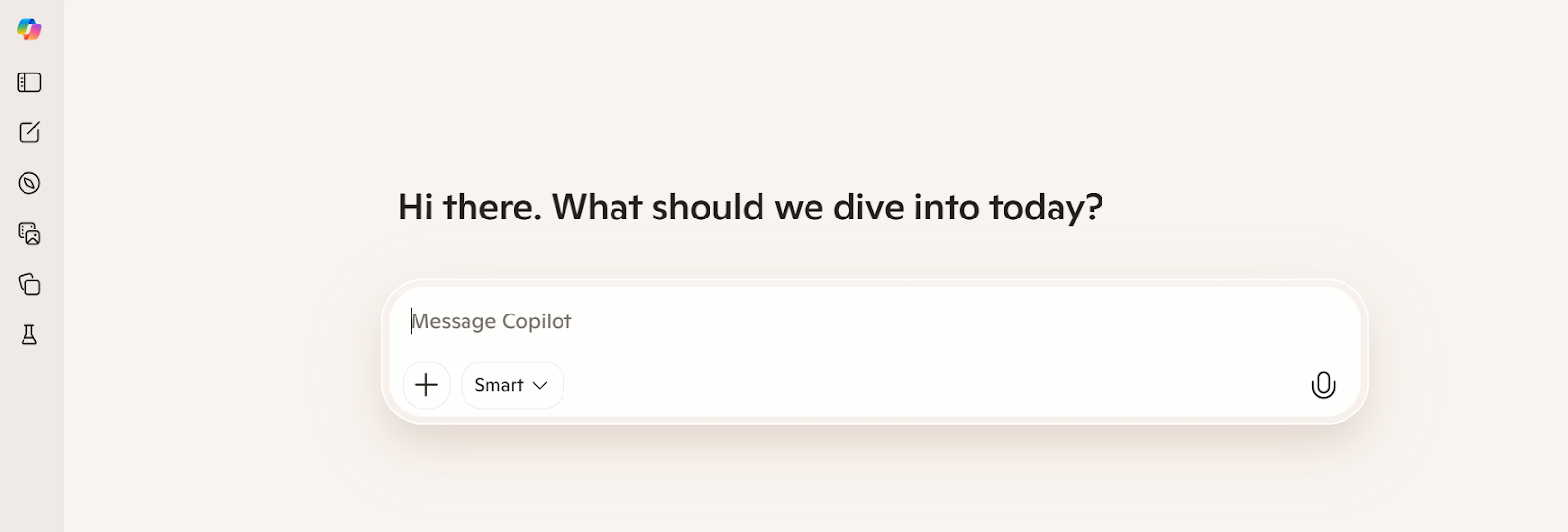
Microsoft Copilot is an AI assistant built around productivity and workplace integration. It connects directly with Microsoft 365 apps like Outlook, Word, Excel, and Teams, helping users draft documents, summarize meetings, analyze data, and manage tasks more efficiently.
Saves insane amounts of time on actual work tasks
Drafts in your personal writing style after a few examples
Enterprise-level privacy and compliance
Useful source citations for search-based queries
Weak at non-Microsoft ecosystems and smart-home control
Lives mostly in its own app on mobile
Can feel overly corporate/formal compared to ChatGPT
Some of the very best features still require a paid 365 plan
Microsoft Copilot comes with multiple plans, including:
4.7/5 on Google Play and 4.8/5 on App Store
Best For: Social media users who want AI built directly into a messaging app
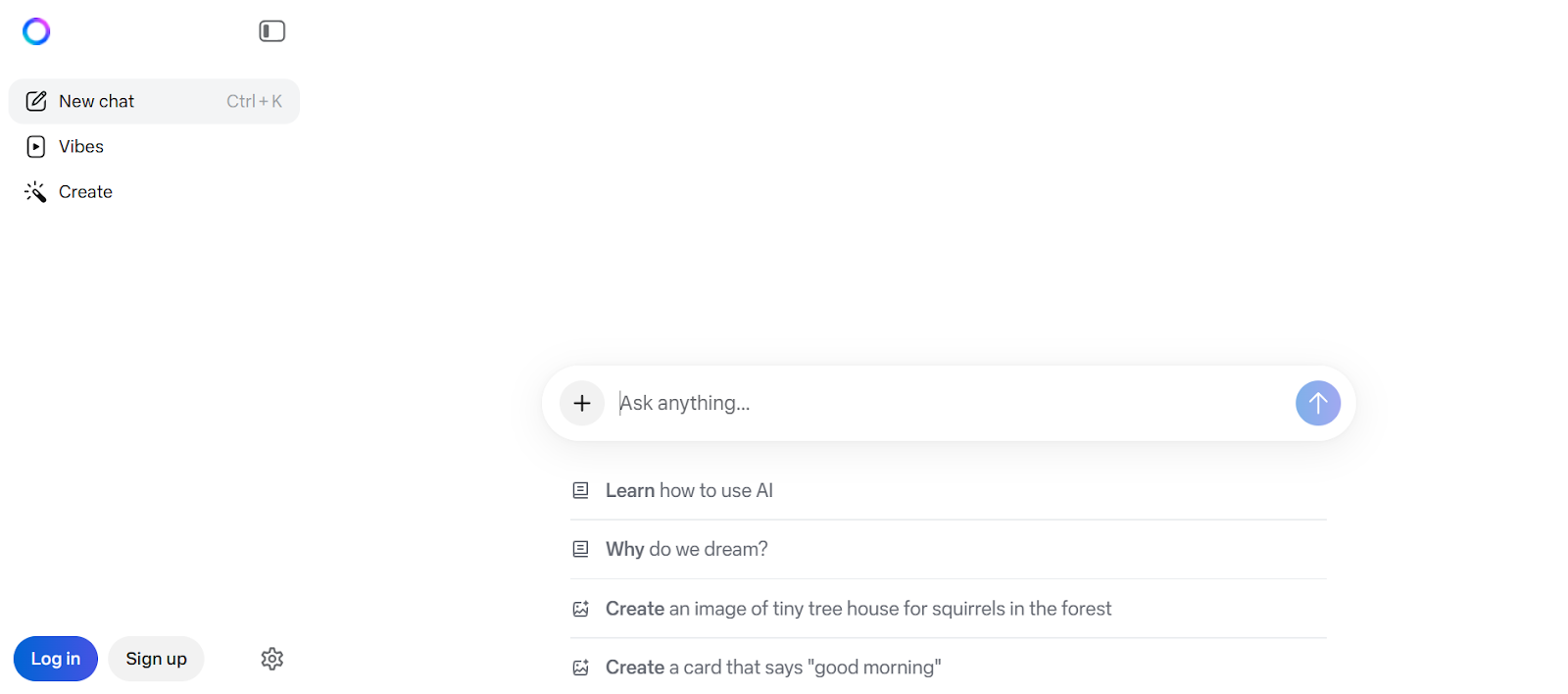
Meta AI is an AI assistant integrated directly into WhatsApp, Instagram, Facebook, and Messenger. It operates inside conversations, helping users generate images, answer questions, brainstorm ideas, and use other AI-supported features without leaving the chat.
It’s more efficient for users who already spend most of their time inside Meta’s social platforms.
Integrated into Meta's platforms
Excellent free image generation and creative tools
Seamless for group chats, replies, and social brainstorming
Fast and multilingual
Completely free with no paywall for core features
Privacy concerns (Meta ecosystem, potential ad influence)
Weaker at productivity, calendars, emails, or smart-home tasks
Can be inconsistent on factual queries
Fewer natural/deep voice conversations than ChatGPT/Gemini
Tied to Meta apps, so if you avoid them, it's useless
Completely free, no subscription or premium tier required.
4.8/5.0 on App Store
Best For: Anyone who needs a super-smart conversational virtual partner for brainstorming, writing, planning, and learning.
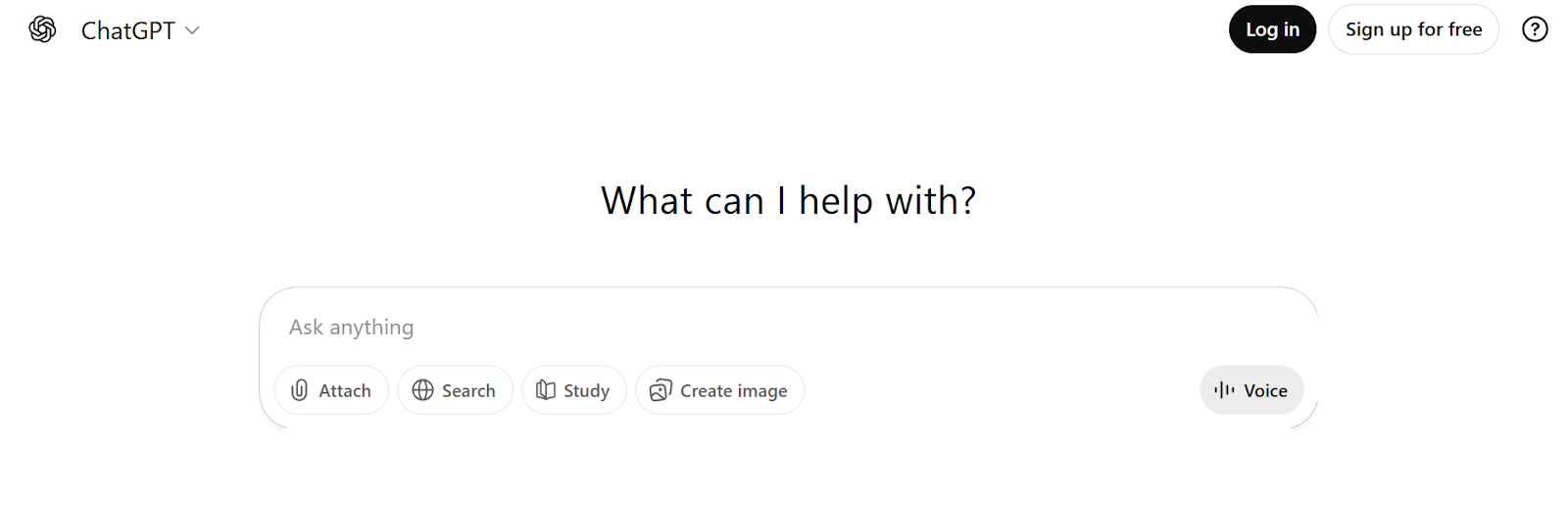
The ChatGPT app functions as a powerful mobile AI assistant for conversation, writing, research, and multimodal analysis. They’re built to help with a wide range of tasks, from drafting messages and generating ideas to analyzing documents and interpreting photos.
Users often praise its depth of reasoning and flexibility; it feels less like a fixed tool and more like a thinking partner that adapts to how you work.
Good at creative writing, brainstorming, and explaining anything
Voice chats feel the most human-like right now
A free version is available for daily use
Constant model updates keep it ahead in reasoning and versatility
No native phone controls (alarms, calls, smart home, etc.)
Requires internet for most advanced features
Battery drain is noticeable during long voice or image sessions
Privacy: data goes to OpenAI servers
Free tier is very usable; ChatGPT Go is $7/month, Plus is $20/month, and Pro is $200/month.
4.8/5.0 on App Store
Best For: Professionals and planners who want smarter time management and calendar automation

Reclaim AI lives inside your Google Calendar (and works great on mobile) and acts like a smart personal scheduler that fights for your time. You connect it once, tell it your priorities, recurring tasks, and meetings you want to defend, and it auto-schedules everything intelligently.
On your phone, the app gives quick overviews, lets you approve/reschedule with a tap, and shows analytics on how much time you actually reclaimed each week.
Reclaims hours every week by defending your priorities
Feels like having a personal assistant managing your calendar
Intuitive mobile app for on-the-go adjustments
Free tier covers the basics for most individual users
Constant improvements based on user feedback
Does not directly sync with Apple Calendar. Users must import their iCloud calendars into a Google Calendar
Not as deeply integrated as Google Calendar
Users sometimes report that updates do not appear instantly, which can lead to outdated availability
Lite Plan is free, Starter is $10 per seat/month, and Business is $15 per seat/month.
4.8/5 on G2
Best For: People who live in Gmail and seek an AI-powered inbox that summarizes and prioritizes messages
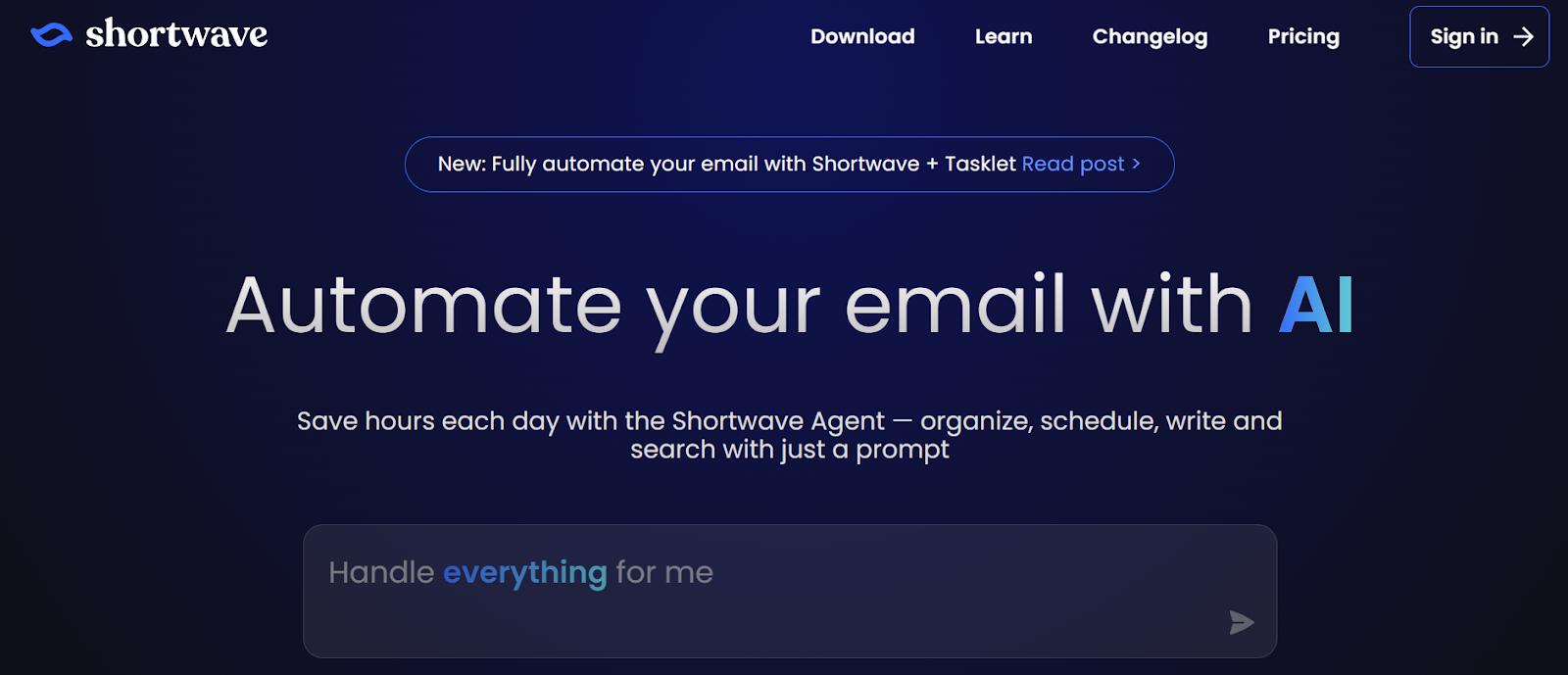
Shortwave reimagines Gmail with smart AI at its core, available as a web app and strong mobile apps for iOS and Android. It automatically bundles related emails into clean threads, generates concise summaries of long conversations, and suggests quick replies based on context.
Reduces email overwhelm with smart bundling and summaries
Fast interface that improves on native Gmail
Excellent for high-volume inboxes and productivity
Works seamlessly on mobile for on-the-go management
Strong privacy
Operates exclusively with Gmail and Google Workspace, and it's unusable for users reliant on Microsoft Outlook, Yahoo, or iCloud
No native desktop app
The heavy reliance on AI may not suit users who prefer manual control
The new, AI-driven interface requires time to master the workflow
Individual plans include a free tier, and Individual Pro costs $14 per seat/month when billed annually. Business plan starts at $24 per seat/month, when billed annually. Shortwave enterprise is available upon request.
4.4/5 on G2
Best For: Android users who need reliable, lightning-fast voice commands for everyday phone controls.
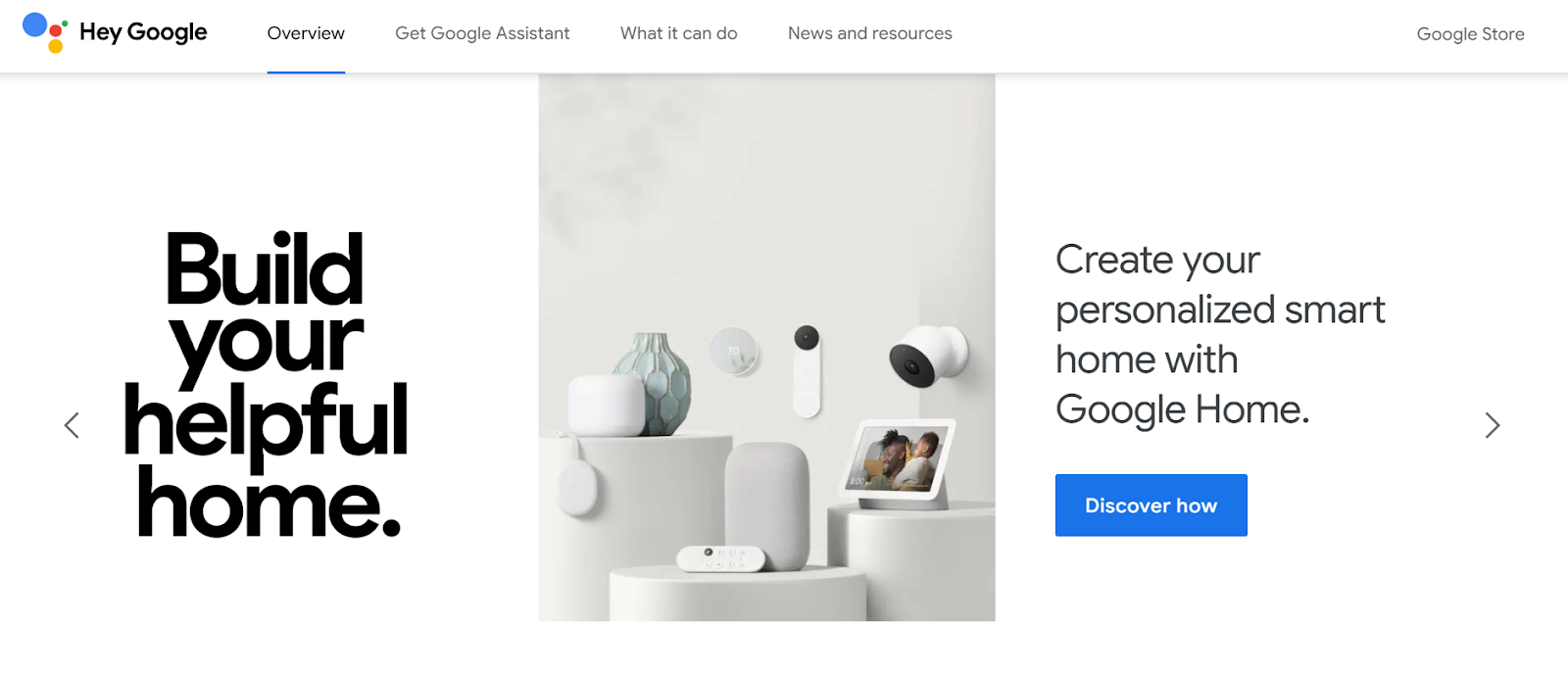
Google Assistant is Google’s built-in AI voice assistant designed to control Android devices, manage smart home setups, and answer real-time queries. It integrates tightly with Google services like Gmail, Maps, Calendar, and YouTube, making it powerful for users already inside the Google setup.
It feels fast, responsive, and deeply embedded in Android devices.
Fast and accurate for simple voice commands
Seamless device and smart home control
Excellent offline reliability for core tasks
Free and pre-installed on most Android devices
Data privacy concerns remain a recurring issue due to Google's data collection model
Feature availability can vary depending on device type and Android version
Some advanced features require newer hardware for full on-device processing
Cross-platform performance (especially on iOS) feels less native than on Android
Google Assistant is free for consumers on Android, iOS, and smart home devices. While the core service is free, advanced AI features are included with paid Google One AI Premium plans.
4.7/5 on Google Store and 3.8/5 on Google Play
Best For: Users who want to convert text into natural speech for listening on the go
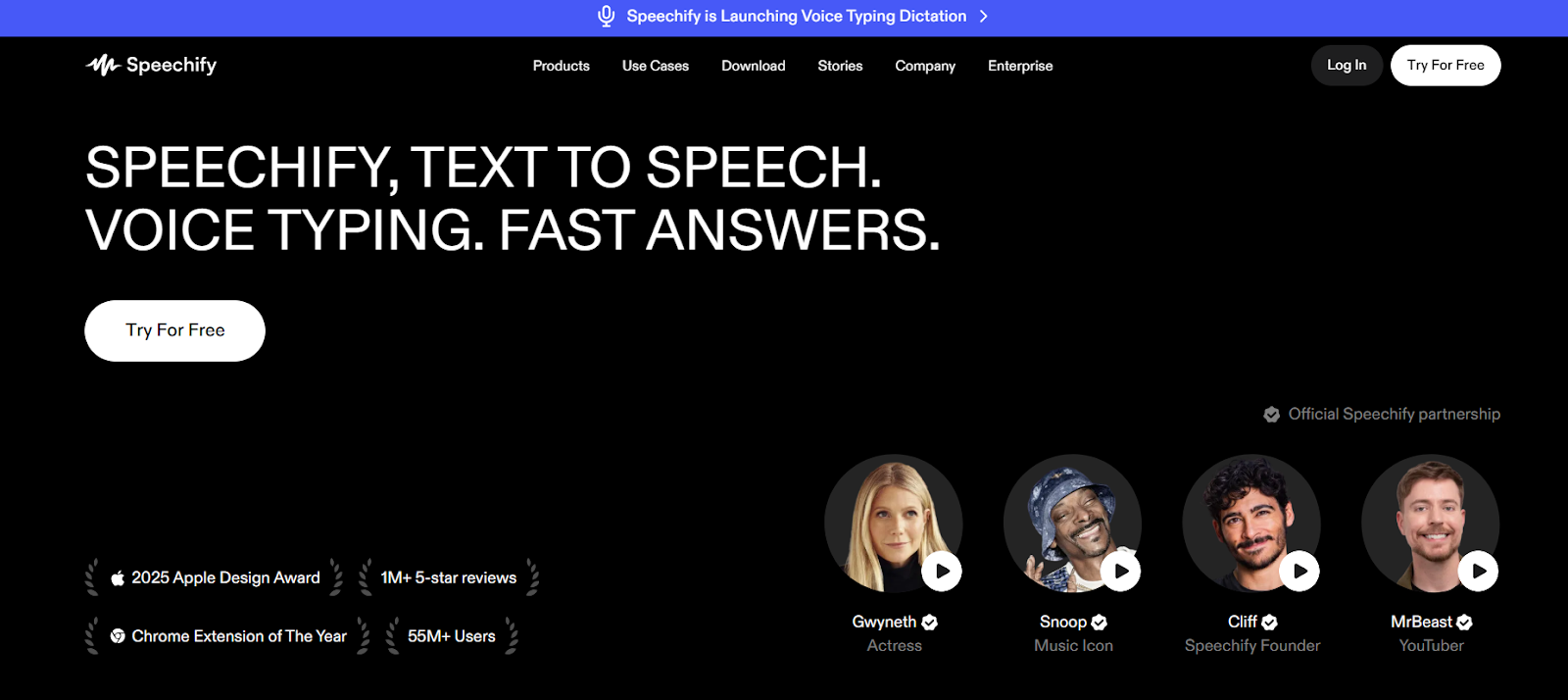
Speechify is an AI-powered text-to-speech assistant that turns written content into high-quality spoken audio. It’s popular among users who prefer listening over reading or who want to absorb content while multitasking, commuting, or studying.
The voice quality is noticeably more natural than many standard text-to-speech tools
It saves time when processing long documents
Adjustable playback speed makes it easy to customize for productivity
Great accessibility tool for users with reading challenges
It's not a full AI phone assistant; its scope is limited to reading
A premium subscription is required for the best voices and features
Limited integration with broader phone system controls
Doesn't offer conversational AI or multi-turn dialogue
Less useful if you primarily consume short-form content
Free version available with limited voice options, and the premium plan is $29/month.
4.5/5 on G2
After looking at all ten best AI phone assistants, one thing is clear: there isn’t a single “winner” that fits everyone.
The best AI phone assistant depends on how you actually use your phone.
There isn’t a single best AI phone assistant for everyone. Many users searching for the best AI voice assistant are comparing system-level tools like Siri and Gemini with AI apps like ChatGPT, but the right choice depends on whether you prioritize device control, reasoning ability, privacy, or ecosystem integration.
Siri with Apple Intelligence is preferred for iPhone users in 2026. It’s built into every part of iOS, handles calls, messages, HomeKit, reminders, and on-screen actions with almost no friction, and keeps most processing on-device for strong privacy.
Google Gemini is the go-to for most Android users. It’s the default on newer Pixels and many other devices, pulls effortlessly from Gmail/Calendar/Maps/Photos, offers excellent Gemini Live voice chats, real-time camera analysis, etc.
Yes. Some of the best AI phone assistants are genuinely good without paying: Google Gemini (free tier is powerful), Meta AI (free inside WhatsApp/Instagram), Siri (free on iPhone), Google Assistant (free on Android), and Bixby (free on Samsung).
Siri (Apple Intelligence) leads by a wide margin. Most processing happens on-device, sensitive data stays local, and anything sent to the cloud is end-to-end encrypted with no ad targeting.
If privacy is your top priority, start with Siri or stick to on-device-first features with other assistants.
Offline support varies by assistant. Core features like alarms, notes, or simple voice commands may work without a connection, but advanced reasoning, multimodal features (vision, document analysis), and real-time translation usually require an internet connection.

Irina is a Founder at ONSAAS, Growth Lead at Aura, and a SaaS marketing consultant. She helps companies to grow their revenue with SEO and inbound marketing. In her spare time, Irina entertains her cat Persie and collects airline miles.
.svg)
.svg)
.svg)

.svg)
%20(1).svg)
%20(3).svg)
.svg)
.svg)