If you want every cold email—thoroughly crafted and personalized—to land right in your prospects’ inboxes, you need to purchase an email warm-up tool.
During my time running cold outreach campaigns at Hunter and since, I’ve seen firsthand how important deliverability optimization is for sales teams.
In this guide, I’ll explain what email warmup is and how it works. I’ll also review the eight best warmup tools—free and paid.
Email warmup is an ongoing process of gradually sending emails to “healthy” inboxes that are provided by warmup tools. The number of emails per day is also controlled by these tools. If your email lands in spam, promotions, or other categories, or gets bounced, warmup tools rescue that email and send a reply.
This steady engagement helps your email build trust with email service providers and boosts sender reputation. And that prevents your cold emails from going to spam. Reps run email warm-up for newly created email addresses to prepare the account for cold outreach. They may slowly decrease the number of emails sent per day, but never stop entirely.
Ongoing email warmup helps maintain a good sender reputation, improves inbox placement, and quickly highlights emails that land in the junk folder.
Email warmup tools boost deliverability by simulating healthy sender activity across a controlled network of real inboxes.
Let’s look at this from the technical side of things.
Warmup tools connect your mailbox to a vetted network of other real inboxes. Your account begins sending small batches of emails to these inboxes each day.
These inboxes are set to complete certain actions:
This creates a pattern that mailbox providers (Gmail, Outlook, corporate accounts) read as normal, trustworthy sender behavior. So your cold emails easily slide into their inboxes when you start real outreach.
Warmup tools increase sends slowly and automatically—often by 2 to 10 emails per day. This behavior mimics how a real person would use a new inbox and avoids triggering spam filters.
Once your email account passes a 90% health score, warmup tools move to maintaining positive signals.
Here’s what warm-up tools typically aim for:
SPF, DKIM, and DMARC are DNS records on your domain. They live in your domain’s DNS settings that email providers (Gmail, Outlook, corporate filters) check to verify if your emails are legitimate.
Here’s a quick overview:
If these records are misconfigured, your deliverability tanks no matter how “warmed up” your inbox is.
Although the logic behind every warmup tool is quite similar, there are five features you can’t overlook. You need to make sure any warm-up tool you go with has all of these.
Not all warm-up tools actually protect your domain reputation. Unfortunately, many only send warm-up emails and nothing else.
Yet you need a tool that actively works to fix underlying deliverability issues like DNS checks, blacklist monitoring, spam recovery, and mailbox placement insights. Check for all of these features before taking out a subscription.
For example, when you see “blacklist monitoring,” it means a warmup tool must alert you if your domain or IP address lands on major blacklists like Spamhaus, Barracuda, and UCEPROTECT.
Predefined warmup settings are good for beginners. Companies that send outreach in large volumes, however, should be able to customize settings because your domain age, sending volume, industry, and email infrastructure all affect the best way to warm up.
You should be able to change all of the following settings:
The goal of analytics in warmup tools is to show how healthy your sender reputation is. Importantly, this allows you to identify and correct issues early on.
Analytics dashboards should clearly show these deliverability metrics:
Warmup tools must easily integrate with your email service providers, cold outreach tools, and your CRM.
At a minimum, confirm support of these integrations:
Keep in mind that some companies require solid security measures like OAuth and 2FA. Your warm-up tool has to comply with them. The best warmup tool also allows multi-inbox support.
Warmup pricing varies wildly, so match cost to your volume and email infrastructure. Watch closely for hidden fees and limits on daily warmup volume or number of inboxes.
This comparison focuses on tools’ functionality, differentiators, and pricing—and has no particular order.

Artisan is an AI-first outbound platform that has pioneered AI BDRs—virtual sales reps that can act autonomously. Ava, Artisan’s AI BDR, prospects on autopilot and crafts hyper-personalized sequences based on intent data.
To make sure outbound works smoothly, Artisan has built-in email deliverability tools to monitor deliverability metrics, warm up your accounts, and avoid spam filters.
Mid-market and enterprise companies looking to scale outreach while maintaining high deliverability.
Artisan’s AI-first outbound platform could be a strong fit if you want to combine warm-up, deliverability monitoring, and campaign execution in one place. It’s worth exploring a demo or trial to see how it fits your stack and volume needs.
Contact Artisan for a customized quote based on your business needs and scale.
All features are included.
Also read: Artisan Review: Is it the best AI Sales Assistant?

Warmup Inbox is a dedicated email warmup tool that boosts deliverability by running your mailbox through a network of real inboxes that open, reply, and rescue emails from spam. It gradually increases your daily send volume, monitors inbox placement, and helps build a healthy sender reputation.
Warmup Inbox offers a range of free, single-use tools, including a DMARC record generator, an email spam checker, and an email health checker.
Startups and individuals with small budgets and low send volume.

Lemwarm is a standalone email deliverability tool designed by Lemlist. It offers detailed reporting, checks your email tech setup, and offers inbox insights to improve your sender reputation and inbox placement.
Small and medium businesses that are just getting started with outbound sales or scaling. Lemwarm is convenient for individuals.
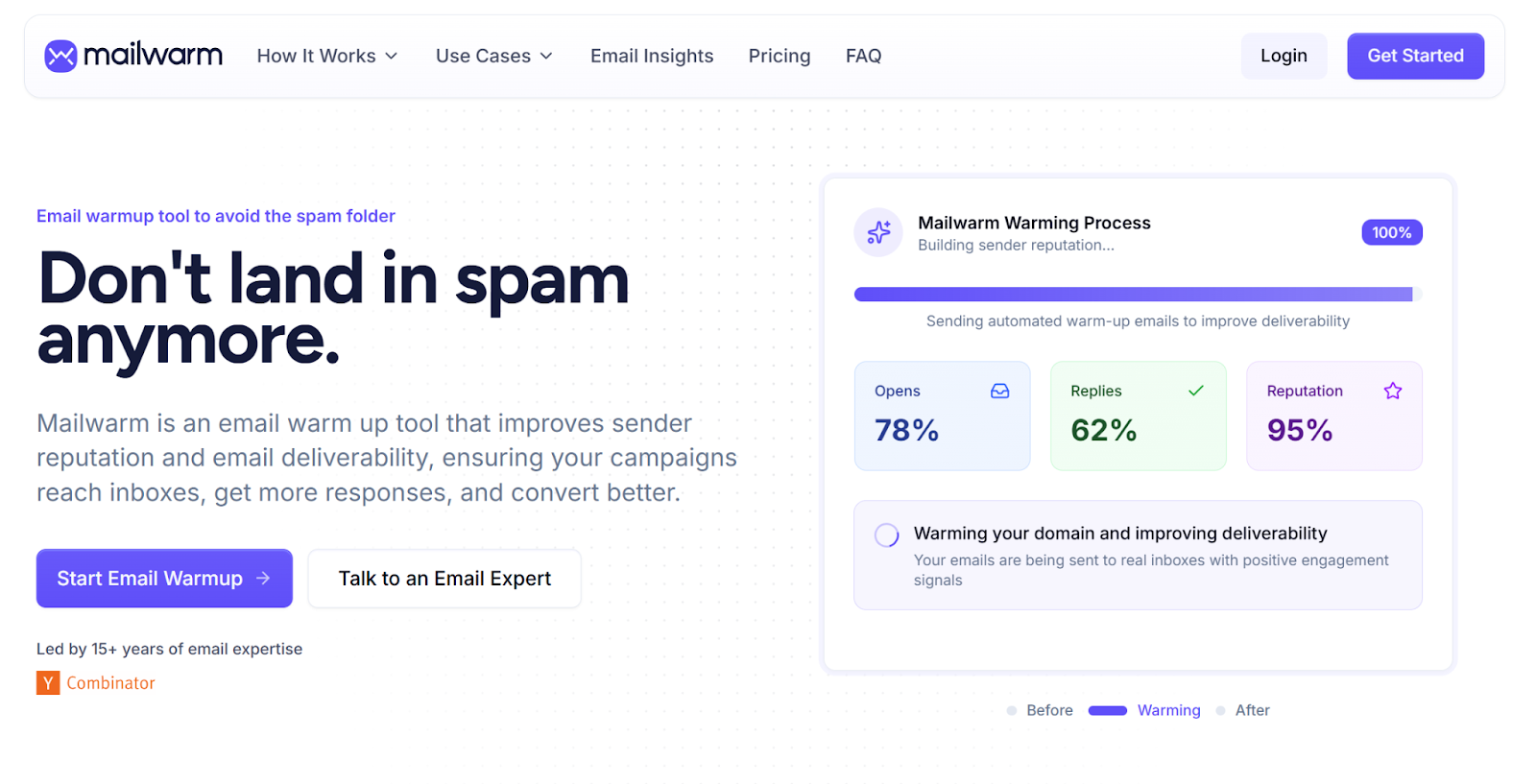
Mailwarm is an advanced email warmup tool designed to help teams build a strong sender reputation before launching cold outreach. It works by gradually increasing sending activity and generating natural and positive interactions across a large network of 50,000+ real inboxes on providers like Gmail, Outlook, Yahoo, and Microsoft 365.
The platform focuses on simplicity and reliability, offering automated email warm-up alongside deliverability monitoring tools such as spam score tracking, bounce prevention, and inbox placement insights. This makes it a solid option for teams that want to prepare inboxes without using a full outbound platform.
Startups, agencies, recruiters, and sales teams that want a simple and reliable way to warm up inboxes and improve email deliverability before scaling cold email campaigns.
Custom plans available for agencies and high-volume senders.
Mailwarm also provides several free email deliverability tools, including a spam checker, blacklist checker, email generator, and Gmail address generator to help test and optimize your email setup.
Mailreach is a dedicated email deliverability and warm-up tool. It runs automated warm-up sequences across a large 30,000-real-inbox network, monitors your domain/inbox health (DNS settings, blacklist status, placement, etc.), and provides analytics so you can track how well your mail is landing before launching outreach. What sets Mailreach apart is its tailored warm-up for different email service providers.
Outbound agencies and scaling businesses.
25 euros per inbox/month with 20 spam test credits and up to 100 emails per day. You can buy 100 spam test credits separately for 28 euros per month.

Warmy.io is a fully automated email warmup and deliverability tool that uses real inbox engagement to build sender reputation, improve deliverability, and help your outreach land in primary inboxes. Unlike any other tool, Warmy has a free product tour where you interact with the platform without signing up.
B2C senders, as the tool adjusts email responses to fit with B2C behaviors.
Pricing is undisclosed, but you can start using Warmly with a seven-day trial. Pricing varies depending on volume, number of mailboxes, warm-up intensity, and whether you’re a B2B or B2C sender.
Further read: 10 Outreach Tools You Should Know About

Warmbox differentiates itself with highly customizable warm-up settings. It offers one of the largest private warm-up networks (over 35,000 inboxes worldwide) and simulates realistic engagement based on your chosen settings. Plus, it has a separate warm-up tool for all eleven of the main email providers—Gmail, Yahoo, Yandex, Outlook, Amazon, etc.
Teams warming multiple inboxes or new domains that need different ramp-up speeds. Ideal for solopreneurs.

GMass is a Gmail-native email automation tool that lets you send personalized bulk emails, run follow-ups, and manage campaigns directly inside Google Workspace. It used to offer a warm-up feature, but Google policy changes forced GMass to shut warm-up down, so it now focuses solely on mail-merge-style outreach, basic deliverability controls, and in-inbox campaign tracking.
Gmail users with simple use cases.
Gmass offers free tools for basic email health check-ups.
While many tools offer basic warmup functions like automated replies and volume ramping, Artisan distinguishes itself as a comprehensive, AI-first platform that handles the entire outbound lifecycle rather than just the technical warmup.
The right warmup tool depends on your stack, your send volume, and how fast you plan to scale. If you’re a small team or testing early outreach, start with a free or lightweight option to build your reputation safely. Lemwarm and Warmbox are good options.
As you ramp, prioritize tools with automation, analytics, DNS monitoring, and clear inbox-placement insights. They’ll protect your domain and keep campaigns consistent. Your best choice is Artisan, Warmy, or Mailreach.
And if you’re looking for an all-in-one outbound platform, Artisan tops the list.

Irina is a Founder at ONSAAS, Growth Lead at Aura, and a SaaS marketing consultant. She helps companies to grow their revenue with SEO and inbound marketing. In her spare time, Irina entertains her cat Persie and collects airline miles.
.svg)
.svg)
.svg)

.svg)
%20(1).svg)
%20(3).svg)
.svg)
.svg)