
.svg)
%20(1).svg)
%20(3).svg)
Back to articles
We Tested 14 Email Deliverability Tools to Find the Best One
October 14, 2026
By
Irina Maltseva
Email deliverability tools help you boost delivery rates and stay out of your recipients’ spam folders.
They do this by combining spam testing, domain reputation monitoring, deliverability tracking, and email verification.
Even better, most platforms do this all on autopilot, freeing you up to focus on all-important human connections.
An email deliverability tool helps ensure your emails actually reach your recipients' inboxes — rather than getting filtered into spam or rejected entirely. These platforms typically address three core pillars:
The best tools combine all three, giving you both reactive diagnostics (what went wrong?) and proactive optimization (how do I stay in the inbox?).
We assessed each platform across five criteria:
Tools were evaluated based on hands-on testing, published documentation, and real user reviews.

Artisan is an all-in-one AI sales platform that consolidates your outbound tech stack. AI SDR Ava handles everything from prospecting to follow-up. In simple terms, Artisan helps you book more sales meetings with fewer reps.
In addition to boosting email deliverability, Ava does all of the following without human intervention:
As for making sure emails land in your lead’s inbox, Artisan helps in four major ways.
First, it provides tools that ensure all your emails are highly relevant and personalized to the recipient. This boosts overall email engagement and prevents emails from landing in the spam folder.
Second, Artisan helps you keep a finger on the pulse of deliverability with its various monitoring tools, including DNS settings tracking, mailbox health monitoring, and placement testing. The best part is that Ava automatically uses these metrics to optimize deliverability over time.

Third, Ava automatically sets dynamic send limits, warms up your email domain, and provides recipients with an easy unsubscribe option.
Fourth, as Ava writes sales emails, she follows industry best practices, bounce-tests email addresses, and avoids links and words that might trigger spam detection.
Overall, Artisan is the most hands-off, out-of-the-box deliverability tool on the list. If you’re looking for heavy automation of your cold email and LinkedIn outreach without sacrificing personalization, Artisan is a worthwhile investment.

MxToolbox is a dedicated email deliverability software solution. Notably, MxToolbox offers free weekly blacklist monitoring for one domain.
Its Delivery Center plan gives you access to inbox placement analysis (which tells you which folders your emails land in), spam complaints tracking, blacklist monitoring, delivery performance reporting, and more.
MxToolbox also lets you manually run SPF, DKIM, and DMARC record lookups for any domain — useful for diagnosing authentication configuration issues before they affect deliverability.
A pricing tier up, the Deliver Center Plus plan offers all the above with the addition of domain protection and security features, like advanced email threat detection.
One major complaint is that the user interface looks dated. According to one review, it hasn’t changed since the inception of the tool.
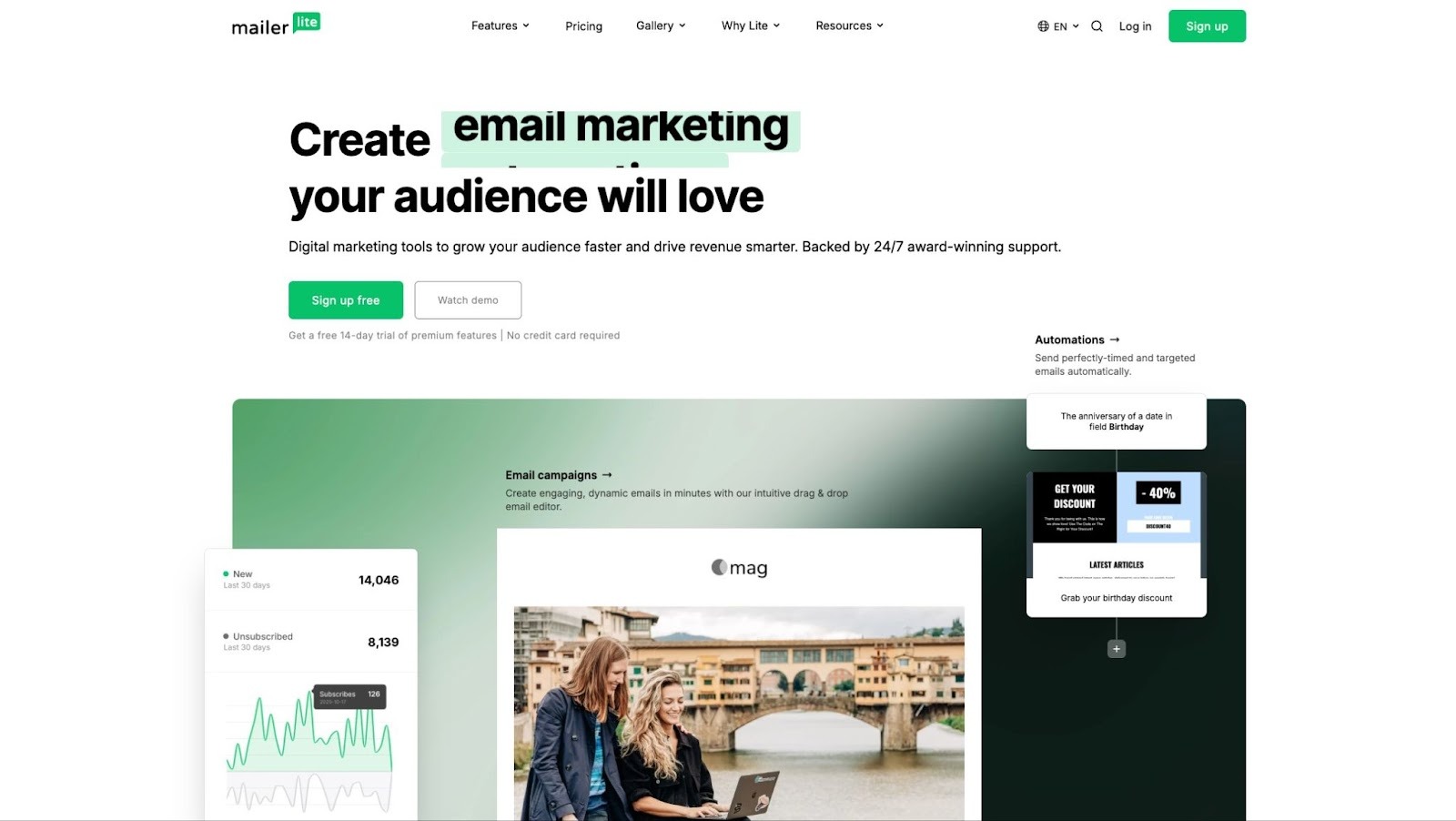
MailerLite is primarily an email newsletter marketing platform and website builder tool. Deliverability optimization is a somewhat limited part of its secondary feature set.
Businesses use the user-friendly platform to create everything from newsletters and email campaigns to web forms and landing pages.
If you’re looking to build aesthetically pleasing newsletters, you’ll appreciate the 70+ content blocks you can drag and drop into emails.
When it comes to deliverability, MailerLite’s main value-add is that it helps you create visually compelling email marketing campaigns, which can boost open rates and inbox placement as a result. They also offer an email list verifier called MailerCheck, which quickly cleans your mailing list. It integrates with your forms so that whenever a new email address is collected on your site, it's automatically verified.
MailerLite handles SPF and DKIM authentication setup as part of domain verification, though it doesn't offer the dedicated DMARC monitoring that purpose-built deliverability tools provide.
Besides those two perks, there aren’t many deliverability-specific features within the MailerLite suite. It’s worth checking out some MailerLite alternatives if you like the idea of a web builder and email marketing tool but aren’t satisfied with MailerLite’s deliverability capabilities.
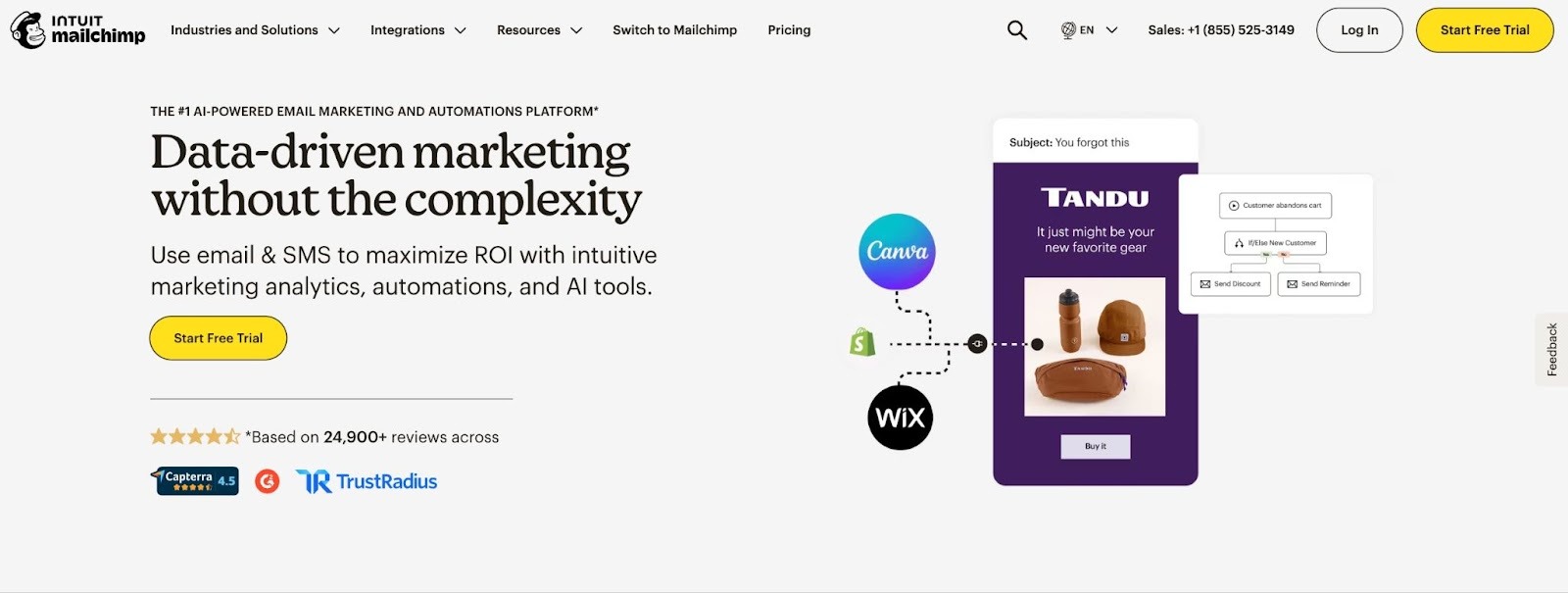
Mailchimp is a marketing platform that helps marketers create automated email campaigns that adapt to recipient behavior.
The software comes with a variety of features that improve deliverability by increasing the quality and relevance of emails. After all, high email engagement rates are a sign to internet service providers (ISPs) and email service providers (ESPs) that your emails are free of spam.
The software’s major engagement-boosting features include data-driven content optimization, audience segmentation, recommended send times, email A/B testing, and dynamic email content that auto-personalizes to each recipient based on their behavior and demographics.
Mailchimp also offers several traditional email deliverability features — including email delivery analytics and eDKIM, DMARC, and SPF authentication monitoring.
On top of supporting your email marketing efforts, Mailchimp’s versatile platform also offers tools for social media marketing, SMS marketing, landing page creation, and retargeting.
Overall, this is a great option for small businesses looking for a solid email marketing platform.
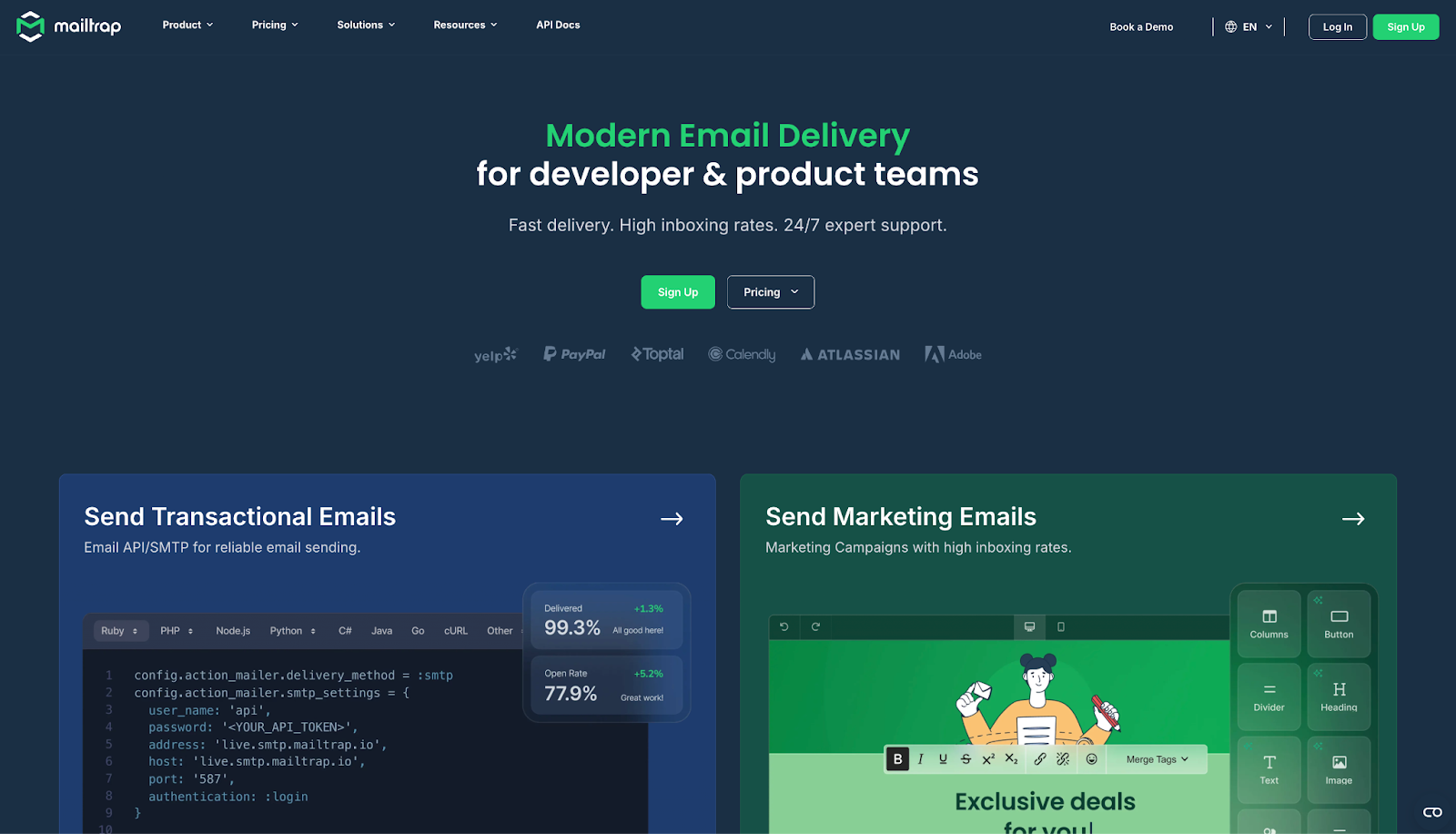
Mailtrap is an email delivery platform best suited for product and dev teams. Deliverability is built into how it sends: transactional and bulk emails go through separate sending streams, so a big promotional blast stays apart from your password resets and receipts. Domain authentication and bounce handling mostly run on autopilot once your DNS records are in place.
Getting started is quick. There are 8 official SDKs (Node.js, PHP, Ruby, Python, Java, .NET, Go and Elixir), or you can connect over plain SMTP. For AI agents, Mailtrap offers an official MCP server with 76 tools and a CLI, so an agent can send and manage emails on its own.
Before anything goes live, Email Sandbox lets you test on staging. Device Previews show each message on mobile, tablet and desktop screens, HTML Check flags code that popular email clients don't support, and the spam score and blacklist check catch deliverability risks early. Point your staging environment at Sandbox, review the results, then switch the credentials and send for real.
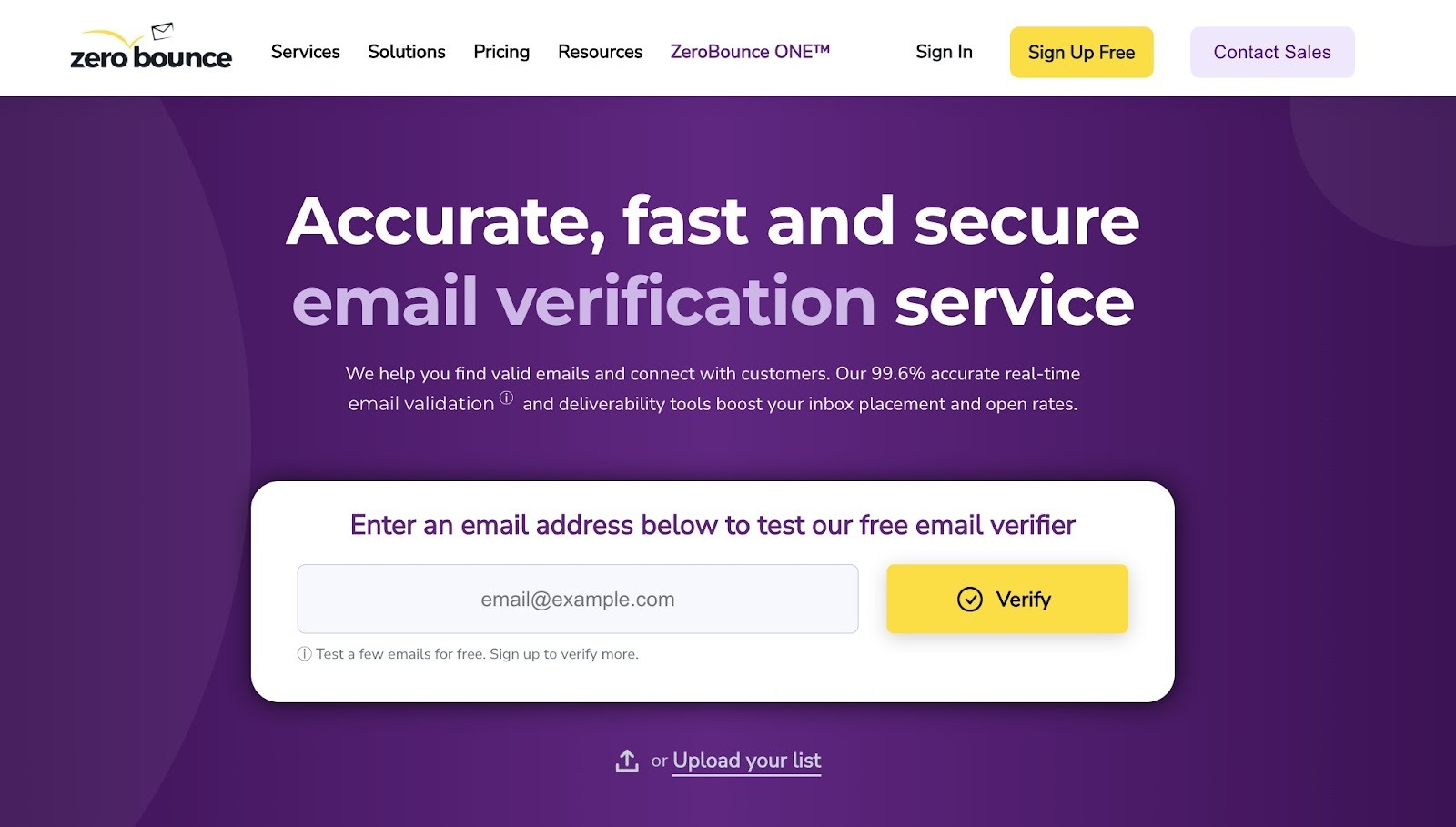
ZeroBounce is an email validation and deliverability platform.
The platform helps you spot and eliminate invalid, spam-trap, abuse, or inactive emails from your email list. This list hygiene prevents low-quality, likely-to-bounce addresses from damaging your sender reputation and email deliverability.
To validate your email list with ZeroBounce, you simply need to bulk upload a .txt, .xls, .xlsx, or .csv file. The system will then scan and clean your list.
ZeroBounce offers several email deliverability features, such as email warm-up, blacklist checks, and inbox placement testing. It also comes with real-time, multi-domain DMARC monitoring (which “protects” your domain).
ZeroBounce's DMARC monitoring covers SPF and DKIM alignment checks across multiple domains simultaneously, making it practical for teams managing several sending domains.
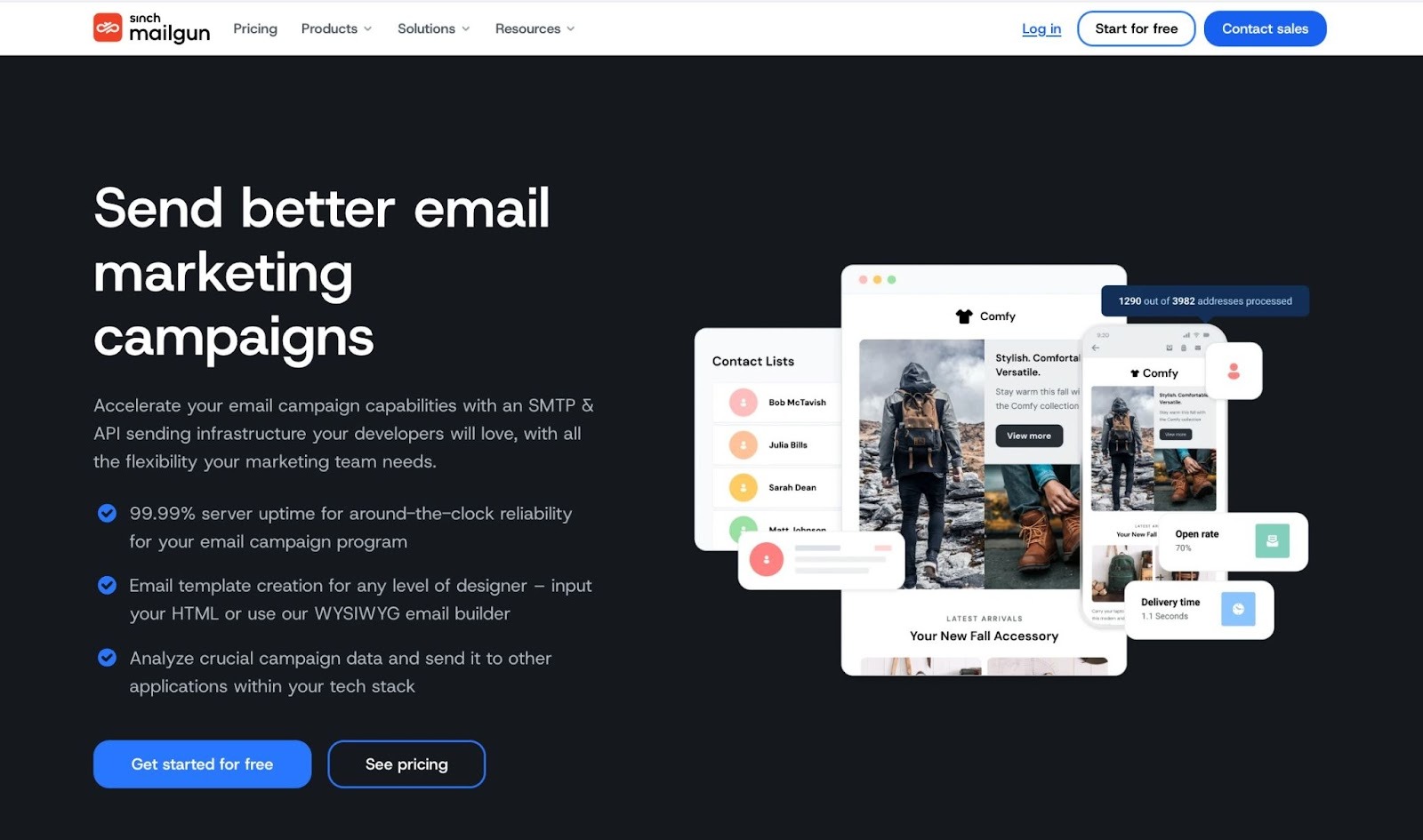
Mailgun is a transactional email API service that’s built for developers tasked with improving their organization's email deliverability.
Mailgun offers three different software products:
While all three products can, in theory, help with email deliverability by boosting engagement, Optimize is the one most well-suited to improving this metric.
Alongside applications like inbox placement testing and reputation monitoring, Mailgun also provides you with access to a team of deliverability experts to guide you through the implementation of deliverability strategies and Mailgun’s features.
Notably, Mailgun offers live preview testing. Users can make sure their email previews are displaying correctly on over 100 different device types.
Overall, Mailgun is a reliable and easy-to-use deliverability tool. And if you’re part of a developer team looking for a combination of software tools and technical experts to help you deploy them, it could be right for you.
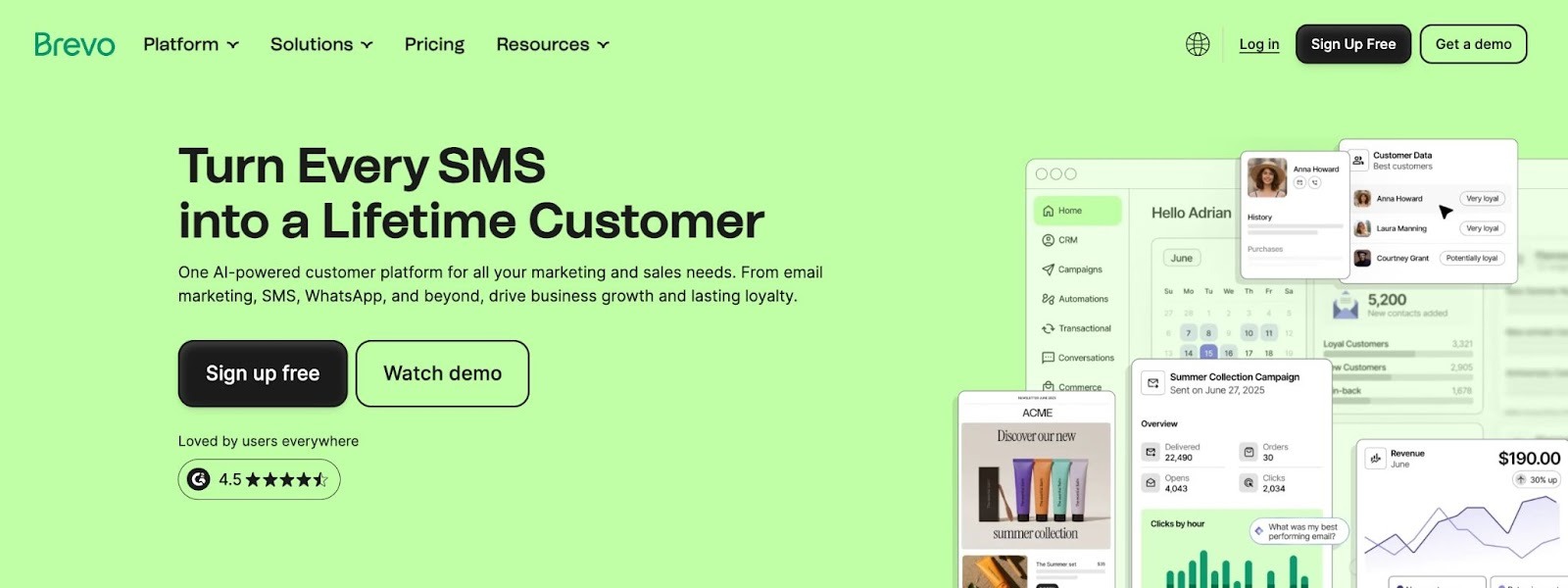
Brevo is an email marketing app for creating web forms, marketing emails, and email automations, such as drip, welcome, and abandoned cart sequences.
The platform doubles as a CRM, providing you with various ways to organize and segment your contacts.
Brevo supports deliverability in a variety of ways. For starters, it assigns you new dedicated IP addresses with neutral reputations.
Brevo also uses machine learning to find the optimal time to send your emails, thus boosting open rates and helping you avoid spam folders. Brevo automatically puts a list-unsubscribe-header in your email content, allowing recipients to opt out easily.
And when it comes to reporting, Brevo offers detailed analytics to track deliverability, opens, clicks, bounce rates, and more.
Notably, Brevo has a free plan that lets you send 300 emails per day. You also get access to key email marketing features like customizable email templates, the drag-and-drop editor, and dynamic content.
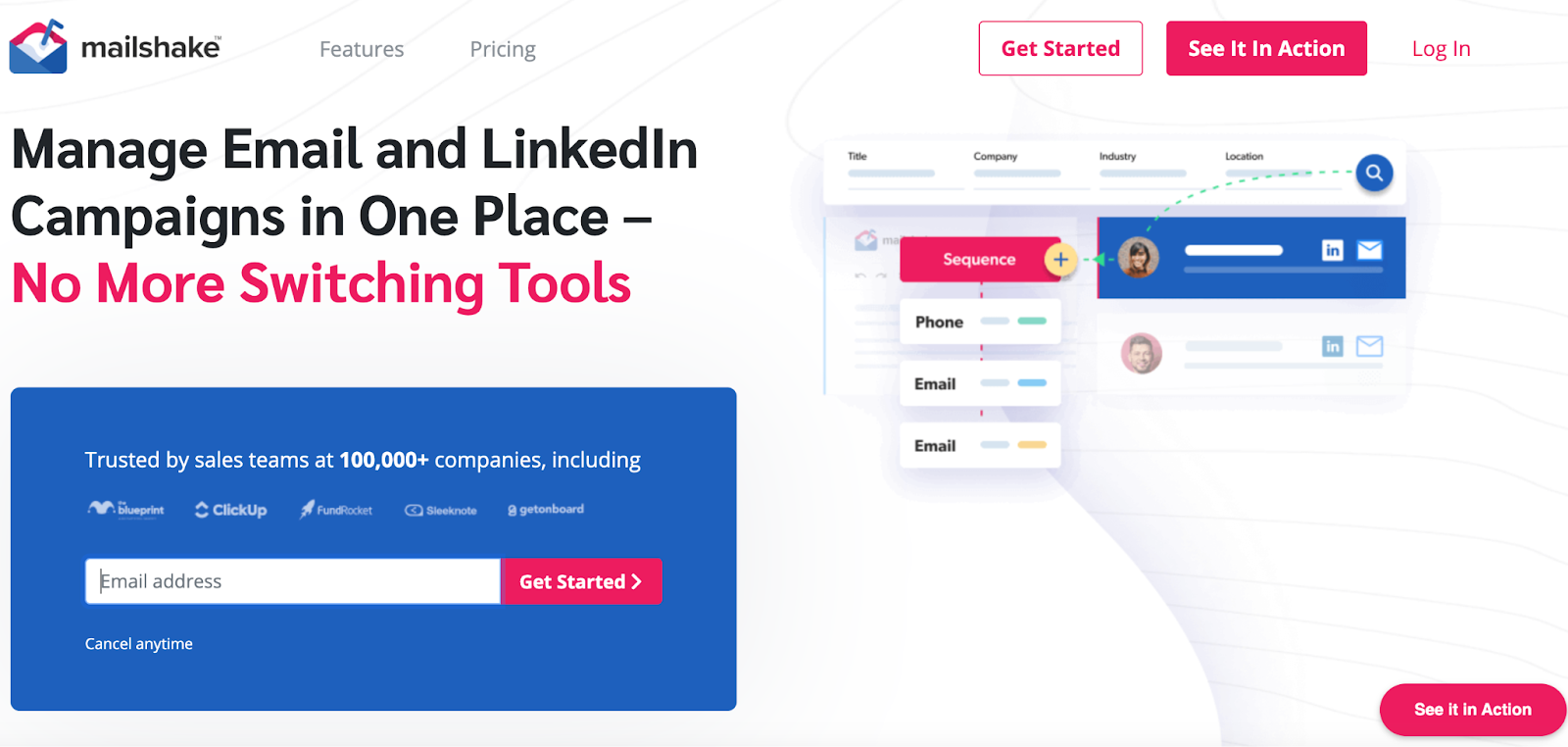
Mailshake is an AI-powered sales engagement tool that helps salespeople manage and automate their cold email and LinkedIn outreach.
It comes with a B2B contact database, LinkedIn automation tools, automated email follow-ups, an AI email writer, and mail merge functionality. Despite this feature range, customers value the platform’s simplicity, often citing its wide array of customizable templates as a big perk.
Mailshake also has features dedicated to improving email deliverability. For example, you can warm-up your email domain using a dedicated automation tool. This identifies safe send volumes and analyzes your spam score.
Every plan comes with email validation credits you can spend to clean your list and remove high-bounce and spam-trap emails that could damage deliverability. Mailshake’s email analytics also gives you insights into what might be causing deliverability issues.
SendGrid is an email marketing and deliverability software solution for sending emails at scale.
The deliverability suite, designed by developers for developers, provides you with various tools to land in your customers’ inbox, including email validation, dynamic templates, SMTP services, and email testing for inbox rendering, link validity, and email spam filters.
SendGrid also provides built-in SPF, DKIM, and DMARC authentication support with guided setup, ensuring your sending domain is properly configured from day one.
The most impressive deliverability feature is its Deliverability Insights. From the dashboard, you can monitor open rates, delivery failures, and deliverability trends. SendGrid also sends you tailored, actionable suggestions based on your real-time email data. Such visibility can be a lifesaver to the confused, frustrated email sender.

GlockApps is an email deliverability testing platform that offers inbox testing, DMARC analytics, uptime monitoring, and consulting services.
With its Inbox Checker, you receive detailed reports about your email inbox placement and IP reputation, helping you identify potential causes of poor email performance. Inbox Checker can also analyze your email content and spot potential issues with images or links that might harm placement.
Notably, GlockApps can even predict your spam score for various spam filters, including Google, Barracuda, and SpamAssassin.
Focused on helping you take action, the tool will not just analyze your deliverability, but also provide you with data-driven next steps for optimizing your inbox placement.
For example, if an email is sent to a spam folder, GlockApps will diagnose the cause. GlockApps might say, “Your email subject line looks spammy. Here are some best practices to fix it: X,Y, and Z”.
Other key features include blacklist monitoring, IP analytics, and real-time delivery insights so you always know where your marketing emails end up.
Google Postmaster Tools is a free diagnostic platform by Google that gives senders direct visibility into how Gmail — the world's largest email provider — perceives their domain.
Unlike third-party tools that estimate Gmail deliverability, Postmaster Tools pulls data directly from Google's infrastructure. This makes it indispensable for anyone sending significant volume to Gmail addresses.
Key data it provides includes your domain reputation score, IP reputation, spam rate trends, authentication pass rates (SPF, DKIM, DMARC), and delivery error breakdowns. If your spam rate creeps above 0.10%, Google begins throttling your mail — Postmaster Tools gives you the early warning signal to catch this before it affects your sender standing.
The main limitation is that it only covers Gmail. For broader inbox placement testing across Outlook, Yahoo, and others, you'll want to pair it with a tool like GlockApps or ZeroBounce.
Key features
Pricing
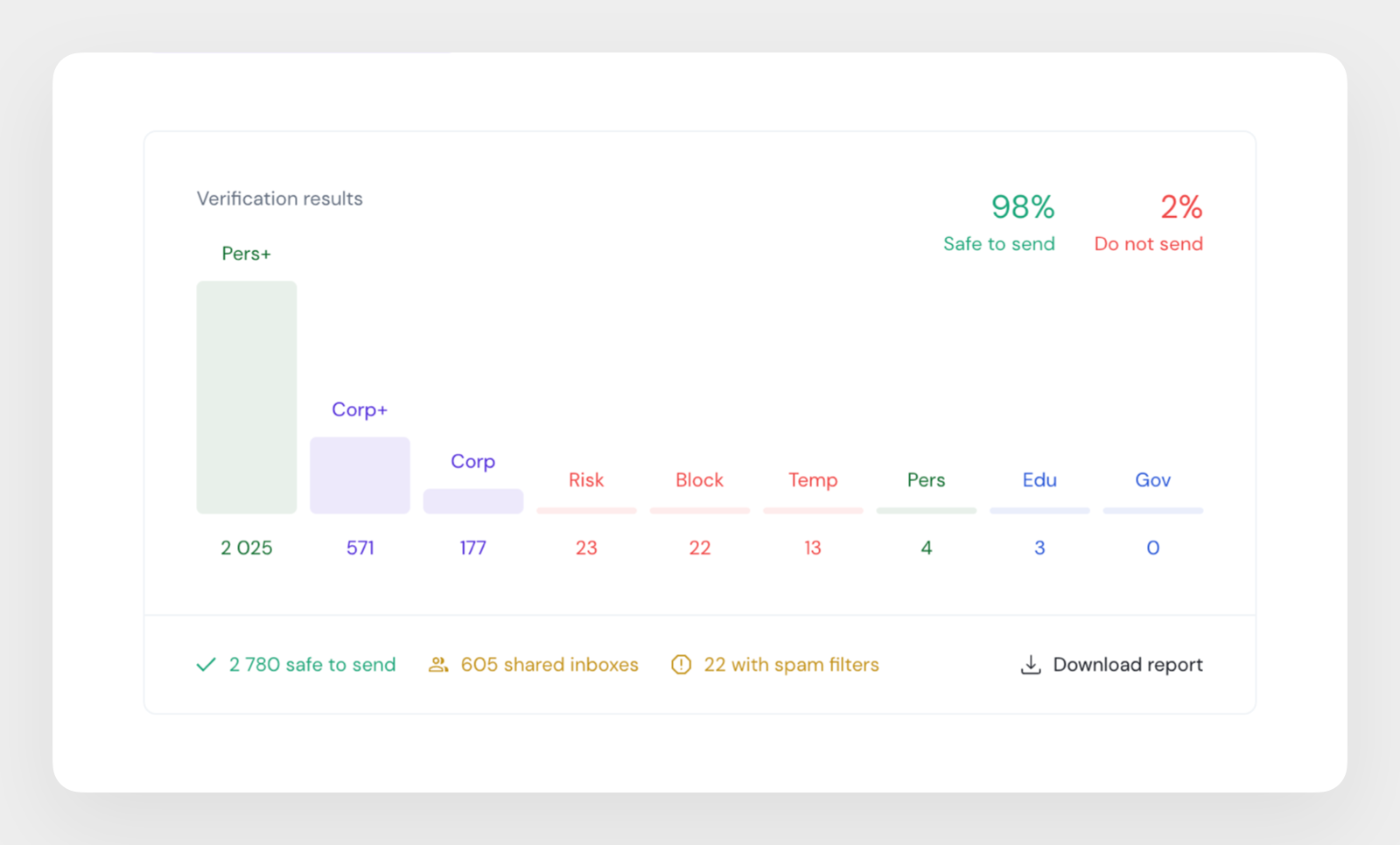
Getsitecontrol Email Quality Checker is a free tool that helps marketers clean and score their email lists before a campaign ever goes out. It approaches deliverability from the earliest possible point: email list quality. The tool identifies risky contacts that would quietly drive bounces, spam complaints, and damage to sender reputation. Rather than running SMTP mailbox checks, Getsitecontrol Email Quality Checker analyzes contacts using domain data, naming patterns, and risk signals. Upload a CSV of up to 50,000 addresses, and it sorts them into nine categories: corporate, personal, academic, government, shared inbox, disposable, broken, and untrusted (masked relay) addresses. From there, you can export a tagged CSV with safe-to-send recommendations. This makes it a fast, efficient, and free pre-cleaning step before paid verification.
By removing disposable, broken, and relay-masked contacts up front, marketers spend the verification budget only on contacts worth checking. The same automatic quality scores also let you prioritize higher-value contacts — corporate and engaged personal inboxes — for more targeted campaigns. The result: cleaner email lists, smarter email marketing campaigns, better deliverability, and lower costs.
Key features
Pricing
EasyDMARC is a DMARC management and email authentication platform built to help businesses set up and enforce SPF, DKIM, DMARC, and BIMI without needing deep technical expertise.
The platform simplifies DMARC deployment with guided record generation, real-time monitoring, and clear reporting on who's sending email on your domain's behalf — making it easier to catch spoofing attempts and authentication failures before they hurt your sender reputation. For teams that want hands-off setup, EasyDMARC also offers Managed Services, pairing you with a dedicated DMARC Engineer to handle configuration and enforcement.
EasyDMARC also offers a free email deliverability test that checks your domain's SPF, DKIM, DMARC, and blacklist status in one scan, giving you a quick snapshot of your sending health without needing to run multiple separate lookups.
Domain and email allowances scale with the plan - the free tier covers a single domain, while paid tiers add support for multiple domains, longer report history, and features like automated blacklist monitoring and SSO.
Key Features
Pricing
The right choice depends on your sending volume, technical setup, and whether you need point solutions or an all-in-one platform.
Start with free diagnostics. If you're troubleshooting deliverability for the first time, begin with Google Postmaster Tools (Gmail-specific data), Getsitecontrol, and MxToolbox (free blacklist monitoring and DNS checks). These cost nothing and surface the most common issues.
Add inbox placement testing if you're running campaigns. Tools like GlockApps and ZeroBounce show you which folder your emails land in across major providers — not just whether they were delivered. This is critical before launching any large send.
Invest in warming and monitoring for cold outreach. If you're doing cold email, domain warm-up is non-negotiable. Artisan, ZeroBounce, and Mailshake all automate this. Artisan goes furthest by combining warm-up with AI-driven outreach automation.
Choose a developer-focused tool if you're sending transactional mail at scale. Mailgun and SendGrid are built for engineering teams — they offer deliverability APIs, SMTP infrastructure, and detailed analytics dashboards alongside their deliverability features. If you want a more budget-friendly option, Elastic Email offers a transactional email API and SMTP relay for sending receipts, password resets, and order confirmations from your app or store.
Don't rely on a single tool. Most high-volume senders use two or three tools in combination: a free diagnostic layer (Google Postmaster Tools), a testing tool (GlockApps), and a sending platform with built-in monitoring (Mailgun, SendGrid, or Artisan).
Artisan’s AI SDR, Ava, automatically optimizes your outreach to avoid spam folders and land in inboxes. From warming up domains to real-time deliverability monitoring, Ava handles it all so your team can focus on closing deals.
.svg)


Irina is a Founder at ONSAAS, Growth Lead at Aura, and a SaaS marketing consultant. She helps companies to grow their revenue with SEO and inbound marketing. In her spare time, Irina entertains her cat Persie and collects airline miles.
.svg)
.svg)
.svg)
.svg)
.svg)