
.svg)
%20(1).svg)
%20(3).svg)
Back to articles
Best Website and Email Hosting in 2026: 5 Options Compared
October 2, 2026
By
Cindy Graciella
Website and email hosting options fall into three groups: email providers with a website built in, website builders and web hosts that add email, and office suites that add a website. There is no single best choice because each group solves a different problem.
Neo Mail is the pick to name up front. For small teams of 10 or 50, it gives business email, a free co.site domain and a one-page AI website from one signup. IONOS and SiteGround are good for owners who need a fuller website. Google Workspace (with Google Sites) suits teams on Google apps, and GoDaddy with Microsoft 365 email suits teams on Outlook.
Two mistakes cost buyers the most. They judge the first-term price instead of the renewal, and they rely on the email bundled with a web host. Check the year-two price, and keep your MX records pointed to a dedicated email provider so your mailboxes keep working if the website ever moves.
The shortlist gives one strong option to each way a small business, solo business, or startup actually gets a website and email, instead of stacking five similar web hosts. One is an email provider with a website built in, two are website companies that add email, and two pair office email with a website builder.
Every option was then judged on both halves of the plan: the website and the email. Most buyers check only hosting specs such as storage and speed, but the email half decides how many people can work from the plan and how long it stays affordable. We compared each provider on eight points:
The standard focuses on businesses under roughly 20 people. Enterprise-first platforms and email-only tools with no path to a website stayed out.
This group starts from email and adds the website, so the part your business relies on every day gets the most attention.
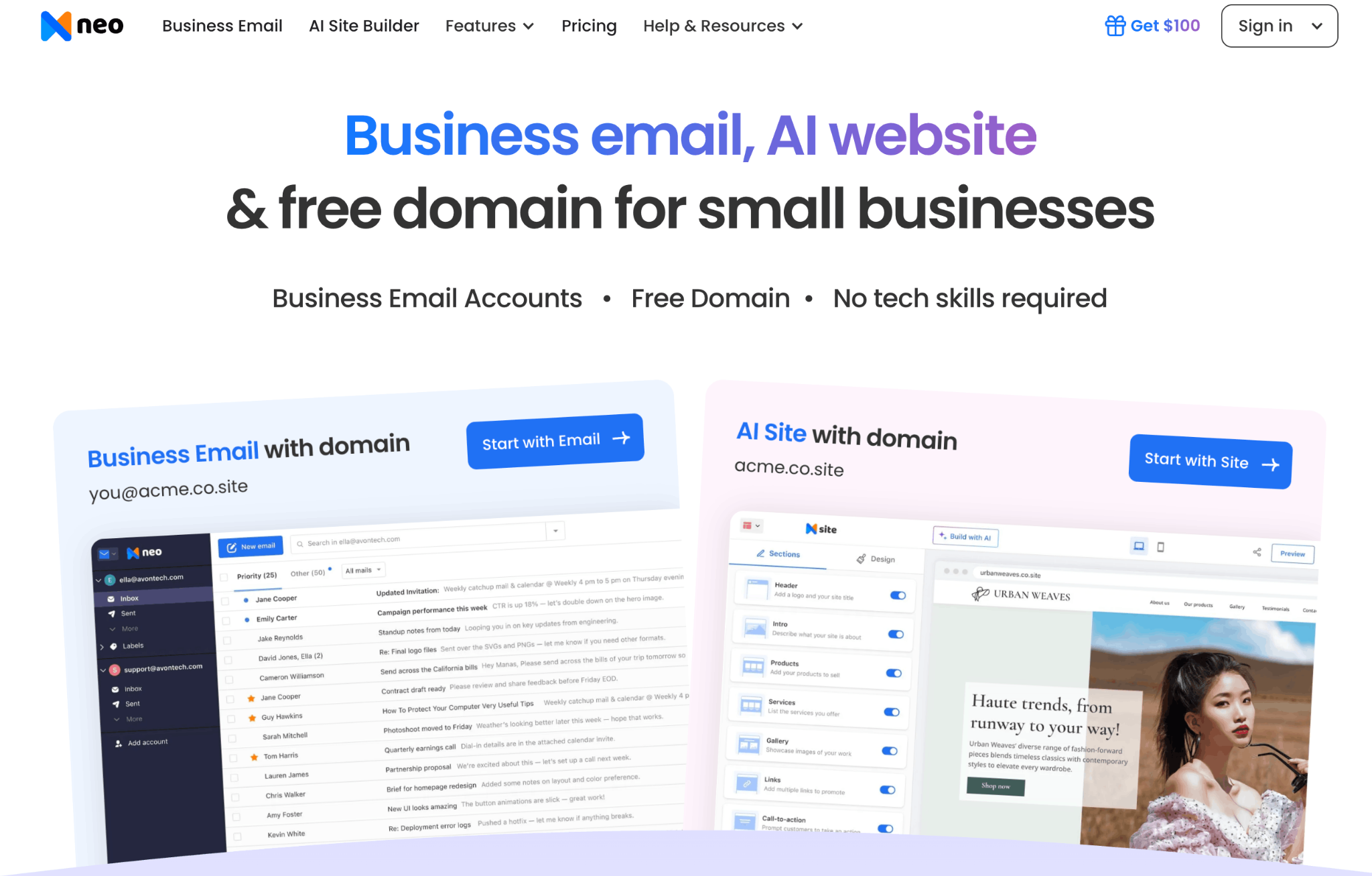
Neo Mail is business email built for small businesses, with a free one-page AI website (Neo Sites) and a free co.site domain in the same account. It's popular with fashion boutiques, consultants, online stores and real estate agents, as well as freelancers and creators.
Setup is simple: you create a business email, describe your business, and the AI website builder drafts a site for your domain. About 1 in 3 reviewers single out its ease of use. (Source: G2) The inbox goes beyond send and receive, with Read Receipts that show when someone opens your email and Email Templates for replies you send often.
What it does: business email with 15 GB (Starter), 50 GB (Standard) or 100 GB (Max) per mailbox, plus a free one-page AI website and a free co.site domain with every plan. Read Receipts, Email Templates, an MCP connector for ChatGPT and Claude, a built-in calendar, Android and iOS apps, and one-click import of existing emails. Neo Drive file storage comes with the Max plan.
Best for: small and single-person businesses that want email, domain and website from one signup and one dashboard.
Plan structure: starts at $1.25 per mailbox per month, with a 15-day free trial. Send Later, Priority Inbox, the signature designer and sending from an alias need Standard or above.
Setup effort: easy and quick. It's built for non-technical owners, and ease of use is the strength reviewers mention most.
Closest alternative: Google Workspace + Google Sites when the team also needs shared documents and video meetings.
Email and security: two-factor authentication, advanced anti-spam and custom DKIM (a setting that proves your emails really come from you) on every plan.
Skip it if: you need a full WordPress site or online store, or your team needs shared documents and video meetings. Neo Mail is email-first.
Further read: Neo Mail Review 2026: Is the Free Business Email Truly Free?
This group starts from the website and adds email to the plan. It's ideal when the website needs more than a few pages, but the bundled email is usually the weaker half.
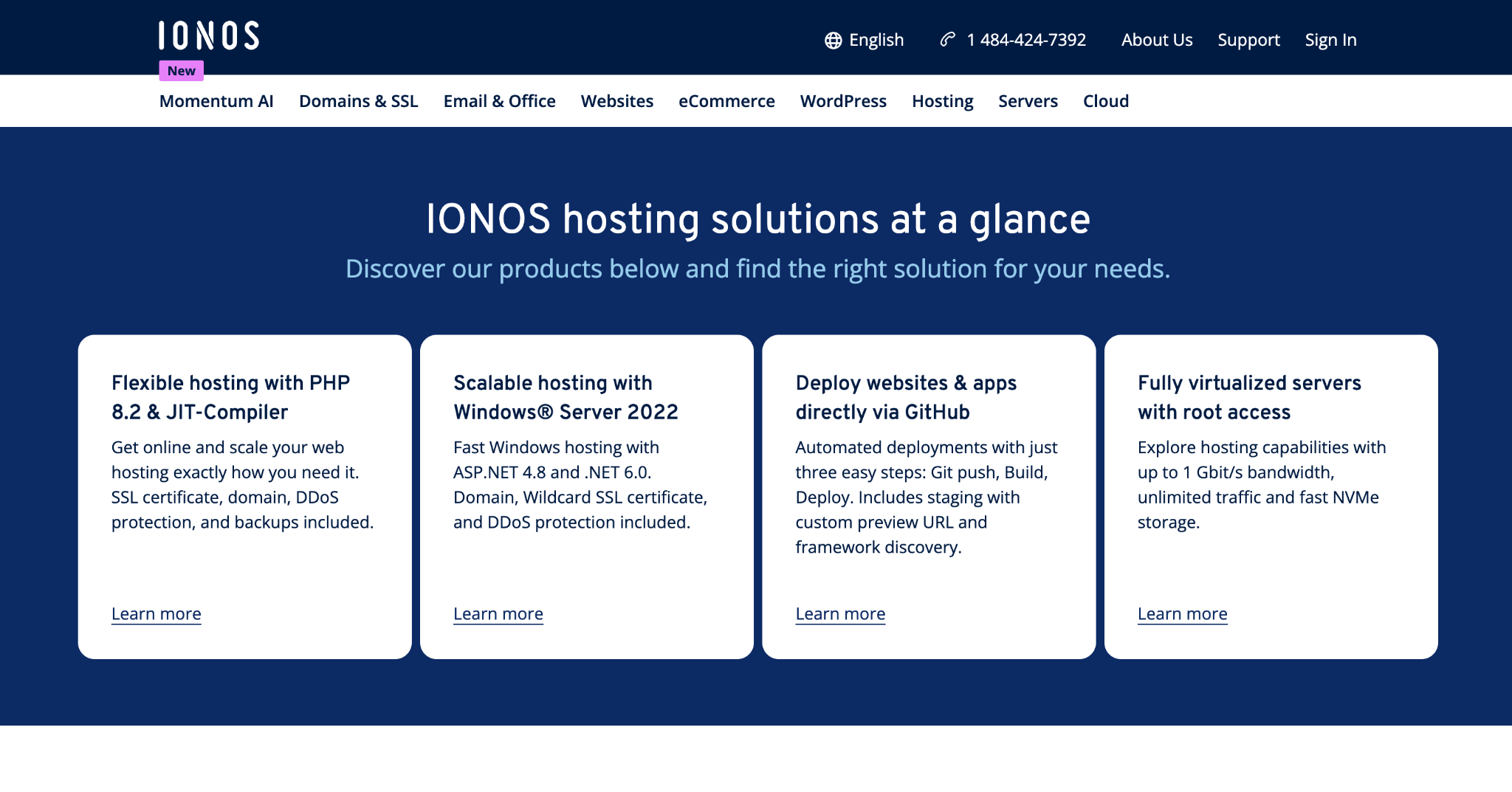
IONOS is a website company that includes a professional email address and a free domain with its website builder plans. The builder uses AI to draft pages and text, so a non-technical owner can publish a simple site in one sitting. Every plan includes a wildcard SSL certificate and 24/7 support.
IONOS is good for owners who want the website, the domain and an email address from one company and one bill. The trade-off is the email: the entry plans include just one address, so a growing team will outgrow it quickly.
What it does: an AI website builder with a free custom domain, an SSL certificate and one professional email address. Higher plans add more mailbox storage, online booking and store features.
Best for: solo owners who want a simple, professional site and one email address without a separate email signup.
Plan structure: Website Builder Starter costs $6 a month for the first year, then renews at $14 a month. Starter includes 1 email address with 2 GB of storage.
Setup effort: low. The drag-and-drop builder and AI drafting tools need no technical skills.
Closest alternative: Neo Mail when email matters more than the website, or when you need more than one mailbox at a low price.
Email and security: one address with 2 GB on Starter. Extra mailboxes and storage cost more, and the email is an add-on to the website product.
Skip it if: more than one person needs a mailbox, or email brings in revenue and needs dedicated email deliverability software.

SiteGround is a web host known for above-average speed and strong support. TechRadar names it the web host for small businesses in its 2026 review. Plans include unlimited email accounts, daily backups and a content delivery network as standard.
SiteGround is suited to sites that get steady traffic, such as a busy blog or a growing store. One-click installers make WordPress setup quick, though TechRadar notes it still suits people who know a little more than the basics.
What it does: shared and cloud hosting with unlimited email accounts, daily backups, a content delivery network, one-click installers and a free domain for the first year.
Best for: busier sites that need fast performance and responsive support.
Plan structure: GrowBig starts at $6.69 a month, then renews at $29.99 a month after the first year.
Setup effort: medium. Quick for WordPress users, slower for owners who have never run a site.
Closest alternative: IONOS when the site is simple and a website builder is enough.
Email and security: email is a hosting add-on, not a dedicated email service, and runs alongside your website on the hosting account.
Skip it if: you need a simple site and want to avoid the steep renewal.
This group pairs office email, Gmail or Outlook, with a website builder. It's good for teams that already work in Google or Microsoft apps.
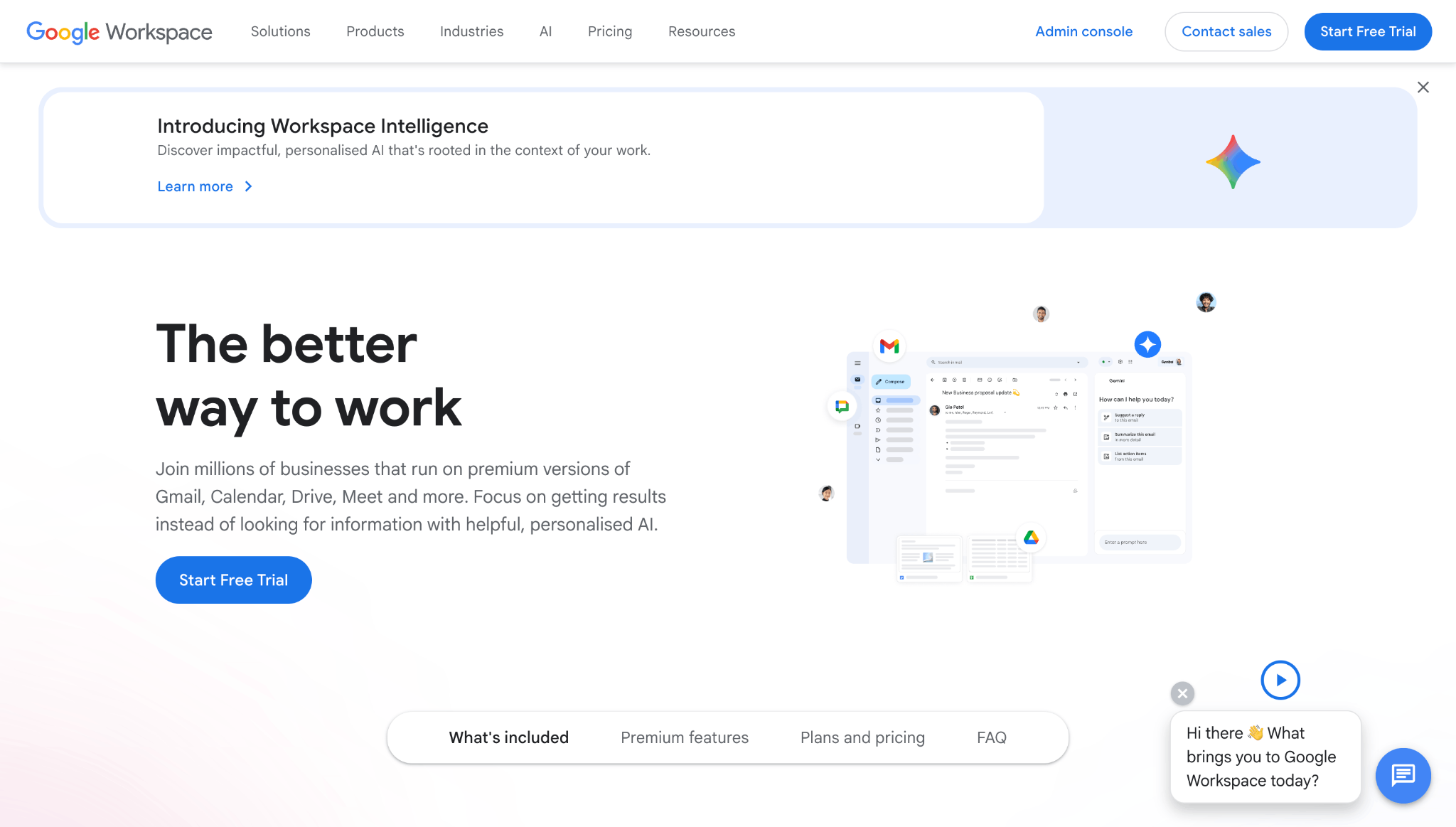
Google Workspace is Gmail on your own domain, bundled with Docs, Sheets, Drive and Meet. Every plan also includes Google Sites, Google's simple website builder, so you can publish a basic website on your own domain without paying a separate web host. The Business Starter plan includes 30 GB of storage per user, shared across Gmail and Drive.
Google Workspace is ideal for teams that edit documents together every day. Most staff already know Gmail, so training takes little time, and adding or removing a user takes a few minutes in the admin console. Google Sites covers a simple company page or portfolio, but it's basic: there's no online store and limited design control.
What it does: Gmail on your own domain, Docs, Sheets, Drive and Meet, plus Google Sites for a basic website, managed from one admin console.
Best for: growing teams that already work in Google apps and need a simple website.
Plan structure: Business Starter starts at $7 per user a month, with 30 GB of storage per user shared across Gmail and Drive. Google Sites is included at no extra cost.
Setup effort: low to medium. Gmail is familiar, but domain verification and DNS setup take some steps.
Closest alternative: GoDaddy with Microsoft 365 email for teams that work in Outlook. Look for Google Drive alternatives.
Email and security: familiar Gmail with Google's spam filtering. Storage is shared between email and files.
Skip it if: you need an online store or a fully designed website, or you're a solo owner who doesn't need the office apps. The cost rises with every user you add.
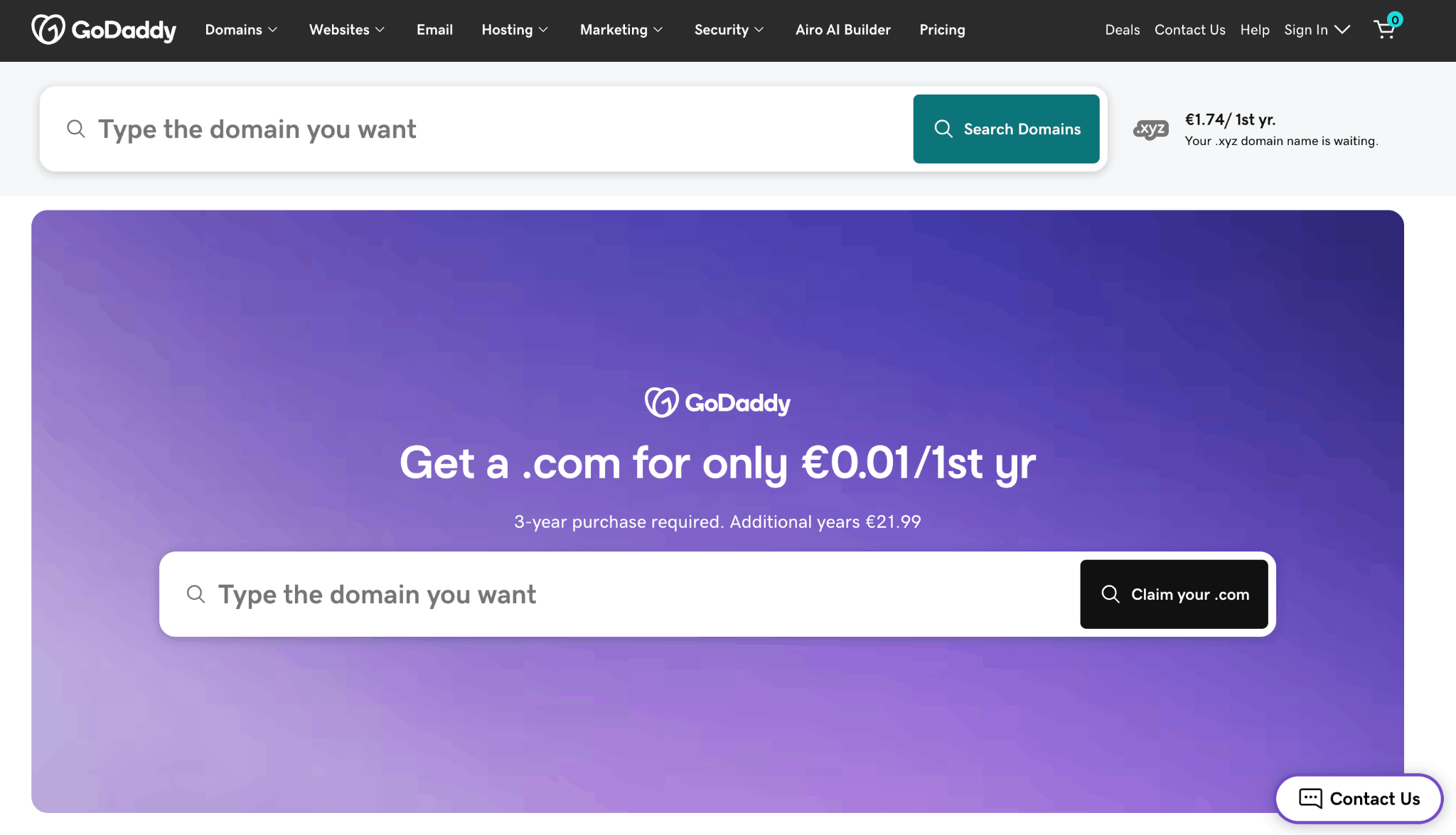
GoDaddy is a domain registrar and web host with an AI website builder, Airo, that drafts pages, copy and images from a short description of your business. For email, GoDaddy resells Microsoft 365, so you get Outlook on your own domain. Paid website plans include a free domain, SSL and 24/7 support.
GoDaddy is good for owners who want their domain, website and Outlook email in one account. The trade-off is that the email is resold: Microsoft runs the mailbox, but support goes through GoDaddy, and email is billed per mailbox on top of the website plan.
What it does: an AI website builder with SSL, forms and analytics built in, a free domain on paid plans, and Microsoft 365 email with Outlook as an add-on.
Best for: teams that use Outlook and want the website and email from one company.
Plan structure: the website builder has a free plan, and paid plans add a free domain. Microsoft 365 email is an add-on billed per mailbox, and first-term promo prices renew higher.
Setup effort: low. The AI builder drafts the site, and the email settings are handled for you when the domain and email are both at GoDaddy.
Closest alternative: Google Workspace + Google Sites for teams that work in Gmail and Google Docs.
Email and security: Microsoft's spam and phishing filtering on Microsoft 365 mailboxes. Because the email is resold, account changes and support go through GoDaddy rather than Microsoft.
Skip it if: you want email support straight from the email provider, or you want to avoid per-mailbox add-on fees as the team grows.
Your website and your email can come from one company, but only if that company is an email provider first. Email bundled into a web hosting plan often runs on the same shared server as the website, so a problem with your website can become a problem with your email.
Separate providers keep email running during website outages and host moves. TechRadar's 2026 hosting review notes that you don't need to buy email from your web host at all, and email-only plans often cost about $1 to $2.50 a month. (Source: TechRadar) The same review says hosting email often has strict limits on inbox size, the number of accounts and daily sending.
Bundles do save effort, with one bill and one login, and that convenience matters for a one-person business. But leaving a bundle is harder than joining one: your mailboxes, website files and settings all have to move at the same time.
Use this quick check to decide:
Website and email hosting usually costs more in year two than in year one. Most web hosts and website builders sell the first term at a promo price, then renew at the regular rate. Free email included with a plan can also end.
The renewal gap can be large. IONOS's Website Builder Starter moves from $6 to $14 a month at renewal, and SiteGround's GrowBig plan moves from $6.69 to $29.99. TechRadar found that another major host's email is free for just one month.
Renewals can also change what's included, so check the plan limits at renewal, not just the price.
Run a quick test before you buy: add up the year-two cost for your number of mailboxes, plus the website. On SiteGround's GrowBig plan, that is $80.28 for the first 12 months and $359.88 for the next 12.
Email from a shared hosting plan is more likely to land in spam. The server sends mail for many websites at once, and if one site sends spam, the server's reputation drops for everyone on it.
Dedicated email providers manage their sending reputation as their core job.
Three settings help any email reach the inbox. SPF lists the servers allowed to send for your domain. DKIM adds a digital signature to each email. DMARC tells inboxes what to do with mail that fails those checks. The DMARC.org overview explains how they work together. Neo Mail includes custom DKIM and advanced anti-spam on every plan.
No, buying business email from a web host or domain registrar is not recommended. These companies focus on hosting and domains, and their email is often an add-on resold from another provider, so features are limited.
Support is the second problem. When email breaks, the reseller has to pass your issue to the real email provider, which adds a step and a delay when you can least afford it. Spam protection and deliverability are often weaker too, because email is not the company's main product.
Buy business email directly from a business email provider instead. Neo Mail, Google Workspace and Microsoft 365 all sell email directly, and Neo Mail also includes a free co.site domain if you don't have one.
Skip a separate web host until the site needs more than a few pages.
Ease of use should be its own test whichever setup you pick. Ask how long it takes to create a mailbox, connect a domain and publish a page. A non-technical owner loses hours on a complex control panel.
Your email keeps working when you switch web hosts, as long as your MX records point to your email provider. MX records are the DNS settings that tell the internet where to deliver your email. Problems start when the old host also runs your email.
If your DNS sits with the old host, cancelling the plan can cut off your email. Follow these five steps to move without losing a message:
Re-check your plan each year before it renews. Promo prices end, included email can expire and mailbox limits can change. A setup that made sense in year one may not earn its place in year two.
There isn't one website and email setup that works for every business. If you're a solo owner or small team and mainly need professional email plus a simple website, Neo Mail keeps things simple by putting both in one place. If the website is the bigger priority, IONOS or SiteGround gives you more room to build. And if your team already lives in Google or Microsoft apps, Google Workspace or GoDaddy with Microsoft 365 may fit more naturally into the way you work.
Whichever route you choose, don't stop at the introductory price. Check what you'll pay when the first term ends, how many mailboxes you actually get, and whether the email service will still work for you if you move your website later.
For most businesses, the safest setup is also the simplest one: make sure your email isn't tied too closely to your web host. Your website may change over time, but your business email address is something you want to keep working no matter where your site lives.
No. A professional email address needs only a domain and an email provider. The website is optional and can come later. Neo Mail includes a free co.site domain if you don't have one, plus a free one-page AI website you can publish when you're ready.
For a solo owner, the lowest-cost route is an email provider that includes a website and a domain. For a larger team, compare the year-two total for every mailbox, not first-term promos. Neo Mail starts at $1.25 per mailbox per month on the 4-yearly plan, with a free one-page AI website.
Yes. Every Google Workspace plan includes Google Sites, a simple website builder you can publish on your own domain. It works well for a basic company page, but it has no online store and limited design options.
Web hosting stores your website's files and shows them to visitors. Email hosting stores, sends and receives email on your own domain, such as sales@yourbusiness.com. Web hosting is usually priced by plan, while email hosting is priced per mailbox.
Not always. Some website builders, such as IONOS, include an email address, while others only forward messages to another inbox. Store owners often point out that Shopify forwards email rather than hosting it. Check that a builder offers real mailboxes on your domain before you rely on it.

Cindy is an Outreach Manager and SEO Specialist at ONSAAS who helps SaaS companies grow through strategic link building and SEO. Outside of work, she loves spending time in nature, especially hiking in the mountains.
.svg)
.svg)
.svg)
.svg)
.svg)