
.svg)
%20(1).svg)
%20(3).svg)
Back to articles
8 Best AI Tools for Startups: What to Adopt First
September 29, 2026
By
Cindy Graciella
The AI tools that justify a startup’s budget fall into four groups: general assistants and research, coding copilots, operations and knowledge automation, and go-to-market tools. There is no single best AI tool because these categories solve different problems.
ChatGPT is the exception to name up front. Nearly every startup should adopt it first because a broad general assistant covers research, drafting, and analysis before any specialized tool earns a seat.
Everything after that depends on your stage and which function is consuming the most founder hours. The constraint is buying leverage without adding headcount or accumulating subscriptions nobody opens. Use the table to compare entry cost, setup, and integration fit; the selection standard and reviews explain the tradeoffs and current plan changes; the stage bundles, limits, and first-month rollout turn that into a buying sequence.
The shortlist gives one strong option to each job a startup actually has instead of stacking five overlapping chatbots. Function coverage came first: research, product development, knowledge, coordination, automation, meetings, and pipeline work each needed a clear home.
Every selection then had to pass three tests. It needed a usable free tier or an entry plan a pre-revenue team could absorb, setup that a team without an operations hire could handle, and enough integration reach to avoid creating more copy-and-paste work.
The standard focuses on teams under roughly 20 people. That excludes enterprise-first platforms built around buying committees, extensive administration, or procurement. Narrow tools that solve one small task also stayed out when they could not justify another recurring seat. The result favors broad usefulness, manageable setup, and a clear reason to remain in the stack after the first month.
Use the cluster tied to the work currently consuming time. Each review follows the same buying sequence: job, fit, plan, setup, alternative, relevant data risk, and the reason to skip it.
General Assistant and Research
These tools overlap heavily. Pick one as the daily research surface and add the other only when its specific strength becomes a recurring need.
ChatGPT absorbs work from every function: synthesizing research, drafting customer copy, analyzing a document, or helping a solo founder test the reasoning behind a decision. Its advantage is range. A founder can find a useful task in the first session without importing data or configuring a workflow.
Breadth comes with a tradeoff. A purpose-built research engine gives you more traceable sourcing, while an in-editor copilot stays closer to the code. ChatGPT remains the better default when the work moves between subjects throughout the day.
What it does: research synthesis, drafting, document and data analysis, and structured help with decisions.
Best for: every stage and function – the first AI subscription a startup buys.
Plan structure: free access covers lighter use, while paid individual and team upgrades provide higher limits and workspace features.
Setup effort: low. It is useful in the first session with no configuration.
Closest alternative: Perplexity Pro when the job is sourced market research rather than drafting and reasoning. Pick Perplexity when you need citations you can verify.
Data and IP: training opt-out controls are available on individual plans. Review Data Controls before anyone enters contracts, source code, or customer information.
Skip it if: your team already uses another general assistant daily and adding a second would split the habit.
Perplexity attaches sources to its answers, so it suits market analysis and competitor research that must be traced back to the original material. That source trail is useful when a market figure may later appear in an investor deck or due-diligence response.
Perplexity’s plan guide describes Standard as a usable free plan with practically unlimited basic searches but very limited Pro Searches. Pro extends those searches, adds advanced models, and raises file-analysis limits. The company says Pro answers can include ten times as many citations for deeper source coverage.
What it does: produces live-source answers for market analysis and competitor research, with citations.
Best for: idea-stage validation, fundraising preparation, and research a founder might otherwise hand to an analyst.
Plan structure: free Standard tier with limited Pro Searches; the Pro subscription expands research and file-analysis capacity.
Setup effort: low. There is nothing to configure.
Closest alternative: ChatGPT when drafting and reasoning need to happen in the same place. Choose Perplexity when the answer needs to withstand a due-diligence question.
Skip it if: research is occasional and a general assistant plus manual source checking already covers it.
Coding and Product
One coding copilot is enough. Adding another AI coding surface can split context without solving a new problem.
A small engineering team spends plenty of time on route handlers, test scaffolding, API clients, and unfamiliar code. GitHub Copilot puts completion and coding assistance inside the editor, reducing the need to move snippets between a browser and the codebase.
GitHub lists native integrations with Visual Studio Code, Visual Studio, JetBrains IDEs, and Neovim. Its free tier includes 2,000 monthly completions, giving an engineer room to judge whether the suggestions fit the codebase before upgrading.
What it does: in-editor code completion, boilerplate generation, and help navigating unfamiliar code.
Best for: one to three engineers building the first product version.
Plan structure: Copilot Pro costs $10 per user per month. Pro+ costs $39 per user per month and adds premium models, audit logs, and at least four times Pro’s included usage. A small team working on a standard product is unlikely to need that additional capacity at the outset.
Setup effort: low to medium. It requires editor and repository setup but can provide value the same day.
Closest alternative: ChatGPT for architecture questions and code review outside the editor. Keep Copilot for in-flow writing and ChatGPT for thinking through the design.
Data and IP: GitHub states that Free, Pro, and Pro+ interactions may be used to train and improve its AI models unless the user opts out. Teams working with proprietary or client-owned code should compare that setting with their contract obligations.
Skip it if: nobody writes code daily, or the codebase carries restrictions the team has not cleared.
Operations, Knowledge and Automation
Do not adopt all three by default. Choose Notion for knowledge, Asana for structured delivery, and add Zapier only when repeated cross-app handoffs have become a separate problem.
Notion AI addresses a common growing-team problem: the founder answering the same question several times because specifications, decisions, and onboarding notes live in different places. Consolidating that material in one workspace gives new hires a place to search before asking.
The AI works inside the document system, where it can draft, summarize, and search material the company has already written. Notion’s pricing page shows only trial AI capabilities on Free and Plus, while Business is the principal paid AI workspace tier. Business also adds AI meeting notes and search across connected apps such as Slack and GitHub.
What it does: combines an internal wiki, project documents, AI drafting, summarization, and search across company content.
Best for: teams from two to roughly fifteen people consolidating scattered documents.
Plan structure: the free workspace includes trial AI capabilities, while paid per-seat tiers step up to the broader AI feature set on Business.
Setup effort: medium. The value depends on migrating documents and creating a structure people will use.
Closest alternative: Asana AI when the main problem is tracking work across owners and deadlines rather than storing knowledge. Use Notion for documents and Asana for delivery, not both as competing task systems.
Data and IP: Notion documents that its AI honors existing permissions and that, by default, neither Notion nor its AI subprocessors use customer data to train models. Configure permissions before a full migration.
Skip it if: you are solo and a simple notes app plus a general assistant already does the job.
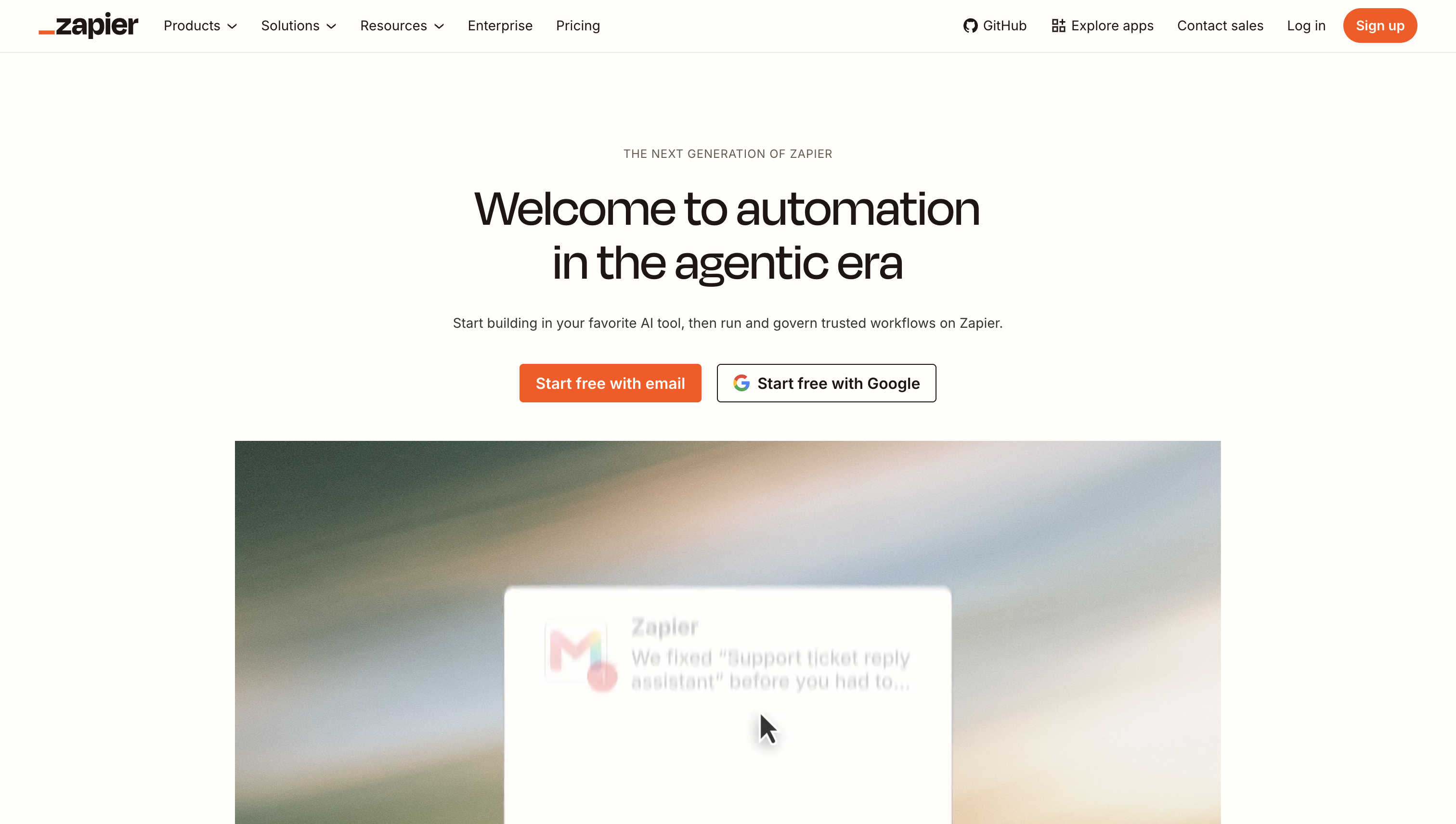
Zapier removes repeated handoffs between applications: retyping a form submission into a CRM, posting an alert in Slack, or creating follow-up work after a new lead arrives. It is most useful when the process is already stable but still requires manual copying.
Zapier’s directory lists more than 9,000 app connections, including Slack, Gmail, Google Sheets, and Google Calendar. The Free plan includes 100 tasks per month and two-step Zaps. Each completed standard action counts as a task, while built-in filters and formatters do not, so workflow design affects how quickly the allowance is consumed.
For example, if a startup receives 40 demo requests per week and spends three minutes handling each one, a Zap could take the form submission as its trigger, create the CRM contact, post the details in Slack with an owner tagged, and add a follow-up task. Under those assumptions, it removes two hours of manual handling per week; the actual saving depends on lead volume and any native integrations already in place.
What it does: links applications into automated workflows that would otherwise require manual handoffs.
Best for: early go-to-market teams with repeated processes and no operations hire.
Plan structure: Free covers 100 monthly tasks and two-step workflows. Professional starts at $19.99 per month when billed annually and unlocks multi-step Zaps, premium apps, and webhooks.
Setup effort: medium to high. Someone has to design and test the workflow before it runs reliably.
Closest alternative: a native integration between two tools already in the stack. Build a Zap when no direct connection exists or when three or more applications are involved.
Skip it if: the team has not yet performed the same manual task ten times. Automating an unstable process preserves the wrong process.
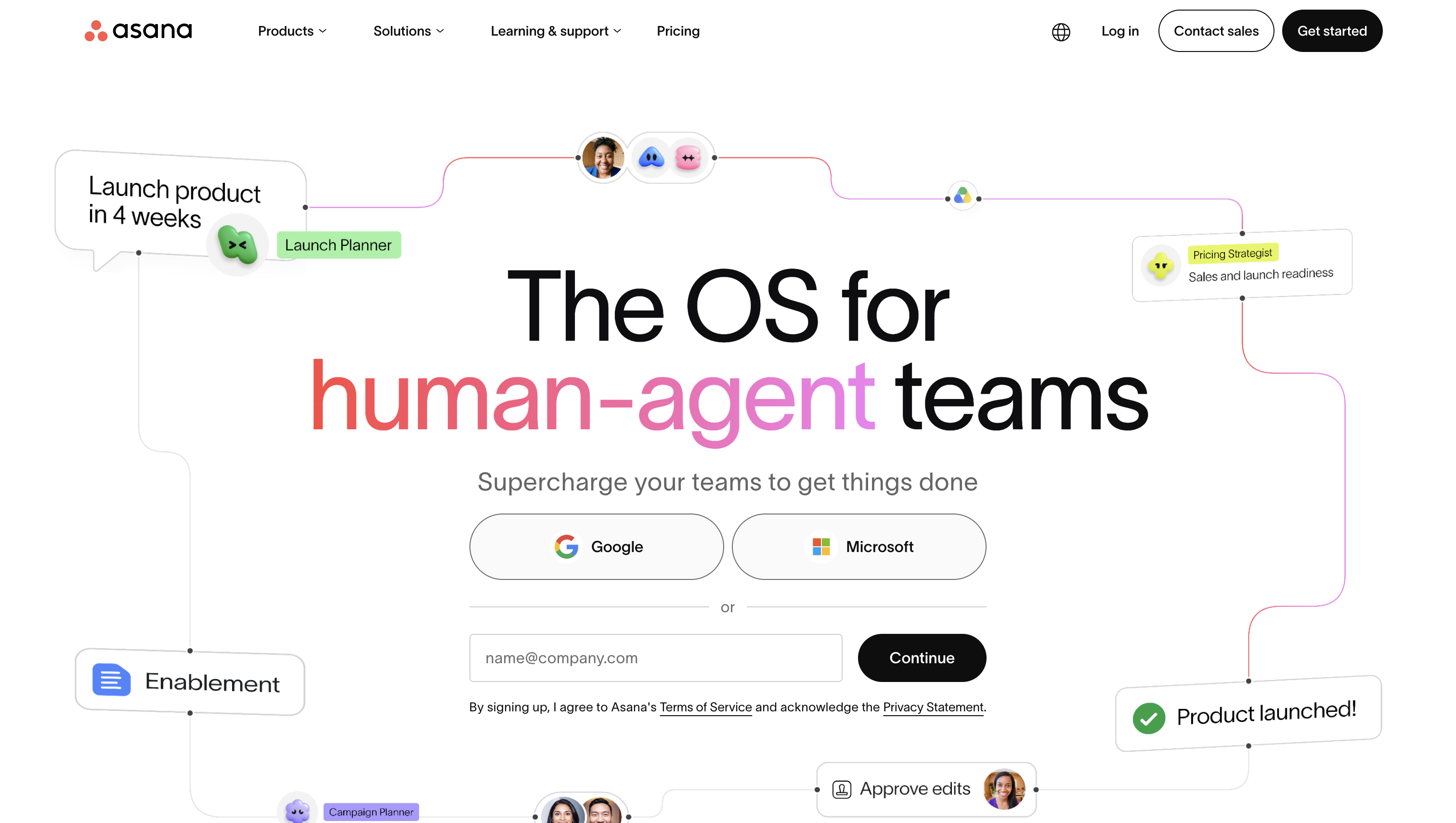
Asana AI is the most common premature purchase on this list. It becomes useful when several workstreams have different owners and an informal weekly call no longer gives the team a reliable view of delivery.
Asana’s pricing page lists AI summaries for tasks and projects, project status drafting, and risk reports. Those outputs depend on people maintaining the underlying tasks. If adoption is partial, the summary reflects incomplete project data rather than the state of the work.
What it does: tracks projects and tasks while using AI to summarize status, surface risk, and draft updates.
Best for: teams past roughly ten people running several parallel projects.
Plan structure: a free Personal tier is available. The paid Starter tier includes Asana AI and AI Studio allowances alongside timelines, dashboards, automations, forms, templates, and custom fields.
Setup effort: high. Useful output requires a shared project structure and consistent team adoption.
Closest alternative: Notion AI when documents and knowledge matter more than deadlines and owners. Do not run both as the team’s task system.
Skip it if: you are under five people and a shared board plus a weekly call still works.
Sales and Meetings
Start with the tool tied to the current bottleneck. Do not buy both until prospecting volume and call volume independently justify them.
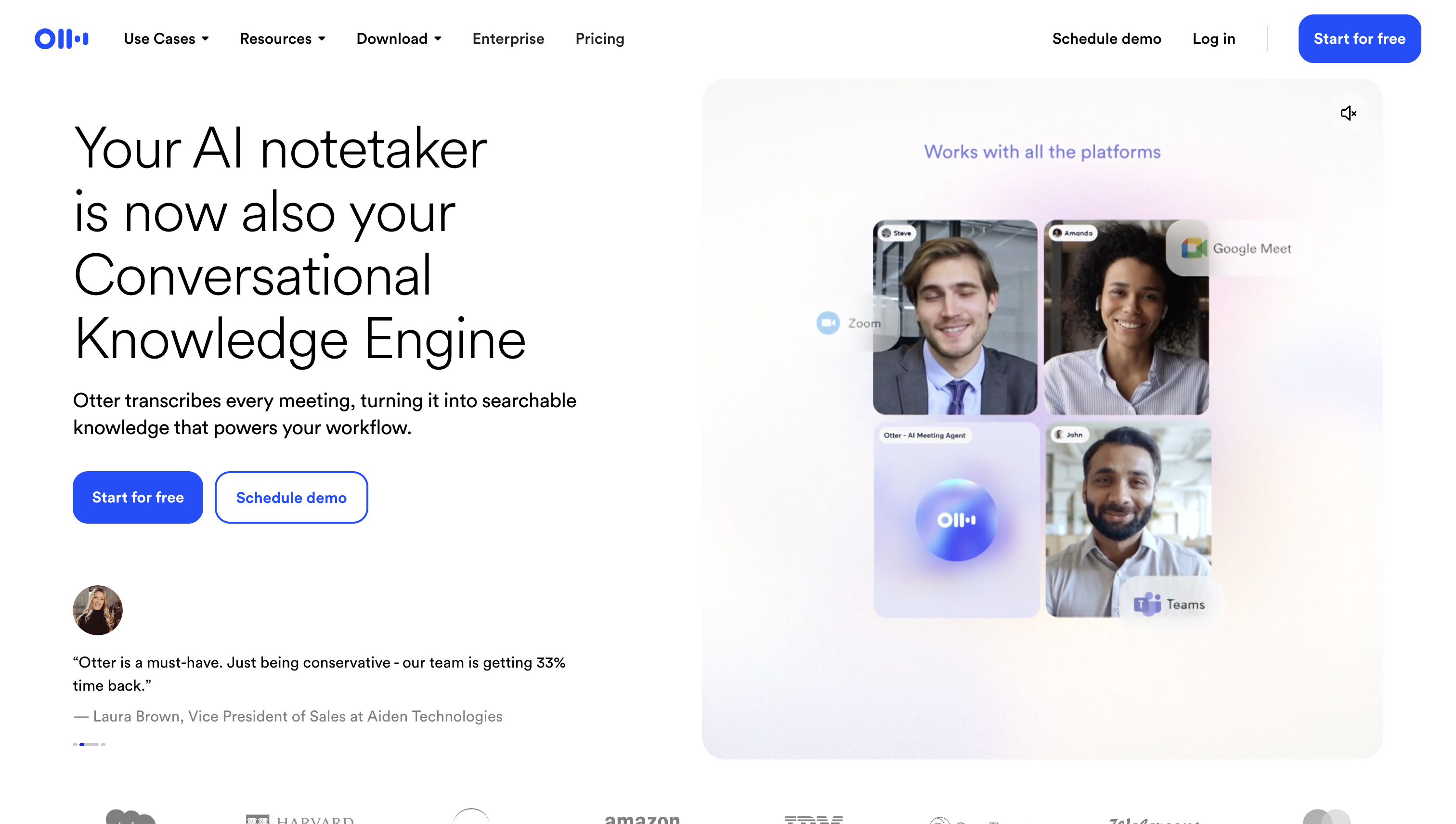
Otter captures meetings so a founder can concentrate on a customer, investor, or sales conversation instead of typing throughout it. The transcript, summary, and extracted actions also create a record that can move into the rest of the team’s workflow.
Otter’s Basic plan is free and includes 300 monthly transcription minutes plus three lifetime file imports. Pro increases recording capacity to 1,200 in-app minutes, supports meetings up to 90 minutes, and adds advanced search, exports, and CRM or Zapier integrations.
What it does: provides live transcription, summaries, and extracted action items from calls.
Best for: founders running weekly customer interviews, sales calls, or an active fundraise.
Plan structure: free Basic tier with a monthly transcription allowance; paid Pro upgrade for higher capacity and integrations.
Setup effort: low. After a Google or Microsoft calendar is connected, Otter can join scheduled events, record conversations, and generate notes.
Closest alternative: manual notes followed by a general assistant summary. Choose Otter when call volume turns that process into a daily task.
Data and IP: Otter recommends obtaining consent before recording and following applicable local recording laws. Its privacy policy permits certain data-labeling providers to use shared data to create training and evaluation data for product features, so teams should review current retention and privacy settings before recording confidential conversations.
Skip it if: call volume is low enough that a recording and a five-minute recap cost less than another subscription.
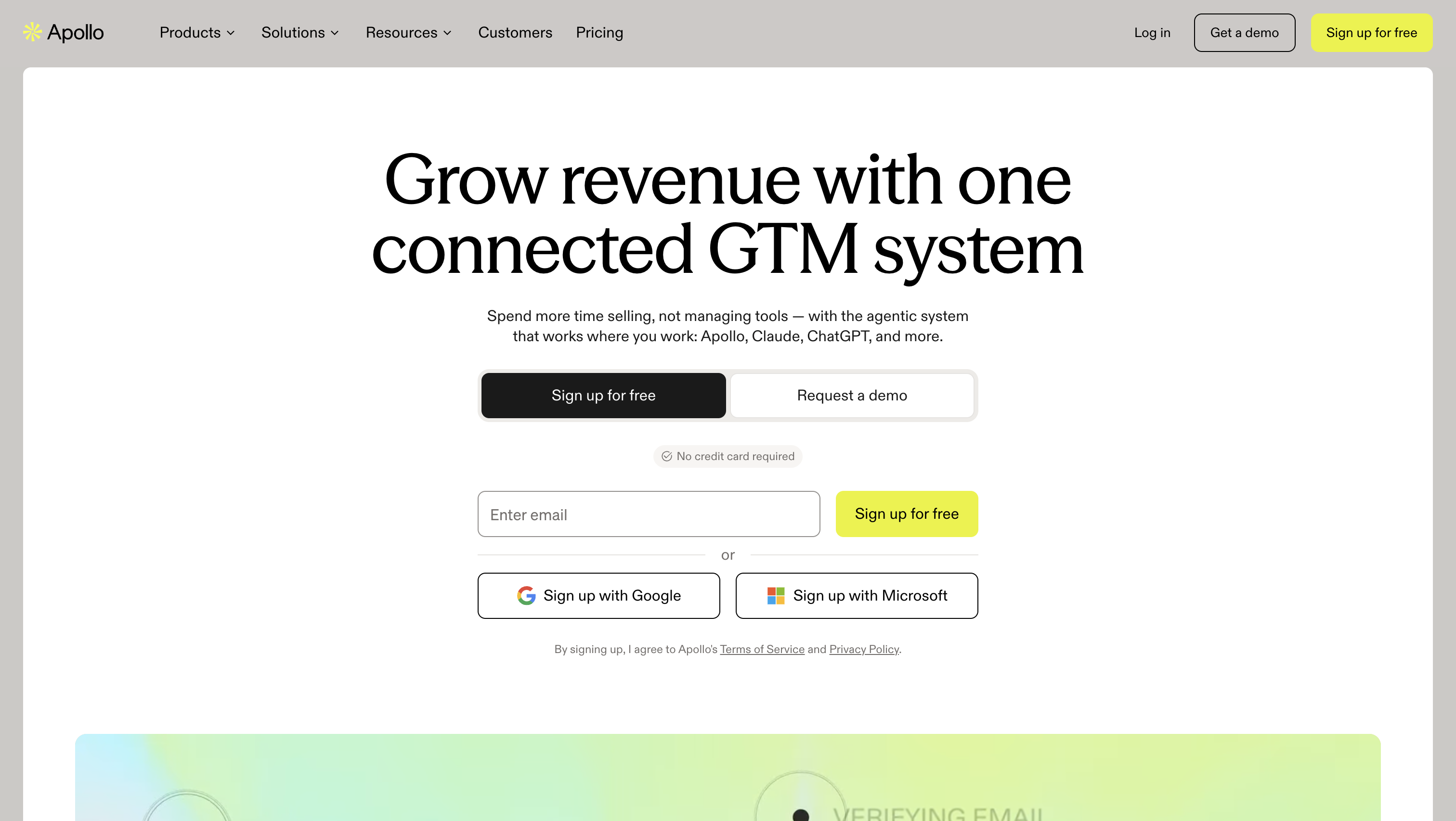
Apollo combines prospect data and AI-assisted sequencing for a founder testing outbound before hiring a sales operations specialist. It can turn a defined ideal customer profile into a working prospect list and a repeatable outreach process.
Volume helps only after the positioning has been tested manually. Scaling an unproven message produces more weak signals, not better learning. Apollo’s pricing page confirms a free-forever Starter plan and limited trial credits, giving a team a way to assess the workflow before moving to a paid upgrade.
What it does: builds targeted prospect lists from a contact database and runs AI-assisted email sequences.
Best for: early go-to-market teams testing outbound without a dedicated sales operations function.
Plan structure: a free-forever Starter plan with paid upgrades above it.
Setup effort: medium. The team must define its ideal customer profile, build a list, and write sequences before sending.
Closest alternative: manual founder-led outreach from LinkedIn and a spreadsheet. Keep it manual until you know which message converts.
Data and IP: legal responsibility remains with the sender. In the US, CAN-SPAM covers commercial email, including business-to-business messages, and requires a working opt-out. In the UK, the rules differ by recipient type and use of personal data, including distinctions between corporate subscribers, individuals, and sole traders.
Skip it if: you have not yet closed a handful of customers manually. Consider other Apollo alternatives instead.
Two questions pick the stack: what stage are you at, and which function is consuming the most founder hours? Buy one bundle below, not the full list. Each bundle stops before coordination, automation, or sales software becomes overhead rather than help.
Delay Zapier because there is no repeated workflow to automate, Apollo because there is no validated sales message to sequence, and Otter because a small number of calls may not justify a transcription workflow. Asana can wait because there is no team to coordinate. The stack stops at three because validation needs thinking, research, and an organized record – not an operations layer.
Delay Zapier and a CRM because there is little to automate before demand exists. A form-to-CRM workflow built for no inbound volume is configuration without a recurring task behind it. Asana also waits: two people can coordinate faster in a shared board than they can maintain a formal project system.
This bundle stops at the revenue workflow. It does not add another research or task tool unless the existing one has become a bottleneck. Subscription sprawl often starts here because several individually reasonable purchases arrive close together. Put the keep-or-cut audit from the final section on the calendar as soon as the third paid tool enters the stack.
Run the first month as a staged rollout rather than opening eight accounts at once:
Re-check the stack each quarter. Pricing, model quality, AI allowances, and free-tier limits can change faster than the team’s workflows. A paid seat that made sense earlier may no longer earn its place, while a newly repeated handoff may finally justify automation.
Unused seats do not announce themselves. The monthly usage check and quarterly stack review keep a small set of tools useful without letting it become a subscription pile.

Cindy is an Outreach Manager and SEO Specialist at ONSAAS who helps SaaS companies grow through strategic link building and SEO. Outside of work, she loves spending time in nature, especially hiking in the mountains.
.svg)
.svg)
.svg)
.svg)
.svg)