
.svg)
%20(1).svg)
%20(3).svg)
Back to articles
5 Best Google Drive Alternatives for Businesses and Startups in 2026
August 18, 2026
By
Cindy Graciella
Google Drive is one of the most widely used cloud storage platforms. It makes storing files, sharing documents, and collaborating through Google Docs, Sheets, and Slides relatively simple.
However, it is not always the right fit for every business.
A small business may want file storage built into the same platform as its business email. A SaaS startup may need better file ownership and administrative controls as its team grows. Agencies may prioritize sharing large files with clients, while privacy-focused companies may want stronger encryption.
The choice of the best Google Drive alternative will depend on the way your business stores, shares, edits, and protects its files. The following guide looks at five options available to small businesses, SaaS companies, startups, and rapidly expanding teams.
We compared the platforms based on the factors that matter most to businesses, SaaS companies, and startups:
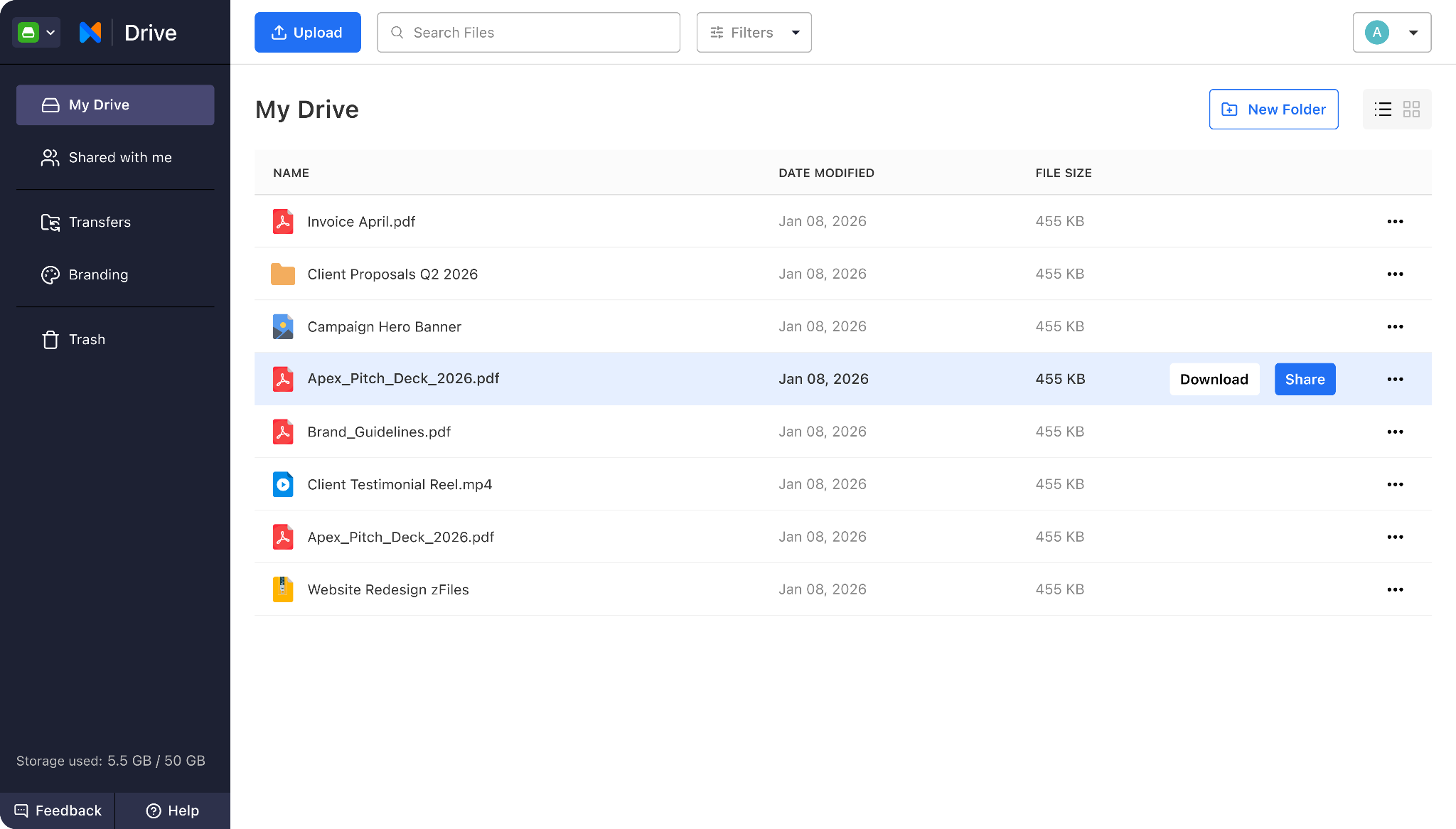
Verdict: Neo Drive is the cloud file storage and sharing feature included with Neo Mail, a business email provider for small businesses. It is useful for teams that want to manage professional email and business files within the same platform.
Small-business files often move through email. Proposals are sent to prospects, invoices go to clients, and contracts return with updated terms. Over time, these important attachments can become buried inside long email threads.
Neo Drive, available as part of Neo Mail, gives businesses a dedicated place to upload, organize, preview, and share files without moving to a separate storage platform. Since it works alongside the business inbox, teams can keep client communication and related documents closer together.
Why Neo Drive (built-in with Neo Mail) is a good Google Drive alternative
Neo Drive is especially helpful when a file is connected to an email conversation. For example, a consultant can store a proposal in Neo Drive, share it with a prospect through Neo Mail, and check whether the file has been viewed before sending a follow-up.
Because Neo Drive is part of Neo Mail, businesses can also access professional email and other small-business tools from the same platform. Depending on the plan, these may include email backup, appointment booking, email campaigns, read receipts, email tracking, and AI assistance for writing and summarizing emails.
Free storage: Neo Drive is included as a feature with Neo Mail plans rather than offered through a separate free tier.
Pricing: Neo Mail plans start at $1.25 per user per month.
Limitations of Neo Drive: Neo Drive does not replace Google Docs, Sheets, or Slides. Businesses that rely heavily on real-time document creation and co-editing may still need a separate productivity suite.
Best for: Freelancers, consultants, agencies, startups, SaaS and small businesses that want professional email and cloud file management in one platform.
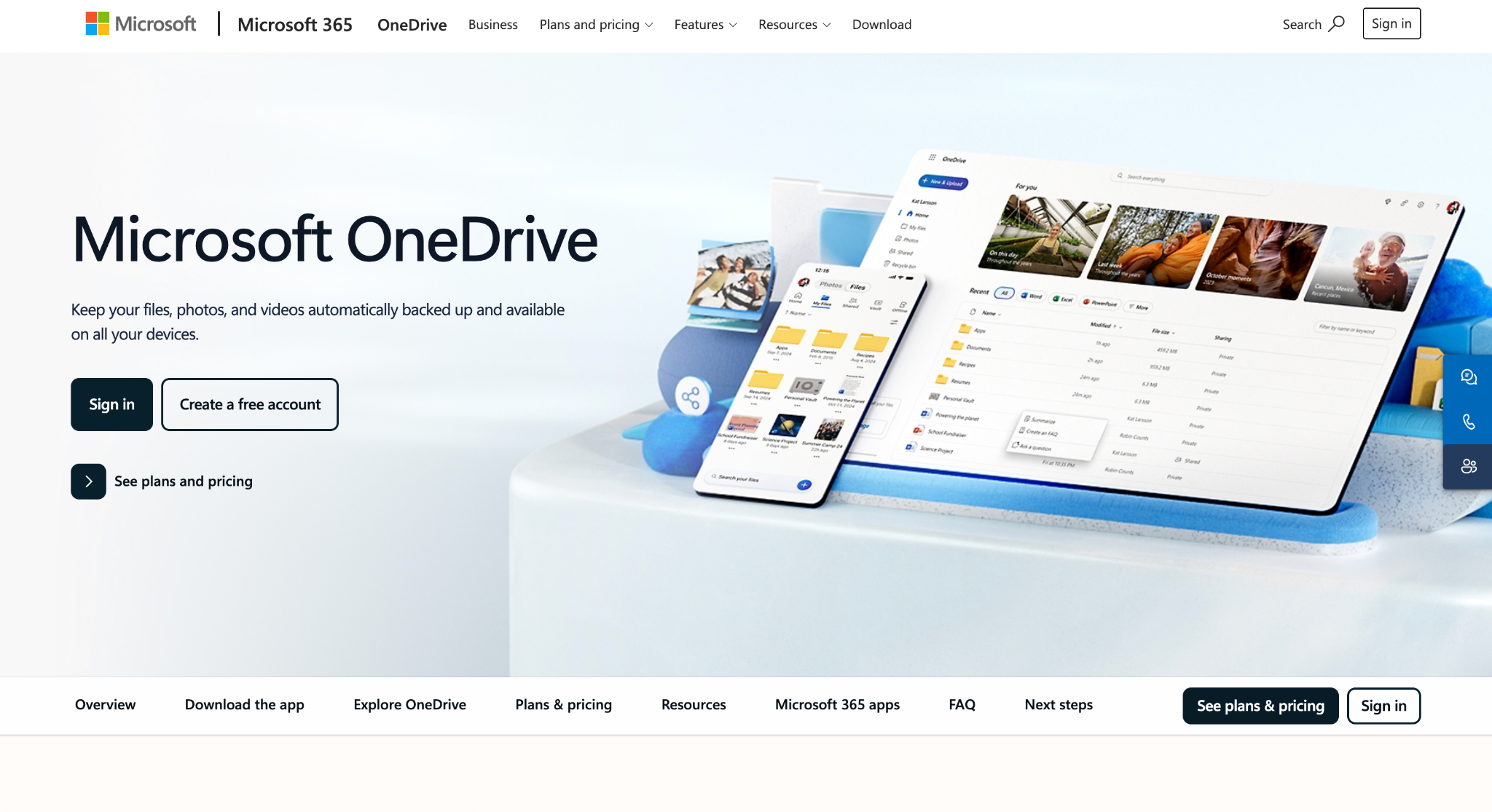
Verdict: Microsoft OneDrive is one of the strongest Google Drive alternatives for businesses already using Word, Excel, PowerPoint, Outlook, Teams, or SharePoint.
OneDrive has a close relationship with the Microsoft 365 ecosystem, allowing employees to save their Office documents directly to the cloud, to collaborate on files, to access previous versions of them, and to manage their content on all their devices.
This makes it a natural option for SaaS companies and established businesses that already use Microsoft applications for daily work.
Why OneDrive is a good Google Drive alternative
Microsoft 365 Business Basic currently includes 1 TB of cloud storage per user along with web and mobile versions of Microsoft applications. Microsoft lists the plan at $7 per user per month when paid annually.
For a growing SaaS business, the administrative controls may be as important as the storage. OneDrive can help companies manage employee access, organize shared resources, and keep business files within an established company account.
Free storage: OneDrive offers 5 GB of free cloud storage for storing and sharing files.
Pricing: OneDrive for Business starts at $5 per user per month, billed annually, with 1 TB of storage per user.
Limitations of OneDrive: OneDrive provides the most value when a business is already committed to Microsoft 365. Teams that do not use Microsoft applications may find the surrounding ecosystem more extensive than they need.
Best for: Established businesses, corporate teams, and startups that use Microsoft Office applications.
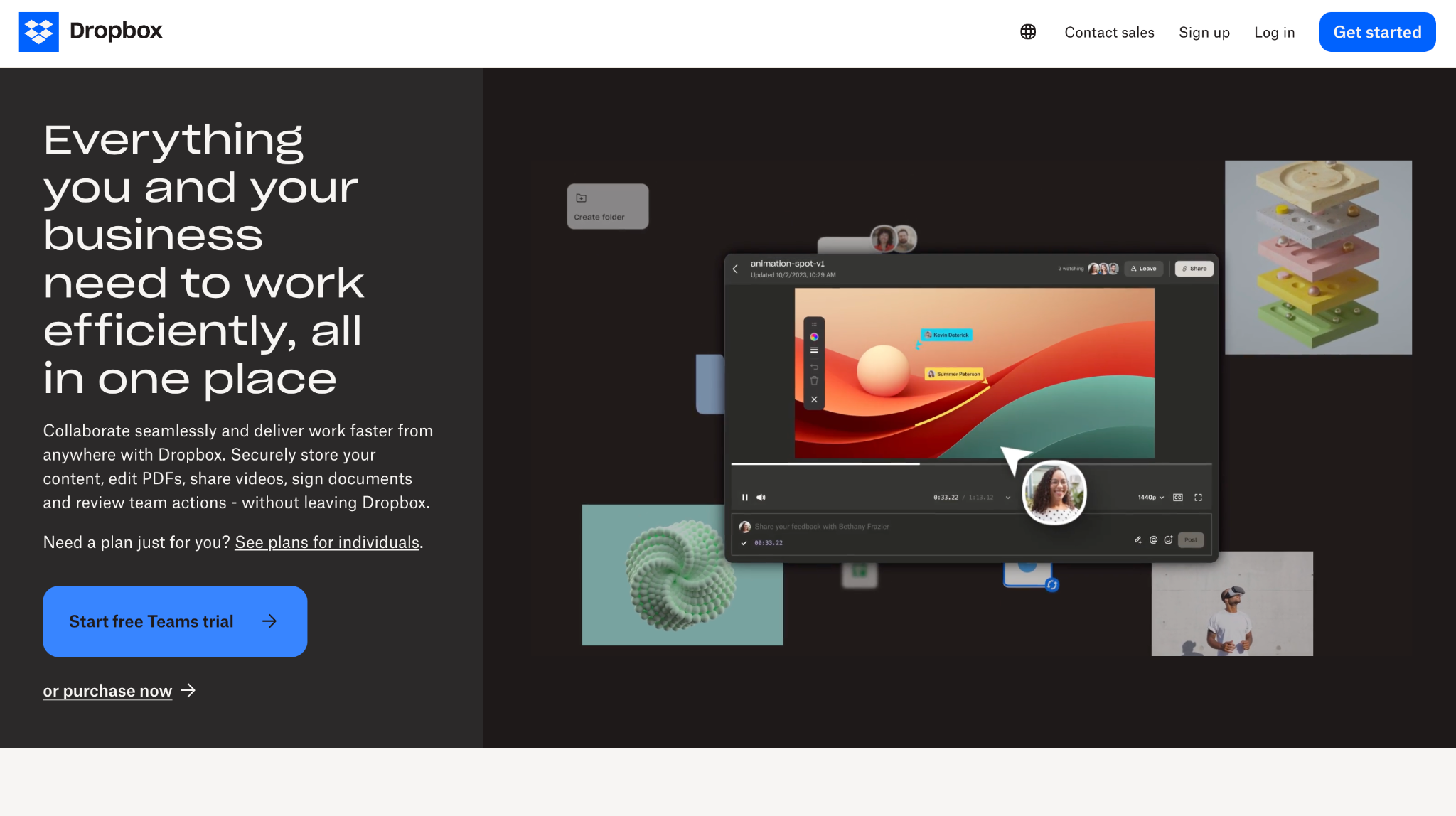
Verdict: Dropbox Business is a straightforward option for businesses that frequently send files to clients, vendors, freelancers, and external collaborators.
Dropbox has long focused on file syncing and sharing. Its interface is relatively easy to understand, even for recipients who do not regularly use the platform.
This makes it useful for agencies, creative companies, production teams, and consultants that exchange large files with people outside their organization.
Why Dropbox Business is a good Google Drive alternative
The Dropbox Standard plan begins at $15 per user each month and provides 180 days for restoring deleted files, while the Advanced plan starts at $24 per user each month and increases the recovery period to one year, together with extra controls and storage.
Compared to a document-oriented platform, Dropbox might be more convenient for a design agency since the team will be able to organize the assets for their campaigns, send files to their clients, and keep the various versions synchronized without each recipient having to learn an entire office suite.
Free storage: 2 GB through Dropbox Basic.
Pricing: Dropbox Business starts at $15 per user per month.
Limitations of Dropbox Business
The cost can become significant as a team grows or requires advanced security, recovery, and administrative features.
Best for
Creative agencies, consultants, media teams, SaaS marketing departments, and businesses that regularly share large files externally.
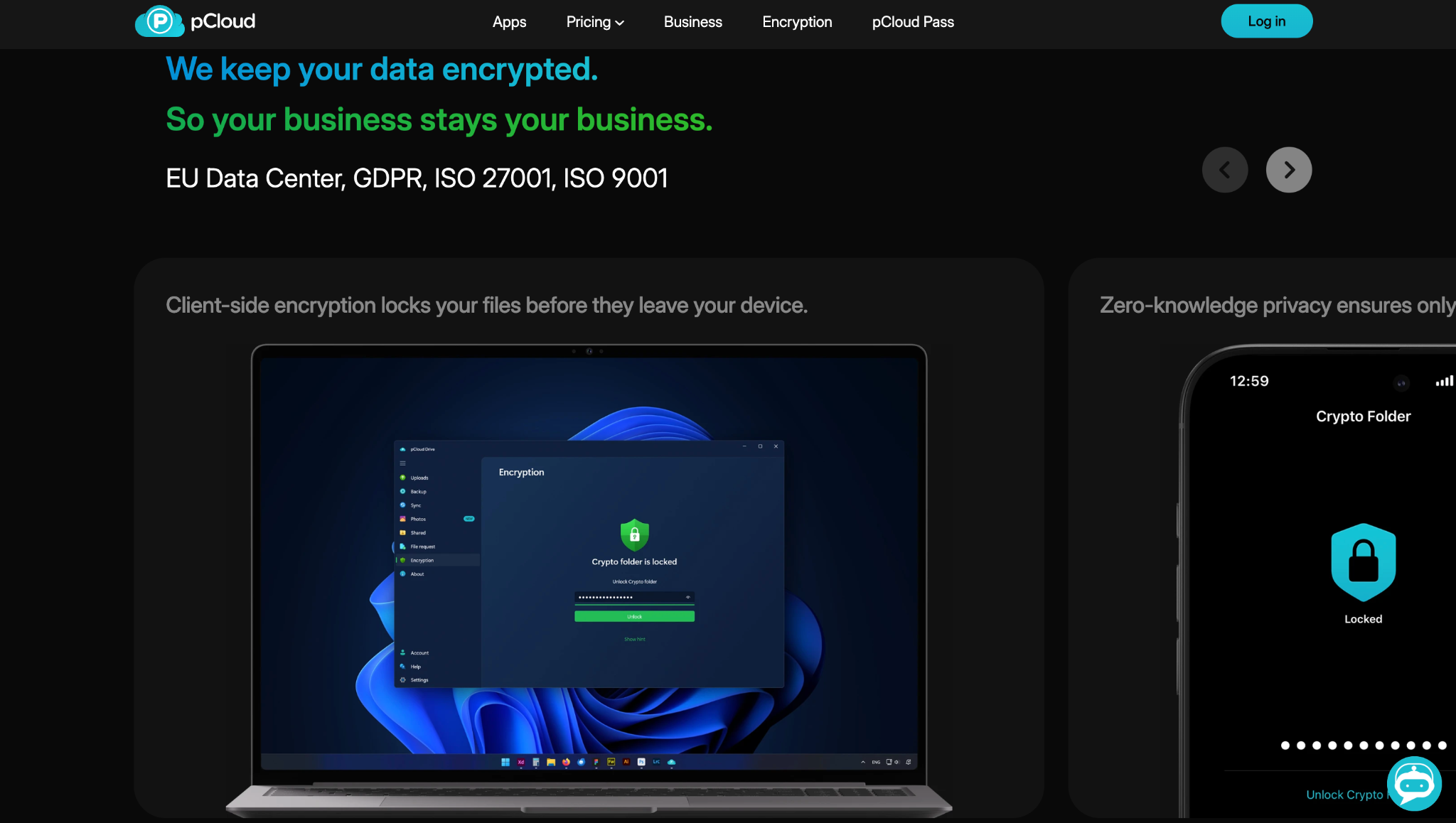
Verdict: pCloud Business is well suited to companies that prioritize secure storage, straightforward file sharing, and predictable long-term file management.
Rather than trying to replace an entire productivity suite, pCloud focuses on storing, syncing, protecting, and sharing files across devices.
Businesses can create shared folders, manage team access, restore earlier file versions, and use branded links when sending files to clients or partners.
Why pCloud Business is a good Google Drive alternative
pCloud states that its business offering includes client-side encryption, team controls, secure sharing, and 180-day file versioning. It also highlights GDPR support and ISO 27001 and ISO 9001 certifications.
This combination may appeal to small SaaS businesses that primarily need dependable storage for product resources, internal documents, and customer-facing files without paying for another complete office ecosystem.
Free storage: Up to 10 GB through pCloud’s personal plan.
Pricing: pCloud Business starts at €9.99 per user per month, with a minimum of three users.
Limitations of pCloud Business
pCloud offers fewer native productivity and workflow integrations than Google Workspace or Microsoft 365. Teams that need extensive real-time document editing may require additional software.
Best for
Small companies, distributed teams, and businesses that want secure storage without adopting a large productivity suite.
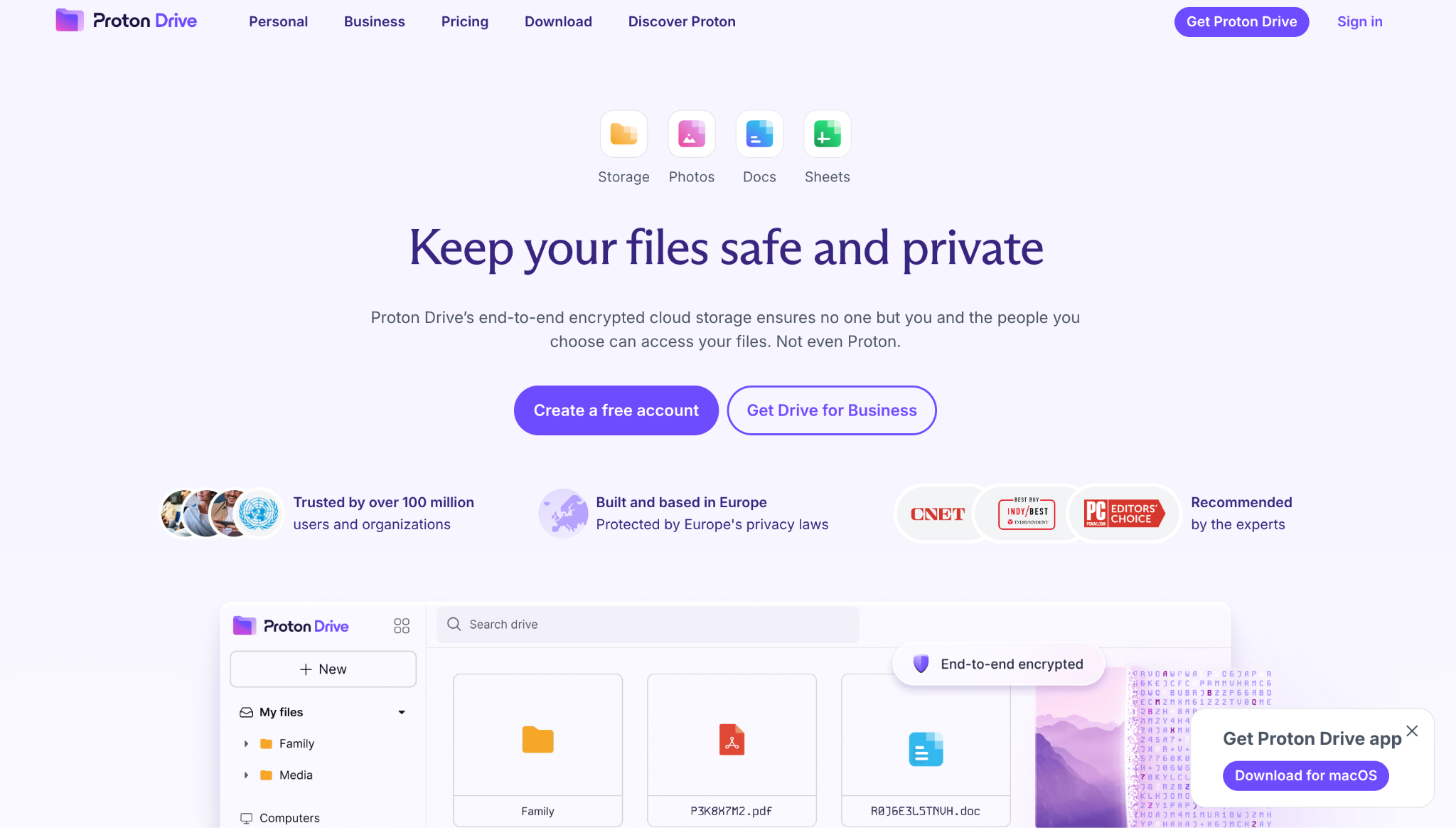
Verdict: Proton Drive is a strong Google Drive alternative for businesses that place privacy and encrypted storage ahead of the widest possible range of integrations.
Proton Drive uses end-to-end encryption to protect stored files. It also supports secure sharing, version history, file previews, and access across web, desktop, and mobile applications.
This can make it attractive to consultants, legal professionals, privacy-focused SaaS companies, and businesses handling sensitive documents.
Why Proton Drive is a good Google Drive alternative
Proton Drive allows users to create secure links, protect them with passwords, and set expiration dates. Paid plans can also retain up to 200 versions of a file for as long as ten years, depending on the configured settings.
Proton has also expanded its collaboration features with encrypted Docs and Sheets. However, its overall productivity ecosystem remains smaller than those offered by Google and Microsoft.
Free storage: Proton Drive offers up to 5 GB of free encrypted cloud storage for storing and sharing files.
Pricing: Proton Drive Professional starts at $7.99 per user per month and includes 1 TB of encrypted storage per user.
Limitations of Proton Drive
Businesses that need extensive third-party integrations, mature workflow automation, or a broad collection of collaboration applications may find Proton Drive less comprehensive.
Best for
Privacy-conscious startups, consultants, remote teams, and businesses handling confidential information.
Google Drive may work well when a company is small, and its file structure is relatively simple. As the business grows, however, its requirements can change.
Cloud storage is seldom restricted to just a few documents. As businesses grow, they end up with a large number of client presentations, product files, contracts, invoices, marketing assets, meeting recordings, reports, and employee records.
Since many platforms charge on a per-user basis, the costs can increase rapidly when a startup starts to hire employees. For this reason, companies ought to calculate the total cost for the entire team rather than simply comparing the advertised initial price.
It is common for businesses to pass on files to individuals who are not part of their organization. For example, a SaaS company could send a product proposal to a potential customer, and an agency might share its campaign materials with a client.
In such cases, merely setting up a public link might not give them sufficient control, and businesses could need the option to remove access, limit downloads, include passwords, set an expiry date, or check whether the recipient has viewed the file.
When an employee leaves, the business files should still be under the control of the company. If there is no clearly defined ownership and the relevant administrative settings are not in place, important information may stay within the individual employee's account or might become hard to find.
Cloud storage, file recovery, and backup are related, but they are not the same thing.
Syncing can make the latest version of a file available across devices, but it may also sync an accidental deletion or unwanted change. Businesses should check how long deleted files and previous versions remain available, and whether critical information is protected by a separate backup system.
Companies that deal with financial records, customer data, legal documents, or confidential product files might need more sophisticated privacy controls.
The platform ought to include suitable encryption, secure user accounts, appropriate sharing permissions, recovery options, and administrative visibility. Those businesses that operate in regulated sectors should also check the provider's compliance certifications and data-handling policies.
Not every business wants a complete office suite. Some businesses mainly need a secure place to store and send files. Others want cloud storage closely connected to email, Microsoft Office, client collaboration, or their existing productivity tools.
Choosing the right alternative starts with identifying the workflow the platform needs to support.
The best Google Drive alternative is not necessarily the platform with the most features. It is the one that fits how your business actually works.
Confirm that business files remain available when an employee leaves. Administrators should be able to transfer access, manage users, and recover important content.
Compare the cost across your entire team. Include storage, user licenses, email, office applications, backup, advanced sharing controls, and any additional tools the business will still need.
If your business regularly sends files to clients or partners, look for:
Check how long after deletion files can still be recovered and how many previous versions are stored; companies that deal with contracts that are frequently updated, with code documentation, or with product assets might need longer retention periods.
For users of Microsoft 365, OneDrive is the most straightforward option. Agencies which often send large files might prefer Dropbox. Small businesses that want to combine professional email with file management may find Neo Drive, the cloud storage feature built into Neo Mail, to be more convenient.
Before carrying out the complete migration of the company, move a small number of folders. Make sure that the folder structures, the permissions, the file names, the document formats, and the external links all continue to work correctly.
There is no single platform that will suit every company.
Before completing a migration:
The Google Drive alternative that is suitable for your business will depend on your specific requirements beyond those of simple cloud storage.
The most appropriate choice will vary according to the company's way of working. Neo Drive, which is included in Neo Mail, is suitable for small businesses that wish to have professional email and file management in a single location. For users of Microsoft 365, OneDrive is a good option, and Dropbox Business works well when it comes to sharing files with external parties. pCloud is suitable for companies that prioritize storage, and Proton Drive, which is part of the Proton ecosystem, is aimed at teams that value privacy.
OneDrive works well for SaaS startups that use Microsoft 365, whereas Dropbox is useful for sharing product, sales, and marketing files with people outside the company. Neo Drive, which is included in Neo Mail, could be a more straightforward choice for slim startups aiming to have both business email and file storage on the same platform. For companies that prioritize privacy, Proton Drive, part of the Proton ecosystem alongside Proton Mail, might be appropriate. Neo Drive, which is included in Neo Mail, could be a more straightforward choice for slim startups aiming to have both business email and file storage on the same platform.
Reputable business cloud storage providers typically offer encryption, access permissions, two-factor authentication, and recovery tools. However, security models differ. Businesses should evaluate how files are encrypted, how administrators can access accounts, and which controls apply to externally shared files.
Neo Drive, the built-in cloud storage feature in Neo Mail, is a practical option for small businesses that want to store and share files alongside their professional email. OneDrive may be better for businesses using Microsoft applications, while Dropbox is suitable for teams that frequently exchange large files with clients.
Yes, but the migration should be completed in stages. Export the files, preserve the folder structure, check document compatibility, test employee permissions, and maintain a backup until the new platform has been verified.

Cindy is an Outreach Manager and SEO Specialist at ONSAAS who helps SaaS companies grow through strategic link building and SEO. Outside of work, she loves spending time in nature, especially hiking in the mountains.
.svg)
.svg)
.svg)
.svg)
.svg)