


Back to articles
6 Sales Tools for Startups: What to Buy First and What to Skip
November 6, 2026
By
Cindy Graciella
A startup sales stack is simply the handful of tools a founder or first sales rep uses to find potential customers, reach out to them, keep track of conversations, and close deals. Most startups need fewer tools than vendor roundups would have you believe. Every subscription eats into your runway, and every tool that takes a week to set up is another week you're not spending on sales.
The trick is knowing which jobs actually need software right now, which purchases can wait, and how much your setup will cost each month. The best stack depends on your stage and, more importantly, the channel that's bringing in customer conversations.
For most startups, HubSpot Sales Hub's free CRM is a good place to start. Add Apollo.io if you're doing outbound prospecting and need email sequences. If you'd rather keep things simple and focus on managing deals, Pipedrive is another solid CRM option.
From there, add LinkedIn Sales Navigator if you're targeting specific accounts or Clay if your outbound depends on more detailed research and personalization. Gong can wait until you have several reps and someone responsible for coaching them.
You don't need all six tools. Think of them as alternatives and optional additions, and choose based on your stage and primary sales channel: inbound, cold email, or LinkedIn.
Your CRM is where everything else comes together. It keeps track of who your contacts are, what you've discussed with them, and where each deal stands. If prospecting data, emails, and meeting activity don't make it into your CRM, it's much harder to understand what's happening or figure out why a deal has stalled.
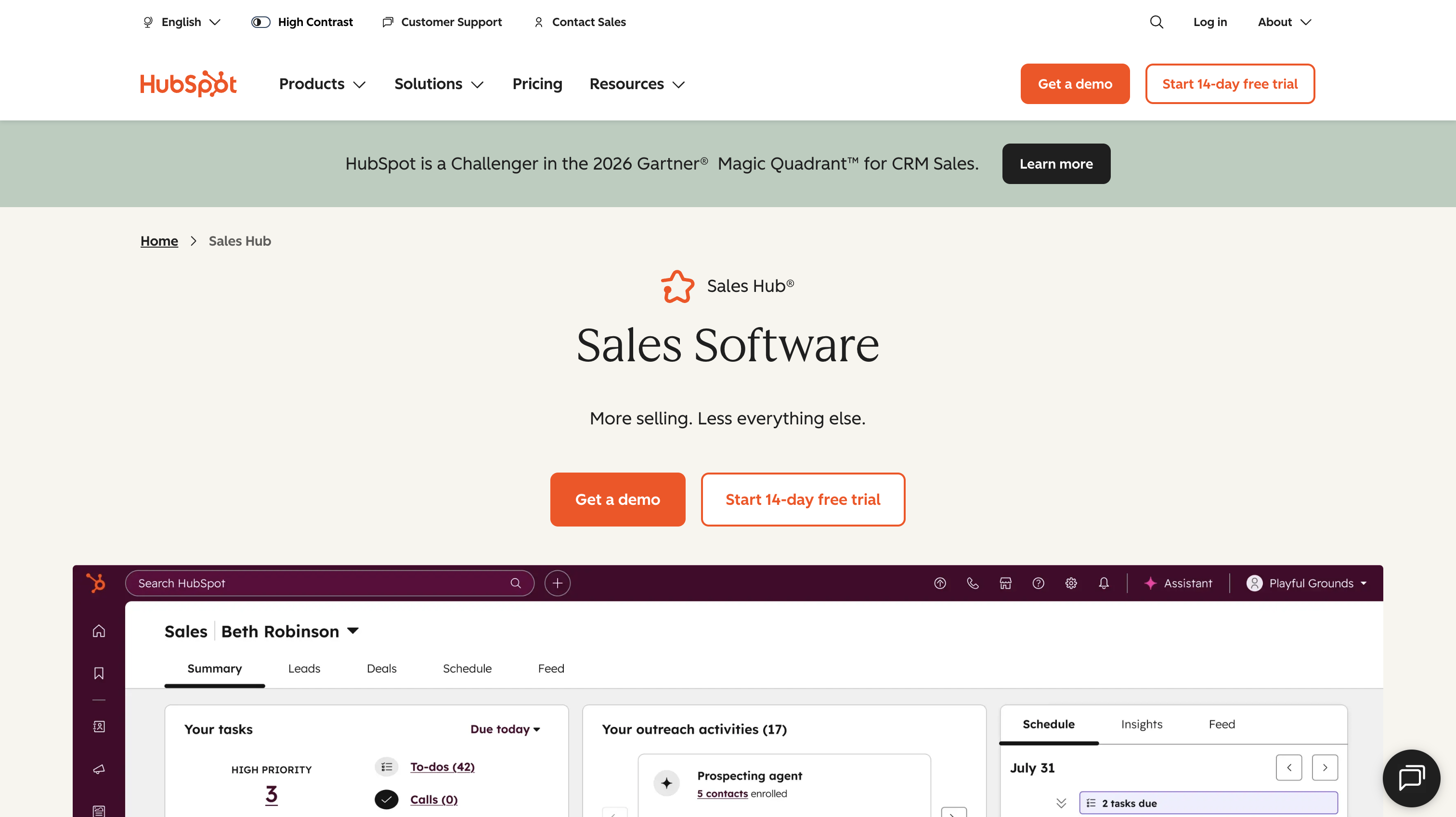
HubSpot Sales Hub is a good starting CRM for founders who want room to grow without having to pay for software right away.
Standout capabilities: HubSpot brings contact and lead management together in one place, making it easier to organize prospecting activity. According to its product page, you can start using email templates, deals, and meetings right after logging in.
Limitations: There's an important difference between HubSpot's free and paid tiers. Its comparison table places sequences in Professional, which includes 5,000 sequences per account and up to 500 email sends per user per day. Starter offers limited workflows but doesn't include sequences. Professional is also priced per seat, so costs can add up as you bring on more reps.
Pricing: The Free plan costs US$0 for up to two users. Starter starts at US$7 per seat per month, although HubSpot limits this discount to new customers. Professional starts at US$90 per seat per month and comes with a one-time US$1,500 onboarding fee.
Best for: Inbound-led startups that want marketing and sales on one platform and prefer to start with a free CRM.
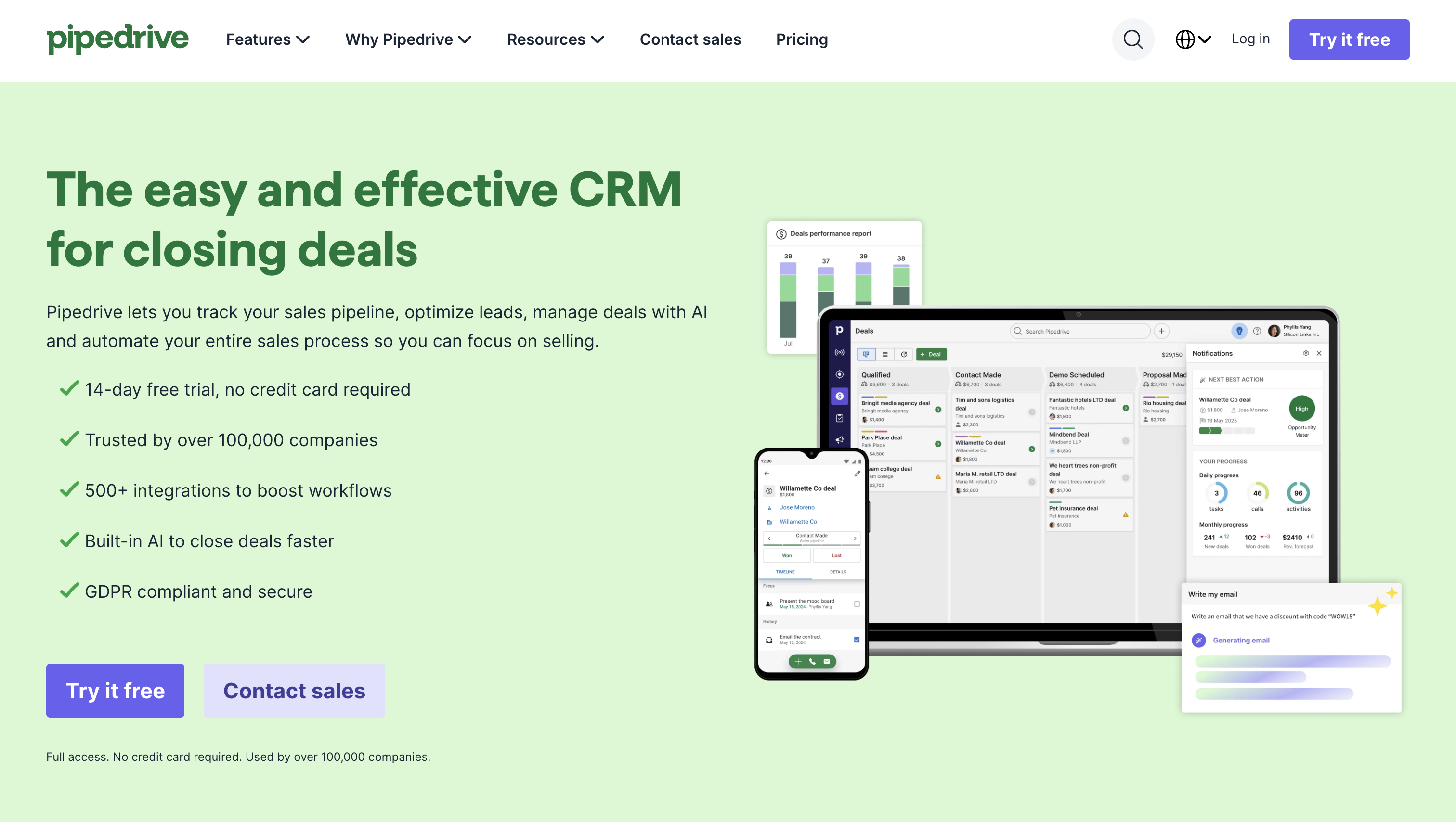
Pipedrive is a good fit if you prefer thinking in terms of deals rather than managing a large database of contacts. While HubSpot gives you a broader platform to grow into, Pipedrive keeps the sales pipeline front and center.
Standout capabilities: Even on its Lite plan, Pipedrive includes lead, deal, contact, and calendar event management. That's enough to give a founder one place to manage the pipeline and keep track of the activity around each deal.
Limitations: One thing to watch is its seat-based billing. Pipedrive's billing documentation says you're charged for every seat you purchase, even if you haven't assigned it to anyone. So, add seats when someone actually joins rather than buying them in advance. Also, Pipedrive focuses mainly on sales pipeline management. If you want marketing and sales working from the same database, HubSpot is probably a better fit.
Pricing: Pipedrive offers a 14-day free trial. Lite costs €14 per seat per month equivalent, billed annually at €168 per seat. Growth adds automations and nurturing sequences.
Best for: Outbound-led founders who want a straightforward, pipeline-first CRM from day one.
Prospecting is about finding the right companies and people to sell to, then getting their contact details. Outreach is what happens next: organizing emails and follow-ups so you can turn those prospects into conversations.
Not every prospecting tool handles outreach, though. Some just help you find and research potential customers.
Apollo.io is a practical all-in-one option for founders who want to find prospects and follow up with them without jumping between several tools. Just don't assume that a list is ready for a campaign simply because Apollo gives you the contact details. Check the data first.
Standout capabilities: Apollo lets you filter contacts by email status and export CSV lists containing only contacts with verified email addresses. This gives you a useful starting point for checking list quality before sending.
Limitations: Don't wait until you start getting bounces to check your list. Review contact quality before every campaign, and remember that each additional outbound user needs a paid seat.
How to check your list before launching a campaign:
Of course, even a perfectly verified email list won't help if you're contacting people who don't want to hear from you. Spamhaus makes this point in its email sender guidelines: email validation doesn't remove spam traps or replace permission.
Pricing: Apollo's Free plan is mainly for exploring the platform and very light use. Basic adds email sequencing and core integrations. One thing to keep in mind is that every seat on an account must use the same plan. You can't keep the founder on Free while giving a sales rep a Basic subscription.
Best for: Founders and small teams running cold email campaigns who want prospecting data and outreach in one place.
If you already know which companies you want to sell to and have a good idea of who makes the buying decisions, LinkedIn Sales Navigator can be a useful addition to your stack.
Standout capabilities: Sales Navigator helps you find and target specific accounts and decision-makers, making it particularly useful for account-based prospecting. LinkedIn also offers trials of Core and Advanced to eligible users.
Limitations: Its usefulness depends on whether your target buyers are actually active on LinkedIn. You'll also need a CRM to manage the relationships and, if you plan to reach people by email, a separate contact finder.
Pricing: Core costs US$119.99 per license per month when billed monthly, or US$1,079.88 per license annually (equivalent to US$89.99 per month). Advanced costs US$159.99 per license monthly or US$1,799.88 annually. Advanced Plus is custom-priced depending on team size, CRM integration, and onboarding requirements.
Best for: B2B startups selling to identifiable decision-makers and building targeted account lists.
Enrichment tools help you get more information about contacts and companies you've already identified. This might include missing contact details, company information, or research that a sales rep would otherwise have to do manually.
Think of it this way: prospecting helps you build the list, while enrichment helps you understand the people on it.
You don't need an enrichment tool from day one. It's worth adding when your existing prospect data isn't detailed enough to support the targeting or personalization your outbound campaigns depend on. It won't replace your CRM or prospecting platform, and for most early-stage startups, it's not a first purchase.
Clay sits between your prospect list and your outreach tool. It helps you collect additional information about potential customers and use that research to make your messages more personal.
Because Clay's pricing depends partly on how much research and enrichment you run, it's worth figuring out exactly what you need before paying for a larger plan.
Standout capabilities: Clay offers waterfall enrichment and AI-powered research on individual leads.
Limitations: The Free plan limits each table to 200 rows, but that's enough to test your setup before paying for more volume. I'd recommend starting with a small enrichment workflow and figuring out which fields you actually need, which providers supply them, and in what order.
Without a clear process, it's easy to burn through credits without getting much value.
Pricing: Free includes 100 Data Credits and 500 Actions per month. According to Clay's pricing FAQ, its entry-level paid plan, Launch, starts at US$185 per month for the account rather than per seat. Keep in mind that Data Credits and Actions are separate usage meters, so you'll need to track both.
Best for: Post-PMF teams that want to run highly personalized cold outreach using enriched prospect lists.
There's a difference between a tool that takes notes during sales calls and one that helps a manager coach an entire sales team.
The first saves founders and reps from having to write everything down after every meeting. The second helps managers review calls across multiple reps, spot patterns, and figure out what's working (and what isn't).
You don't need the second type just because you've started recording calls. It becomes useful when you have someone who can regularly review those conversations and actually use the insights to coach the team.
If you're a founder or your first sales rep and mainly want help with meeting notes, a lighter tool is probably enough.
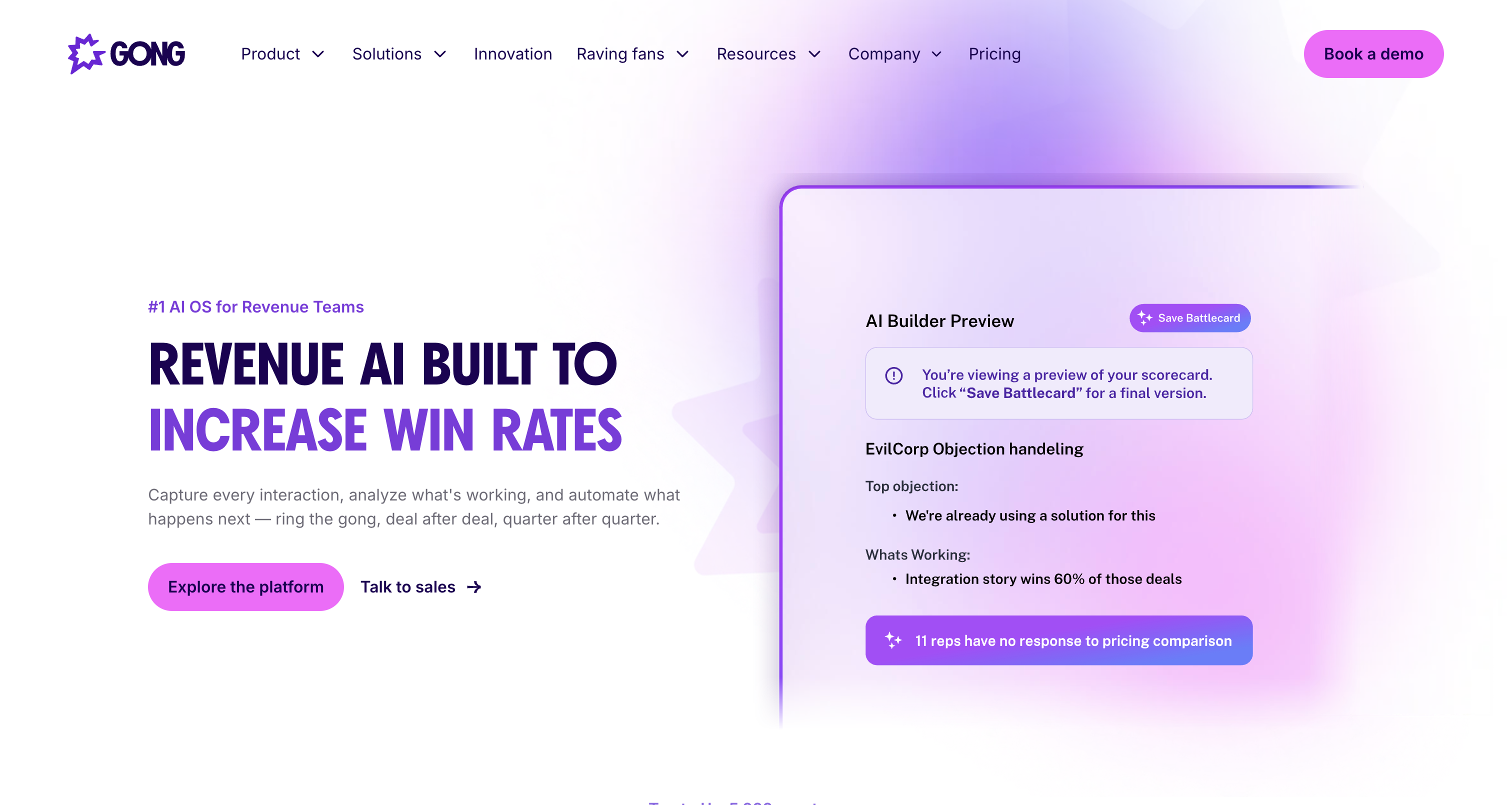
Gong is the call intelligence option on this list. I'd think of it as a management tool rather than something every startup needs as soon as it starts recording sales calls.
Standout capabilities: Gong is worth considering when you have a manager responsible for reviewing calls, comparing performance across several reps, and building a consistent coaching process.
Limitations: The main question is whether your team will actually use the insights. Before committing, consider how often a manager will review calls, coach reps, and follow up on what they've learned. Having several reps and a manager isn't a stated vendor requirement, but it's a useful buying threshold.
Pricing: Gong offers custom quotes, with per-user licenses and an additional platform fee. Its pricing page says the platform fee depends on the number of users supported, so you'll need to request a proposal for an accurate estimate.
Best for: Sales teams with several reps and a manager who runs regular call reviews and coaching sessions.
Build for the company you have today, not the one you hope to become next year.
Product-market fit and hiring are two different milestones. Michael Seibel, writing for Y Combinator, warns founders not to mistake headcount or a major funding round for evidence of product-market fit. And hiring your first SDR doesn't automatically mean you've figured out a repeatable sales process.
Treat these configurations as starting points, adjusted to your stage and channel.
The founder does most of the selling at this stage. Focus on learning who your buyers are and what problems they need solved.
Your first sales hire is a reason to document the sales process, not automatically buy more software.
Document the messaging that gets replies, deal stages, meeting sources, and how qualified leads move through the CRM before upgrading.
Once that's clear, add tools only where you have a real gap:
Add tools to solve specific problems, not simply because you've reached a new stage.
Before making another purchase, ask yourself four questions:
Inbound and outbound teams also need different purchase priorities.
Inbound teams typically start with a CRM, add scheduling and lead management as needed, and eventually pay for more seats as the team grows.
Outbound teams usually start with a CRM and one prospecting or sequencing tool. From there, they can invest in deliverability and add enrichment if personalization becomes a bottleneck. Enrichment-heavy outbound isn't necessarily the next step for every team.
Here are a few signs that you might be ready for something more:
One of the biggest signs that your sales stack is getting too complicated is having multiple tools doing the same job. Maybe you're paying for two schedulers, running sequences in both your CRM and Apollo, or dealing with contact data that no longer syncs properly.
When a tool's job is already covered by your CRM, retire it once you've transferred the necessary data and workflows. Dedicated proposal and e-signature tools can also wait until preparing and sending proposals becomes a recurring bottleneck.
Let's look at two simple configurations for a cold-email-led startup.
In both examples, the founder uses HubSpot Free, Apollo Basic for prospecting and sequencing, and an existing booking link. The first sales rep joins the same setup, and both people continue prospecting.
The main difference is the number of Apollo seats. If both the founder and the new rep are prospecting, you'll need two paid seats. If the founder stops prospecting and hands everything over to the rep, you may only need one.
Also, keep usage-based charges separate from your seat costs. Not every expense doubles when you hire someone. And if you're an inbound-led founder, you can leave out the prospecting subscription altogether.
For a LinkedIn-led setup, you can replace Apollo with LinkedIn Sales Navigator Core. Its annual price works out to US$89.99 per license per month, billed at US$1,079.88 per license per year.
A founder who handles prospecting alone needs one license. If both the founder and the first rep are prospecting, you'll need two.
Here are a few optional additions to keep in mind. They're not included in the base configurations above:
The best sales stack for a startup is the one that helps you spend less time on manual work and more time talking to potential customers.
Start with a CRM, add one prospecting tool if you need outbound, and invest in enrichment or call intelligence only when you have a clear reason. As your team grows, review what you're actually using and remove tools that overlap.
You don't need an enterprise sales stack to build a repeatable sales process. You need a few tools that solve today's problems and room to grow when the business is ready.
Budget per person who prospects, not per employee, and leave a separate line for data and enrichment usage. Count purchased seats as well as active users; Pipedrive, for example, says unassigned paid seats are still billed.
A traditional tool stores and sends what you give it, while an AI tool generates part of the work, such as lead research, email drafts or call summaries. Review generated research for accuracy and email drafts against the message buyers actually respond to.
Rarely before product-market fit, because they scale whatever pitch you feed them. Revisit AI SDR tools once a human-run sequence books meetings reliably, and judge the AI SDR against that baseline.
Briefly, while you’re tracking a handful of conversations. Move to a CRM when shared ownership, activity history or syncing becomes hard to manage.
Setup includes creating accounts, cleaning and importing contacts, defining pipeline stages, connecting mailbox and calendar, mapping fields between the prospecting tool and CRM, and running a test record end to end. Check that ownership, deal stage and activity reach the right CRM fields before importing the full list.

Cindy is an Outreach Manager and SEO Specialist at ONSAAS who helps SaaS companies grow through strategic link building and SEO. Outside of work, she loves spending time in nature, especially hiking in the mountains.


