SDR tools are multiplying fast, but most of them just add more clutter.
This list skips the bloated platforms and highlights the tools that actually help SDR teams. Whether you're a solo rep or managing a full outbound motion, these are the ones worth your time.
SDR tools are pieces of tech that help automate repetitive tasks on a sales development representative’s to-do list — things like finding leads, sending cold emails, logging activity, and booking meetings.
They’re primarily used by SDRs and BDRs (who often juggle both inbound and outbound responsibilities), but they’re also a go-to for small teams that don’t have a dedicated sales development function. In those cases, the tools themselves often step in to cover much of the SDR role.
The goal is to make the top-of-funnel work — everything leading up to the point where a lead is qualified and handed off to an Account Executive (AE) to close deals — more efficient. Depending on the tool, this might mean handling a specific part of the process (like sales prospecting) or supporting the entire SDR workflow through automation and engagement features.
Types of SDR tools:
If one of these sounds like a fit, we’ve handpicked the tools that do it best.
Most SDR tools on the market are automation tools — they execute tasks faster, but still need humans to make the decisions. An AI SDR is different. It doesn't just send emails on a schedule; it decides who to contact, what to say, when to follow up, and how to adjust based on what's working.
Here's the practical difference:
The shift matters because SDR capacity has always been the bottleneck. A human SDR can work a finite number of accounts. An AI SDR doesn't have that ceiling — it scales without headcount. For teams trying to grow outbound without growing costs, that's the core value proposition.
That said, AI SDRs work best at the top of the funnel. Once a prospect is engaged and ready for a real conversation, human reps take over. The goal isn't replacement — it's removing the ceiling on how many qualified conversations your team can generate.
SDR automation tools are popping up like mushrooms, but these are the ones with a proven track record:
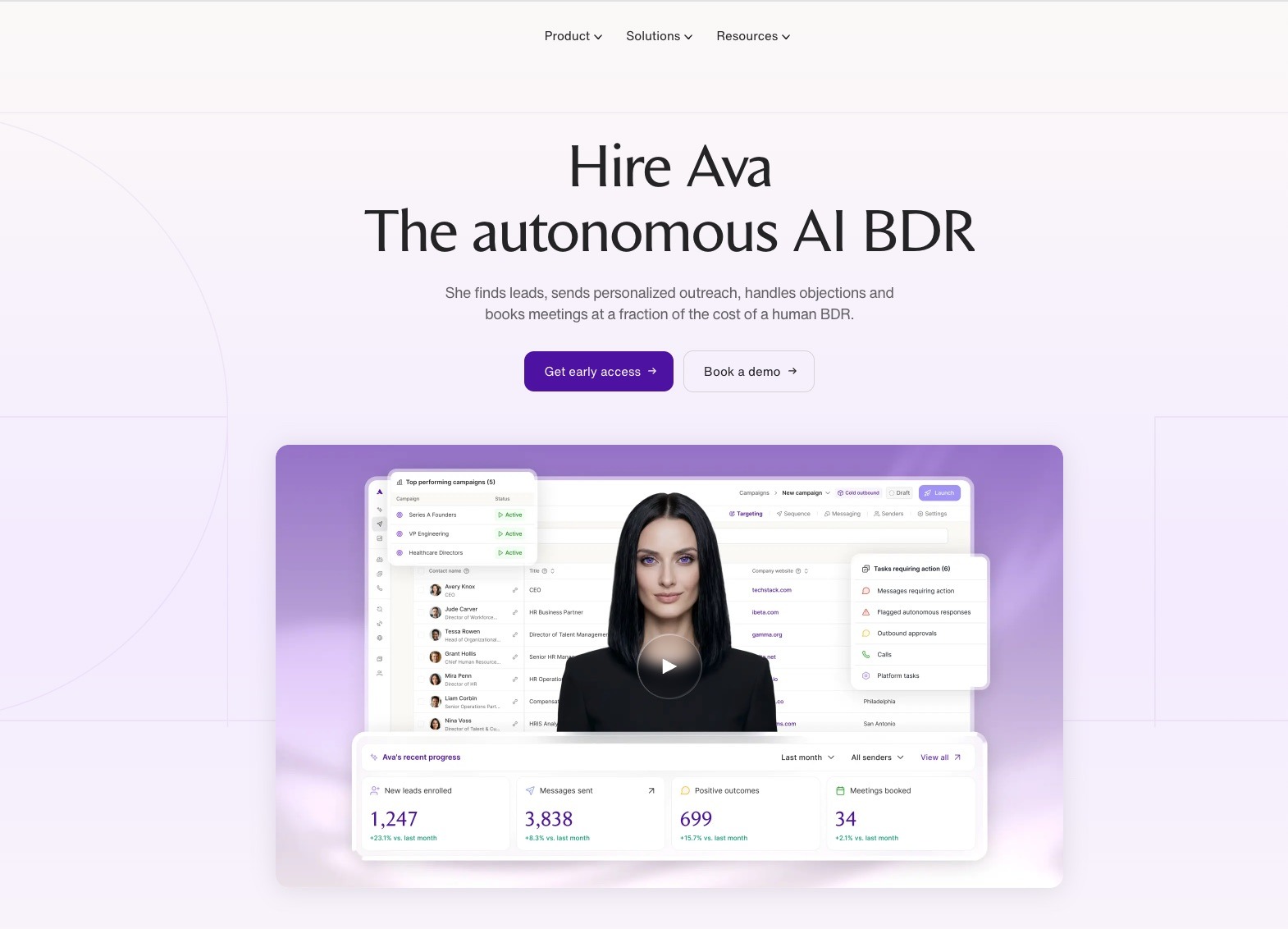
Artisan offers a fully autonomous AI agent named Ava that handles the full outbound process.
Ava fits seamlessly into the SDR workflow by taking over the time-consuming, top-of-funnel tasks that typically fall on a sales development rep. She identifies high-potential leads, enriches their profiles with relevant data, and crafts personalized outreach using insights pulled from Artisan’s 300M+ contact database.
Her workflow mirrors the typical SDR motion: prospecting, qualifying, engaging, and passing along ready-to-convert leads — only it’s faster, always-on, and constantly optimizing.
Teams that want to hand off the entire outbound process to an AI agent and focus human effort on closing.

Apollo.io is a solid all-in-one platform for SDR teams that want prospecting, enrichment, and outreach in one place. You get access to a 210M+ contact database, email sequencing, a dialer, LinkedIn workflows, and basic intent data — enough to cover most outbound motions.
While it’s not fully autonomous, it’s efficient for sales reps who want visibility and control over each step.
SDR teams that want prospecting, enrichment, sequencing, and a dialer in a single platform without stitching tools together.

LinkedIn Sales Navigator is a classic choice for reps who prefer to handpick leads and guide them into the sales pipeline with a more manual, relationship-driven approach.
It’s not a full SDR platform like Artisan or Apollo, but it’s one of the best tools for targeted prospecting. With powerful search filters, alerts, and InMail access, reps can find and engage decision-makers directly on the platform where they’re already active.
Sales Navigator works best when paired with outreach tools or CRMs, since it doesn’t handle sequencing or lead management on its own.
Reps who build pipeline through relationship-driven LinkedIn prospecting and need the most powerful search and targeting filters available.
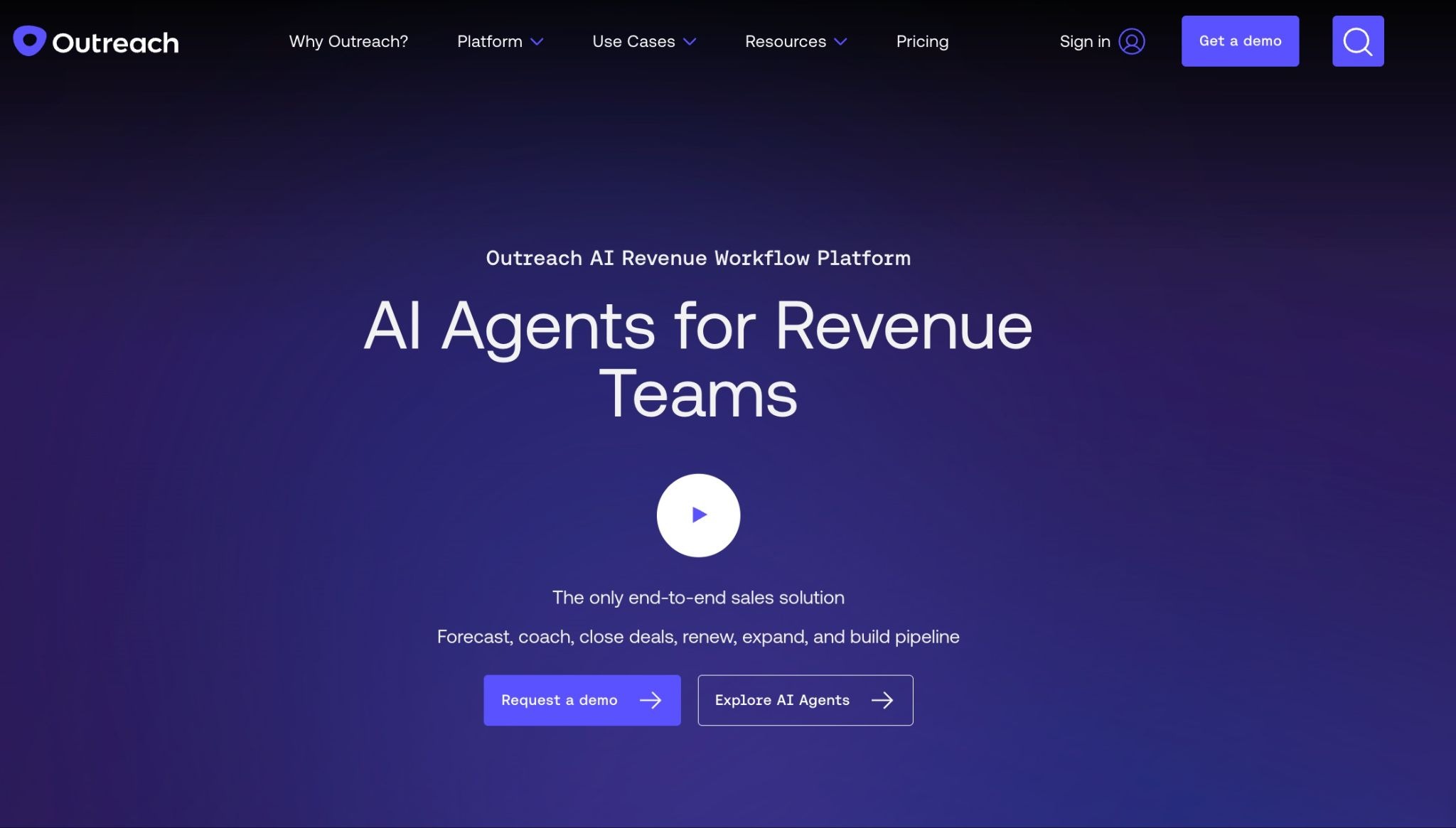
Outreach is a serious sales engagement platform built for high-volume outbound. It handles email sequencing, task management, and pipeline tracking in one place, with automation to keep reps moving fast.
It’s not lightweight — setup takes time and works best for teams with a defined process. But once it’s running, all the effort pays off.
Note that while Outreach does support LinkedIn tasks, it’s not full automation in the sense that some standalone LinkedIn tools offer. Actual automation (like scraping, auto-connecting, or replying) isn't built-in — reps still handle the task execution themselves.
High-volume sales teams with a defined outbound process that need enterprise-grade sequencing, pipeline tracking, and rep coaching in one place.
Outreach splits its features across several products: Engage, Call, Meet, Deal, Forecast, and Amplify. Each is priced separately, and you’ll need to contact their sales team for a custom quote based on your team size and use case.
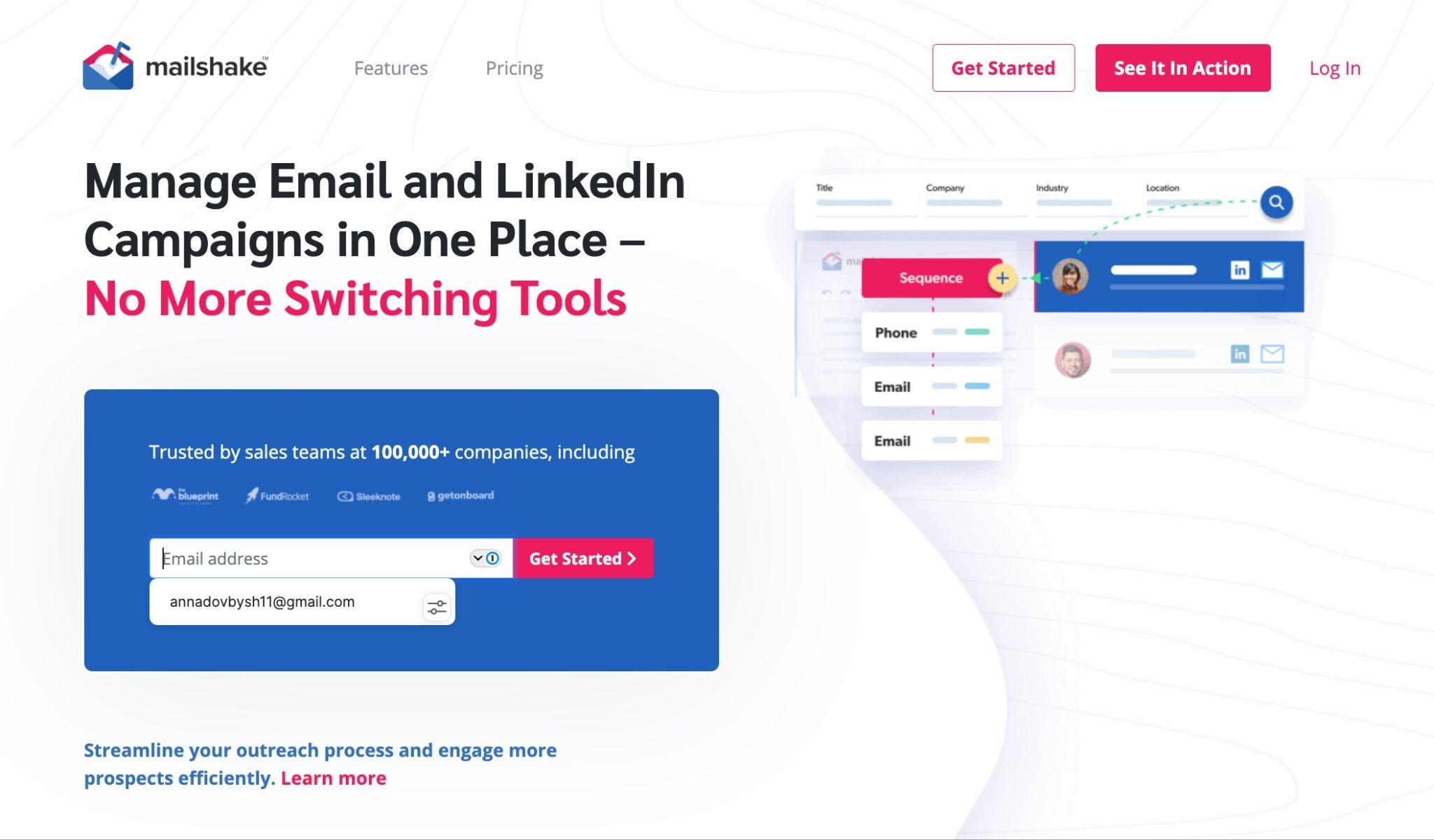
Mailshake is a simple yet solid sales engagement platform. It focuses primarily on cold email and phone outreach, with built-in tools for personalization, deliverability, and engagement tracking.
Unlike heavier platforms like Outreach, Mailshake is easier to set up and navigate — great for lean teams or solo SDRs who want to get up and running fast.
It doesn’t try to be everything. There’s no contact database built in, so it works best when paired with prospecting tools.
Solo SDRs and lean teams that want to get a cold email and phone outreach motion running quickly without a complex setup.
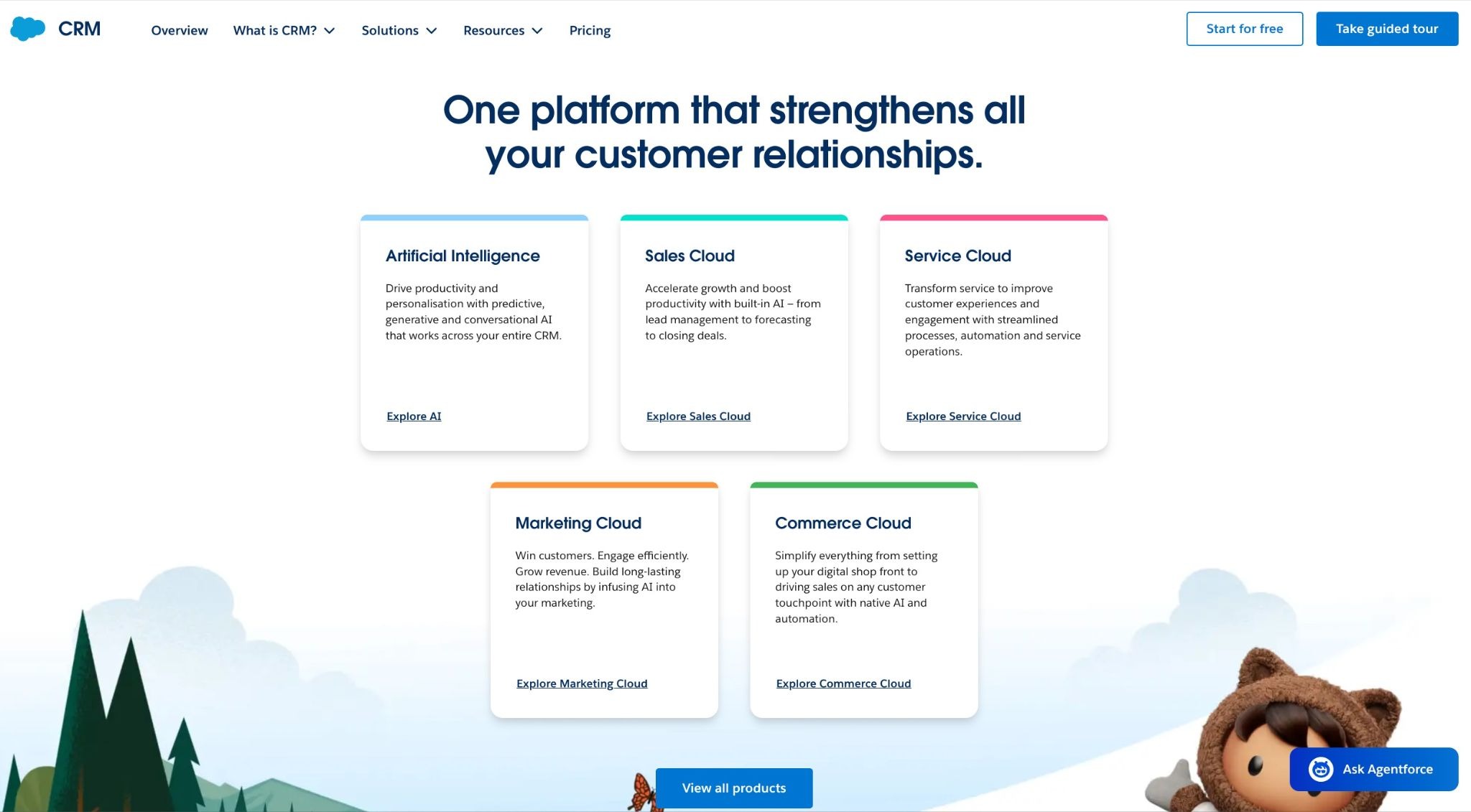
Salesforce is a popular CRM option for teams that need deep customization, robust reporting, and complex sales workflows. It’s not built specifically for SDRs, but it can support the full pre-sales process with the right setup.
It’s overkill for scrappy teams, but for larger orgs with multi-step sales processes, it’s often the backbone.
Large organizations with complex, multi-step sales processes that need deep customization and a CRM that can serve as the backbone of their entire revenue operation.
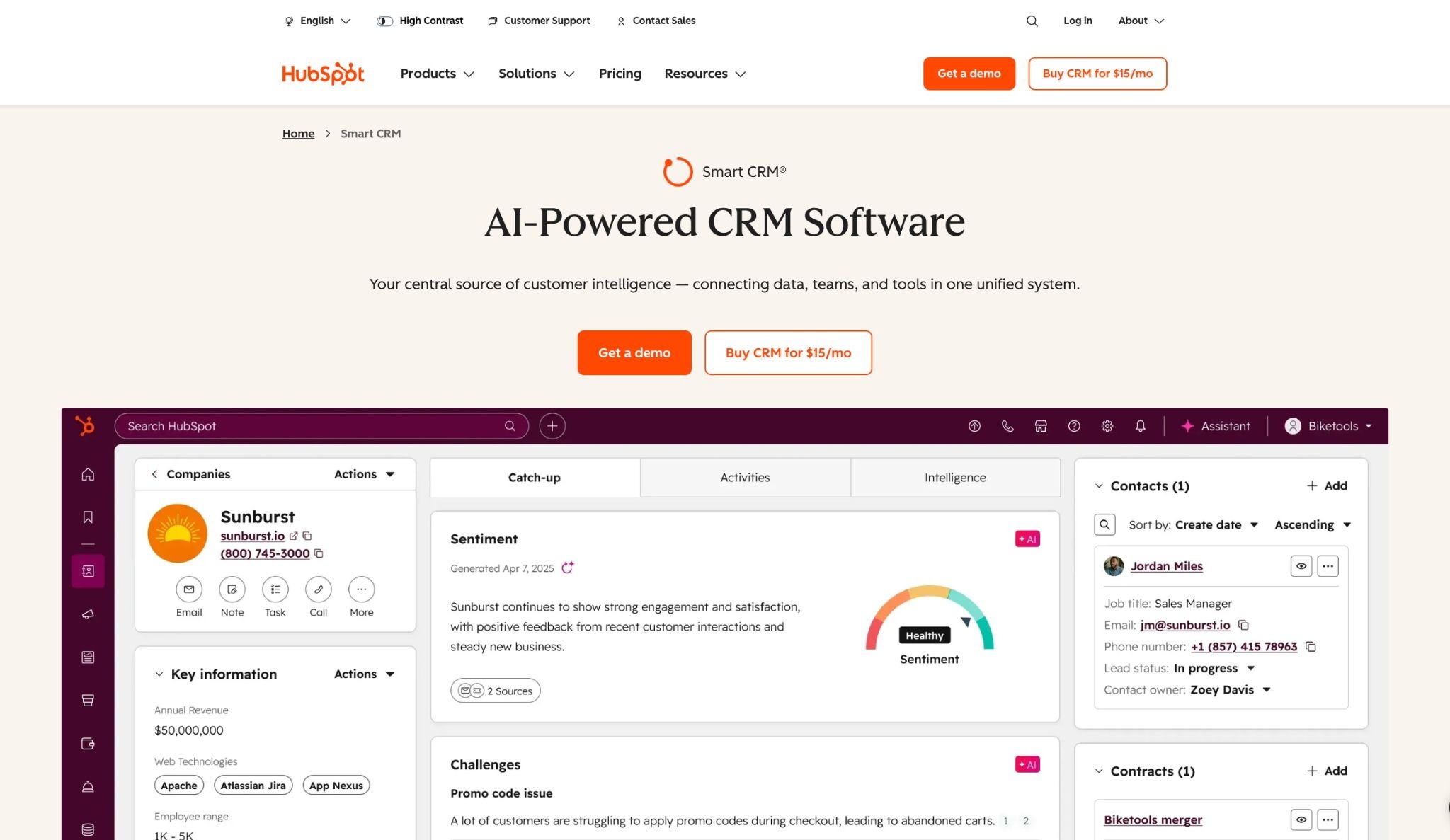
HubSpot is a sales intelligence platform for teams that don’t need the flexibility of Salesforce but still want depth of functionality.
It blends CRM, outreach, and reporting tools into a single platform that’s easy to set up and scale as your team grows. It’s a great all-in-one option for businesses of all sizes looking to keep things simple.
Growing teams that want an all-in-one CRM, outreach, and reporting platform that's easy to implement and scales as headcount grows.
HubSpot follows a tiered pricing model across different “hubs” (Sales, Marketing, Service, etc.). For Sales Hub, the pricing structure looks like this:
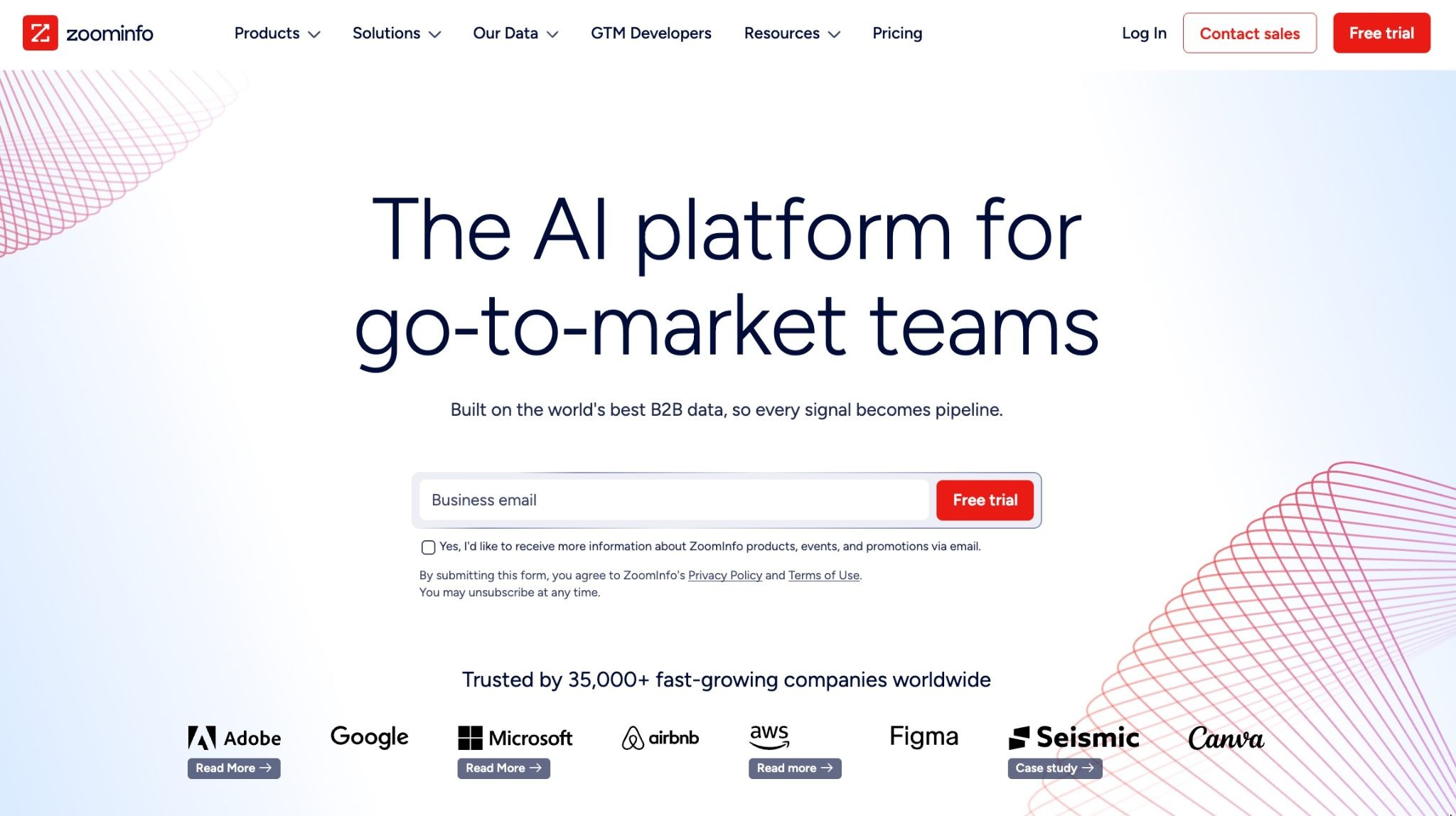
ZoomInfo is a powerful B2B contact database with tools layered on top to help with lead generation, outreach efforts, and sales workflows.
Despite its rather sophisticated toolkit, most teams use ZoomInfo mainly for its database to fuel prospecting, rather than relying heavily on its engagement tools. That’s understandable, since ZoomInfo offers the largest high-quality database in North America. While they’re working to expand internationally, global data isn’t quite there yet.
Enterprise sales and marketing teams that need the most accurate and comprehensive B2B contact data in North America to fuel their go-to-market strategy.
ZoomInfo runs on a credit system — every time you reveal or export contact info, it costs credits. Plans are split by use case (Sales, Marketing, Talent), and pricing isn’t public.
Seamless.ai is a go-to option for small teams that want access to a big contact database without the hefty price tag. It’s budget-friendly, and you still get a decent volume of leads to work with.
Just mind that while emails are usually accurate, phone numbers can be hit or miss. If calling is a big part of your outreach, you might need to supplement with a cleaner data source.
Paid plans are custom-priced based on your company size and usage needs.
Features like buyer intent signals, AI assistant, list-building automation, and advanced data enrichment are not included in core plans. You’ll need to buy them as add-ons.
There are too many seemingly suitable options. Use this quick checklist to pick the one that really fits your workflows:
Most tools claim CRM integration, but the quality varies significantly. Check whether the sync is bidirectional — meaning data flows both ways, not just from your SDR tool into your CRM. Also verify field mapping: does the tool sync custom fields, or only standard ones? And confirm whether syncing happens in real time or in batches — batch syncing can mean hours of lag between an action and its appearance in your CRM, which causes duplicate outreach and missed handoffs.
Basic automation — scheduled emails, automatic follow-ups — is table stakes. What separates strong tools from weak ones is intelligence. Look for: AI-driven send-time optimization (the tool learns when each prospect is most likely to engage), intent-based triggers (actions fired when a prospect shows buying signals), autonomous sequencing (the AI decides the next step rather than following a fixed script), and multichannel orchestration (email, LinkedIn, and phone coordinated in one flow rather than managed separately).
Pricing models vary significantly and the wrong choice compounds at scale. Credit-based models (Apollo, ZoomInfo, Clay) charge per contact revealed or exported — predictable at low volume but expensive when prospecting at scale. Per-seat models (Mailshake, Saleshandy, HubSpot) are more predictable for growing teams. Watch for hidden costs: enrichment credits, add-on features, API access, and premium support tiers are frequently excluded from base pricing. Before signing, ask what the fully-loaded cost looks like at 2x and 5x your current usage.
Lightweight tools like Mailshake and Saleshandy can be fully operational within a day. Mid-tier platforms like Apollo or HubSpot typically take one to two weeks to configure properly. Enterprise platforms like Salesforce and Outreach often require dedicated admin time, external consultants, or a formal implementation project spanning weeks. Factor this into your timeline — a tool that takes three months to set up is a bad choice if you need pipeline this quarter. Also, check training resources: documentation quality, video libraries, and live support availability vary widely and directly affect adoption speed.
The best outreach tool is useless if the contact data behind it is stale or inaccurate. When evaluating database tools (Apollo, ZoomInfo, Seamless, Clay), ask three questions: What's the verified email accuracy rate? How frequently is the database refreshed? And does the tool cover your target market — North America, EMEA, APAC, or SMB vs. enterprise? Phone number accuracy deserves particular scrutiny — several tools on this list have notably weaker mobile number coverage than their email accuracy suggests.
Modern outbound doesn't run on email alone. Depending on your sales motion, you may need LinkedIn automation, a built-in dialer, SMS, or WhatsApp. Before committing, map your outreach channels against what each tool actually supports natively versus what requires a third-party integration. Native multichannel is significantly more reliable than stitched-together integrations — fewer sync failures, cleaner reporting, and less manual work keeping sequences aligned across channels.
Solo SDR or founder doing their own outreach
Keep it simple. Apollo's free plan covers prospecting and basic sequencing. Mailshake or Saleshandy handles email volume. That's a full outbound motion for under $100/month. Add LinkedIn Sales Navigator if your buyers live on LinkedIn.
Small team (2–10 SDRs)
You need consistency across reps without complex admin. HubSpot gives you CRM, sequencing, and reporting in one place. Pair it with Apollo or Seamless for contact data. If budget allows, Artisan's AI SDR handles prospecting and initial outreach autonomously, freeing your reps for follow-up conversations.
Mid-market team (10–50 SDRs)
At this scale, data quality and process consistency become the priority. ZoomInfo for enterprise-grade contact data. Outreach or Salesloft for sequencing and pipeline management. Salesforce or HubSpot as CRM backbone. Clay if your RevOps team wants custom enrichment workflows.
Enterprise (50+ SDRs)
Full-stack implementation: Salesforce CRM, ZoomInfo for data, Outreach for engagement, Gong or Chorus for conversation intelligence. The tools matter less than the process — at this scale, configuration, training, and adoption are the real variables.

Irina is a Founder at ONSAAS, Growth Lead at Aura, and a SaaS marketing consultant. She helps companies to grow their revenue with SEO and inbound marketing. In her spare time, Irina entertains her cat Persie and collects airline miles.
.svg)
.svg)
.svg)

.svg)
%20(1).svg)
%20(3).svg)
.svg)
.svg)