


Back to articles
9 Best Website Builders for Small Businesses (2026)
November 19, 2026
By
Cindy Graciella
Most small business owners don't want to build a website. They want the thing the website does: more inquiries, more bookings, more sales. The builder is a means to that end, and the right one depends on what your business actually sells.
A product store, a local plumber and a design studio need different things. A store needs a checkout that doesn't eat its margin. A plumber needs a site live this weekend with a phone number clients can tap. A studio needs the work to look good enough to close the booking. One "best" builder for all three doesn't exist, which is why most listicles that pick a single winner are wrong for two-thirds of their readers.
We compared 9 website builders on what matters to a small business: the real monthly cost at renewal, how fast you can launch, what you keep on each sale, and who each one actually fits. Here's the summary, then the details.
Match the tool to your business before you compare prices:
Here is how the 9 compare at a glance. Prices are the lowest paid plan billed annually, in USD, checked in November 2026. Processor fees apply on top of any platform fee.
*Pixpa Basic first year on yearly billing; renews at $7.20/mo yearly or $9/mo monthly. **Hostinger $2.99/mo requires a 48-month term paid up front and renews near $10.99/mo; monthly billing is about $11.99/mo.
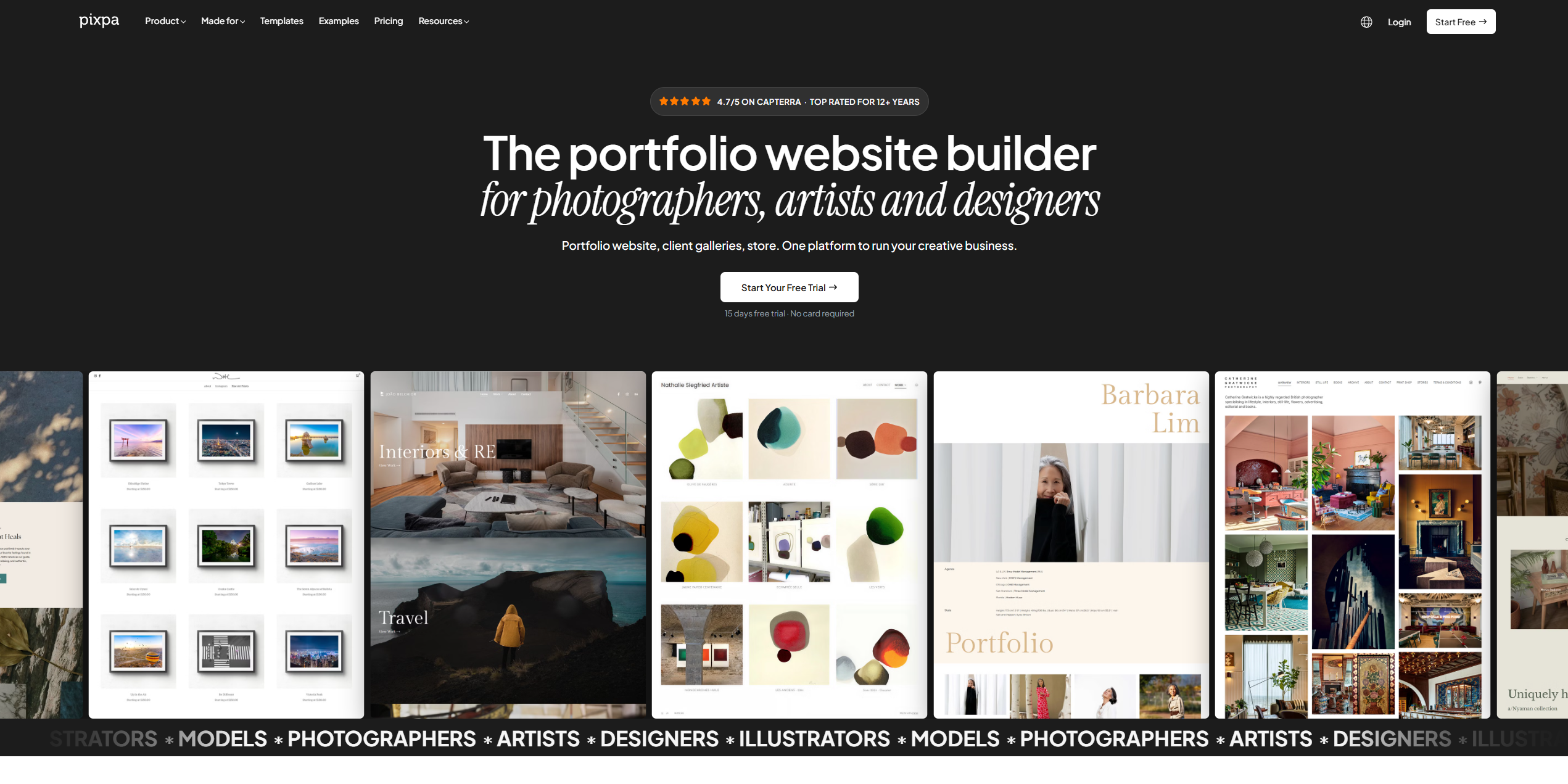
Pixpa is an all-in-one website builder aimed at creative and service businesses: studios, designers, consultants, agencies and any small business that sells on how its work looks. One plan covers a website, an online store, client galleries and a blog, and it's rated 4.7/5 across 600+ reviews on Capterra.
Pixpa fits the small business whose website has to present work and take money without a stack of tools. Take a two-person design studio. They run their portfolio, a shop selling print products and prior client galleries from one Pixpa plan on their own domain, keep the full amount on every sale, and answer client questions through built-in forms. No separate store app, no separate gallery service, one bill.
One subscription replaces the usual site-plus-store-plus-gallery stack, and Pixpa takes no cut of your sales on any plan (Stripe or PayPal processing fees still apply). For a visual or service business, the presentation quality is a real advantage over generic small-business builders, and round-the-clock human support matters when you're the only person running the site.
Pixpa is a weaker fit for a product-first retailer. If you sell hundreds of SKUs, need deep inventory rules or sell across many channels, a dedicated ecommerce platform like Shopify will serve you better. The Basic plan is also small for a growing business (10 pages, 3 store products, 3 GB storage), so most businesses land on Creator or Professional, and the template library is smaller than Wix's.
Pixpa starts at $9/mo billed monthly. On yearly billing, the first year currently costs $5.40/mo for Basic, $9/mo for Creator and $12/mo for Professional, renewing at 20% off the monthly rate after that ($16/mo for Professional). Professional, with unlimited pages and up to 100 store products, suits most small businesses that sell. There's a 15-day free trial with no card and a 30-day money-back guarantee.
Squarespace is the default all-rounder for small businesses that want a polished site without hiring a designer. Its templates look finished out of the box, and the Fluid Engine editor gives you real layout control.
Squarespace fits businesses that value design and want booking, invoicing and a modest store in one place: consultants, restaurants, boutique services and personal brands.
Design quality is the reason to choose Squarespace. The platform is large enough that you'll find a template, a tutorial or a freelancer for almost any need, and the business tools cover most non-retail cases without add-ons.
The Basic plan takes 2% of online store sales, so selling pushes you to the Core plan at $29/mo. It's also less flexible than Wix for bolt-on features, and heavy product catalogs are better served by Shopify.
Basic costs $19/mo billed annually ($25 monthly) with a 2% store fee. Core costs $29/mo billed annually ($39 monthly) and removes the fee. There's a 14-day free trial.
Wix is the most flexible general-purpose builder here, with hundreds of templates and an app market that adds almost any function: bookings, memberships, events, forms.
Wix fits small businesses with mixed needs that don't fit a single category, and owners who are happy to assemble features from apps rather than get everything built in.
If you can describe a feature, there's usually a Wix app for it. The free plan lets you build and test a full site before paying, and Wix takes no platform cut of store sales beyond the payment processor.
Features assembled from apps feel less joined-up than an all-in-one, and app subscriptions add up. The Light plan has 2 GB of storage and can't sell. Wix also won't let you switch templates after your site is live, so a redesign means a rebuild.
Light costs $19/mo billed annually (up from $17 in August 2026). Core, the cheapest plan that lets you sell, costs $29/mo billed annually, and Business costs $39/mo. The free plan shows Wix ads on a Wix subdomain.
Shopify is the standard for small businesses that sell physical products. It's built around the store first, with the website as the front end to it, and it scales from a first sale to a serious operation.
Shopify fits product-based businesses: retail, direct-to-consumer brands, makers selling at volume, and anyone who needs real inventory, shipping and multi-channel selling.
Nothing here handles product selling as completely as Shopify. If your business is moving inventory, its checkout, shipping and multi-channel tools are worth the price, and using Shopify Payments removes the extra transaction fee entirely.
It's overkill and overpriced for a site that's mostly informational or service-based: you'd pay for a store engine you barely use. If you use an outside payment gateway instead of Shopify Payments, Shopify adds a 2% fee on Basic on top of the processor's own cut.
Basic costs $29/mo billed annually ($39 monthly), with card rates of 2.9% + 30¢ and no extra transaction fee when you use Shopify Payments. Grow costs $79/mo annually and Advanced $299/mo annually. There's a 3-day free trial, then $1/mo for the first 3 months on the main plans.
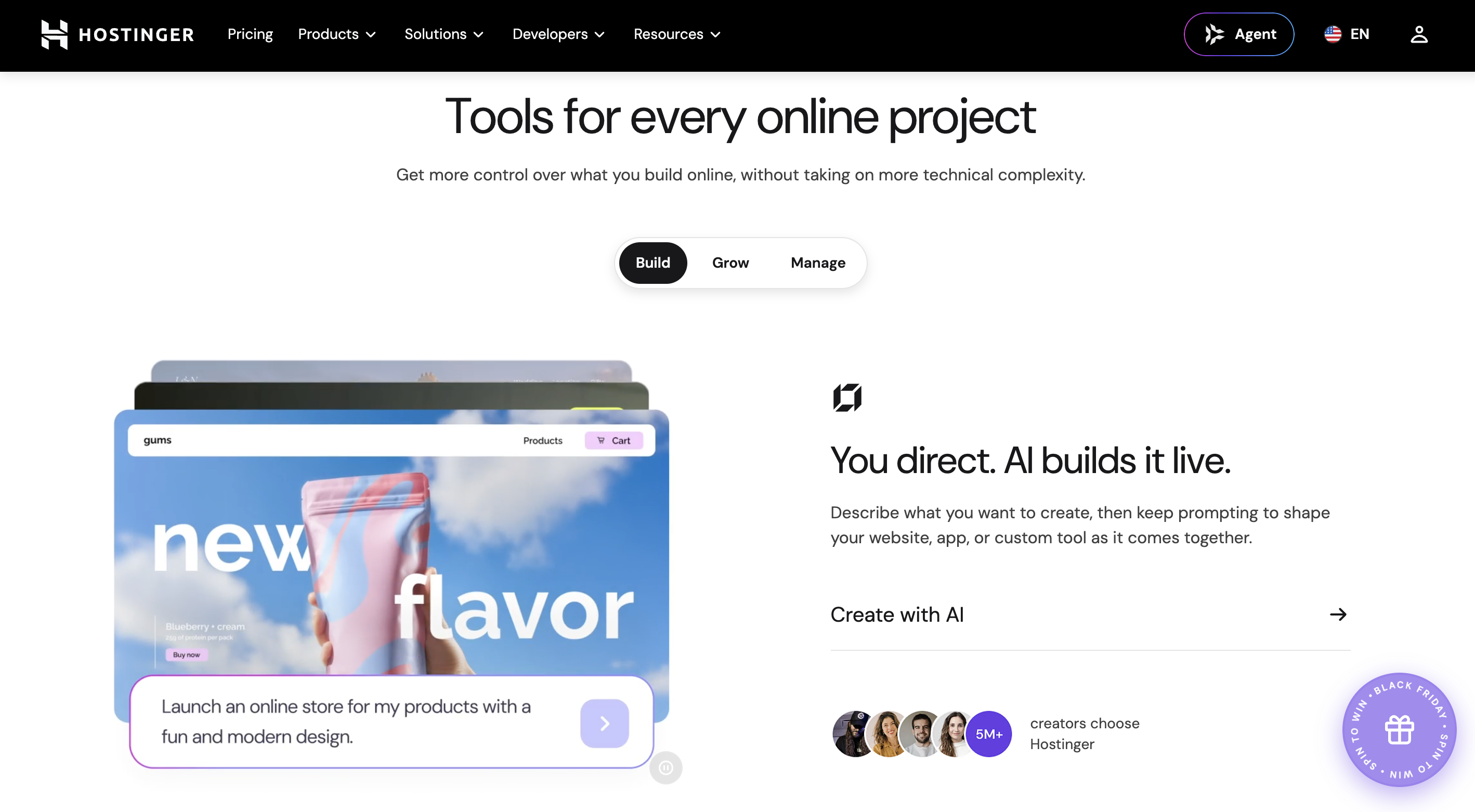
Hostinger is the budget pick. Its website builder bundles hosting, a free domain for the first year and an AI site generator at a price well below the category average.
Hostinger fits cost-conscious owners who want a simple business site live quickly and cheaply, and who are comfortable committing to a multi-year term to lock in the low rate.
The entry price is the lowest on this list, hosting and a domain are included, and the AI builder gets a basic site up fast. For a simple brochure site, it's hard to beat on cost.
The headline price needs a 48-month commitment paid up front, and the rate roughly triples at renewal. There's no app store for bolt-on features, and the ecommerce tools are lighter than a dedicated store builder's.
The Premium website builder plan is $2.99/mo on a 48-month term, renewing near $10.99/mo. The Business plan, which adds selling, is $3.99/mo on the same term. Month-to-month billing starts around $11.99/mo. There's no permanent free plan.
GoDaddy is built for speed and simplicity. Its website builder gets a basic, mobile-friendly site live fast, with hosting, a marketing dashboard and 24/7 support bundled in.
GoDaddy fits local service businesses, such as trades, salons and clinics, that need a straightforward site with contact details and a few pages, not a design showcase or a large store.
Few builders get a basic business site live faster, and bundling the domain, hosting and support in one place suits owners who don't want to assemble pieces. The simplicity is the point.
Design and customization are limited next to Squarespace or Webflow, templates feel generic, and the Commerce plan charges 2.7% + 30¢ on card transactions. Prices also renew higher after the first term.
Basic costs $9.99/mo billed annually, Premium $14.99/mo and Commerce $20.99/mo. Monthly billing runs roughly 30% higher, and renewal rates are higher again (about $16.99 to $34.99/mo). There's a free plan on a GoDaddy subdomain.
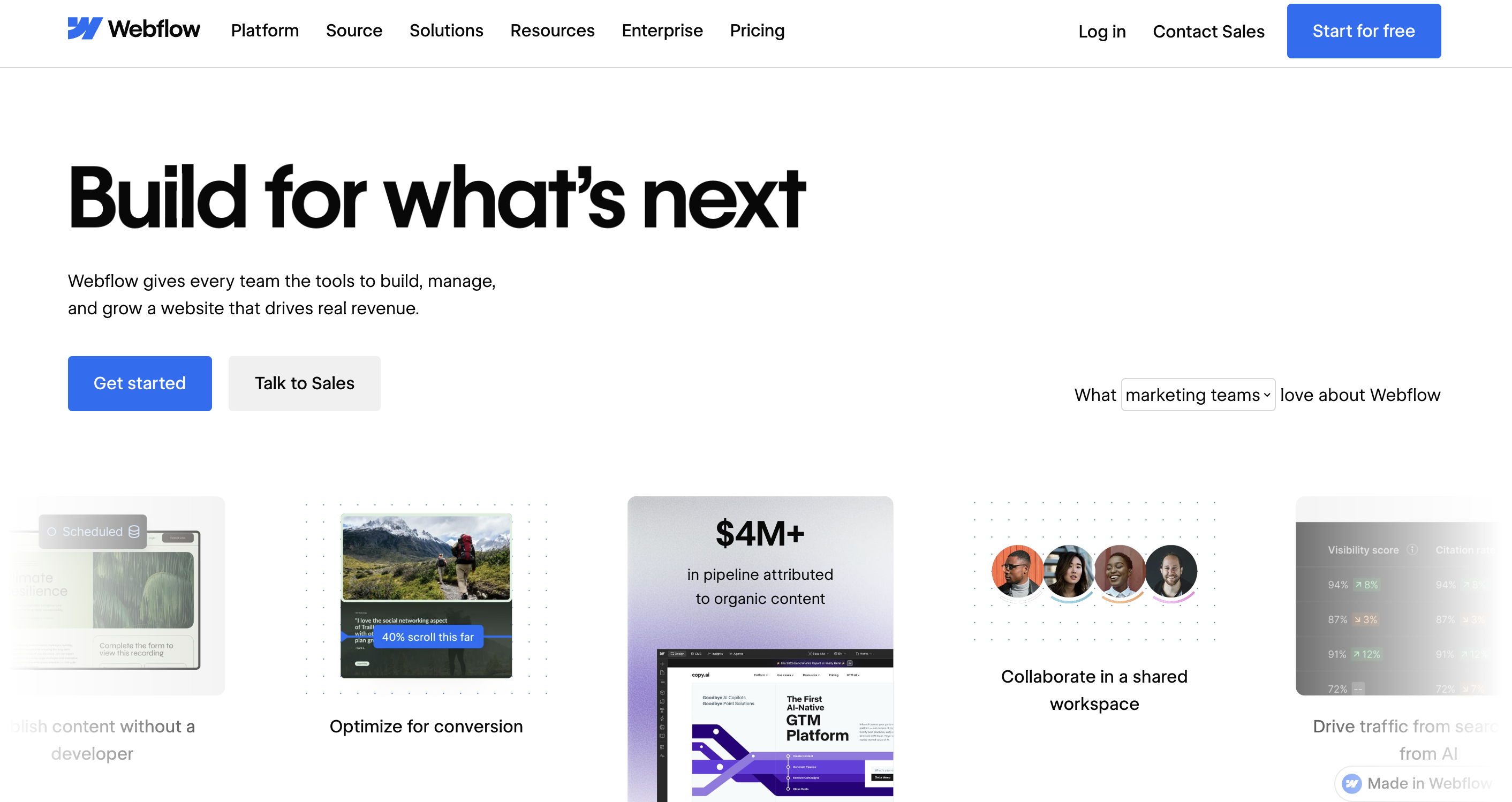
Webflow sits between a website builder and professional design software. It gives you pixel-level control over layout without writing code, which is why agencies and designers favor it.
Webflow fits small businesses that care about a distinctive, custom design and either have design skills in-house or work with a designer. It's not the pick for a first-time owner who wants something live this weekend.
No mainstream builder gives you this much design control without code. For a business whose brand depends on a site that doesn't look templated, Webflow delivers a custom result that's still editable by non-developers afterward.
The learning curve is the steepest here. Webflow assumes some comfort with web design concepts, and getting a polished result takes real time or a paid designer. Pricing is also split across site plans, ecommerce plans and workspace seats, which can get confusing.
Site plans run $14/mo (Basic), $29/mo (CMS) and $39/mo (Business), billed annually. Ecommerce plans start at $29/mo. There's a free Starter plan on a Webflow.io subdomain for building and testing.
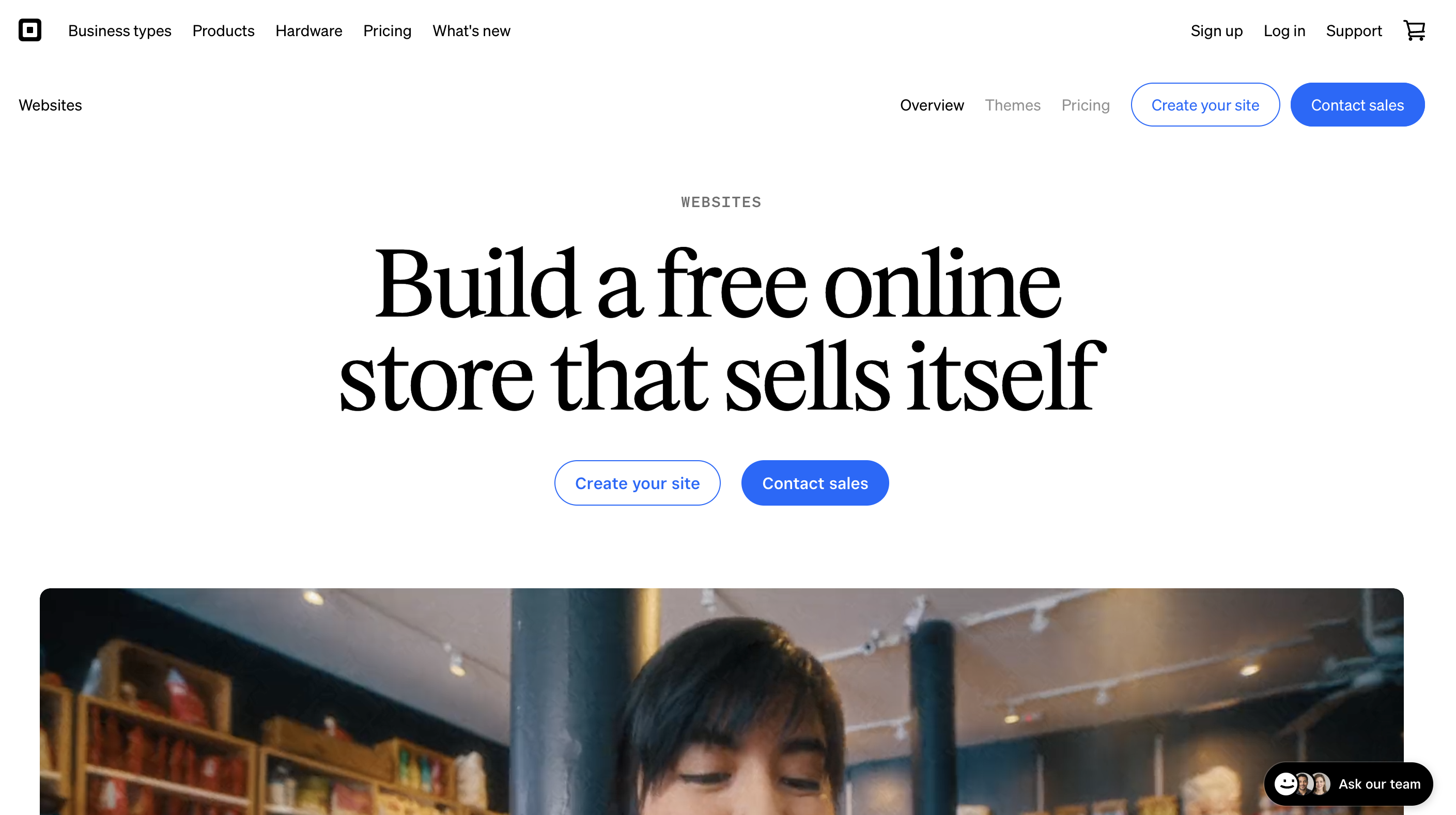
Square Online is Square's free-to-start website builder, tied into the Square payments and point-of-sale ecosystem that many small retailers and restaurants already use at the counter.
Square Online fits businesses that sell both in person and online, such as cafes, food trucks, market stalls and small shops, and want one system handling the register and the website.
If you already run Square at the counter, your products, inventory and sales flow into the website automatically, with no second system to reconcile. Starting free with no monthly fee lowers the barrier for a small shop testing online sales.
The free plan shows Square branding and puts your store on a Square subdomain until you upgrade. The editor is more limited than Squarespace or Wix, and you're committed to Square as your payment processor.
Square Online has a free plan with Square branding. Paid plans remove branding and add features. Payment processing is around 2.9% + 30¢ per online transaction. Confirm current plan prices on Square's site, since they change by region and promotion.
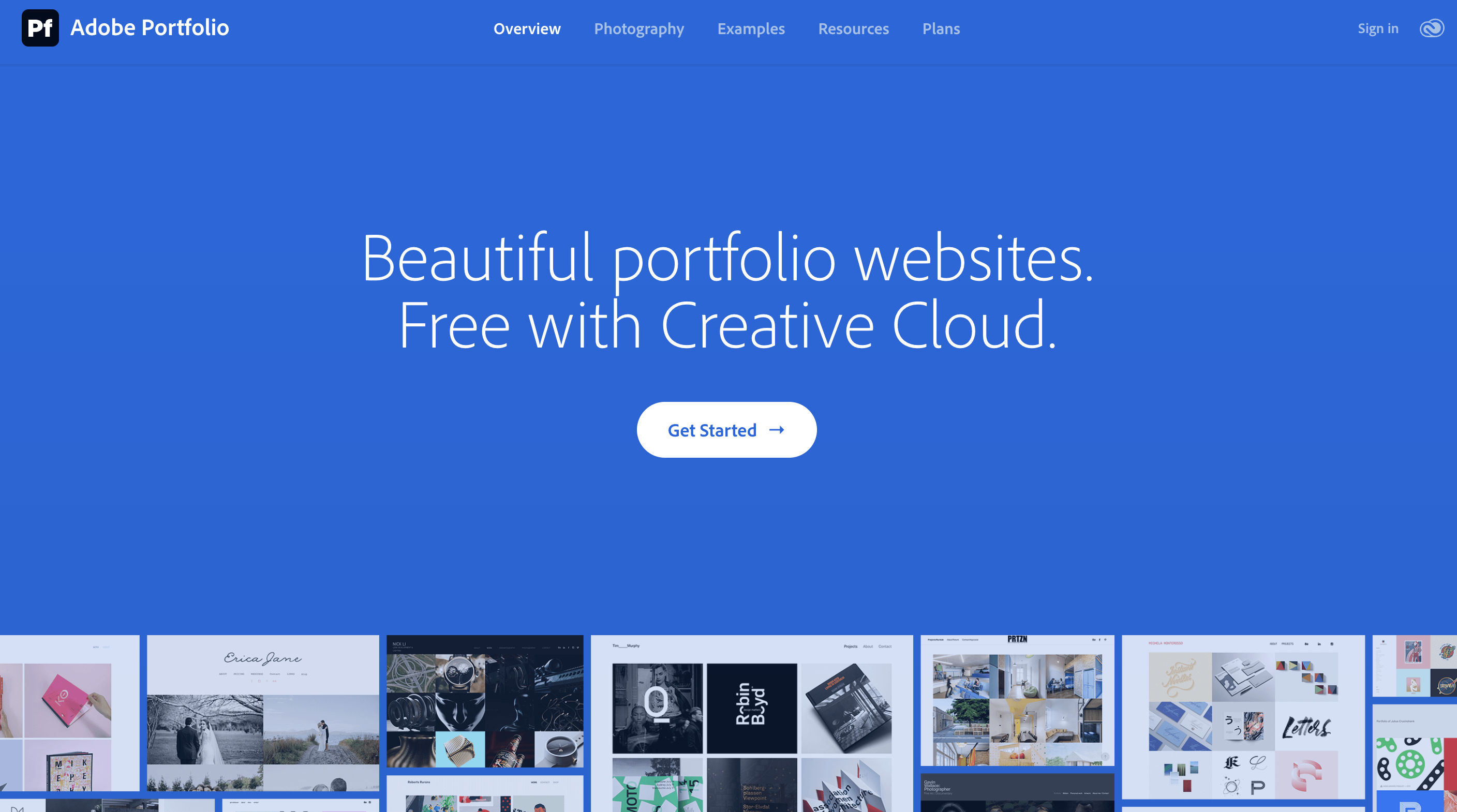
Adobe Portfolio comes included with Adobe Creative Cloud plans, so for a creative small business already paying for Photoshop or Lightroom, a simple site costs nothing extra.
It suits solo creatives and freelancers who are already Creative Cloud subscribers and want a clean portfolio or brochure site without another bill.
It's effectively free if you already pay for Creative Cloud, and the Lightroom connection makes building image-led pages quick.
There's no real store and no client or booking tools, so it covers only the brochure side of a business. The site is tied to your Creative Cloud subscription: cancel the plan and the site goes with it.
Adobe Portfolio is included with the Creative Cloud Photography plan at $19.99/mo (annual plan, billed monthly), alongside Lightroom, Photoshop and 1 TB of storage. There's no standalone small-business store tier.
Whichever builder you pick, these turn a website into customers:
Start from what you sell, not from the price. If you run a creative or service business and want your site, store and client galleries on one plan with no cut taken on sales, Pixpa is the pick. If products are the core of your business, Shopify is built for that and worth the premium. If you want the most polished design without a designer, go with Squarespace. If you need the cheapest way online or the fastest, Hostinger and GoDaddy get you there.
Whatever you choose, the website is only half the job. Getting found and converting visitors is the other half, so once your site is live, turn to the traffic side: the same approach applies to picking tools there, and these best SEO tools are a good place to start. Pick the platform that fits how you work today, launch it, and improve it once real visitors show you what to fix.

Cindy is an Outreach Manager and SEO Specialist at ONSAAS who helps SaaS companies grow through strategic link building and SEO. Outside of work, she loves spending time in nature, especially hiking in the mountains.


