SEO agents can do more than just show you keywords, rankings, or technical issues. You give an agent a goal, and it can figure out the steps, pull data from different tools, and actually get the work done.
For example, an SEO agent might cluster keywords, build a content brief, draft an article, or flag technical issues for you. That’s the main difference from a traditional SEO tool: instead of just telling you what to do, an agent can take action.
So, what can SEO agents actually handle today, and how much freedom should you give them? Let’s break down what they can do, where the limits are, how to use them without losing control, and the agents we'd recommend.
The main difference is simple. An SEO agent works toward an outcome, not just a single task.
Instead of asking for a keyword list, then a competitor report, then a content brief, you could say, “Find 20 content gaps against our top three competitors and turn them into clustered briefs.” The agent figures out the steps and the order.
A few things separate a real agent from a tool that simply calls itself one:
That’s different from a traditional SEO tool, which gives you data or recommendations and leaves you to decide what comes next. An AI writer can turn a topic into a draft, but it usually doesn’t decide what research to do first. A chatbot follows your instructions one at a time.
Automation works differently too. You define the steps upfront, and the workflow runs them when a trigger fires. It follows the rules rather than deciding what to do next.
That’s why the word “agent” gets used pretty loosely. Some products marketed as agents are really fixed workflows or chained prompts with an LLM in the middle. If the software isn’t deciding what to do next, it’s closer to automation than a true agent.
Two questions clarify vendor claims during a demo. Ask what the product does without a human prompt between steps. If you must click continue, it is Level 1. Then ask what it can change without permission. If nothing happens until you approve it, the product is Level 2 regardless of its marketing.
Most products sold as AI marketing agents sit at Level 1 or 2. Level 3 is rarely a separate product tier. It is usually a toggle inside a Level 2 tool that switches off approval and permits live writes. Autonomy is therefore a configuration decision you own, not simply a capability you buy.
A higher level is not automatically better. Level 3 on a site with no staging environment, change log, or rollback path sends mistakes live faster. Autonomous publishing works only when the controls beneath it support approval, auditing, and reversal.
These products fall into three broad groups: platforms that execute technical SEO work, platforms that manage the content pipeline, and platforms that measure results. Compare them based on the bottleneck you need to address, not the number of features listed.
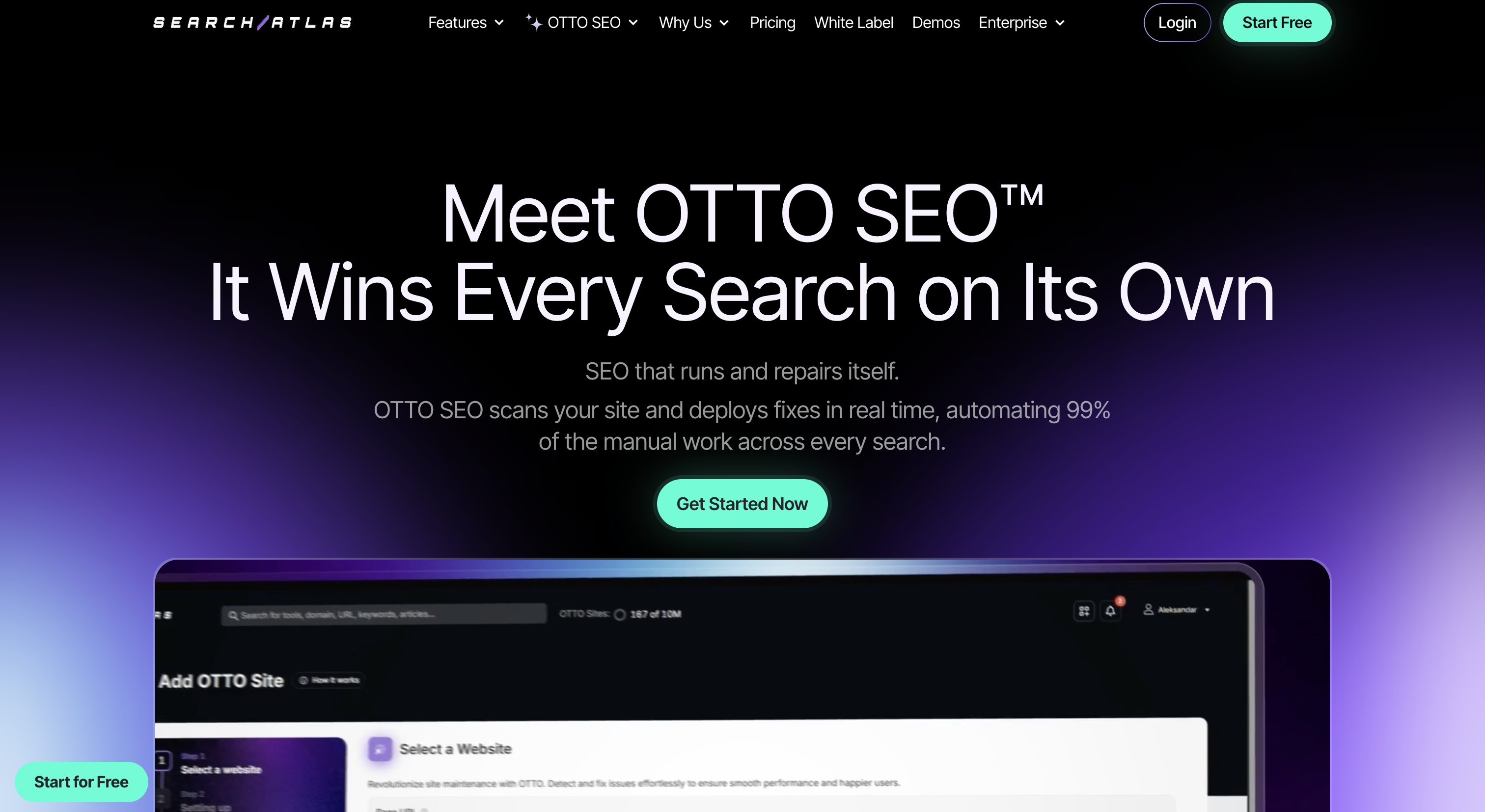
Otto is one of the few tools on this list that reaches Level 3 because it can deploy on-page and technical changes to a live site without someone working inside the CMS.
It installs through a JavaScript pixel or CMS plugin. This connection lets it rewrite title tags, meta descriptions, and schema without developer intervention. Auto-deploy can also be disabled so changes wait for approval.
Standout capabilities:
Pricing: This article does not publish pricing information for this product.
Best for: Small and mid-sized teams with no developer available to implement technical recommendations.
Not ideal if: You do not want a tool with live-deployment capabilities, even when approval mode is available.
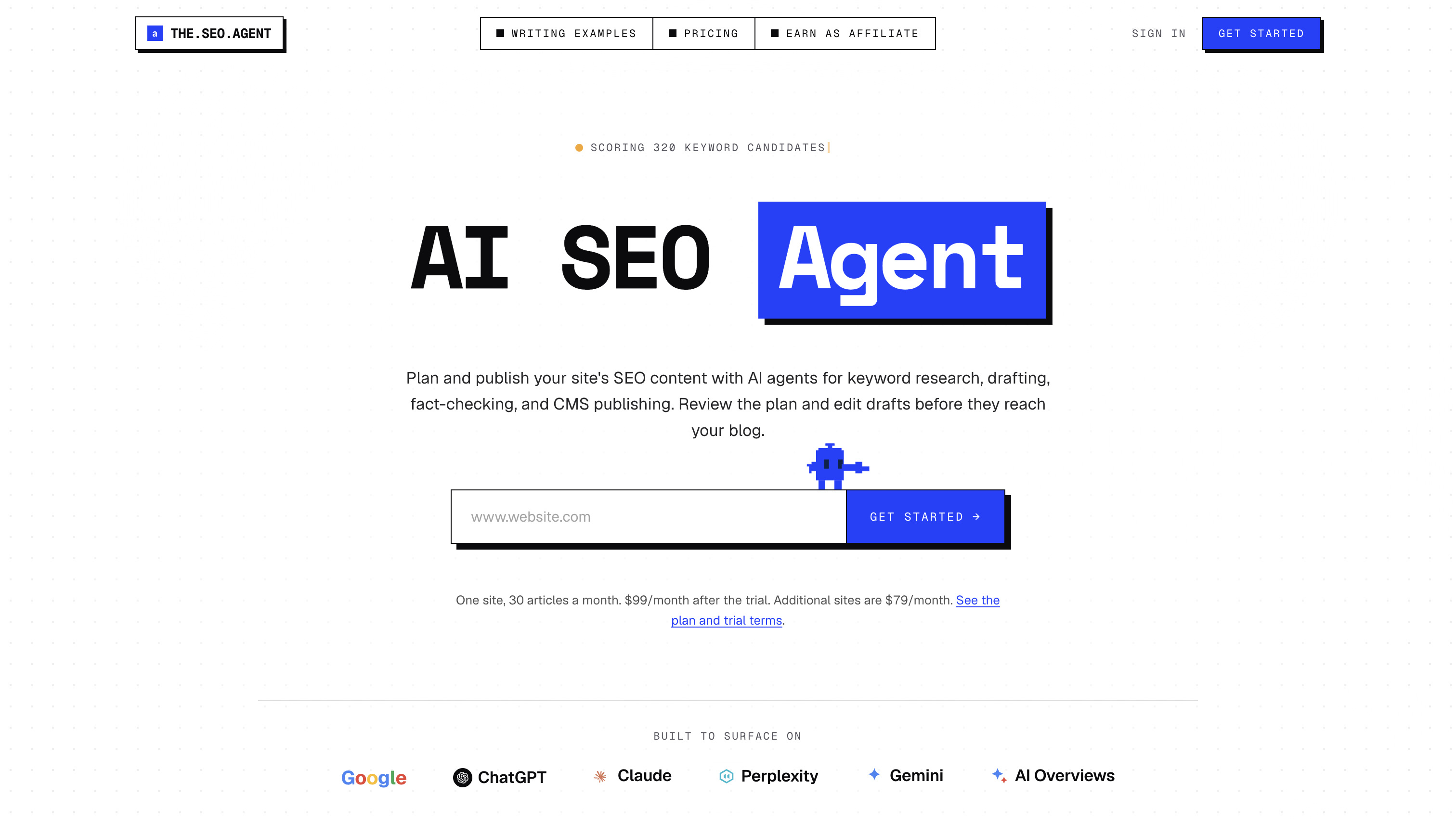
The SEO Agent handles the content side of the SEO cycle with minimal prompting. You set the goal, and it manages the process from research to a publishable asset.
Its pitch is ranking without writing. Human effort shifts from drafting to reviewing the finished work.
Standout capabilities:
Pricing: This article does not publish pricing information for this product.
Best for: Small teams and solo operators that need consistent publishing volume and do not have a writer on staff.
Not ideal if: Your bottleneck is technical debt or site architecture, since the product focuses on content.
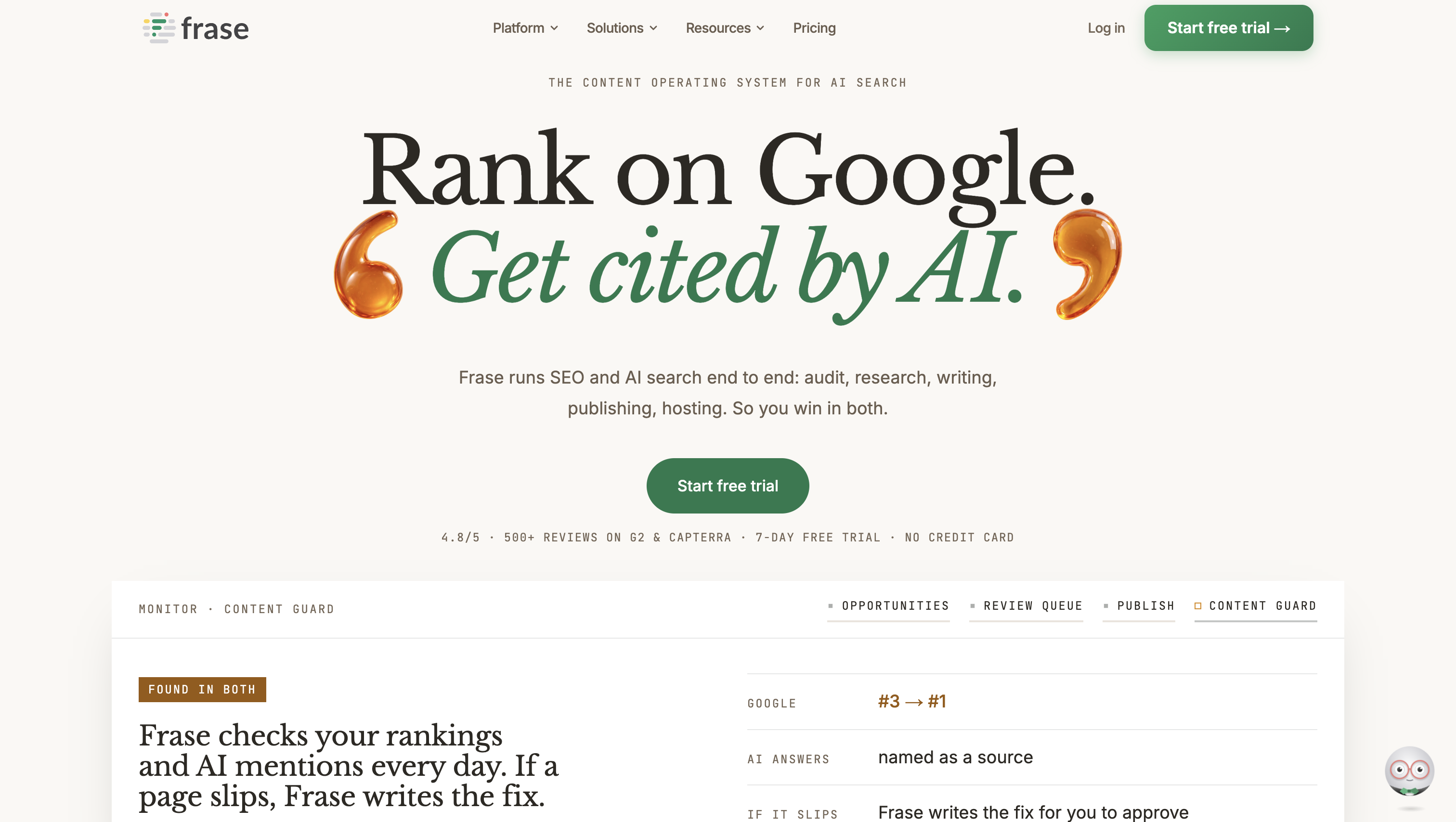
Frase handles research and briefing rather than autonomous publishing. It pulls SERP data, builds briefs from ranking pages, and scores drafts against them.
It is among the least autonomous tools here in the strict sense, but its behavior is predictable because every action begins with a user request.
Standout capabilities:
Pricing: This article does not publish pricing information for this product.
Best for: Content teams whose slowest step is briefing, particularly when writers are available but research time is limited.
Not ideal if: You want the tool to decide what to work on next. Frase optimizes the work you assign.
AirOps is a workflow-building platform rather than a packaged agent. You assemble the steps, select the models, and connect the data sources.
That flexibility requires setup and maintenance. The platform does not arrive with every workflow configured, but teams can adapt it to their existing process.
Standout capabilities:
Pricing: This article does not publish pricing information for this product.
Best for: In-house teams producing content programmatically at scale, with someone available to build and debug workflows.
Not ideal if: Nobody on the team has time for ongoing build-and-maintain work. This is the build path rather than the buy path.
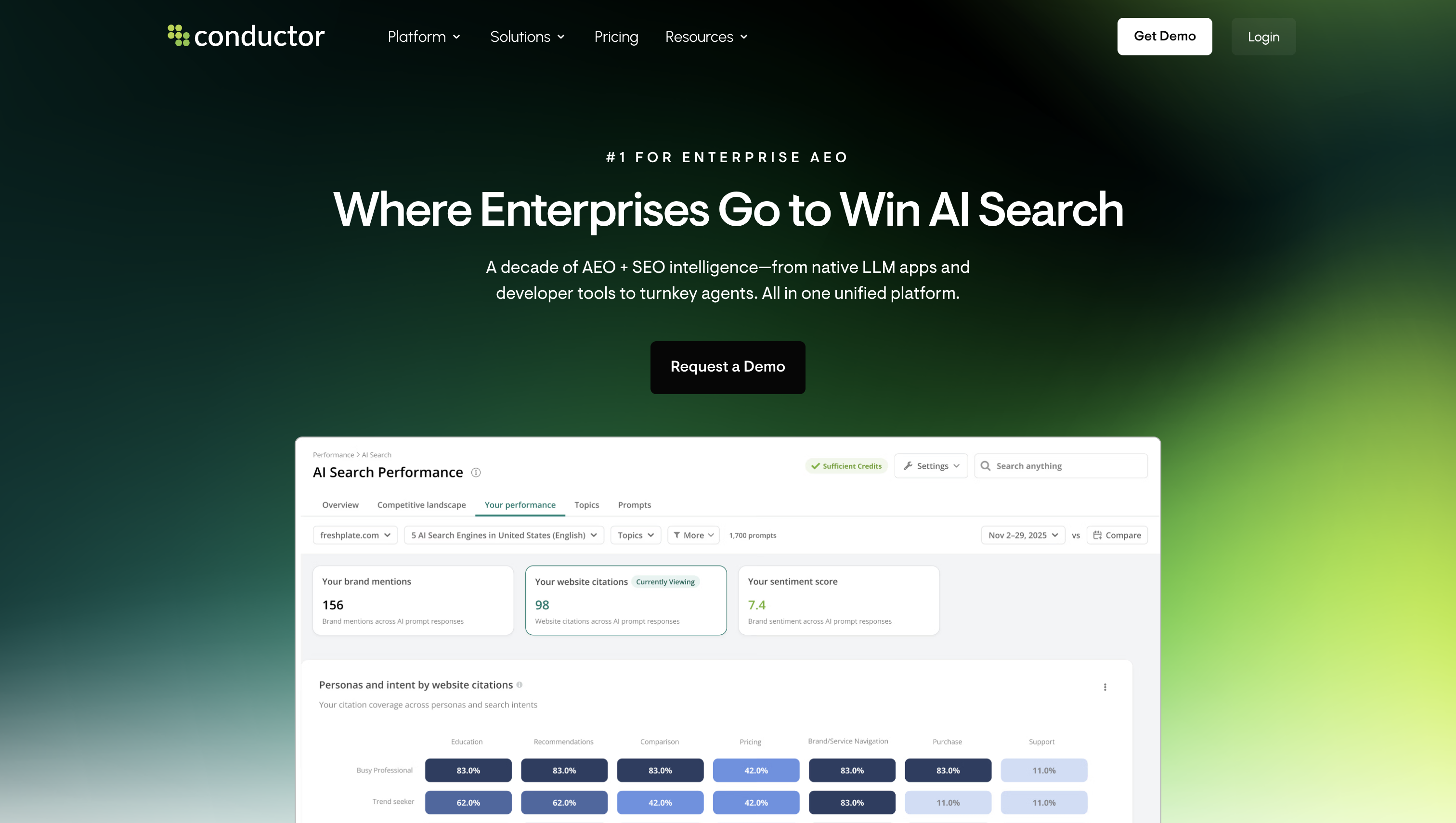
Conductor is primarily an enterprise SEO platform, with assistive and agentic features added to its data and workflow tools.
Its governance features include dashboards for multiple stakeholders, permissions suited to security reviews, and recommendations routed to the appropriate team.
Standout capabilities:
Pricing: This article does not publish pricing information for this product.
Best for: Large organizations where procurement, access control, and cross-team reporting carry as much weight as SEO output.
Not ideal if: You want the platform to execute changes autonomously. Conductor focuses on informing people who then make the changes.
Autopilot is the execution layer within BrightEdge’s core platform. It applies on-page and technical changes at a scale where manual implementation becomes impractical.
The product is intended for sites where one type of fix affects tens of thousands of URLs and would overwhelm a human implementation queue.
Standout capabilities:
Pricing: This article does not publish pricing information for this product.
Best for: Enterprise sites with page counts in the tens or hundreds of thousands and no realistic path to manual implementation.
Not ideal if: You run only a few hundred pages, where the scale advantage does not offset the platform overhead.
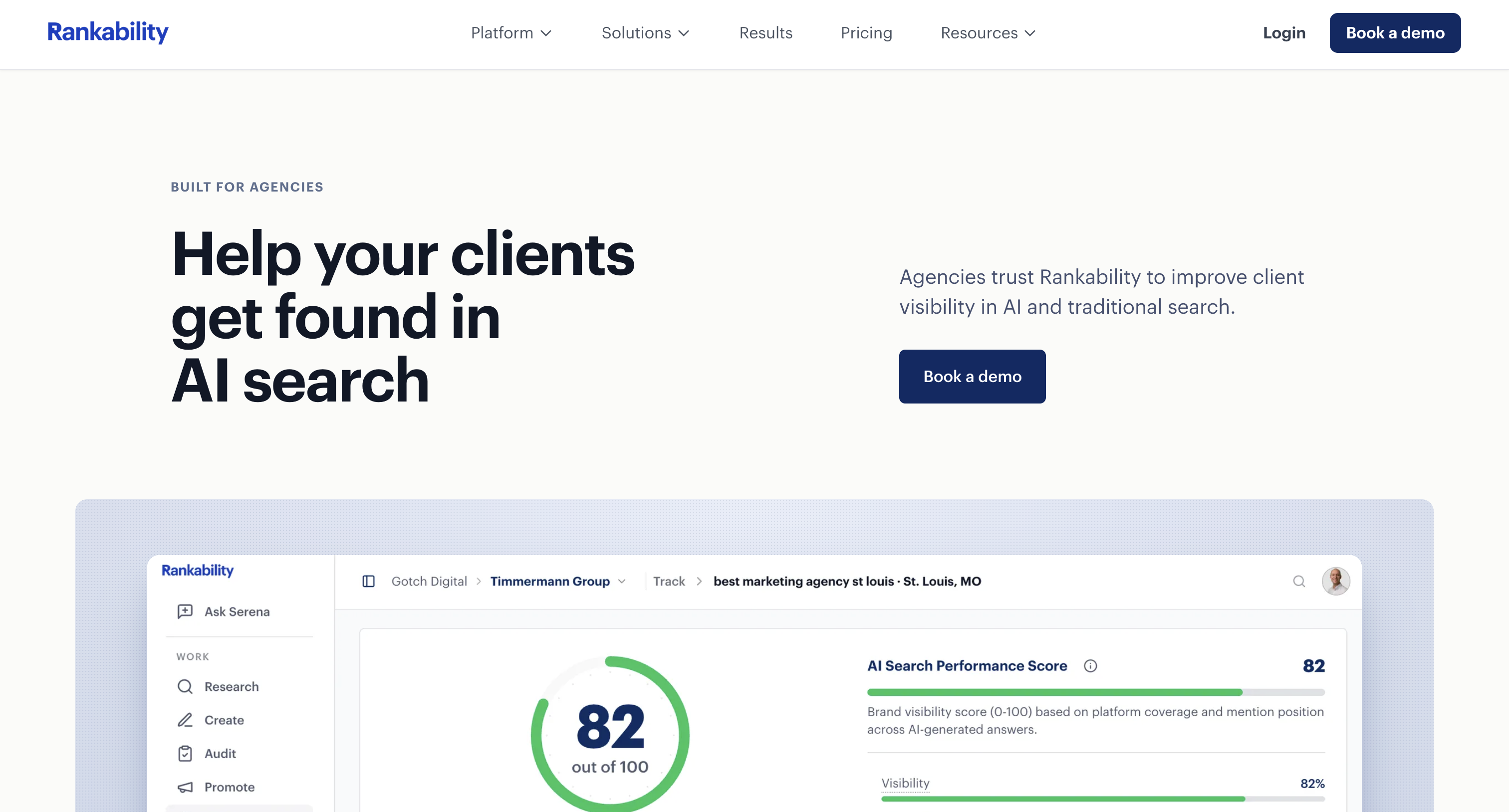
Rankability concentrates on improving individual pages through content scoring, term coverage, and brief generation inside an editor.
Its narrow scope is deliberate. It handles one stage of the workflow instead of claiming the entire SEO cycle.
Standout capabilities:
Pricing: This article does not publish pricing information for this product.
Best for: Agencies and lean content teams optimizing a steady queue of client pages.
Not ideal if: You expect autonomous execution or technical auditing. Rankability is an optimization workbench operated by a person.
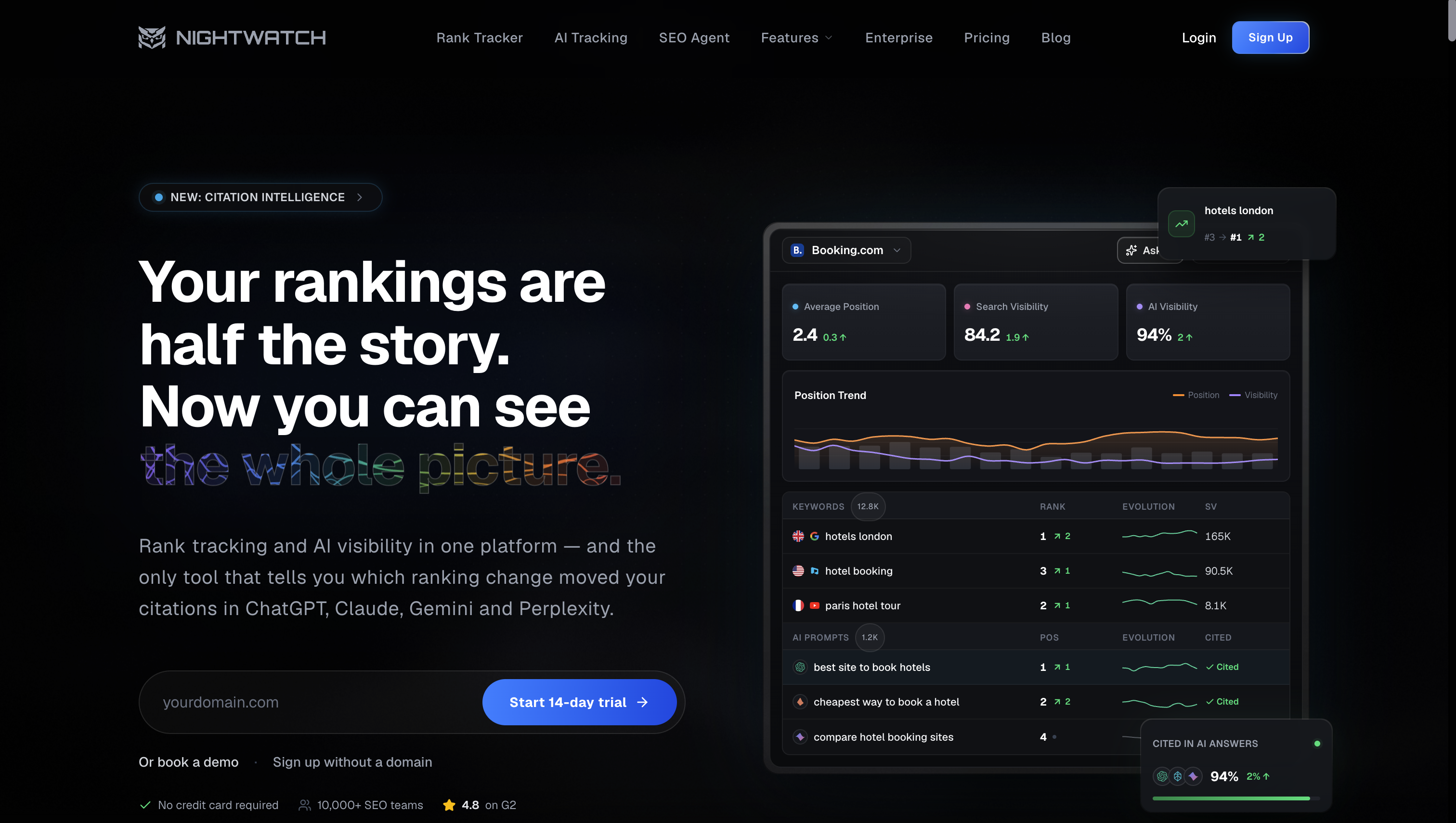
Nightwatch measures performance instead of executing changes. Its main functions are rank tracking, segmentation, and reporting, with AI-answer monitoring extending its coverage beyond classic search results.
Calling it an agent is generous, but its monitoring function can still support one. An independent reporting layer can detect regressions caused by an execution tool.
Standout capabilities:
Pricing: This article does not publish pricing information for this product.
Best for: Agencies and in-house teams that need defensible reporting and an independent view of whether an execution tool is working.
Not ideal if: You expect it to perform SEO work. Nightwatch reports what happened but does not change anything.
Most SEO agents follow the same basic loop:
The orchestration layer is what makes this an agent rather than a simple automation. It decides what to do next, evaluates the results, and knows when to stop.
Memory matters too. An agent needs context about your brand, products, audience, site structure, linking rules, and previous work. Without it, every run starts from zero and the output quickly becomes generic or repetitive.
Agents typically need two types of access.
Read-only access gives them most of what they need for analysis:
Write access is different. CMS publishing, code repositories, redirects, and tag management can turn a recommendation into a live change, so these permissions need much tighter controls.
A good starting point is a supervised four-week pilot:
Start with narrow permissions and expand them only when the agent consistently meets your quality standards.
The general rule is simple: the closer an agent gets to publishing, changing the site, or representing your brand, the more human oversight you need.
Research, clustering, monitoring, and audit triage are relatively safe because mistakes usually lead to another review. Drafting needs factual and editorial checks, especially for citations and brand voice.
Technical changes need even more care. A seemingly simple template-level fix can create problems elsewhere on the site. The same applies to publishing at scale: an agent told to fill 20 content gaps will happily produce all 20, even if some aren't worth publishing.
Backlink work is similar. Agents can research prospects, check relevance, and find contacts, but the actual outreach still benefits from human judgment. Reporting also needs context around the data used, especially when the agent is working with incomplete datasets.
Agents are suited to repetitive, high-volume work such as clustering, drafting, audit triage, and monitoring. Freelancers handle specialist projects where expertise matters more than throughput, including migration planning, digital PR, and difficult rendering problems. Agencies add breadth and accountability when one provider must own the outcome. In-house teams retain SEO strategy, brand judgment, and the approval queue. Reviewing that queue requires real time and staffing.
For the question “How much does an SEO expert cost?”, the dated benchmark is a monthly retainer. Ahrefs’ 2025 figure puts the global average at $2,819. An Ahrefs survey of 439 providers reported an average of $2,917 a month in 2023.
The numeric comparison here covers software and SEO retainers. Freelancer and in-house roles are compared qualitatively because no corresponding figures are included. On the software side, Ahrefs spans $29 to $1,499 a month across its 2026 tiers.
Software pricing generally follows three models:
Software is not a direct substitute for a retainer. A tool buys execution capacity, while a retainer buys judgment, accountability, and access to a person responsible for the work. Many teams use a hybrid model in which the agent executes, an in-house owner approves changes, and a specialist handles exceptions the system cannot resolve.
SEO agents are becoming useful for more than generating recommendations. They can research, analyze, plan, create, and even take action across your SEO workflow.
But autonomy isn't the same as reliability. The safest approach is to start with read-only data and repetitive tasks, measure the quality of the output, and gradually expand access as the agent proves itself.
The goal is to let agents handle the work they’re good at while keeping people responsible for the decisions that actually matter.
No, but AI is absorbing entry-level execution work quickly. Similarweb’s data shows AI referral visits up 117.4% year over year, creating another traffic source to optimize. Repeatable production work is shrinking, while judgment about what to build and verification of machine-produced work are becoming more important.
Google’s spam policies target scaled content abuse, meaning pages produced at volume primarily to manipulate rankings, regardless of whether a person or machine created them. Automation itself is not the trigger. Thin, unhelpful output at scale is. Limit publishing velocity and require someone to reject weak briefs.
Operational results can appear within weeks through faster briefs, cleared audit backlogs, and shorter production cycles. Ranking results follow normal SEO timelines, typically three to six months, because the agent changes throughput rather than how search engines evaluate pages. Measure operational gains during the pilot and ranking gains afterward.
Yes. Small sites may see a clear gain because they have no existing implementation queue. Keep the agent at Level 2 with approval enabled, connect Search Console and analytics first, and begin with one workflow. Optimizing existing pages carries less risk than publishing new ones.
You need enough technical SEO knowledge to distinguish a correct fix from a plausible one, editorial judgment to catch off-brand writing and fabricated citations, and the discipline to review the queue rather than approve it in bulk. Budget real hours for this work. Time saved on production moves into verification rather than disappearing.

Cindy is an Outreach Manager and SEO Specialist at ONSAAS who helps SaaS companies grow through strategic link building and SEO. Outside of work, she loves spending time in nature, especially hiking in the mountains.
.svg)
.svg)
.svg)

.svg)
%20(1).svg)
%20(3).svg)
.svg)
.svg)