


Back to articles
5 Best CRM for Call Centers: Features & Benefits Compared
November 13, 2026
By
Cindy Graciella
A call center CRM gives agents one place to find customer details, past conversations, open tickets, and follow-up tasks while they're on the phone. Without it, agents end up jumping between tabs, searching for information, and asking customers to repeat things they've already explained.
So, which call center CRM should you choose? It depends on your team and the tools you already use. Salesforce Service Cloud and Microsoft Dynamics 365 are strong options for larger organizations. Zendesk works well for support teams that handle lots of tickets, while Freshworks and Zoho offer more accessible options for smaller, budget-conscious teams.
Let's look at what each platform offers, how they compare, and what to consider before choosing one.
A call center CRM is a customer relationship management system that gives agents access to customer records and interaction history while they handle calls. It connects with your phone system so agents can see who's calling, review previous conversations, and manage follow-up work without switching between different tools.
In practice, that means customer profiles, call logs, open tickets, and notes are all available in one workspace.
A regular CRM usually focuses on sales activities, such as managing leads and tracking deals. A call center CRM puts customer service and call handling first. That said, many general-purpose CRMs can do both with the right integrations and configuration. They're not necessarily two completely different types of software.
It's also worth understanding the difference between a CRM and contact center software:
Some platforms offer both, while others rely on integrations to connect the two.
When everything works together, agents spend less time searching for information, customers don't have to repeat themselves as often, and new team members can get up to speed faster.
Computer telephony integration (CTI) connects your phone system with your CRM. It allows agents to handle calls from their workspace and access customer information without manually searching for every caller.
As Five9 explains, CTI connects phone systems with desktop applications. In many setups, the phone platform's controls are embedded directly into the CRM.
There are three common ways to set this up:
Native integrations and third-party connectors are usually easier to manage if you don't have an in-house development team. Custom APIs offer more flexibility, but someone will need to maintain them. Even Dialpad's CRM Series requires a Professional Services engagement.
Here's what the process looks like when a returning customer calls about an existing ticket:
One thing to keep in mind: automatically recording call metadata doesn't mean the entire interaction is documented. Agents may still need to add notes, select a call disposition, and update tickets.
Not every call center needs the same features. But there are five capability groups worth checking before committing to a platform.
1. Omnichannel workspace
If your team handles more than phone calls, look for a shared workspace that brings together email, live chat, SMS, social messages, and voice. Ideally, agents should be able to see these interactions on the same customer timeline.
Also, check which channels are actually included in your subscription. Having access to an omnichannel workspace doesn't necessarily mean every channel is covered by the same license.
2. Telephony and CTI
Look for click-to-call, screen pops, call recording, call scripts, and call history. More importantly, check whether these features come from the CRM itself or a connected phone service. This affects both setup and pricing.
3. AI and automation
Start with practical automation, such as ticket assignment, call routing, and follow-up reminders. Then look at optional AI features like live transcription, automatic call summaries, agent copilots, suggested knowledge base articles, and self-service chatbots.
Check which product provides each feature and whether it's included in your plan. Agents should also review AI-generated notes and suggested actions before saving or approving them.
4. Supervisor tools and reporting
Supervisors need visibility into queue performance, agent activity, and call quality. Check whether the connected contact center platform offers real-time dashboards and intervention tools.
For example, Zoom Support describes:
Don't assume these capabilities are included in your CRM subscription. Check their licensing separately.
5. Security and compliance
Customer records, call recordings, and transcripts can contain sensitive information. Look for encryption, audit logs, role-based permissions, single sign-on (SSO), and multi-factor authentication (MFA).
If your business handles regulated data, check the requirements that apply to your industry. For example, HHS explains that organizations subject to HIPAA using cloud providers to handle electronic protected health information need a HIPAA-compliant business associate agreement. Encryption alone isn't enough to meet HIPAA requirements.
Here are five platforms worth considering, depending on your team size, existing software, and how you handle customer conversations.
Prices are in USD and reflect the billing terms described below. Some configurations require separate subscriptions, usage charges, or add-ons. Check the vendor's pricing page for the latest rates.
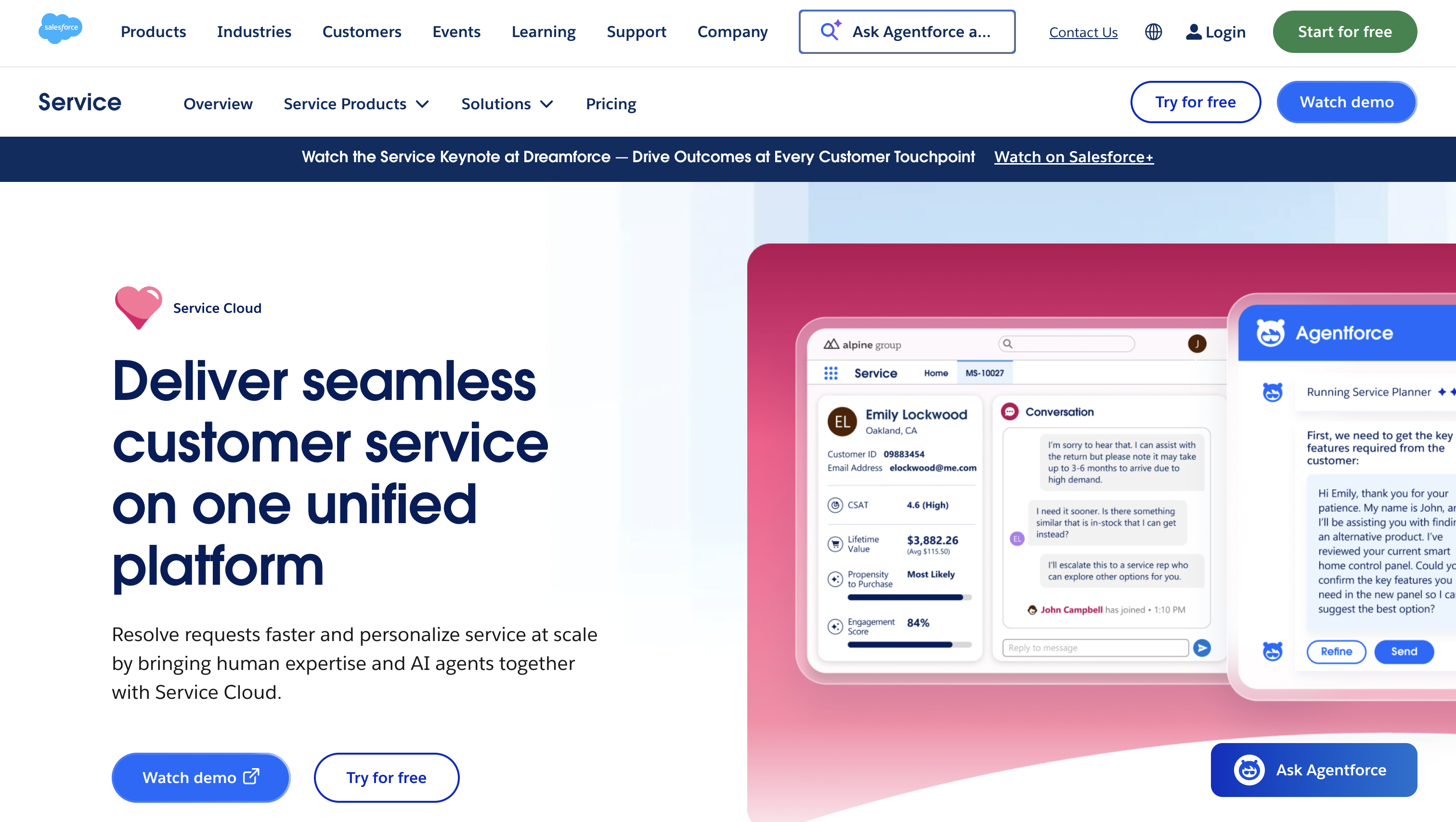
Best for: Large enterprises that need extensive customization.
Salesforce is a good choice when your contact center has complicated workflows and needs a CRM that can adapt to them. It's particularly appealing if your sales team already uses Salesforce and you want customer service running on the same platform.
Standout features:
Limitations: Salesforce offers plenty of flexibility, but that also means more administration and integration work. You'll also need to account for the costs of your partner phone service and any additional services.
Pricing: Salesforce Starter Suite starts at $25/user/month, billed monthly or annually, with transaction fees. However, that's entry-level CRM pricing, not a full contact center setup.
The Max plan costs $550/user/month, billed annually. Salesforce Voice with Partner Telephony is separately listed from $50/user/month for Core, Advanced, and Max plans. Transcription is licensed through the telephony partner.
Before committing, clarify which partner services are covered by your plan and what you'll pay for calling and transcription.
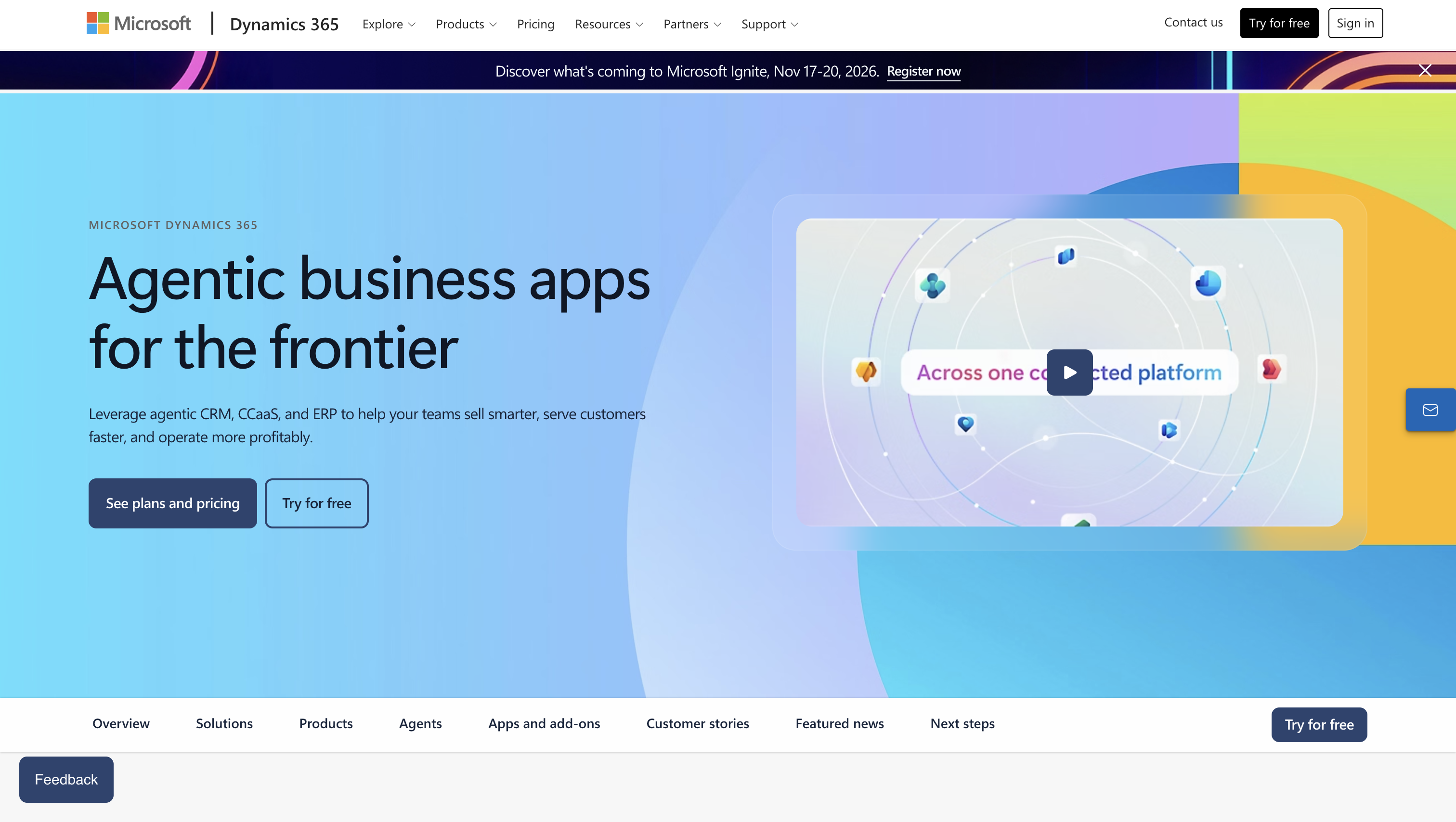
Best for: Organizations already invested in Microsoft's ecosystem.
If your company already uses Microsoft 365, Teams, and Azure, Dynamics 365 is worth a closer look. You can bring customer service and contact center operations into the same ecosystem your IT team already manages.
Standout features:
Limitations: Dynamics 365 offers extensive functionality, but it can take time to learn and configure. TechRadar also notes that its complexity may be overwhelming for smaller businesses.
Pricing: Microsoft's Customer Service plans cost:
All prices are billed yearly. Standalone Contact Center Digital + Voice costs $110/user/month, also billed yearly.
Azure Communication Services voice usage is charged separately. Also, Premium includes a limited amount of Copilot Credit capacity, not unlimited AI-agent usage.
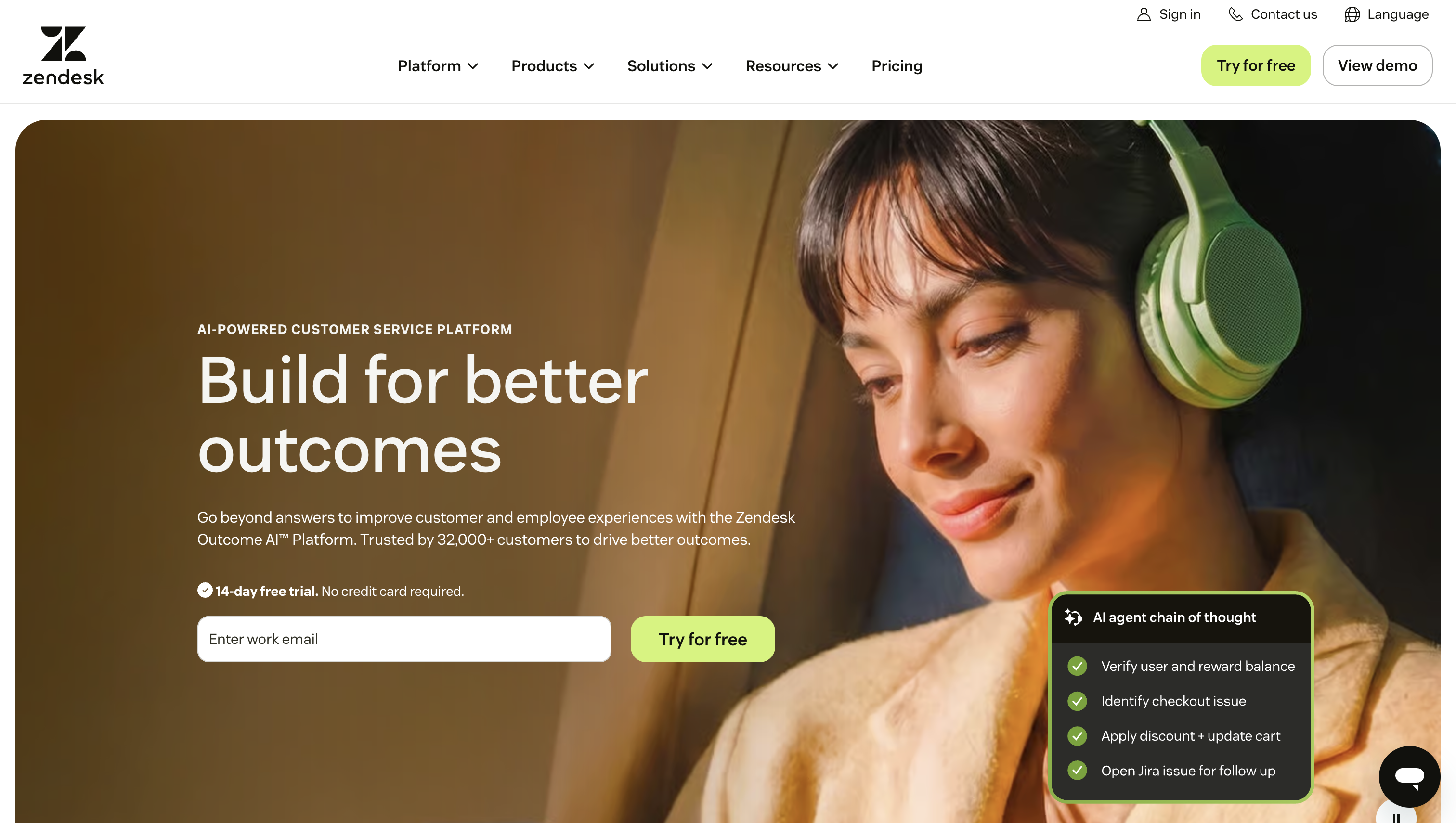
Best for: Support teams that manage most customer interactions through tickets.
Zendesk takes a ticket-first approach to customer service. A phone call is simply another way for a customer to start a support request, alongside email, messaging, and live chat.
Standout features:
Limitations: Zendesk is designed primarily for customer support. If your team also handles outbound sales, you'll likely need another system for managing sales pipelines.
Its full Copilot add-on is available for Suite and Support Professional plans and above. Don't confuse this with the more basic AI features available in lower-tier subscriptions.
Pricing: Zendesk's yearly billing starts at:
Full Copilot adds $50/agent/month, bringing Suite Professional to $165/agent/month before voice usage and applicable AI outcome charges. Suite Enterprise with Copilot requires a custom quote.
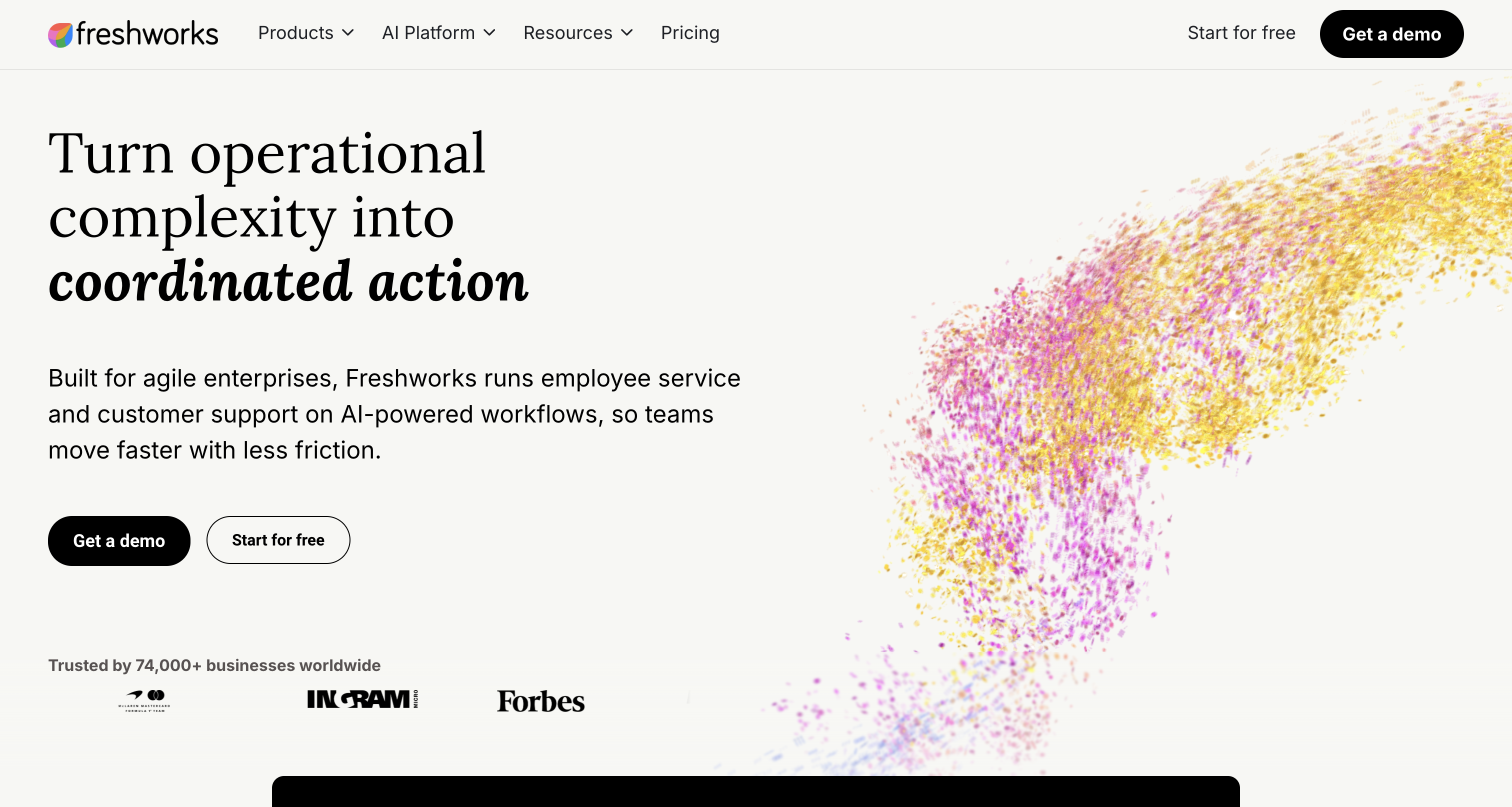
Best for: Small to mid-sized teams that want a quick setup.
Freshworks splits customer support and sales across different products. Freshdesk handles support, Freshdesk Omni brings multiple communication channels together, and Freshsales manages sales activities.
It's a practical option if you want a relatively easy-to-use system without jumping straight into an enterprise CRM. TechRadar's 2025 Freshdesk review also highlights its user-friendly interface.
Standout features:
Limitations: Voice Pro includes 3,000 incoming minutes per account per month, not per agent. These cover browser-answered local inbound calls in North America, Europe, the UK, and Australasia. Additional usage costs $0.013/minute.
If you need complex call routing, test it during a pilot to make sure the available workflow options cover your requirements.
Pricing: Annual billing:
Omni Pro and Voice Pro together cost $118/agent/month, before optional Copilot. The voice tier must match the base Omni plan.
Omni also includes an initial 500 Freddy AI Agent sessions. Additional sessions cost $49 per 100. If you need sales pipeline management, Freshsales Growth is a separate subscription at $9/user/month.
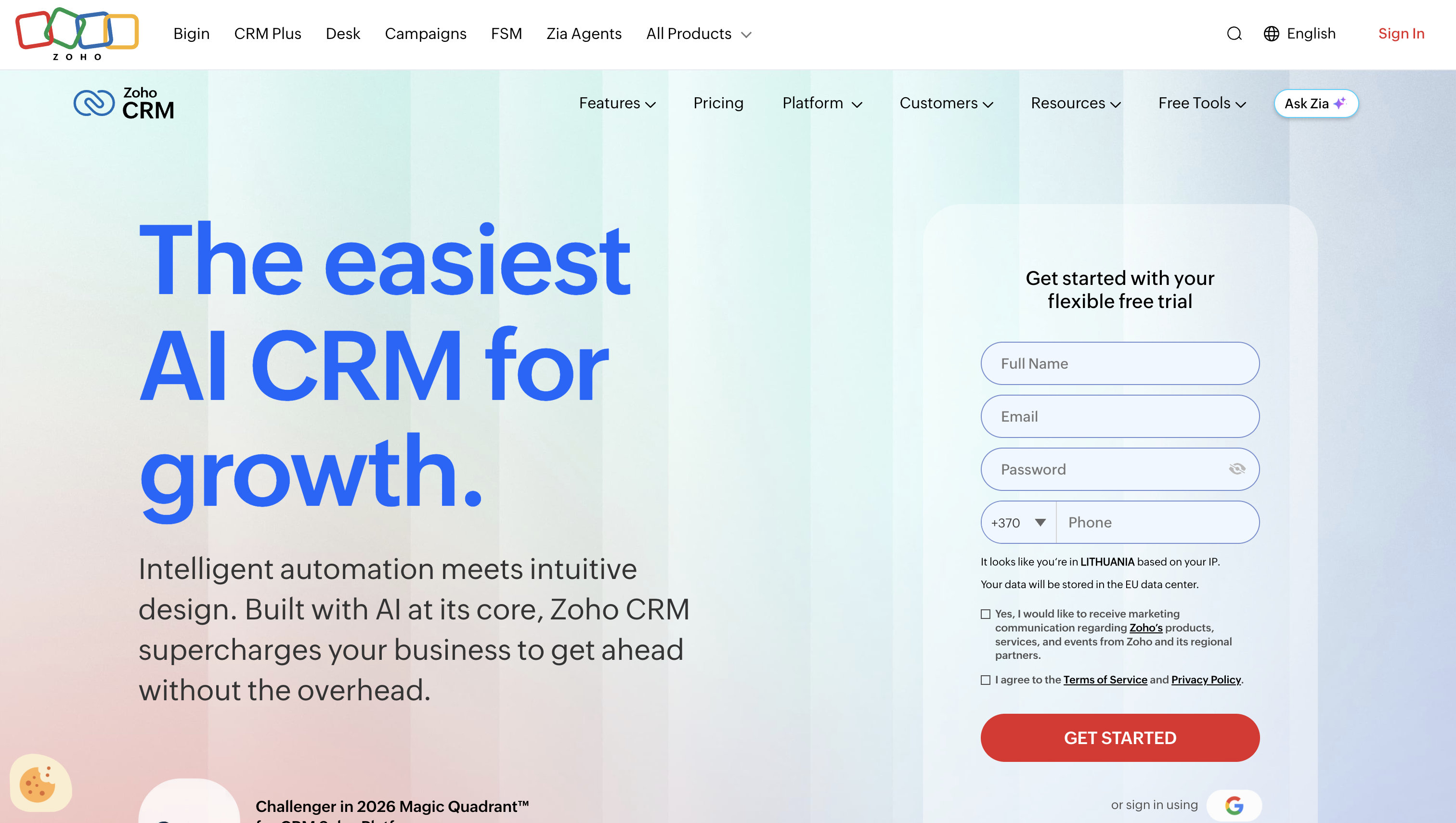
Best for: Budget-conscious teams that want CRM and telephony from one vendor.
Zoho takes a slightly different approach. Instead of starting with a help desk, it combines its sales-focused CRM with Zoho Voice, its separate telephony product.
That makes it worth considering if your agents handle both customer relationships and phone-based support.
Standout features:
Limitations: CRM and Voice are two separate products, so you'll need to configure and license them independently. Zoho Voice also has some regional SMS limitations: two-way SMS is available in the US and Canada, while international SMS is one-way.
Pricing: Zoho CRM is licensed separately from telephony.
Zoho Voice's US pricing comparison lists Enterprise Telephony Standard at $49/license/month with annual billing, or $59/license/month with monthly billing.
That license covers one user plus ten Telephony Agents. These aren't eleven equivalent full Voice user licenses, and CRM seats cost extra.
A few other platforms may also fit, depending on your existing setup.
Once you've narrowed the list down, these four questions can help you make the final decision.
1. What software does your company already use?
If your business already runs on Salesforce, Microsoft, or Zoho, start there. Integrating with an existing ecosystem can save time and reduce the number of systems your team needs to manage.
Still, don't choose a platform just because it's familiar. Make sure its contact center capabilities and total costs actually fit your needs.
2. Do you handle inbound support, outbound sales, or both?
Ticket-focused platforms like Zendesk and Freshdesk are natural fits for customer support teams. If your agents also manage sales conversations, leads, and follow-ups, look for a CRM with stronger pipeline management.
There's no need to pay for every available feature if your team won't use it.
3. Where will your agents spend most of their time?
Some setups let agents handle calls directly inside the CRM, with telephony controls embedded into their workspace. Others use a dedicated contact center platform that syncs customer information with the CRM.
If your current phone system already integrates with your preferred CRM, you may not need to replace it.
4. What's the actual cost beyond the monthly license?
Base subscription prices rarely tell the whole story. Before comparing vendors, include:
I'd also recommend testing two or three finalists with a small group of agents. Have them handle a returning-customer call and check whether caller matching, routing, customer history, call notes, and ticket updates work as expected.
There's no single best call center CRM for every team. The right choice depends on how your agents work, which tools you already use, and how much you're willing to spend on telephony and additional features.
Here's how I'd narrow it down:
My advice? Don't get caught up in the longest feature list. Start with the way your agents actually handle calls, check which integrations you'll need, and compare the full cost rather than just the starting subscription price.
A CRM should make your agents' jobs easier, not give them another complicated system to work around.
In a business process outsourcing firm, the CRM is the customer record agents use while handling calls on a client’s behalf. For teams serving several clients, keep each client’s records and access permissions distinct.
Only a bundle that includes phone service can replace it. Embedded CRM call controls can still be operating your existing phone platform rather than replacing it.
Examples include Salesforce Service Cloud, Microsoft Dynamics 365, Zendesk, Freshdesk and Zoho CRM.
The schedule depends on data migration and cleanup, integration work, IVR and routing design, and training. A supported integration and clean records reduce setup work. Use the pilot to separate configuration tasks from work that needs developers or a partner.
It needs one once agents regularly take repeat callers or share follow-up work, because notes in personal inboxes don’t travel. For a handful of agents, a help desk or CRM with built-in calling can cover it without enterprise licensing.

Cindy is an Outreach Manager and SEO Specialist at ONSAAS who helps SaaS companies grow through strategic link building and SEO. Outside of work, she loves spending time in nature, especially hiking in the mountains.


