
.svg)
%20(1).svg)
%20(3).svg)
Back to articles
5 Sales Forecasting Tools: How the Top Platforms Compare
October 23, 2026
By
Cindy Graciella
You know a sales forecast isn't reliable when your CRM shows one number, your managers report another, and nobody can explain the difference.
A sales forecasting tool helps prevent that by using your CRM, pipeline, and sales activity data to estimate future revenue. The right tool depends on the CRM you already use and how much detail you need. Some teams only need a forecast based on deal stages and close dates. Others need a way to combine forecasts across multiple teams or spot deal risks from sales calls and emails.
If your team uses Salesforce, start with its built-in forecasting features. HubSpot and Pipedrive offer similar options for teams that want to keep everything in one place. Larger organizations may need Clari to bring forecasts together across teams, while Gong is worth considering if you're already using it to record and analyze sales calls.
One thing to keep in mind is that buying forecasting software won't automatically make your numbers more accurate. You still need reliable CRM data, clear forecasting rules, and a consistent process for reviewing deals.
A sales forecasting tool uses your pipeline, deal values, close dates, and sales activity to estimate how much revenue your team will bring in over a given period.
If you've ever built a sales forecast in a spreadsheet, the basic idea is the same. The difference is that forecasting software can pull information directly from your CRM, update calculations as deals change, and give managers a shared view of expected revenue.
Most tools fall into three categories:
For a small team with one sales pipeline, built-in CRM forecasting is often enough. If your reps keep deal stages and close dates up to date, you can get a useful forecast without paying for another platform.
A separate tool starts to make more sense when your business has several teams or regions, managers need to submit and adjust forecasts, or leadership wants to see how individual forecasts roll up into a company-wide number.
You might also need a dedicated tool if your CRM doesn't tell the whole story. For example, a deal could still be marked as likely to close even though the buyer has stopped responding. A platform that analyzes sales conversations can help flag that risk before it shows up in your forecast.
These five tools take different approaches to forecasting. Clari focuses on bringing forecasts together across an organization, while Gong adds information from buyer conversations. Salesforce Sales Cloud, HubSpot Sales Hub, and Pipedrive keep forecasting within their respective CRMs.
Rather than treating one tool as the best for everyone, it's more useful to compare them based on the way your team sells and manages its pipeline.
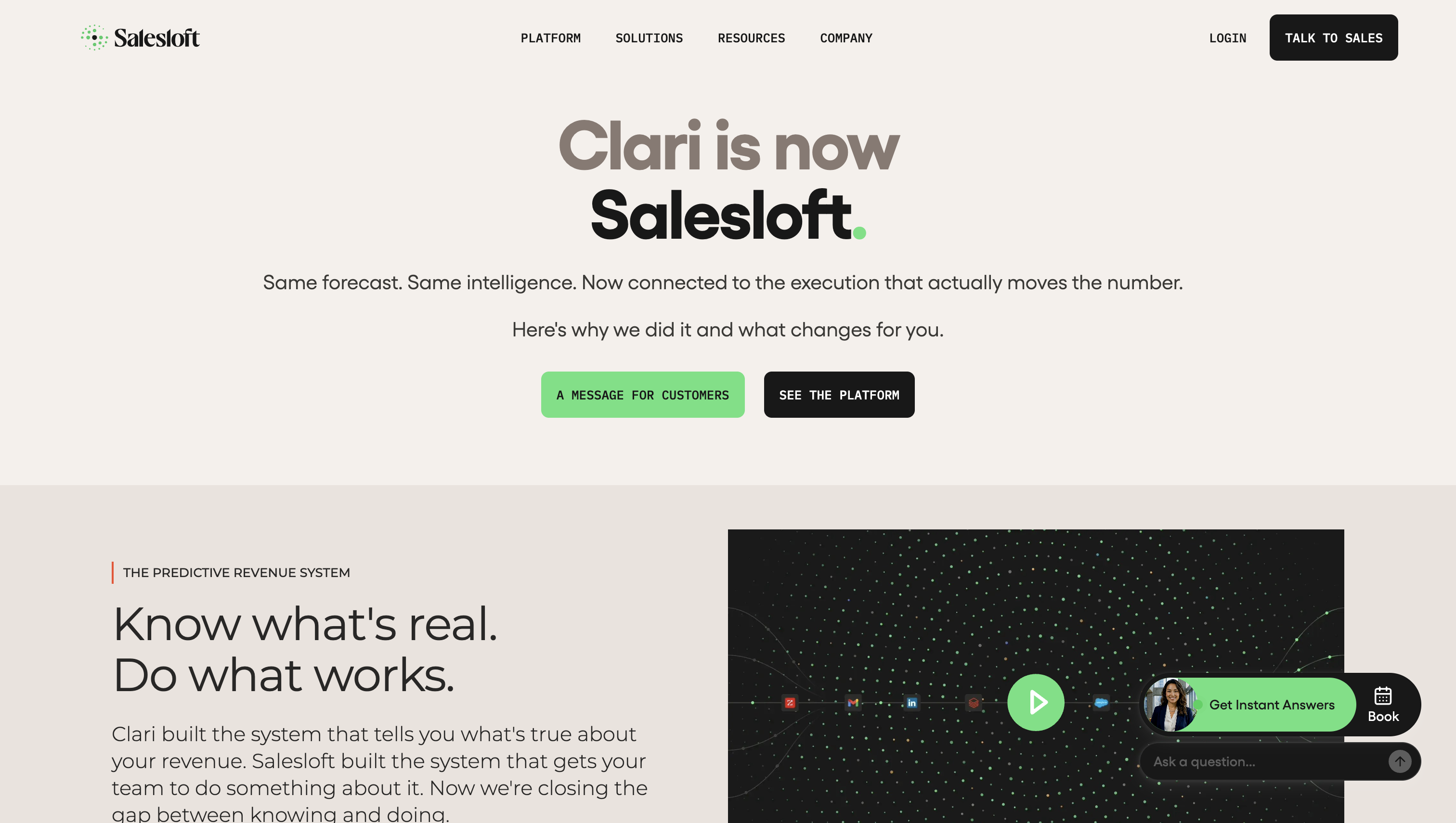
Clari Forecast is built for organizations whose number climbs through several layers of managers, regions and segments before it reaches the board. According to Salesloft, Clari and Salesloft now operate as one company under the Salesloft platform brand. Clari Forecast keeps its name, and Clari’s broader technology continues inside Salesloft.
The CRM-native options here forecast inside the system reps already work in. Clari instead adds a separate governance layer over the CRM.
Standout capabilities:
Limitations: The governance depth that suits a multi-segment enterprise is overhead for a small team with one pipeline.
Pricing: Clari’s former pricing page now routes to Salesloft’s “Talk to Sales” contact page, so your budget comes from a quote.
Best for: Enterprise RevOps teams running long, multi-segment sales cycles.

Gong adds buyer interactions to CRM data when it scores deal health. Its help documentation describes a model that reads both sales records and communications, so recent buyer activity can challenge a rep’s committed call.
Read the score carefully. It’s a percentile rank against your other deals, not a win probability. A deal scored 80 sits above most of your pipeline. It does not have an 80% chance of closing.
Standout capabilities:
Limitations: Deal-likelihood scoring needs a Forecast seat, a supported CRM, and at least 50 closed-won and 150 closed-lost deals in the CRM. Those thresholds put its scores out of reach for a new company while history builds. For teams that don’t already record calls, the conversation stack is an expensive starting point for forecasting.
Pricing: Gong’s pricing page says customized proposals combine per-user licences with a platform fee based on supported users. The total therefore runs above the seat price alone.
Best for: Teams already recording and analyzing calls in Gong.
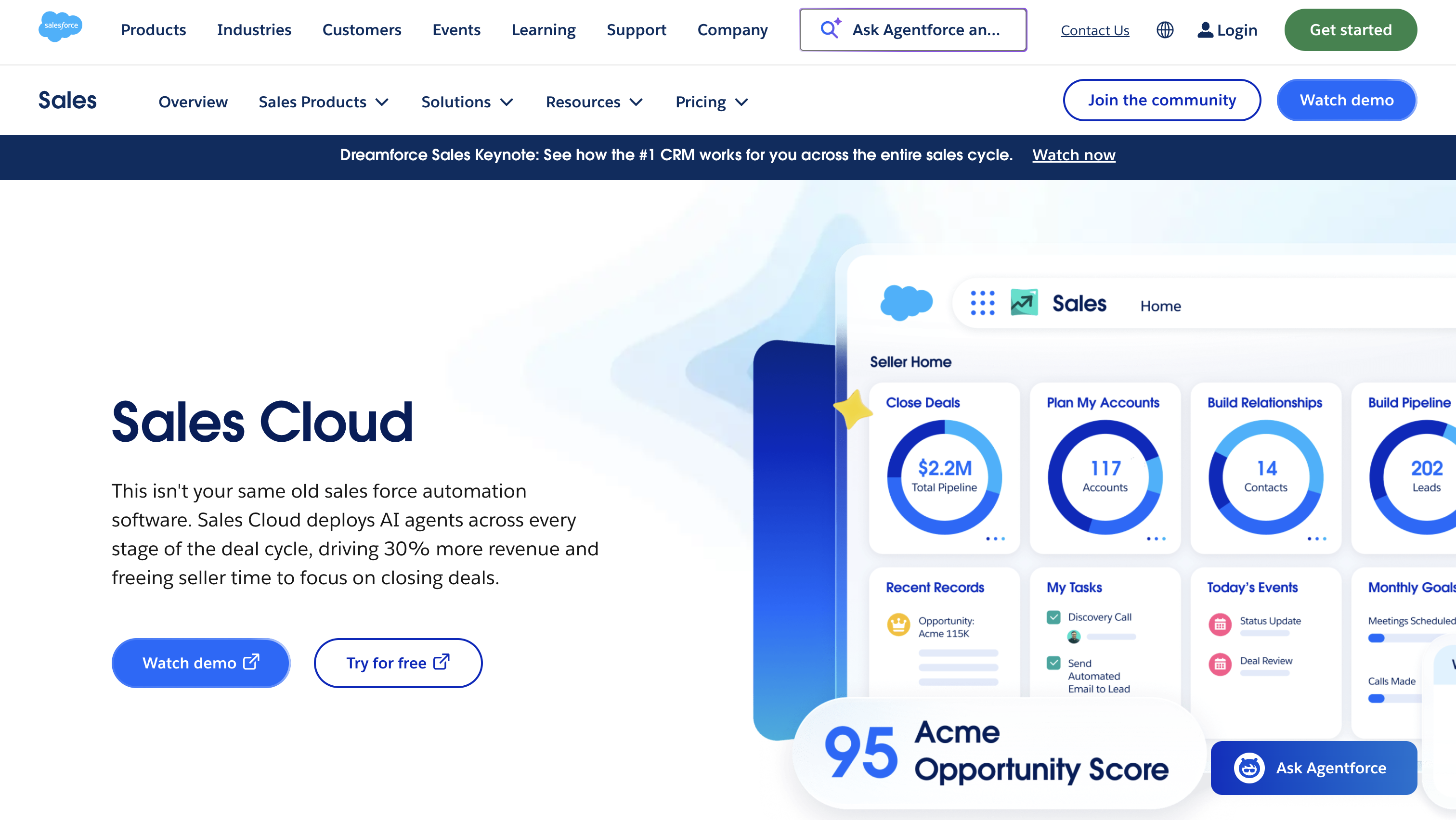
For a Salesforce shop, native forecasting avoids a separate vendor, sync and login. Salesforce’s help documentation places both Collaborative Forecasting and Einstein Forecasting inside the CRM where reps update deals.
Standout capabilities:
Limitations: Predictive Forecasting isn’t included in every edition; Salesforce’s current pricing page lists it as an additional purchase.
Pricing: Pro Suite costs $100 per user per month billed annually and includes sales quoting and forecasting. Predictive Forecasting is a separate purchase.
Best for: Salesforce-native organizations that want forecasting without another vendor.
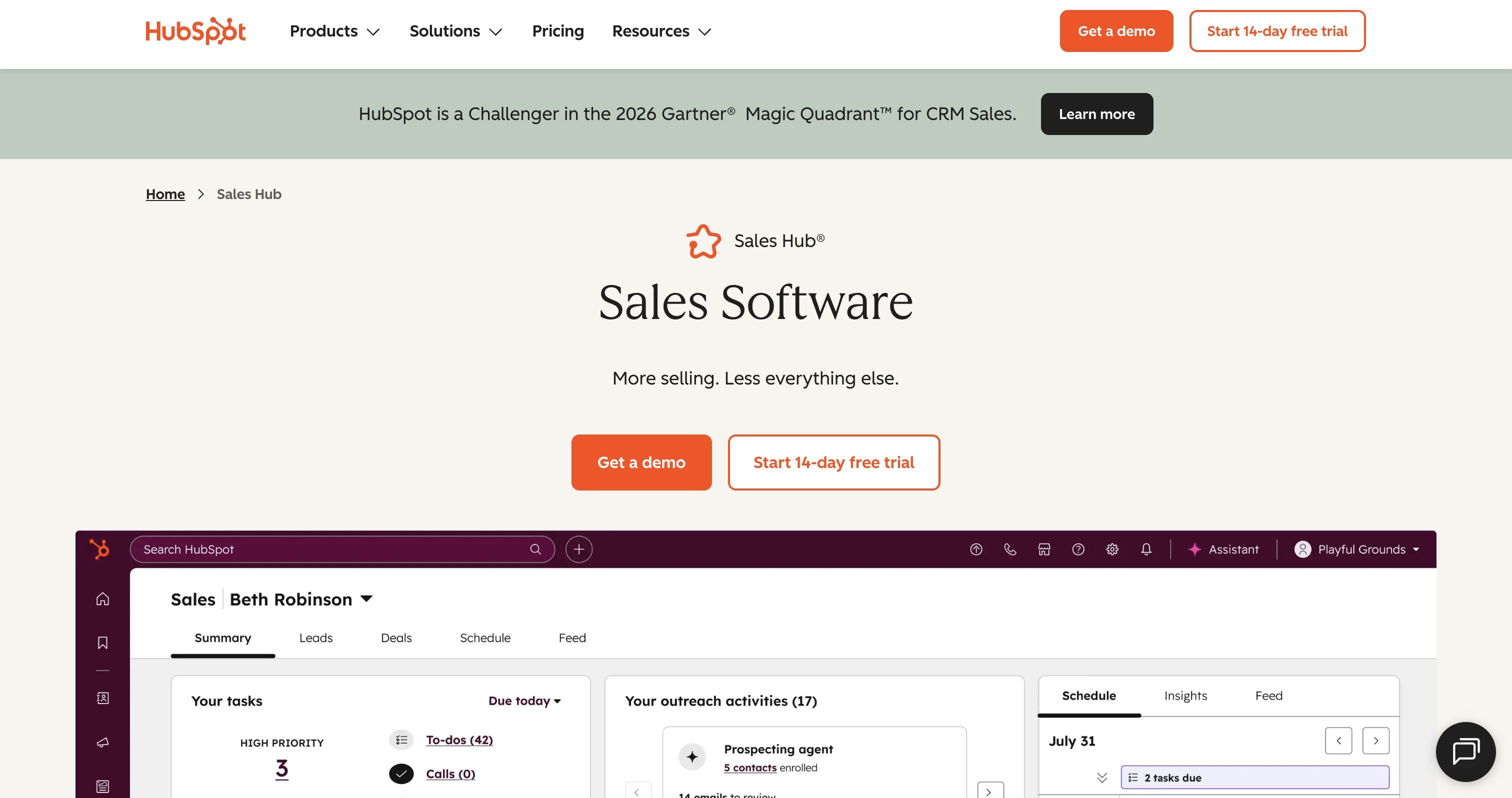
HubSpot keeps calculation and rep judgment in the same CRM. Its knowledge base documents the forecast as a native Sales Hub workflow rather than a standalone platform.
Standout capabilities:
Limitations: The forecast is only as broad as the data in HubSpot. Signals from billing, product usage or call recording count only if you sync them into HubSpot first. Forecasting also isn’t on the lower tiers.
Pricing: Forecasting requires Sales Hub Professional or Enterprise. HubSpot’s pricing page starts Professional at $90 per seat per month on an annual commitment and Enterprise at $150 per seat per month, with mandatory one-time onboarding fees of $1,500 and $3,500 respectively.
Best for: Small and mid-size businesses running sales operations on HubSpot.
If you're still deciding which CRM to use, our Salesforce vs. HubSpot comparison can help you weigh their differences before choosing a forecasting solution.
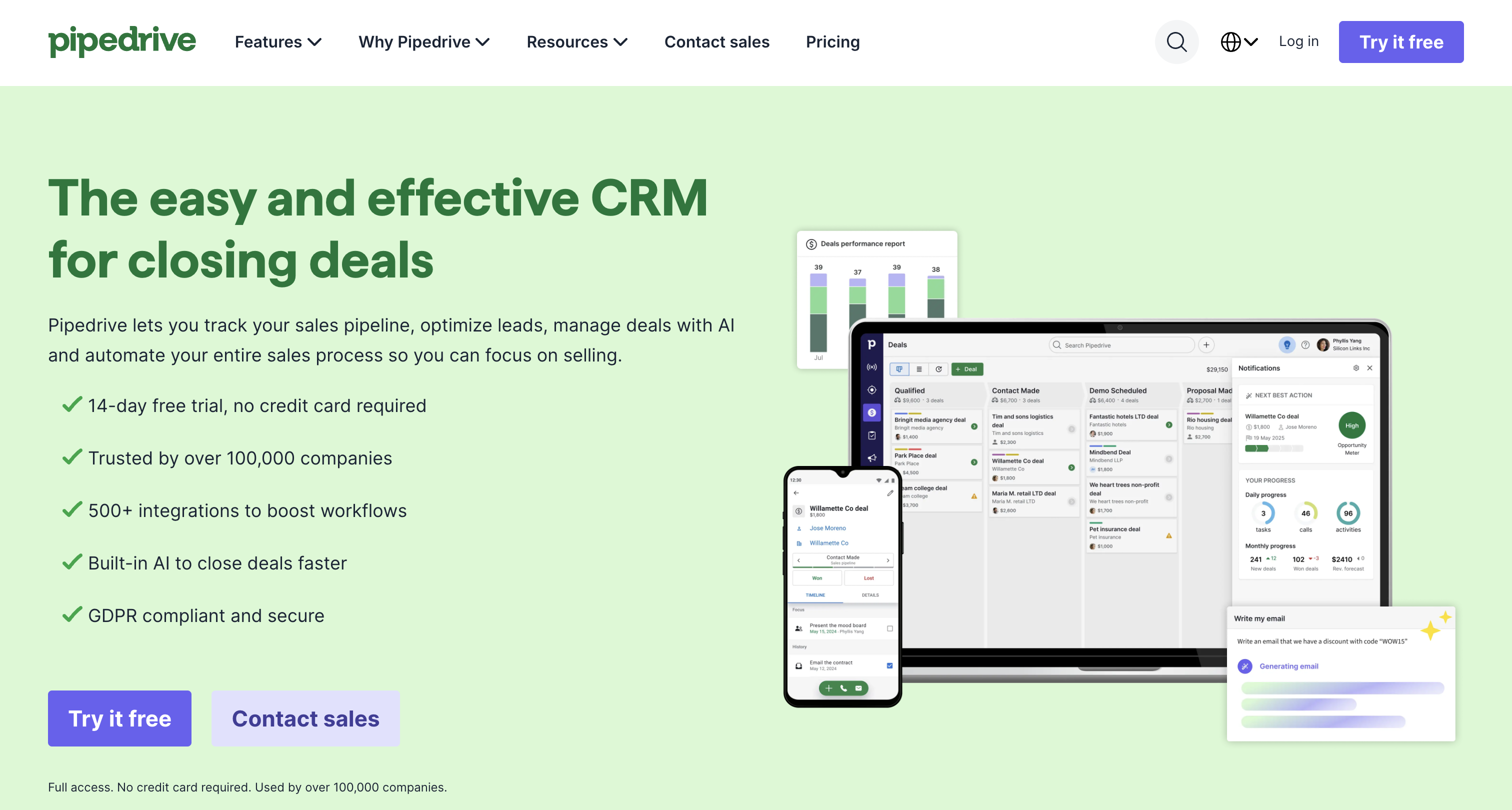
Pipedrive treats the forecast as a calendar of money. Its knowledge base describes a visual projection built from fields already maintained in the pipeline.
Standout capabilities:
Limitations: The tool fits straightforward pipelines better than motions with several segments rolling into one number.
Pricing: Pipedrive’s current pricing page lists Lite, Growth, Premium and Ultimate. Growth is the lowest plan that lists forecast reports, at $39 per seat per month billed annually.
Best for: Startups and small teams that want a clear pipeline forecast without a RevOps function.
Forecasting software combines pipeline math, rep judgment, historical modeling and AI.
A new business with no history can’t use time-series or history-trained AI yet. Start with pipeline coverage, meaning qualified pipeline relative to target, plus a deal-by-deal assessment. Write down your conversion and cycle-length assumptions, and swap them for real rates as outcomes accumulate. In a business plan, this assumption-based forecast is the honest version.
Five questions narrow the field quickly:
Forecast accuracy tracking is worth paying attention to, regardless of which tool you choose.
At the end of each period, compare what your team expected to close with what actually closed. Keep a record of the forecast as it stood at a consistent point in time, then measure the difference between the forecast and the actual result.
Repeat this process each month or quarter to see whether your forecasts are becoming more reliable. You can also compare different forecasting methods, such as weighted pipeline versus rep-submitted forecasts, as long as you're comparing the same periods and revenue scope.
Before investing in another tool, though, check whether your forecasting problems come from the software or the process.
If reps regularly leave close dates outdated, use inconsistent deal stages, or mark opportunities as committed without clear criteria, a new platform won't solve those problems on its own. Fix the underlying process first. If your forecasts still miss important risks because buyer activity isn't reflected in the CRM, a tool that adds those signals may be worth the investment.
The main options are spreadsheets, CRM-native forecasting, CRM add-ons, revenue intelligence platforms and conversation intelligence tools.
For the calculation, yes. A spreadsheet can run weighted-pipeline or historical arithmetic. What it lacks is the workflow: automatic CRM sync, controlled submissions, audit history and live deal-signal updates. You’d have to build those yourself.
There’s no universal benchmark. Accuracy depends on the forecast horizon, data quality, method, sales motion and the error metric used. Judge any tool by its error against your own actuals over time.
Use a cadence that matches how quickly the pipeline changes. Weekly formal submissions can anchor manager review, while fast-moving transactional pipelines may refresh automatically more often.
Pipeline management is the work of advancing and qualifying individual deals. Forecasting turns the state of those deals into a revenue number for a period. A well-managed pipeline is the input to an accurate forecast.
Keep amounts and close dates current, and give a reason whenever you push a deal. Call categories honestly rather than sandbagging or inflating. Logging activity and buyer contact also gives conversation-led and AI tools the evidence they score.

Cindy is an Outreach Manager and SEO Specialist at ONSAAS who helps SaaS companies grow through strategic link building and SEO. Outside of work, she loves spending time in nature, especially hiking in the mountains.
.svg)
.svg)
.svg)
.svg)
.svg)