Brand Monitoring Software: 8 Tools Compared, and How to Choose
September 3, 2026
By
Cindy Graciella
Brand monitoring tools track mentions of your brand, products, and competitors across social media, news, blogs, forums, and review sites, usually adding sentiment scoring and real-time alerts on top. A complaint can travel from a Reddit thread to a trade publication before anyone on your team refreshes a feed, which is why spot-checking by hand stopped working somewhere around 2015.
Which tool you need really depends on what you’re optimizing for. That could mean prioritizing enterprise consumer intelligence, PR and media coverage, social-first management, SEO mentions, or getting started with no budget at all.
How We Evaluated These Brand Monitoring Tools
Five questions separate these platforms once you get past the feature grid, and they’re the ones that decided the order here.
Source coverage. A tool that reaches Reddit, X, discussion forums, and review sites solves a different problem from one that watches only the social accounts you’ve connected to it, and that single distinction explains most buyer disappointment in this category.
Duplicate handling. Raw mention counts flatter every vendor. One syndicated press release can land as forty results, and a platform’s real value is how much of that it collapses before it reaches you.
Alert behavior. Whether notifications arrive within minutes or as a scheduled digest, which channels they land in, and whether you can set a spike threshold instead of being pinged for everything.
Sentiment. Every tool here uses machine classification, and every machine classifier reads sarcasm literally, so a sardonic “great job” scores positive in all of them. What varies is label granularity, whether an analyst can tune the classification, and how well non-English mentions are handled.
Data you can get out. Export formats, scheduled reports, and historical look-back decide whether you can run a crisis post-mortem.
Brand Monitoring Tools at a Glance
Tool
Best for
Data sources covered
Alerting
Pricing model
Competitor tracking / share of voice
Brand24
All-round monitoring for small and mid-sized teams
Social, news, blogs, forums, reviews; Reddit and X included
Near-real-time, plus spike alerts by email and in-app
Self-serve tiers, monthly or annual
Competitor projects run in parallel; share of voice in reports
Brandwatch
Enterprise consumer intelligence and historical research
Per-seat plans; listening sits above the base tiers
Competitor reports and social share of voice
Meltwater
PR, comms, and media relations coverage
News, print, broadcast, digital publications, social, forums
Coverage and crisis alerts by email and mobile
Enterprise contract
Coverage benchmarking against named rivals
Mention
Straightforward real-time web and social tracking
Web, news, blogs, social; forum reach varies by query
Real-time notifications by email and app
Company plan available by demo request
Competitor alerts viewed side by side
Hootsuite
Publishing-led social teams adding listening
Connected social networks; wider listening through the add-on
Keyword streams and inbox notifications
Per-seat plans; deeper listening via Lumen
Competitor streams and benchmark reports
Semrush Brand Monitoring
SEO teams chasing unlinked mentions and links
Web pages, news, blogs, plus supported social networks
Scheduled new-mention email notifications
Available as a standalone app for $79/mo
Up to 20 competitors in the Social Media Tracker
Google Alerts
A free, basic keyword alert baseline
Indexed web pages, news, blogs; most social, forums, and review sites fall outside
Email digests, as-it-happens, daily, or weekly
Free
One alert per competitor name, no benchmarking view
The 8 Best Brand Monitoring Tools
1. Brand24
Best for: Marketing and comms teams that want broad coverage and crisis alerting without an enterprise contract.
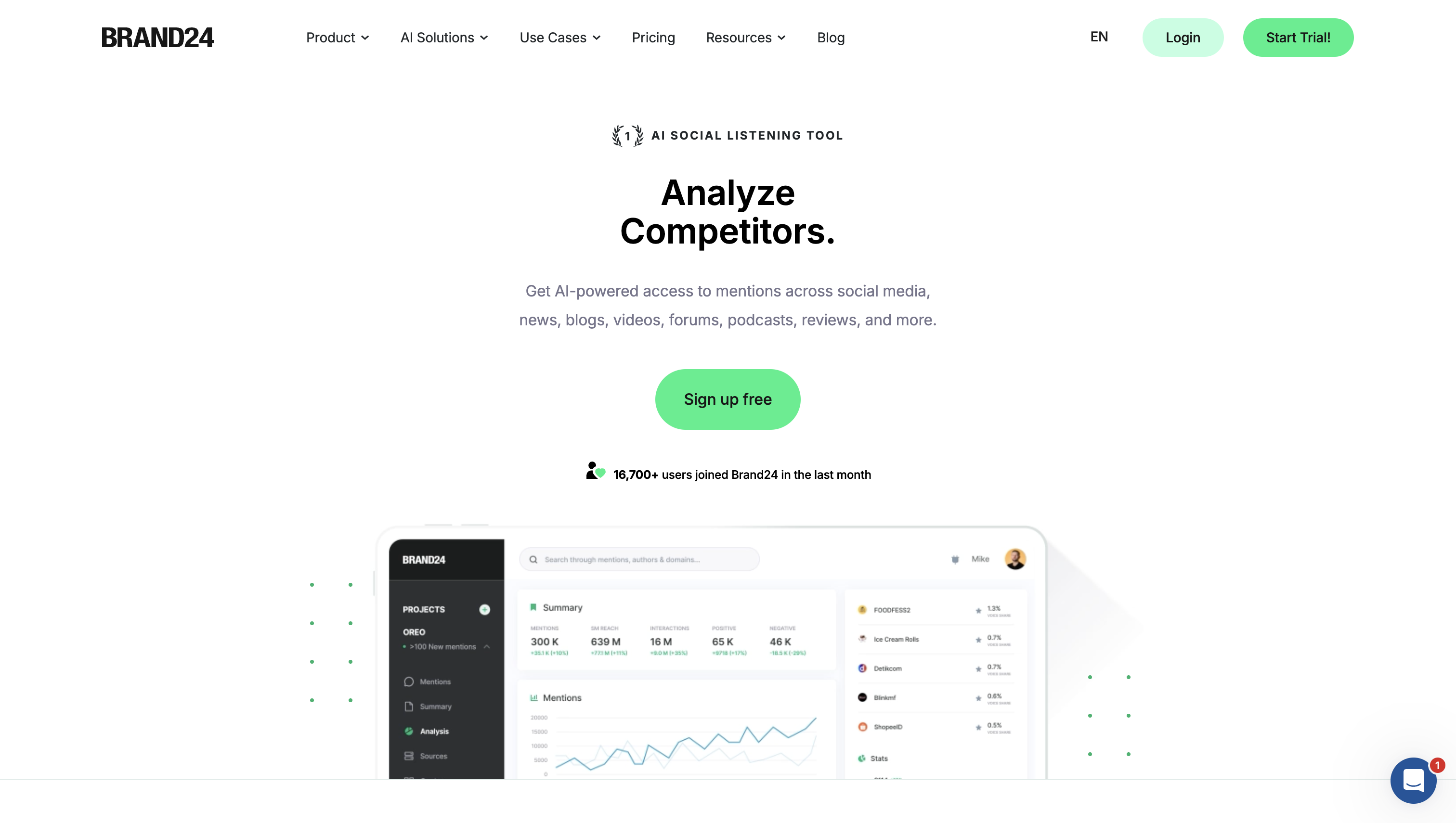
Brand24 is what most teams land on when they want what a listening platform does without the apparatus around it. It pulls mentions from social, news, blogs, forums, and review sites in near real time, and the interface assumes a marketer rather than a trained analyst.
The feature that earns its keep is spike detection, which flags an unusual jump in volume before anyone notices the graph moving. Reach and volume metrics sit next to the mention feed, so a three-person team can answer “is this actually a problem?” without exporting anything.
Standout capabilities: Real-time collection across a wide source sweep, AI-enhanced sentiment scoring, mention-spike and anomaly alerting, reach and volume metrics.
Data sources: Reddit, X, discussion forums, news, blogs, and review sites; plan tier mostly governs mention volume rather than which channels you can watch.
Alerts: Near-real-time mention delivery with storm and spike alerts to email and in-app, plus digests on a frequency you set.
Sentiment: Three-way AI labels applied to non-English mentions as well as English, filterable so you can read the negatives first.
Competitor tracking: Each competitor runs as its own project, with volume and share-of-voice comparison in reporting.
Historical data: New projects start collecting on creation with a recent look-back rather than opening a deep archive.
Reporting: PDF and CSV export, scheduled email reports, and white-label output on higher tiers for agencies presenting to clients.
Limitations: A generic or common brand name burns through mention allowance fast, so budget a week of tightening your Boolean queries before the feed is usable.
2. Brandwatch
Best for: Insights and research teams running long-range consumer and category analysis.
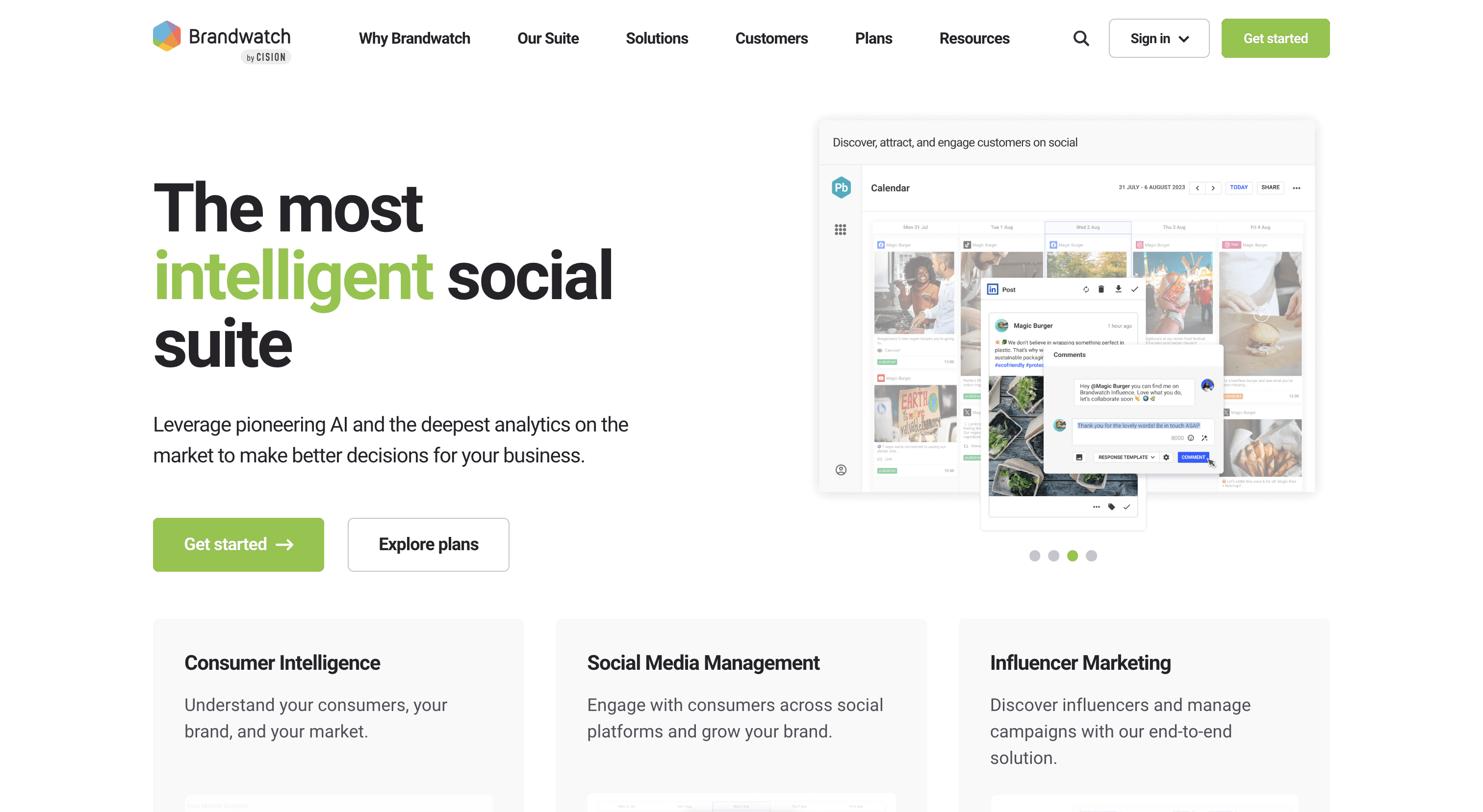
Brandwatch is a research platform that also monitors, not a monitor that also researches. Its Consumer Research module analyzes more than 100 million online sources, and it answers categorical questions well: how a market’s conversation shifted over three years, which audience segments drive it, and what those people discuss when they aren’t discussing you.
That depth costs setup time. Queries are Boolean-first, dashboards get built rather than picked from a menu, and getting clean data out assumes someone’s job description includes running the tool.
Standout capabilities: Consumer Research across 100 million-plus sources, AI-powered audience segmentation and trend analysis, advanced Boolean query building.
Data sources: Social platforms including X, discussion forums, news, blogs, and review sites, with the breadth that makes category-level research possible.
Alerts: Configurable by threshold and routed to email and dashboards, so alerting is tuned by an analyst rather than switched on by default.
Sentiment: AI classification that can be tuned inside the query itself, letting an analyst exclude a phrase that keeps skewing labels; language coverage is the widest here.
Competitor tracking: Category benchmarking and share of voice against a defined competitive set, not just mention counts.
Historical data: Brandwatch puts its Consumer Intelligence archive at 1.7 trillion historical conversations dating back to 2010, the deepest backfill in this lineup.
Reporting: Custom dashboard building, standard exports, and scheduled distribution to stakeholders.
Limitations: The learning curve and enterprise commitment rule it out for a two-person marketing team; if nobody owns query building, the license goes unused.
3. Sprout Social
Best for: Social-first teams that need to monitor, reply, and publish from one workspace.
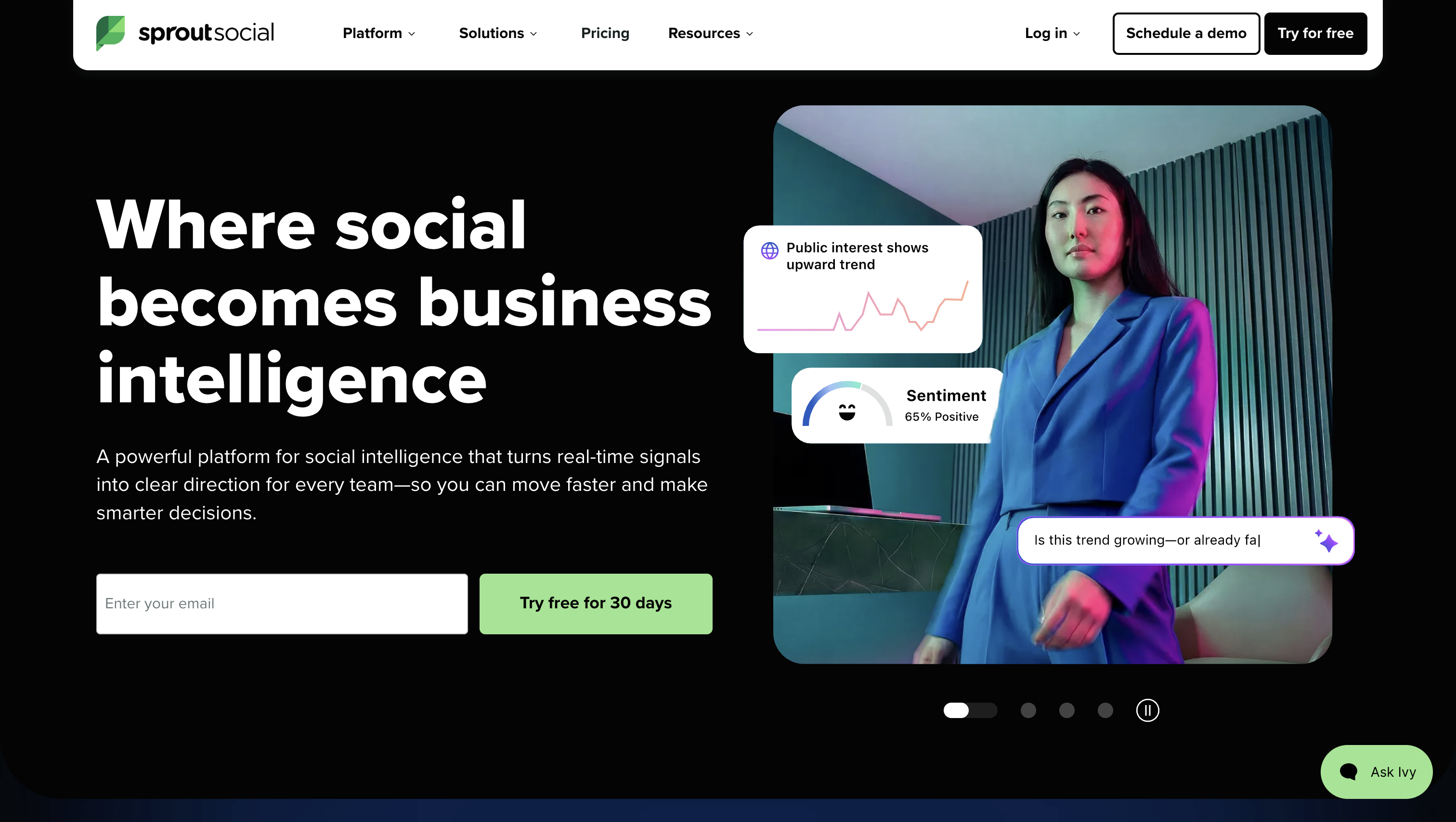
Sprout Social’s advantage is that seeing a mention and answering it happen in the same window. A comment surfaces in the unified inbox, someone replies, and the interaction lands in the same analytics as the post that provoked it. Review management sits in the same place, which matters for multi-location brands fielding Google and Facebook reviews.
The reporting is the other reason teams pick it. Its outputs are built to be sent to a director without being rebuilt in slides first, which is rarer in this category than it should be.
Standout capabilities: Unified social inbox, publishing and scheduling alongside listening, review management, presentation-ready analytics dashboards.
Data sources: The major social networks plus review platforms; coverage is anchored to the accounts and networks you connect rather than web-wide crawling.
Alerts: Message and spike notifications through the inbox, desktop, and mobile app, so on-call response doesn’t depend on someone watching a dashboard.
Sentiment: Scored at the listening-topic level and surfaced in topic reports rather than only on individual messages.
Competitor tracking: Competitor reports per network and share of voice within social channels.
Historical data: Analytics and listening topics look back over a window that follows your plan, so confirm it before promising a year-on-year comparison.
Reporting: Scheduled report delivery, PDF and CSV export, and templates aimed at client and executive audiences.
Limitations: Listening sits above the base plans rather than inside them and every seat adds cost, so the per-user entry figure understates what a six-person team actually pays.
4. Meltwater
Best for: PR and communications teams that report on earned media rather than social engagement.
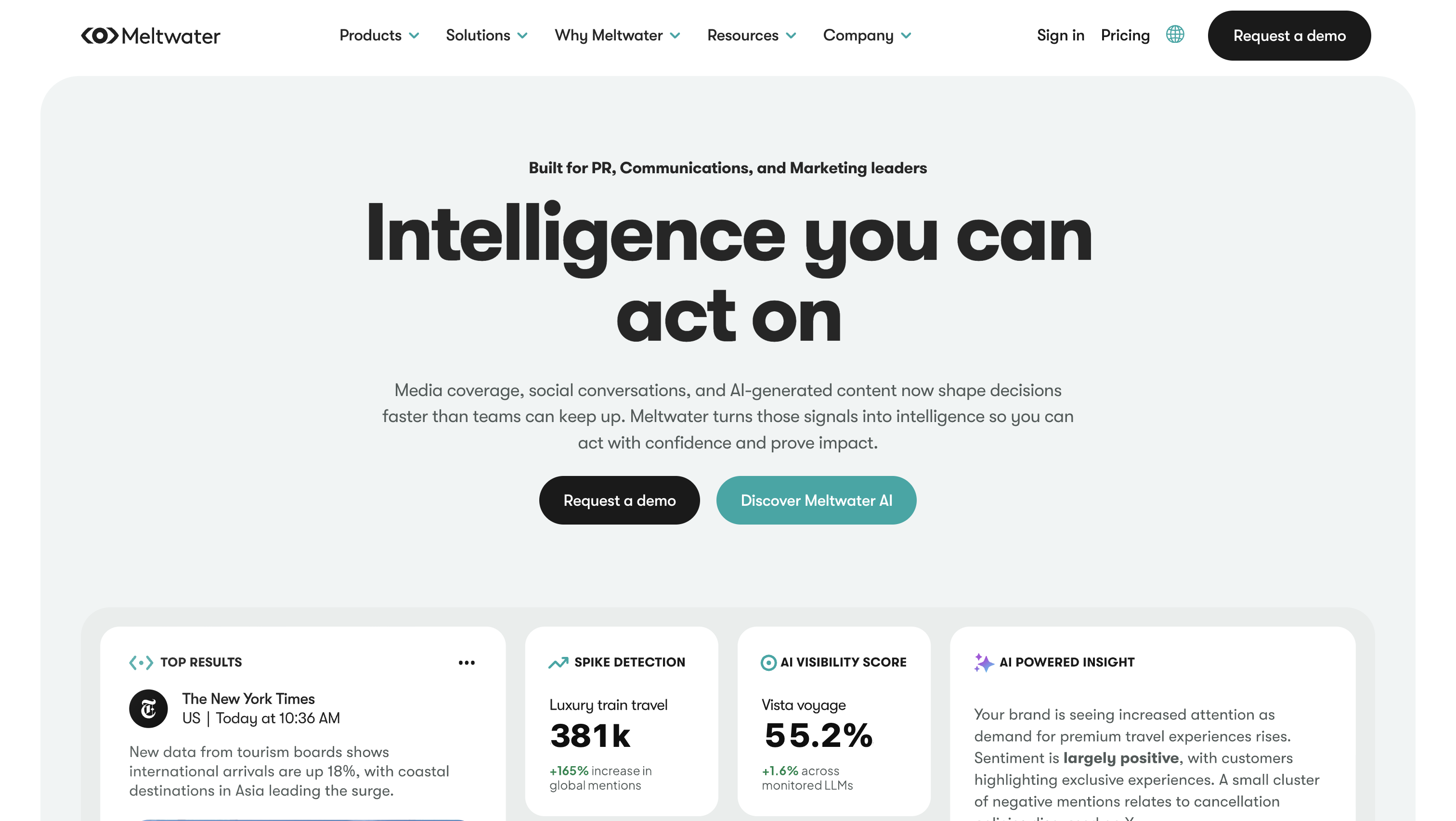
Meltwater is built around earned coverage, which makes it the outlier here. It monitors news, print, broadcast, and digital publications alongside social, and it pairs that with a journalist and media contact database, so the tool that tells you about the article can also tell you who wrote it.
For a comms team, the deliverable is a coverage report an executive will read, and Meltwater is organized around producing exactly that. Volume of coverage, tone of coverage, and how both compare to the competitor everyone in the room is already thinking about.
Standout capabilities: Broad news, print, and broadcast monitoring, journalist and media contact database, campaign and coverage reporting.
Data sources: Traditional and broadcast media alongside social platforms, forums, and online publications, with the media side deeper than any other tool here.
Alerts: Coverage alerts and crisis notifications delivered by email and mobile, so a broadcast hit reaches the team before the morning stand-up.
Sentiment: Coverage tone scoring across articles and posts, with analyst review available on the enterprise side rather than a fixed automated verdict.
Competitor tracking: Share of voice and coverage benchmarking against a named competitive set, reported over campaign periods.
Historical data: Archive depth for look-back and post-mortems is set in the contract, so ask which years are included before you sign.
Reporting: Executive coverage reports, exports, and scheduled distribution to stakeholder lists.
Limitations: Teams that only need social conversation volume end up paying for a media relations apparatus they’ll never open.
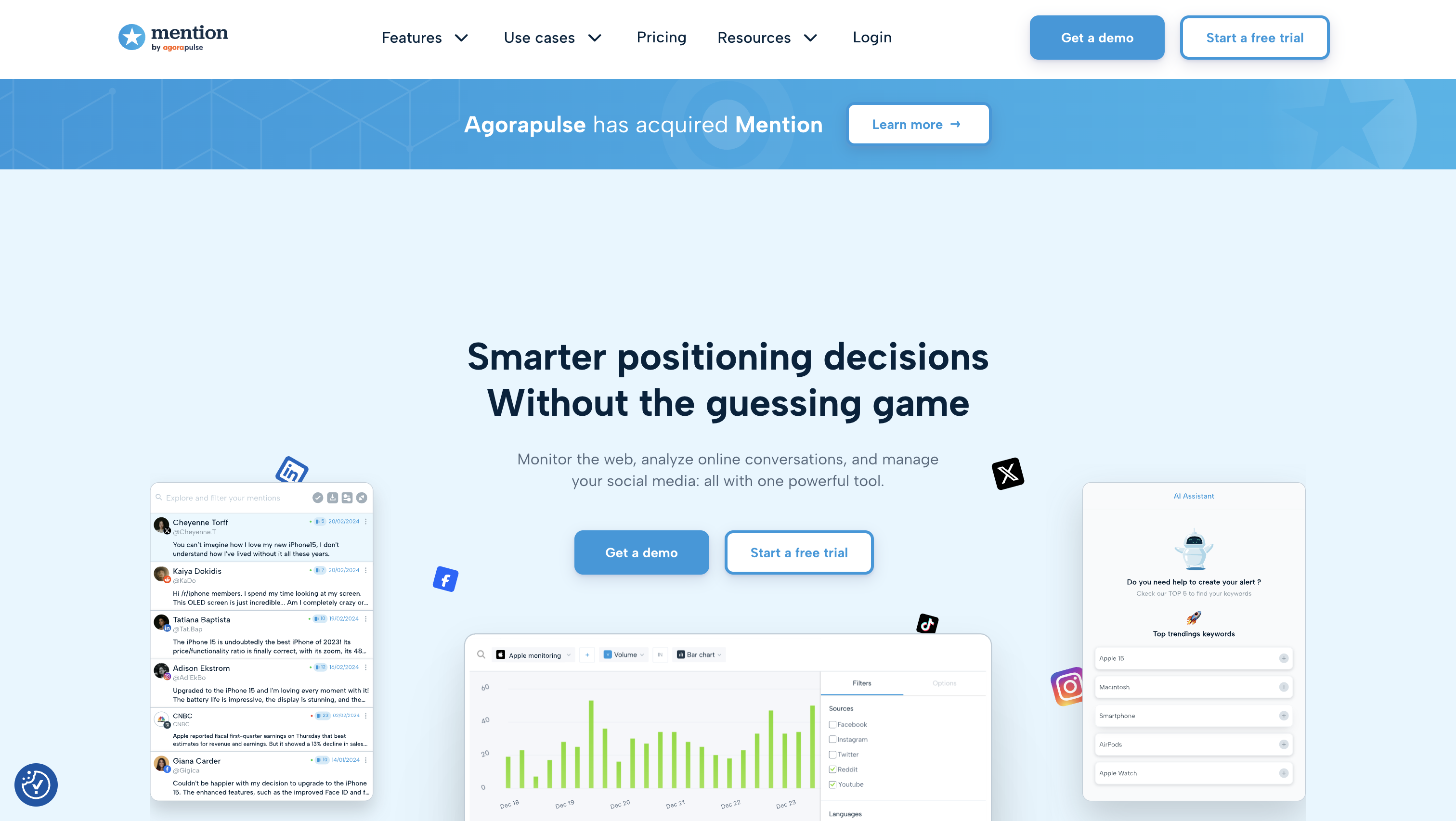
5. Mention
Best for: Small teams and solo marketers who want clean real-time alerts without a listening platform’s setup burden.
Mention is the fastest of these to get useful. You enter a brand name, add a couple of Boolean modifiers to strip out the noise, and alerts start arriving the same afternoon, with no dashboard-building phase and no onboarding call standing between you and your first mention.
What you give up is the analysis layer. Mention tells you who said what and when, quickly and cleanly, and stops there rather than trying to explain a market to you.
Standout capabilities: Real-time web and social mention tracking, Boolean search for precise queries, alert setup measured in minutes.
Data sources: Web pages, news, blogs, and social platforms, with forum reach depending on how public and indexed the forum is.
Alerts: Real-time notifications through email and the app, with per-alert control so a competitor query doesn’t ping you at the same urgency as your own brand.
Sentiment: Positive, neutral, and negative labels applied to the mention feed and usable as a filter when triaging.
Competitor tracking: Separate alerts per competitor, viewed side by side for a rough volume comparison.
Historical data: A new alert starts from creation with a short catch-up pull rather than a searchable archive.
Reporting: CSV export and scheduled report emails covering volume, sources, and sentiment split.
Limitations: Analytics depth is thin next to a full listening platform, so it won’t support a category research project.
6. Hootsuite
Best for: Teams already running their publishing calendar here who want monitoring in the same tool.
Hootsuite approaches monitoring from the publishing side. Streams sit next to the content calendar, so keyword and handle tracking becomes one more column in a workspace the social manager already has open all day. For teams whose main job is shipping posts, that proximity beats a more capable tool nobody logs into.
Deeper listening comes through Talkwalker, now part of Hootsuite, rather than the base streams. That layering is worth understanding before you buy on the assumption that web-wide listening is included.
Standout capabilities: Multi-network scheduling, custom streams for keywords and handles, engagement inbox, cross-network analytics.
Data sources: The social networks you connect, with coverage beyond those accounts arriving through the listening layer rather than the standard streams.
Alerts: Keyword streams and inbox notifications surface activity in-app and on mobile as the team works.
Sentiment: Delivered through the listening module rather than the base publishing plans, so check which tier you’re on before promising tone reporting.
Competitor tracking: Competitor streams for watching rival accounts, plus benchmarking reports comparing your performance across networks.
Historical data: The analytics look-back window follows your plan tier and is oriented to your own account performance more than public conversation.
Reporting: Report templates, PDF and CSV export, and scheduled delivery to stakeholders.
Limitations: If your priority is Reddit threads and niche forums rather than your own channels, this is the wrong starting point.
Semrush treats a mention as a link that hasn’t happened yet. It finds where your brand appears across the web and splits linked from unlinked results, which turns monitoring into a working list for outreach: here are twelve articles that named you and didn’t link, go ask.
The competitive side runs through the Social Media Tracker, which monitors up to 20 competitors, and everything sits inside a toolkit an SEO team is already paying for and already logged into.
Standout capabilities: Linked-versus-unlinked mention separation feeding a link-reclamation workflow, Social Media Tracker for up to 20 competitors, native integration with the rest of Semrush.
Data sources: Web pages, news sites, and blogs, plus the social networks the tracker supports; forum discussion is not where its discovery is strongest.
Alerts: New-mention notifications delivered on a schedule by email rather than as instant push.
Sentiment: Mentions carry a basic positive, neutral, or negative tag, useful for triage but not for nuanced tone analysis.
Competitor tracking: Competitor mention discovery plus the 20-competitor social benchmarking allowance, which is generous for the price band.
Historical data: Discovery favors recent web content, so treat it as a forward-looking prospecting tool rather than an archive.
Reporting: Exports and integration with the wider Semrush reporting suite, including scheduled PDF reports.
Limitations: It’s built around web pages rather than conversations, which makes it the wrong first alarm for a crisis forming on Reddit overnight.
8. Google Alerts
Best for: Solo founders and small teams who need something running today at zero cost.
Google Alerts emails you when newly indexed content matches your keyword, and that’s the whole product. It’s free, it takes ninety seconds to set up, and Google permits up to 1,000 alerts per account, which is more brand, product, and competitor terms than most teams will ever define.
Its limits are structural rather than fixable. It sees what Google indexes, which excludes most social platforms, most forum discussion, and most review sites, and the conversations that actually damage a brand tend to start in exactly those places.
Standout capabilities: Free keyword alerts on indexed web content, adjustable delivery frequency, and region and language filters.
Data sources: Indexed web pages, news, and blogs; most social platforms, forums, and review sites fall outside its reach.
Alerts: Email digests on your chosen schedule rather than instant push, which during a fast-moving incident can mean learning about it hours after your customers did.
Sentiment: None, so tone has to be judged by opening and reading each result.
Competitor tracking: Possible only by creating one alert per competitor name, with no comparison or benchmarking view.
Historical data: Forward-looking only, with no archive and no backfill on new alerts.
Reporting: No dashboards and no exports; results arrive as links in your inbox.
Limitations: Syndicated content means one press release can generate dozens of near-identical emails, and after a week of that most people stop opening them.
A Trial Playbook for Testing Your Shortlist
Two or three trials only produce a decision if all of them run the same test. This one fits inside a standard trial window.
Write one query set and reuse it exactly. Your brand name, the two misspellings people actually type, your main product names, and two competitors. Enter the identical set in every tool, including the same Boolean exclusions, or you’re comparing your query-writing to itself.
Run all tools over the same 48 hours. Then pull two numbers from each: total mentions and unique mentions. The gap between them is duplicated syndication, and it separates a tool that filters from one that inflates its own numbers.
Audit twenty sentiment labels per tool. Open twenty mentions at random, read them yourself, and keep score of how many labels you’d overturn. Four wrong out of twenty is workable for triage; nine is not.
Check the channel that matters most to you. Whether that’s Reddit, X, a niche industry forum, or Google reviews, find the conversations one tool surfaced and the others missed. This single check usually breaks the tie.
Trigger one test alert and time it. Post something matching your query, then record how long the notification took and which inbox, app, or channel it landed in.
Export one report and judge it. Ask whether you’d forward it to a manager or client unedited.
Then rank each tool on unique mentions found, sentiment accuracy, alert speed, and report quality. Buy monthly first, and only move to an annual contract after a full month of real use.
Which Brand Monitoring Tool Fits Your Goal, Team, and Budget
Work down these questions in order and the field narrows fast.
Start with your primary goal.
Crisis management and earned media coverage: Meltwater
Unlinked mentions and link reclamation: Semrush Brand Monitoring
Multi-year consumer and category research: Brandwatch
Social-first management and review response: Sprout Social
Monitoring inside an existing publishing calendar: Hootsuite
Broad all-round coverage on a mid-market budget: Brand24
Clean real-time alerts with minimal setup: Mention
Something running today at zero cost: Google Alerts
Then check your channels. If your conversations happen on Reddit, X, and niche forums, choose a web-wide listening tool over a social suite, because a suite watches the accounts you connect to it. If what you report on is news, print, and broadcast pickup, you need media intelligence rather than listening.
If you're on zero budget, set Google Alerts on your brand, product names, and two competitors, add manual native searches on the two social platforms where your audience actually posts, and check them on a fixed schedule. Then run two paid trials in parallel before you commit to anything.
Have questions
What is a brand mention tool?
Software that scans public online content for your brand name and related terms, then collects the matches in one feed with alerts. The better ones add sentiment labels, reach estimates, and competitor comparison, so you get context rather than a pile of links. Google Alerts is the minimum version; Brand24 and Mention are typical paid ones.
What are brand management tools, and how are they different from brand monitoring tools?
Brand management tools govern assets you control: logo files, guidelines, templates, and approval workflows, usually through a digital asset management system. Monitoring tools watch what other people say about you in public. One protects consistency inside the organization, the other protects reputation outside it, and neither substitutes for the other.
Which tool is most commonly used for monitoring brand mentions?
Google Alerts, by a wide margin, because it’s free and takes a minute to set up. Among paid tools, usage splits by segment, with Brand24 and Mention in small and mid-market teams, Brandwatch for insights functions, and Meltwater in PR departments.
What are examples of monitoring tools beyond brand and social listening?
Uptime and website monitoring tools watch whether your site is responding, application performance monitoring tracks software health, and brand-protection or cybersecurity monitoring hunts for spoofed domains, fake social accounts, and phishing pages using your name. Google Trends is a different kind again, tracking search interest rather than published mentions.
Can brand monitoring tools track mentions of your brand inside AI chatbot answers?
Traditional listening platforms index published content, so AI answers need a separate category of tool. Moz AI Visibility, Peec AI, and Shadow are built for it, tracking how your brand appears in generated responses, and Moz’s version includes up to 200 prompts to monitor in the dashboard, with additional prompts available for purchase. Expect to run one of these alongside, not instead of, a listening tool.
How long does it take to set up brand monitoring and start getting useful data?
Alerts arrive within minutes on most platforms, but the first week is noise. Budget a few days of tightening queries and excluding irrelevant matches, particularly if your brand name is a common word, and two to four weeks before you have enough volume history to recognize what a normal day looks like.
By clicking “Accept All Cookies”, you agree to the storing of cookies on your device to enhance site navigation, analyze site usage, and assist in our marketing efforts. View our Privacy Policy for more information.
Cindy is an Outreach Manager and SEO Specialist at ONSAAS who helps SaaS companies grow through strategic link building and SEO. Outside of work, she loves spending time in nature, especially hiking in the mountains.
By clicking “Accept”, you agree to the storing of cookies on your device to enhance site navigation, analyze site usage, and assist in our marketing efforts. View our Privacy Policy for more information.

.svg)
%20(1).svg)
%20(3).svg)

.svg)
.svg)
.svg)
.svg)
.svg)