
.svg)
%20(1).svg)
%20(3).svg)
Back to articles
12 Best Cold Email Software Tools to Enhance Your Campaigns
June 25, 2026
By
Anna Dovbysh
Cold outreach has never been harder — or more consequential. Inboxes are drowning in generic blasts, spam filters have graduated from gatekeepers to full-blown bouncers, and buyers are growing a sixth sense for cookie-cutter sequences.
The result? Average reply rates sit around 4.1% across B2B campaigns, according to Prospeo’s 2026 data.
But here's the thing: the problem isn't cold email. It's the tools and tactics behind it. The right cold email software solves three things simultaneously — it keeps your messages out of spam, makes every email feel like it was written for one specific person, and automates follow-ups so your sequences run while you sleep. The wrong tool does none of those things, just faster.
This guide cuts through the noise. We compared 12 top tools on deliverability, personalization, automation, integrations, and real-world pricing so you can pick the one that matches your stage, team size, and growth goals — not just the one with the flashiest landing page.
Before diving into the reviews, let's establish the five criteria that separate the best cold email platforms from the ones that burn your domain and drain your budget.
Deliverability is the foundation. If your email doesn't reach the inbox, nothing else matters — not the copy, not the personalization, not the sequence timing. Look for tools with email warm-up, inbox rotation, bounce protection, and domain health monitoring. This is the single most important factor in cold outreach performance, full stop.
Personalization is what gets you replies. In fact, Personalized emails improve response rates by 32%. Merge tags are table stakes in 2026. The tools worth your time go further — dynamic image personalization, AI-generated icebreakers, behavioral snippets, and variable sequences triggered by a prospect's industry, role, or recent company news.
Automation is what makes cold email scalable. Multi-step sequences, condition-based follow-ups (skip the nudge if they replied, escalate if they opened three times without responding), A/B testing, and reply detection — these are the features that turn a one-person outreach effort into a reliable pipeline machine.
Integrations determine how well the tool fits into your existing stack. Can it sync bidirectionally with HubSpot or Salesforce? Does it connect to LinkedIn? Can it push data to your CRM automatically, or are you copy-pasting replies into a spreadsheet at 11 pm?
Pricing model matters more than sticker price. Per-seat pricing punishes team growth. Volume-based pricing rewards it. Flat-rate models are great for agencies managing multiple clients. Credit-based systems can balloon unexpectedly if you're not watching usage. Know which model you're buying before you sign an annual contract.
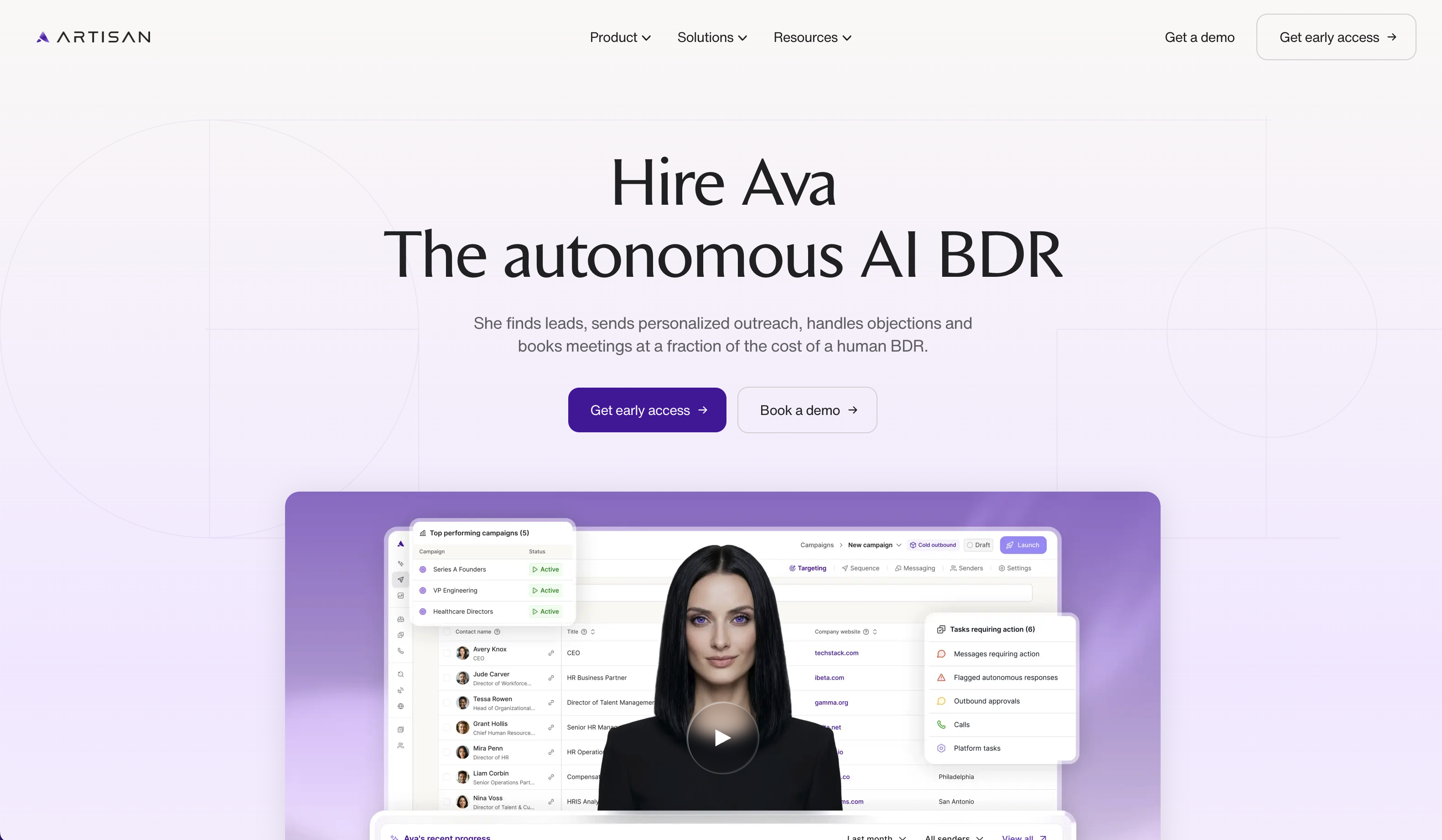
Artisan is a fundamentally different category of tool. While most cold email platforms give you a better interface for doing the same manual work, Artisan's AI SDR agent — Ava — is designed to replace the workflow entirely. She finds prospects from a 300M+ B2B contact database, researches each one using firmographic, technographic, intent, and behavioral signals, writes personalized outreach, manages sequences, and hands off warm replies to your human reps.
Artisan automates approximately 80% of a BDR's daily workflow. The platform handles deliverability in the background too: built-in email warm-up (using a network of bots that respond positively to your emails to build sender reputation), dynamic send-volume adjustment based on real-time inbox placement data, and mailbox health monitoring all run without manual configuration. Multichannel sequences across email and LinkedIn are supported, and you can either let Ava operate autonomously or step in to review and edit outreach before it sends.
.svg)
Dramatically reduces top-of-funnel labor — users report booking sales calls within weeks of setup without manual prospecting effort
Consolidates what would otherwise be a multi-tool stack (data provider + email tool + warm-up service + sequencer) into a single platform
Ava replicates proven cold email playbooks and adjusts tone to align with your brand voice — less robotic than many AI writing tools
Strong fit for fast-moving teams that need to scale outbound without scaling headcount
.svg)
No self-serve free trial; you'll need to go through a demo process before accessing the product
Works best when your ICP and messaging are already defined — the AI needs clear positioning inputs to generate effective outreach
May feel like overkill for companies that just need a simple drip sequence without autonomous prospecting
Artisan uses custom, volume-based pricing tied to the number of leads you contact monthly. Rates are not published publicly — expect to engage their sales team for a quote. There is no ongoing free plan, but a demo-driven trial may be available during onboarding.
Growth-stage B2B companies and scaling sales teams that are ready to replace or augment a human SDR function with AI — and have the budget, defined ICP, and operational readiness to make full automation effective.
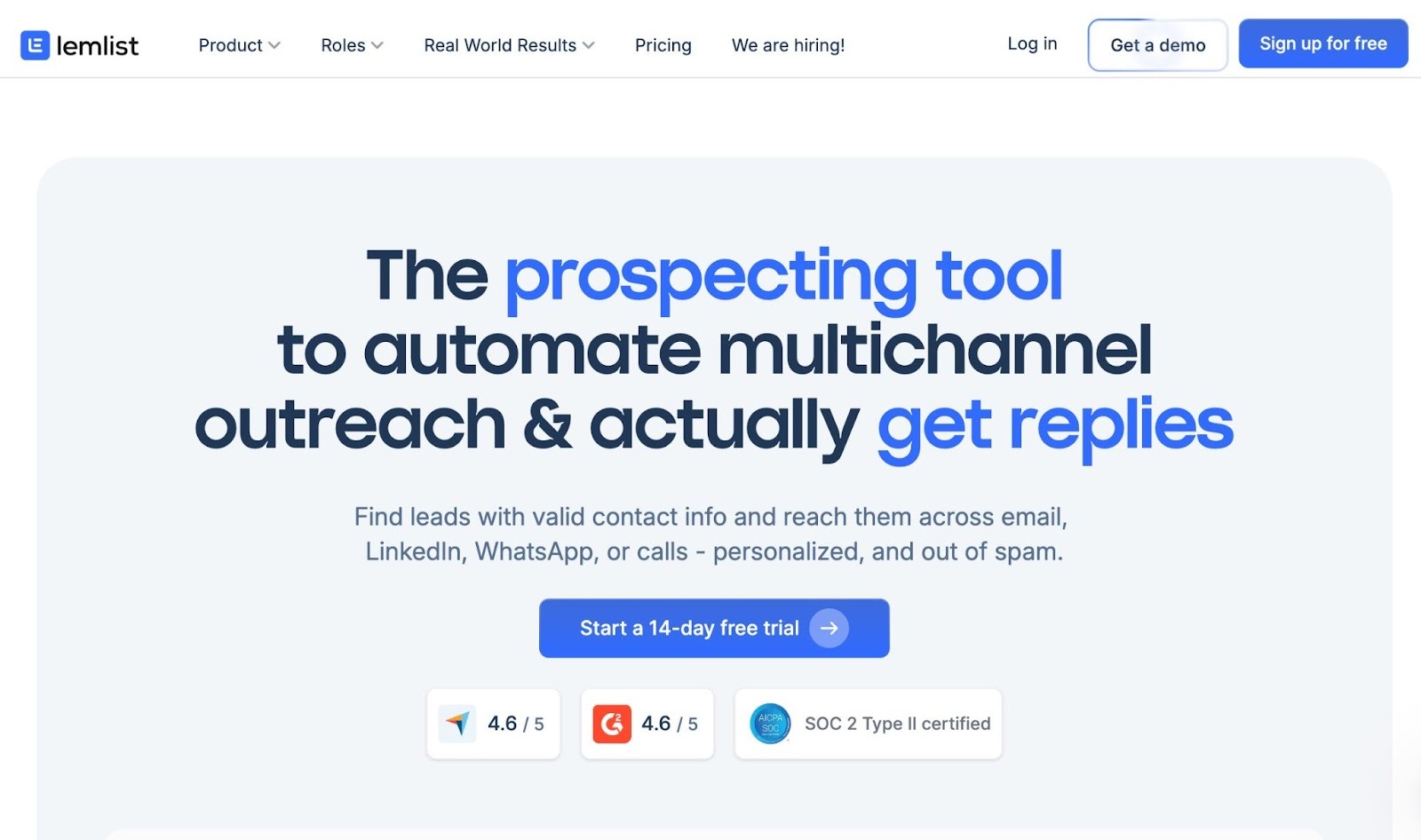
Lemlist built its reputation on a deceptively simple insight: personalized images and videos dramatically increase reply rates. While other tools offered merge tags, Lemlist pioneered dynamic image personalization — inserting a prospect's name, logo, or LinkedIn photo directly into a custom email image. That hook is now backed by a full multichannel platform covering email, LinkedIn, and cold calling.
The platform's deliverability suite — including Lemwarm (built-in email warming), inbox rotation, and send-time optimization — is included across all paid plans. The AI writing assistant helps personalize at scale, and condition-based sequences let you branch follow-ups based on whether a prospect opened, clicked, or ignored your outreach.
Personalized images genuinely drive higher reply rates — a visual hook that competitors still struggle to replicate at the same execution quality
Multichannel outreach (email + LinkedIn + calls) in one interface reduces tool sprawl for small sales teams
14-day free trial with full access to the Multichannel Expert plan — low barrier to evaluate the product before committing
Deliverability features (warm-up, inbox rotation, bounce detection) are included in the base plan, not gated behind a premium tier
Lead finder credits don't roll over month to month — unused credits are lost at each billing cycle
Email account connections are capped per user seat, limiting scalability for high-volume senders
Founders, SDRs, and small sales teams (1–5 people) running outbound where personalization and visual differentiation are the primary competitive strategy — especially those who want email + LinkedIn in a single tool.
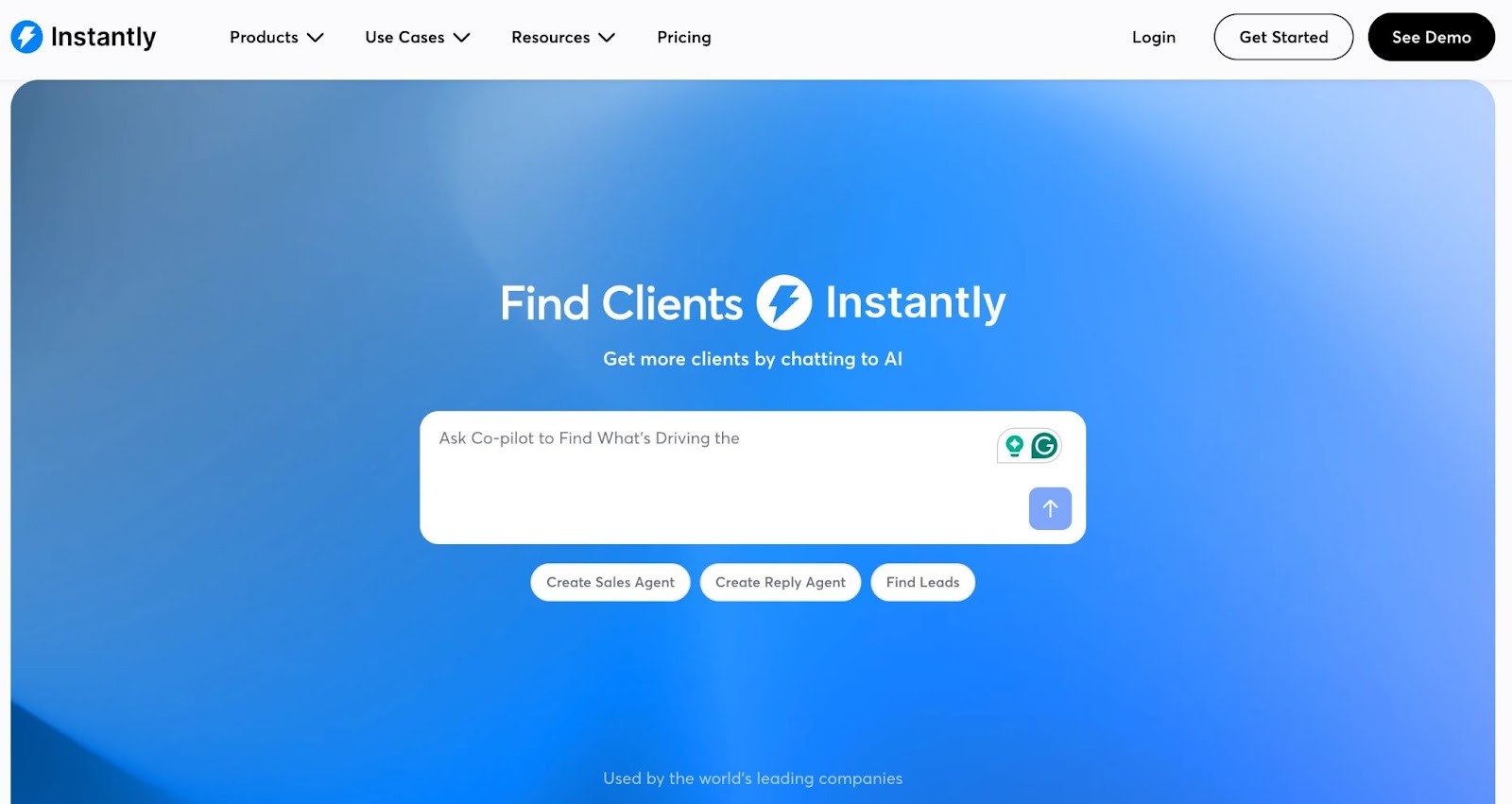
Instantly built its product around a single conviction: volume and deliverability aren't in tension — they're complementary, if you have the right infrastructure. The platform lets you connect unlimited email accounts on all paid plans (a meaningful differentiator versus tools that charge per inbox or cap connections), pairs that with AI-powered email warming, and keeps the interface clean enough that non-technical SDRs can be productive within hours of signup.
A/Z testing (multivariate, not just A/B) lets you run multiple email variants simultaneously, and the unified Unibox consolidates replies from all connected inboxes so nothing falls through the cracks.
Unlimited inboxes on all plans is a genuine competitive edge and the most cost-effective way to send at real scale
Clean, minimal interface with a short learning curve; teams are typically running their first campaign within hours
Volume-based pricing (not per-seat) keeps costs predictable as the team grows
Strong reputation among agencies managing multiple client campaigns simultaneously
Entry-level Growth plan caps you at 1,000 contacts total and 5,000 emails/month — too restrictive for serious outreach; most teams need to upgrade quickly
Lead database and CRM are separate paid modules, meaning the all-in-one pitch requires additional spend beyond the base outreach plan
No native multichannel support (LinkedIn, calls, SMS) — Instantly remains primarily an email-only platform
Instantly separates outreach, lead generation, and CRM into distinct subscription modules:
Agencies and growth teams running high-volume email campaigns across multiple domains — particularly those for whom email is the primary outreach channel and inbox-count flexibility and deliverability are the top priorities.
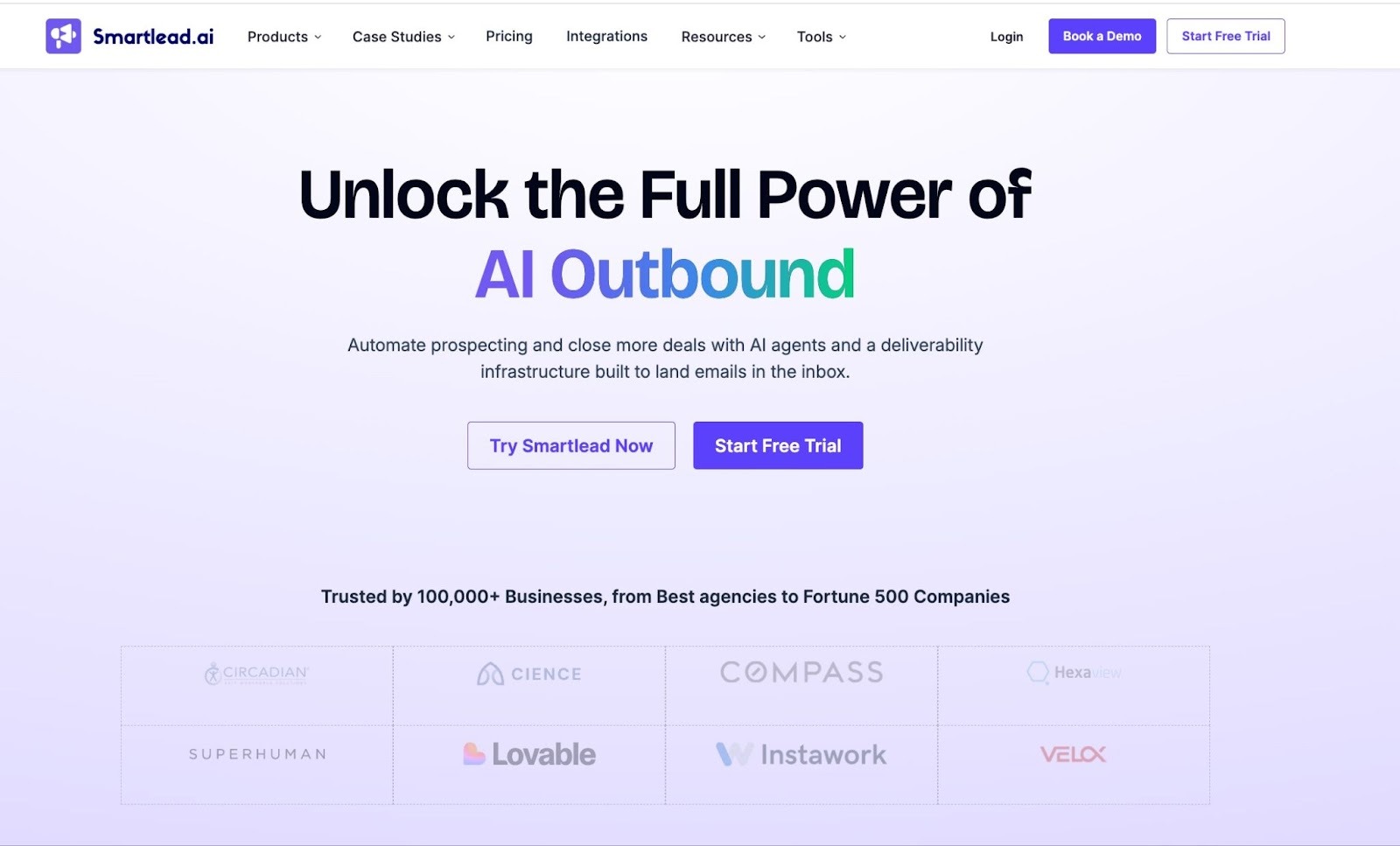
Smartlead competes directly with Instantly but carves out differentiation through stronger agency infrastructure and behavior-based automation. The platform's AI warm-up activates automatically for every connected inbox — no manual configuration — and its multi-inbox rotation adjusts sending volume dynamically based on recipient behavior patterns rather than static daily limits.
The master inbox consolidates all replies from every sending account in a single view, essential when managing 10+ concurrent client campaigns. A dedicated client workspace system (available on Pro and above) lets agencies give clients their own reporting dashboards without sharing admin credentials.
Unlimited mailboxes plus automatic AI warm-up makes deliverability management at scale more accessible than tools with manual inbox controls
Client workspace architecture is genuinely useful for agencies — clean campaign separation with per-client analytics and reporting
Behavior-based subsequences go beyond basic drip logic; if a prospect opens three times without replying, Smartlead can automatically escalate the follow-up approach
Competitive entry pricing relative to feature depth
Additional client workspaces cost ~$29/client/month on Pro — for agencies with 10+ active clients, this erodes the pricing advantage quickly
No built-in lead database — you'll need to source and import your own prospect lists
Advanced analytics and deeper integrations are locked behind higher-tier plans
Lead generation agencies and growth teams managing outbound for multiple clients, where deliverability at scale and clean client-campaign separation are the primary operational requirements.
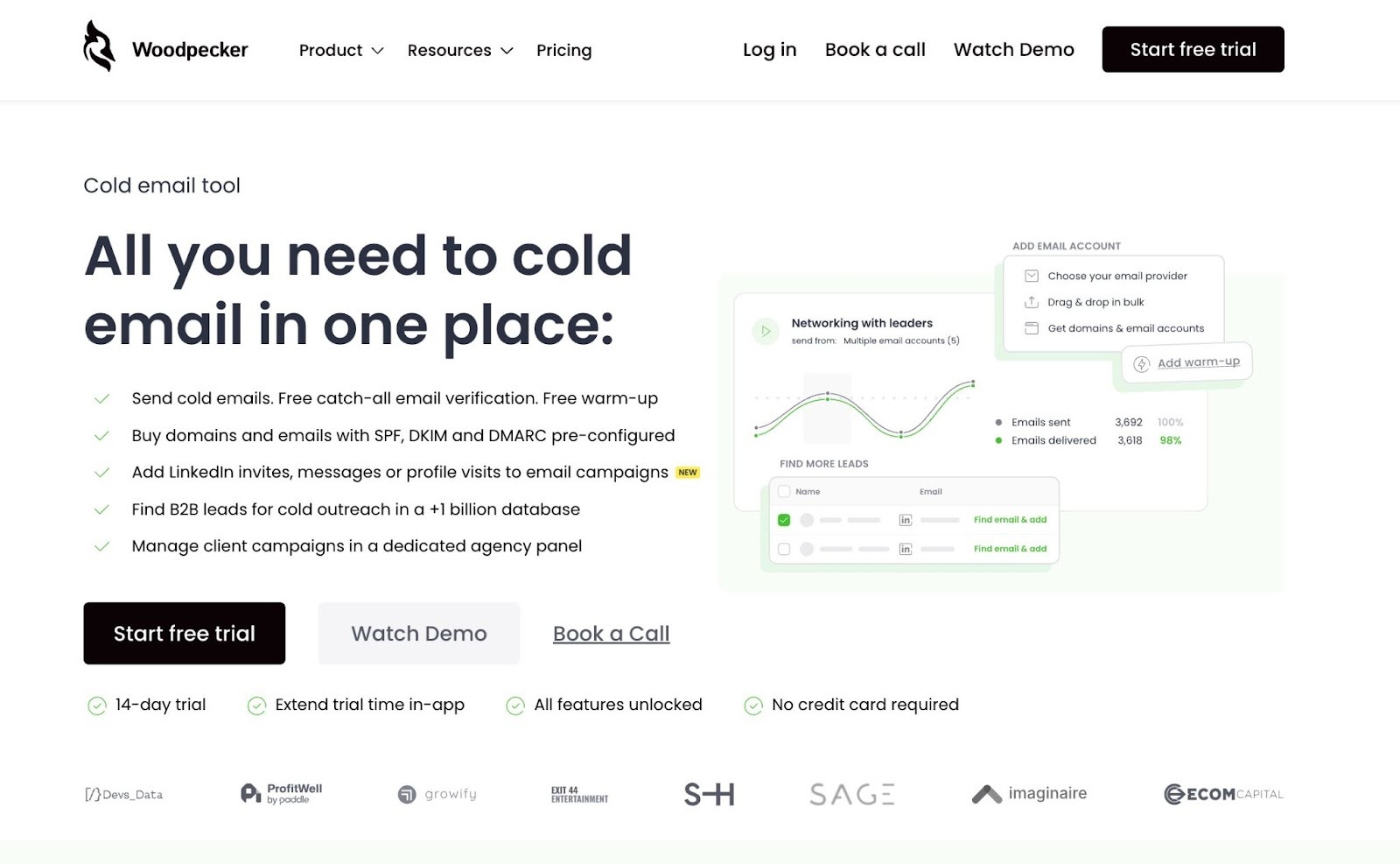
Woodpecker has been in the cold email market since 2015 — which in SaaS years makes it a greybeard. That longevity shows in the product: the sequence builder is clean, onboarding is intuitive, and deliverability features (warm-up, inbox rotation, domain audit, bounce shield) have been refined across millions of real campaigns. It's not the flashiest tool on this list, but for teams that want something that simply works, Woodpecker consistently earns high marks from long-term users.
Its condition-based sequences are a genuine standout: you can build branching follow-up flows based on whether a prospect opened, clicked, replied, or bounced — giving you far more cadence logic than most basic email tools offer.
One of the most intuitive onboarding experiences in cold email — most users report running their first campaign within an hour of signup
Strong deliverability track record; the domain audit feature proactively surfaces issues before they become inbox-placement problems
Usage-based pricing model is flexible for smaller teams — you pay for what you contact, not for seats
LinkedIn automation is an add-on, not included in base plans — adds friction and cost for multichannel campaigns
Not built for aggressive high-volume growth; teams needing 50,000+ emails/month should look at Instantly or Smartlead
No built-in lead database — external prospecting tools are required to build contact lists
Woodpecker uses usage-based pricing per contacted prospect (not per seat):
Freelancers, solo consultants, and small sales agencies (under 10 clients) who want a proven, low-maintenance cold email tool with strong deliverability — without the complexity or cost of enterprise-grade platforms.
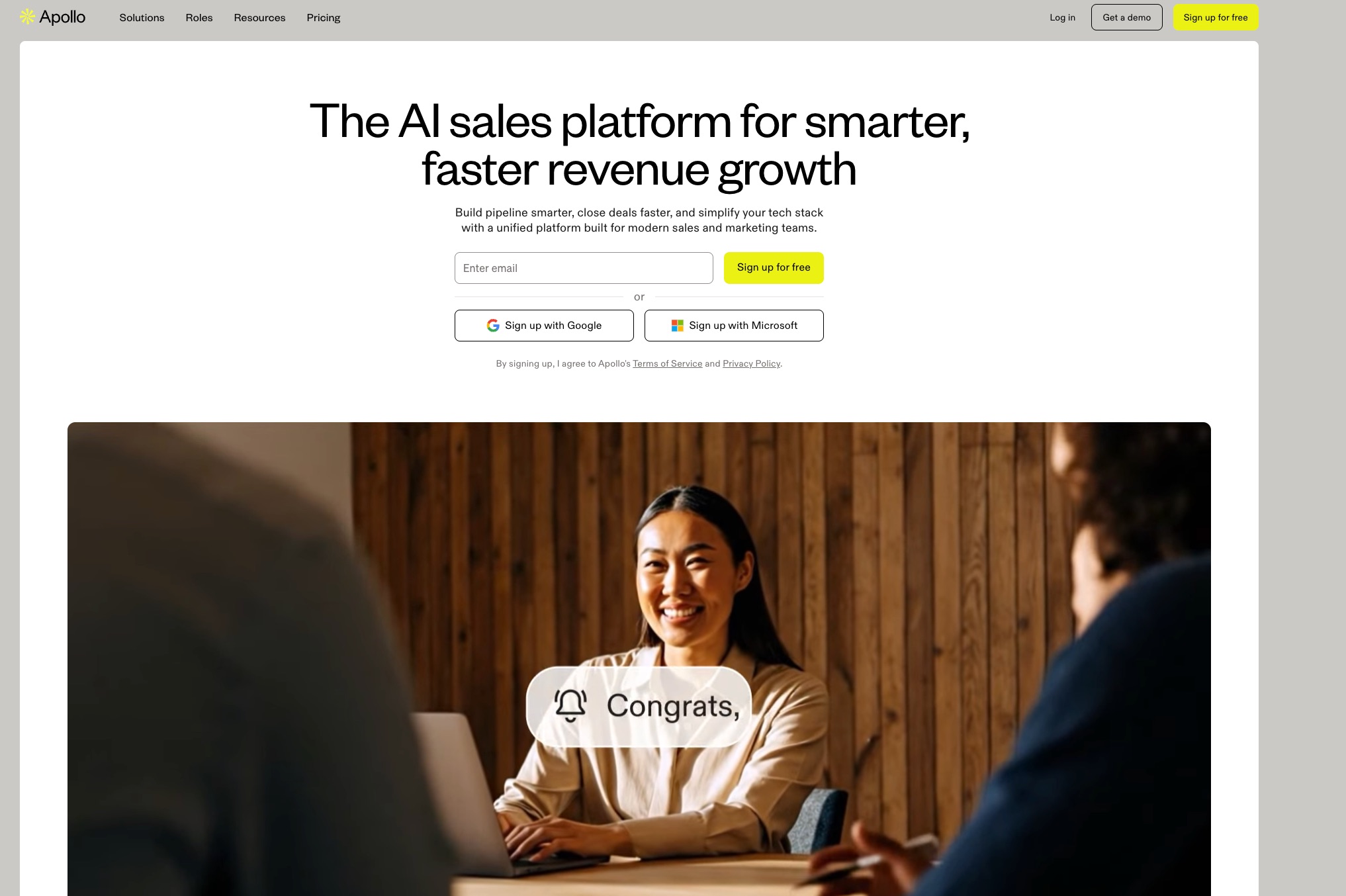
Apollo.io earns its "all-in-one" label more legitimately than most. The platform combines a 275M+ B2B contact database (with advanced filters for job title, seniority, industry, company size, technology stack, funding stage, and intent signals) with cold email sequencing, a power dialer, LinkedIn integration, and workflow automation. For teams that spend as much time building lists as sending emails, Apollo collapses multiple tool subscriptions into one.
The free plan is genuinely functional — not just a teaser. You get full database access, two active sequences, and the Chrome extension, which is enough for individual SDRs or founders to validate their outreach approach before spending anything.
Database + email sequencer + dialer in one platform significantly reduces tech stack complexity and cost for small teams
Free plan is substantive enough to validate outreach strategy before spending anything
Advanced search filters are among the best in the industry for ICP-based list building
One of the most actively developed sales intelligence platforms over the past two years — regular feature releases
The credit system is opaque and a frequent source of frustration — revealing emails, exporting contacts, and viewing phone numbers all consume credits that expire at month end; teams regularly run out mid-campaign
Data accuracy issues are the most common complaint in G2 reviews: outdated emails and wrong phone numbers lead to higher bounce rates than dedicated email verification tools
Email deliverability lags behind purpose-built tools like Smartlead or Instantly — Apollo isn't the strongest choice if inbox placement is your primary concern
Costs compound at scale; a 5-person team on Professional is ~$395/month before credit overages, which can add significantly to the total bill
Sales reps and small teams (1–5 people) who need a single platform for B2B prospecting and outreach, especially where building lead lists from scratch is a significant part of the daily workflow.
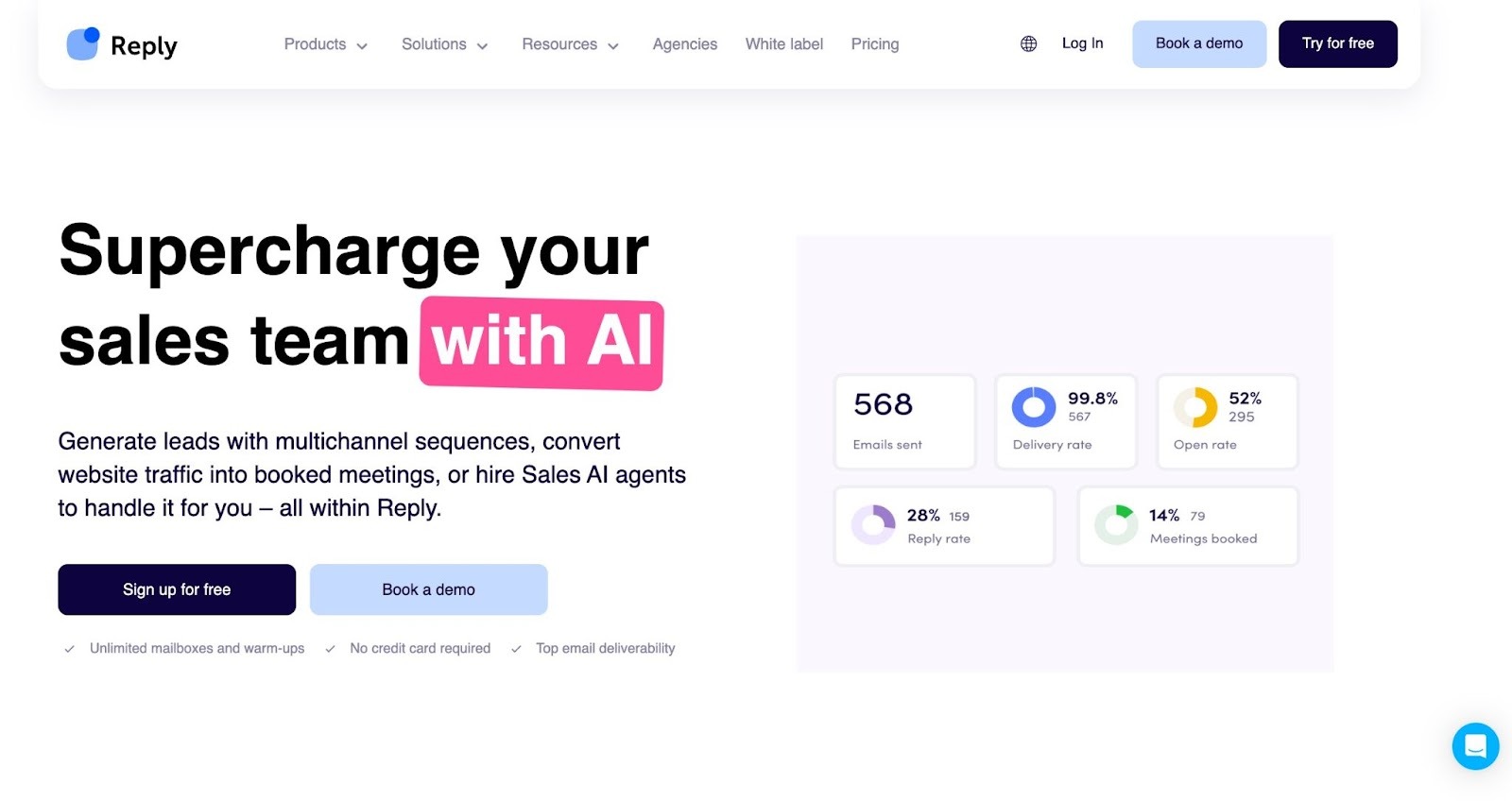
Reply.io has steadily evolved from a cold email tool into one of the most complete multichannel sales engagement platforms available at the mid-market price point. The Email Volume plan starts at $49/user/month and covers unlimited mailboxes and email warm-up. Step up to Multichannel at $89/user/month and you unlock LinkedIn automation, cloud calling, SMS, and WhatsApp — all configurable inside a single sequence builder.
Jason AI, Reply's AI SDR agent, adds another layer: it can research leads, generate personalized outreach across channels, handle early-stage replies, and route qualified conversations to human reps.
Best-in-class multichannel sequence builder for teams that need email + LinkedIn + calls coordinated in a single platform
Unlimited mailboxes on all plans with no per-inbox fees makes scaling sending volume straightforward
Jason AI is a capable AI SDR option for teams wanting autonomous outreach at a lower price point than full AI SDR platforms
Strong CRM integrations that sync bidirectionally, keeping pipeline data clean without manual intervention
Per-user pricing compounds quickly — a team of five on Multichannel is $445/month, which is competitive with some enterprise tools
The AI SDR plan is priced and packaged separately from core plans — the full autonomous workflow requires a meaningful step-up in budget
Steeper learning curve than simpler tools like Mailshake, particularly for configuring multichannel sequence logic for the first time
SDR teams and B2B sales organizations running multichannel outbound (email + LinkedIn + calls) who want the full workflow in one platform, and have the operational maturity to configure advanced sequence logic effectively.
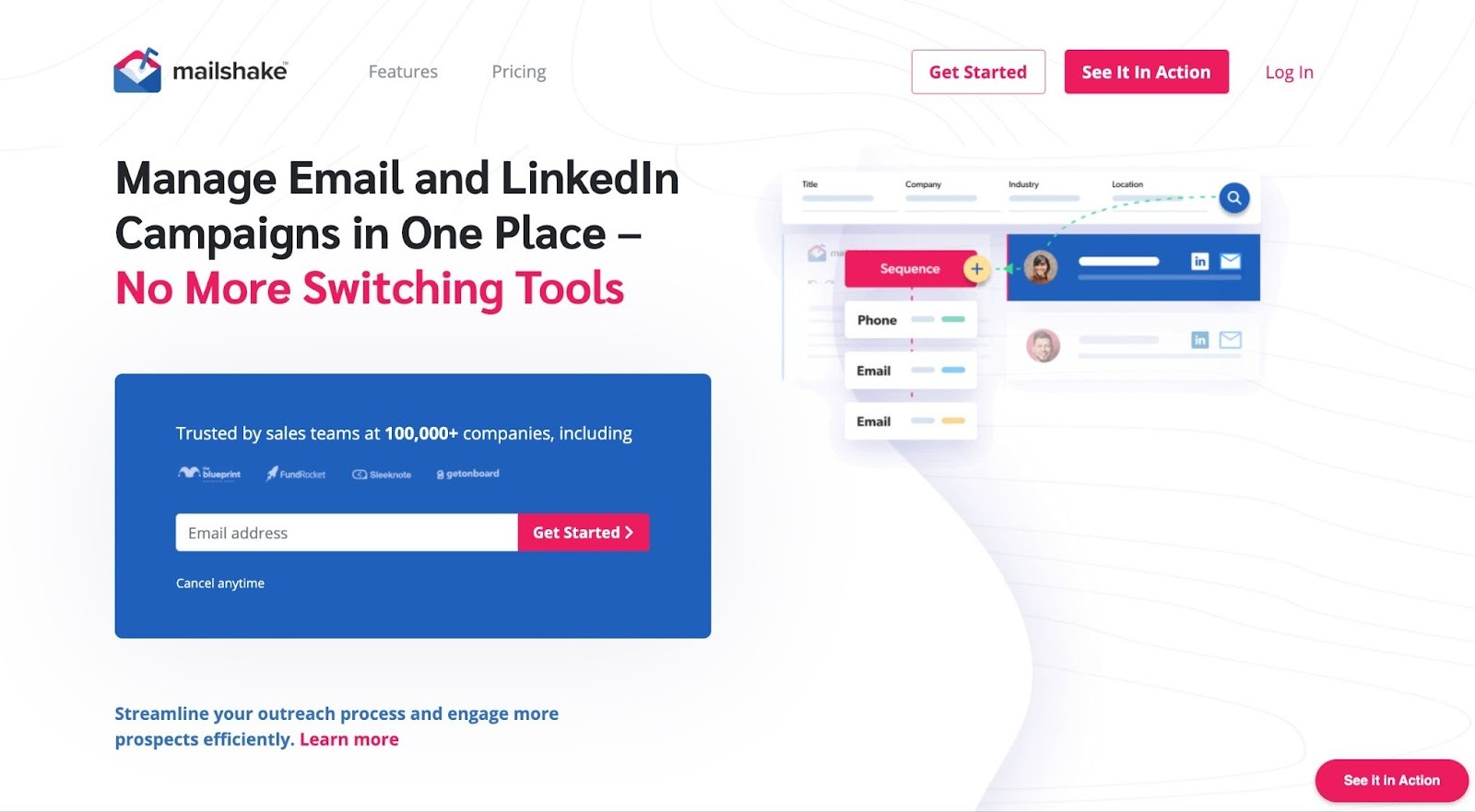
Mailshake has been the "just works" option in cold email since 2015. The interface is intentionally clean — no feature bloat, no confusing credit systems, no annual-vs-monthly pricing gymnastics. You connect your inbox, build a sequence, import your list, and send. The platform's SHAKEspeare AI writing tool handles copy generation, the built-in dialer adds phone outreach, and LinkedIn steps let you run multichannel campaigns without a second tool.
The deliverability track record is genuinely strong. In independent tests, Mailshake consistently performs at or near the top for inbox placement rates — a function of the platform's careful sending infrastructure and deliberate approach to warmup. One CEO of a lead generation agency publicly noted that after testing more than 15 platforms, his team has stayed with Mailshake specifically because of its deliverability performance and UX simplicity.
Fastest onboarding in the category — most users are running their first real campaign within 30 minutes of signup
No annual commitment required; monthly billing is available without penalty, which is rare in this space
Deliverability performance is consistently strong across independent benchmark comparisons
Multichannel (email + phone + LinkedIn) in a single workflow at an accessible price relative to Reply.io
No free trial and no free plan — you must commit to a paid plan upfront; this is a genuine friction point versus competitors that offer free tiers or trials
Lead database accuracy has been flagged as weaker than Apollo or Hunter; best supplemented with an external data source
Per-seat pricing means costs scale linearly as the team grows, with no volume discount model to offset it
Individual founders, early SDRs, and small sales teams (1–3 people) who want a battle-tested, clean-interface tool with strong deliverability, and don't need complex multichannel logic to start booking meetings.
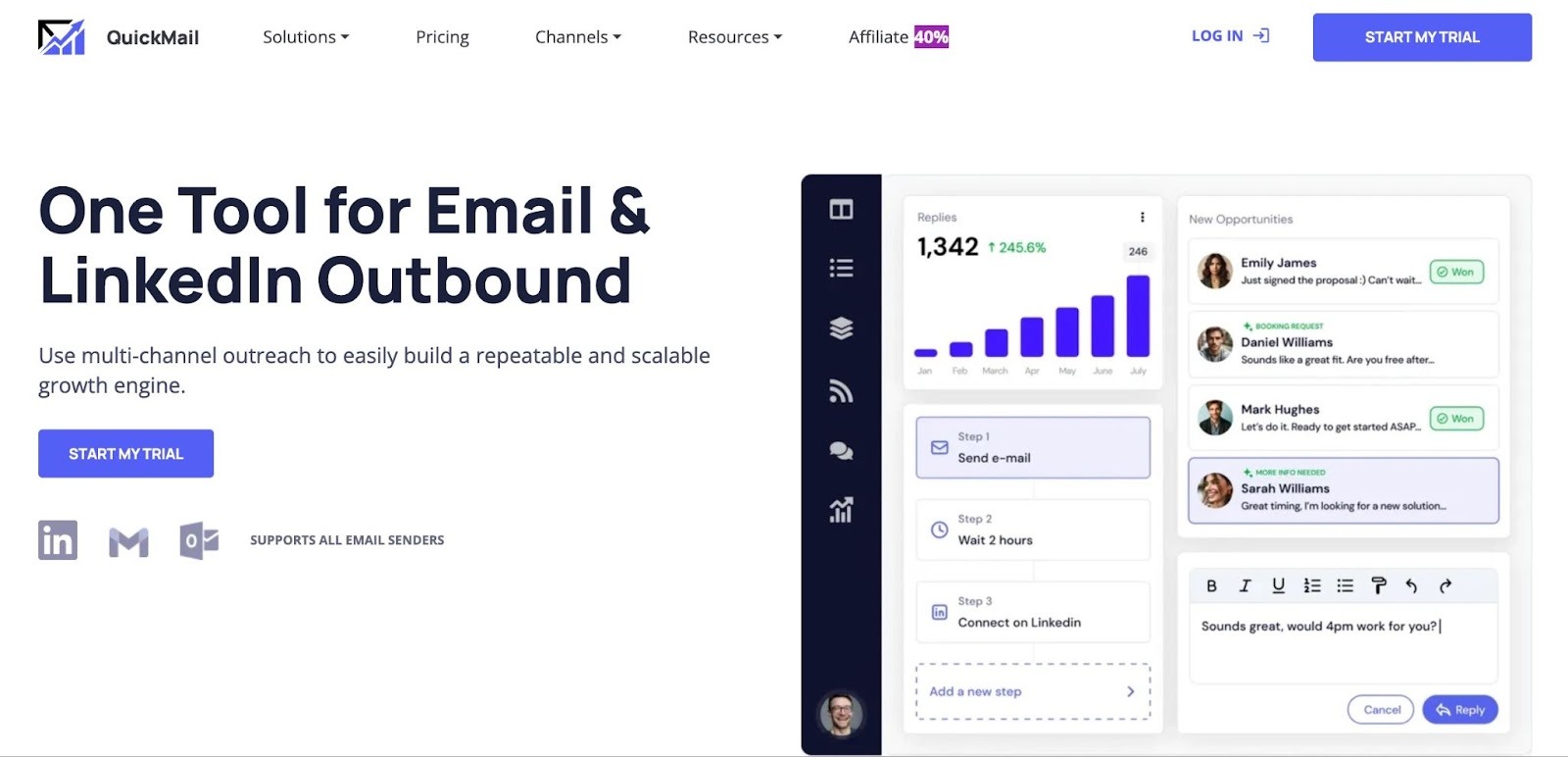
QuickMail pioneered inbox rotation as a deliverability strategy before competitors made it standard. The core premise: instead of burning one sending domain, you distribute outreach across multiple inboxes, keeping each one well below the daily thresholds that trigger spam filters. QuickMail's implementation of this remains among the most sophisticated available — blacklist monitoring, granular deliverability dashboards, and AI-based adjustments that respond to placement dips in real time.
The $9/month Starter plan makes QuickMail the lowest-cost credible entry point on this list, useful for solopreneurs or early-stage teams validating volume before committing. Growth plans unlock unlimited email and LinkedIn senders with no per-seat fees — a meaningful structural advantage for agencies scaling headcount without scaling tool spend.
Deeper focus on deliverability mechanics than any other tool on this list — if inbox placement is your primary obsession, QuickMail is built around that problem
No per-seat pricing on Growth+ plans — significant savings for agencies with large teams
Email warm-up included at no extra charge across all plans, unlike tools that charge per inbox
The $9/month entry point is genuinely the lowest credible starting price in the cold email category
No built-in lead database — you need external tools for prospecting and list building before you can use QuickMail effectively
LinkedIn outreach assumes you already have well-defined targeting; QuickMail doesn't assist with LinkedIn prospecting or list building
The $9/month Starter plan is single-sender only — meaningful inbox rotation requires the Growth plan at ~$99/month
Agencies, growth hackers, and deliverability-focused teams managing multiple sending accounts who want maximum inbox-health control — and already have a lead source feeding the platform.
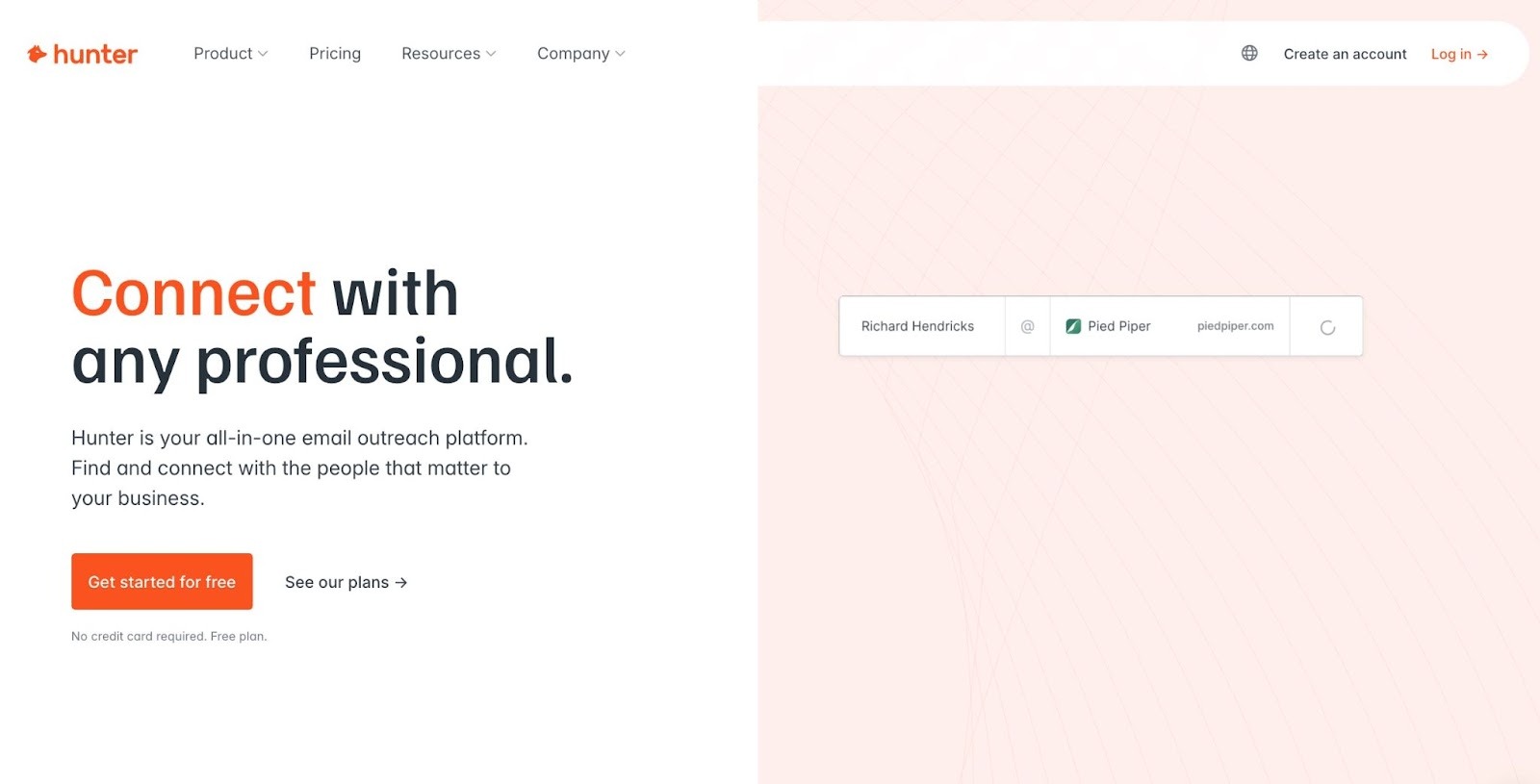
Hunter.io started as an email finder — used by over 6 million professionals, including teams at Google, IBM, and Microsoft — and added Campaigns as a natural extension of the core workflow. The value proposition is integration simplicity: find and verify email addresses, then immediately push them into personalized sequences without leaving the platform. The Chrome extension surfaces contact data directly from LinkedIn profiles and company websites, further reducing the friction between prospecting and sending.
The free plan is genuinely useful: 25 email searches, 50 verifications, 1 connected inbox, and 500 campaign recipients per month — enough to validate an outreach strategy without committing a dollar.
Best-in-class email finding and verification; the combined find-then-verify workflow reduces bounce rates more reliably than tools that skip verification before sending
Free plan is substantive enough for early-stage testing with no credit card required
Unified credit system (introduced July 2025) simplifies billing — one credit pool for searches, verifications, and enrichment, replacing the old split-credit model
Unlimited team members on all paid plans — no per-seat pricing, a genuine advantage for growing teams
Campaigns feature lacks advanced automation logic (condition-based branching, behavior-triggered subsequences) — it's a clean single-channel tool, not a full sales engagement platform
No LinkedIn automation or phone steps — strictly an email-first tool
Solopreneurs, freelancers, and early-stage founders who need to find verified contact emails before sending outreach — and want a single, clean tool that handles both the finding and the sending.
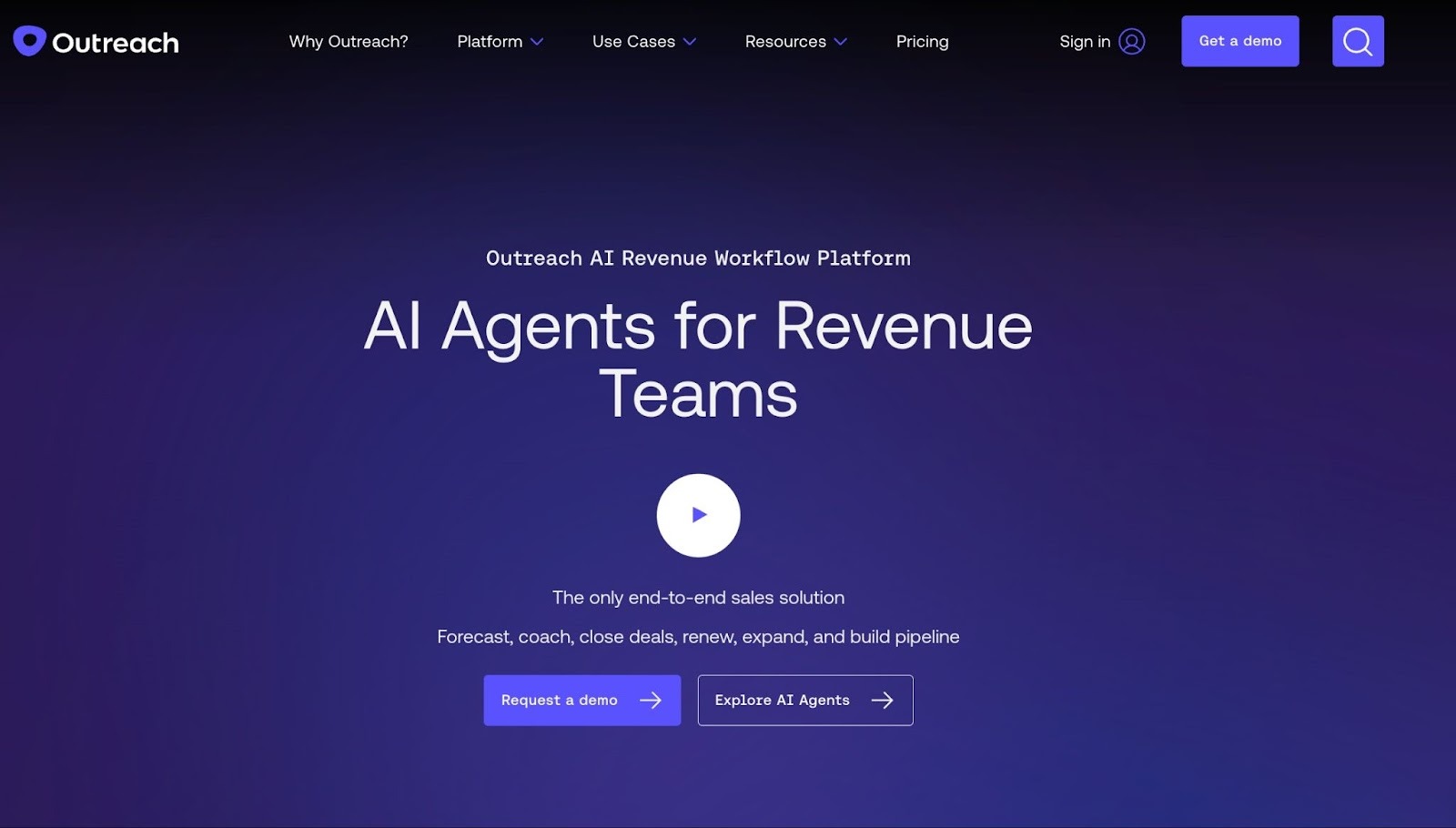
Outreach is where cold email tools end and enterprise sales software begins. The platform combines outreach sequencing with pipeline management, conversation intelligence (call recording and AI analysis), deal health scoring, rep performance coaching, and revenue forecasting — all in a single system. For enterprise teams that need a command center for managing both reps and revenue, Outreach delivers a depth of capability that purpose-built cold email tools simply don't offer.
The tradeoff is cost and complexity. Outreach doesn't publish pricing publicly. Setup is a substantial undertaking, and the ROI case typically requires at least 15–20 active users and a dedicated sales ops function to implement it effectively.
The most complete sales engagement platform for enterprise teams — handles the full workflow from cold outreach through pipeline management and revenue forecasting in one system
Deep Salesforce integration is effectively unmatched — the default choice for enterprise teams standardized on Salesforce
Conversation intelligence and AI coaching create genuine rep performance improvements; this capability category simply doesn't exist in lighter tools
Enterprise-grade security, compliance, and permission controls appropriate for large, regulated sales organizations
No published pricing
Overkill for teams under 15–20 people; the full feature set is built for organizations with dedicated sales ops, RevOps, and enablement functions
Setup and configuration require significant IT and RevOps investment — this is not a self-serve tool
Custom, per-seat enterprise pricing with mandatory annual contracts. Independent industry estimates place standard plans at $100–$160/user/month. Contact Outreach's sales team for a tailored quote. No free plan or trial available.
Enterprise sales teams (20+ users) with a dedicated RevOps function, standardized on Salesforce or HubSpot, running complex multi-touch outbound at scale — with the budget and internal resources to implement a full sales engagement platform.
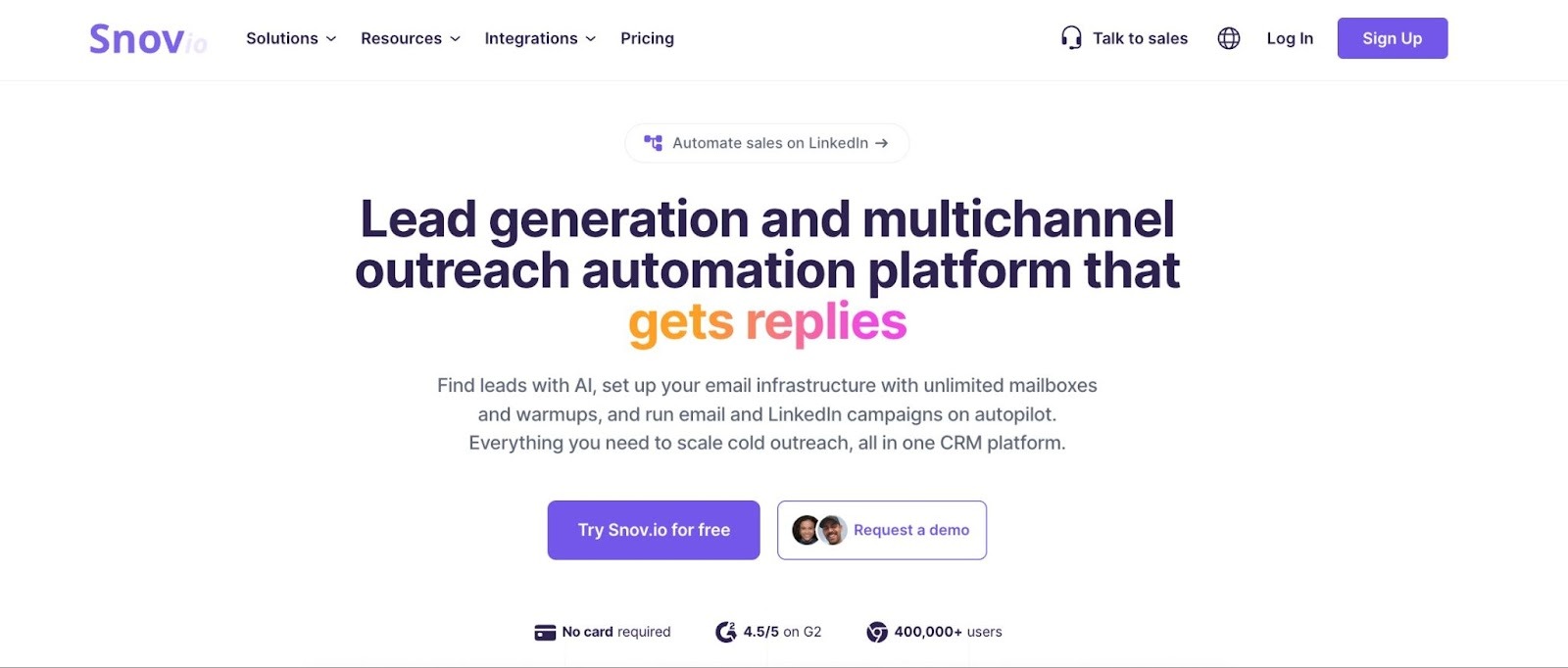
Snov.io has built an all-in-one reputation by combining email finding, verification, drip campaign automation, email warm-up, and a lightweight CRM in a single platform. For teams still figuring out their ICP and outreach approach, Snov.io is a practical first stop: you can search for leads, verify emails, build sequences, and track pipeline without ever opening a second browser tab.
The LinkedIn Chrome extension streamlines prospecting, and an optional LinkedIn automation add-on supports connection requests, profile visits, and messages for basic multichannel campaigns. The free trial plan (50 credits/month) provides genuine exploration utility, though active prospecting requires a paid tier.
Genuinely all-in-one for email-first outreach — find, verify, send, and track from a single platform without additional subscriptions
Native CRM is a real differentiator for very early-stage teams not yet using HubSpot or Salesforce
Unlimited campaigns and email account connections across all plans — no artificial volume caps on campaign configuration
Flexible credit-based pricing with a functional free tier for testing core workflows before committing
Credits don't roll over month to month — unused credits are lost at billing cycle reset, penalizing inconsistent outreach patterns
A/B testing and advanced personalization are locked behind the Pro plan (~$74/month annual) — the Starter plan is limited for teams wanting sophisticated sequence logic
LinkedIn automation is a separate paid add-on regardless of plan tier, adding cost and complexity to multichannel campaigns
Email finding success rates vary; Snov.io's database has coverage gaps for smaller companies and less digitally-prominent industries
Solo founders, early-stage startups, and small teams (1–3 people) doing email-first outbound who want a single tool covering prospecting, verification, sending, and basic CRM without requiring a stack of separate subscriptions.
The right tool depends on where you are, not just where you want to be. Here's a practical decision framework:
A few principles that apply regardless of which tool you choose: never launch a new domain cold — warm it up gradually over 3–6 weeks before scaling volume. Prioritize native CRM integration over Zapier workarounds if your CRM is your pipeline system of record. And always run a real 50–100 email test campaign before committing to an annual plan. The tool is rarely the bottleneck; messaging and targeting usually are.
There's no single best cold email software — there's the right tool for your specific combination of team size, outreach volume, channel strategy, and budget.
For most teams getting started, the answer is simpler than the options make it seem: pick one tool, send 50–100 targeted emails a week, measure reply rate and bounce rate, and iterate on copy and targeting before scaling. Be smart with the email length, as well. Data from Boomerang shows that emails between 50 and 125 words tend to get the highest response rates.
Once you've validated your approach, the right platform becomes obvious. Need scale and unlimited inboxes? Instantly or Smartlead. Need multichannel coordination? Reply.io or Lemlist. Need a built-in lead database? Apollo.io. Need AI to run your entire top-of-funnel? Artisan.
Start with a free trial on your top two shortlisted options. Run real campaigns — not test emails to yourself. The platform that generates replies wins the contract.
The 30/30/50 rule is a cold email guideline suggesting your subject line should be under 30 characters, your opening line under 30 words, and at least 50% of your email body should be about the prospect — not you or your product. It's a useful heuristic for keeping cold emails short, scannable, and prospect-centric enough to earn a response from someone who's never heard of you.
You can't — at least not sustainably or safely. Sending that volume from a single domain will trigger spam filters and permanently damage your sender reputation. The correct approach is distributing volume across 10–20 warmed inboxes, sending 30–50 emails per inbox per day. Tools like Instantly and Smartlead support unlimited inbox connections for exactly this purpose. The inboxes themselves require Google Workspace or Microsoft 365 accounts (approximately $6–7/user/month), which is an unavoidable infrastructure cost of serious cold outreach at scale.
No — but compliance depends on jurisdiction and execution. In the US, CAN-SPAM requires a physical mailing address, a clear unsubscribe mechanism, accurate sender identification, and honest subject lines. In the EU, GDPR requires either documented legitimate interest or explicit opt-in consent. In Canada, CASL requires opt-in consent before sending. B2B cold email to professional contacts at business addresses generally has more legal latitude than B2C outreach. Always include an unsubscribe link, honor opt-out requests promptly, and consult local legal counsel if targeting EU or Canadian prospects at scale.
Yes — every tool on this list is better suited for cold email than Mailchimp. Mailchimp is an email marketing platform built for newsletters and permission-based campaigns to opted-in subscribers; it will suspend accounts that use it for unsolicited cold outreach. For simplicity closest to the Mailchimp experience, start with Mailshake or Hunter Campaigns. For automation and scale, Instantly or Smartlead. For all-in-one prospecting and sending, Apollo.io.
.webp)
With 10 years of writing experience and a deep interest in SEO, AI, and content management, Anna’s here to break down big ideas and translate them into plain English for readers of all levels. She's got a Master's Degree in International Information and is a lifelong learner of writing and storytelling. Outside of work, she’s on the yoga mat, in a good book, or planning her next adventure with family and friends.
.svg)
.svg)
.svg)
.svg)
.svg)