
.svg)
%20(1).svg)
%20(3).svg)
Back to articles
5 Salesloft Alternatives: Which Replacement Fits Your Sales Motion?
October 23, 2026
By
Cindy Graciella
Salesloft helps sales teams manage their daily outreach, from email sequences and calls to the tasks reps need to complete. But it isn't the right fit for every team.
If you're looking for an alternative, I'd start by looking at how your team sells, which CRM you use, and how much you're willing to spend. For example, Outreach is worth considering if you want a similar enterprise platform. Apollo.io makes sense if you'd rather manage prospect data and outreach in one place. And if your team already uses HubSpot, its Sales Hub might be all you need.
In this guide, I'll walk through 5 Salesloft alternatives, what each one does well, where it falls short, and who I'd recommend it for.
Salesloft is still a capable sales engagement platform, but there are a few reasons you might want to look elsewhere.
Pricing is one of them. Salesloft doesn't publish a standard price list, so you'll need to speak with its sales team to get a quote. That makes it harder to compare costs upfront, especially if you're working with a limited budget.
Your contract matters, too. Salesloft's master subscription agreement addresses commitments for multiyear terms, while its product-specific terms allow for pricing adjustments at renewal, including auto-renewals. Your signed order form determines the terms that apply to your account, so check it before planning a switch.
Then there's the question of whether you actually need everything Salesloft offers.
A large sales organization with dedicated managers might need advanced workflows and coaching. A smaller team might just want to find prospects and send follow-up emails without paying for a more complex setup.
Here are the five alternatives I'd look at first:

Best for: Larger sales organizations looking for a close alternative to Salesloft.
If you're moving away from Salesloft but don't want to change how your sales team works too much, Outreach is where I'd start.
It's the closest match on this list for teams that rely on structured outreach, multichannel sequences, and a consistent process across a large sales team.
Rather than focusing on just one part of outbound, Outreach gives reps a platform for managing their outreach activities and following up with prospects.
Outreach isn't necessarily the best choice if you're leaving Salesloft because of pricing. You'll still need to speak with a sales representative to get a quote.
It can also be more than a small team needs. If you only have a few reps sending emails and following up with prospects, a simpler tool may be easier to manage.
Outreach uses custom pricing. Ask for a quote based on your number of seats and the features you need, then compare it directly with your current Salesloft contract.
I'd put Outreach on your shortlist if you have a large sales team and want to keep a similar workflow. Just make sure you're comparing the actual costs and features you use, rather than assuming the two platforms are interchangeable.
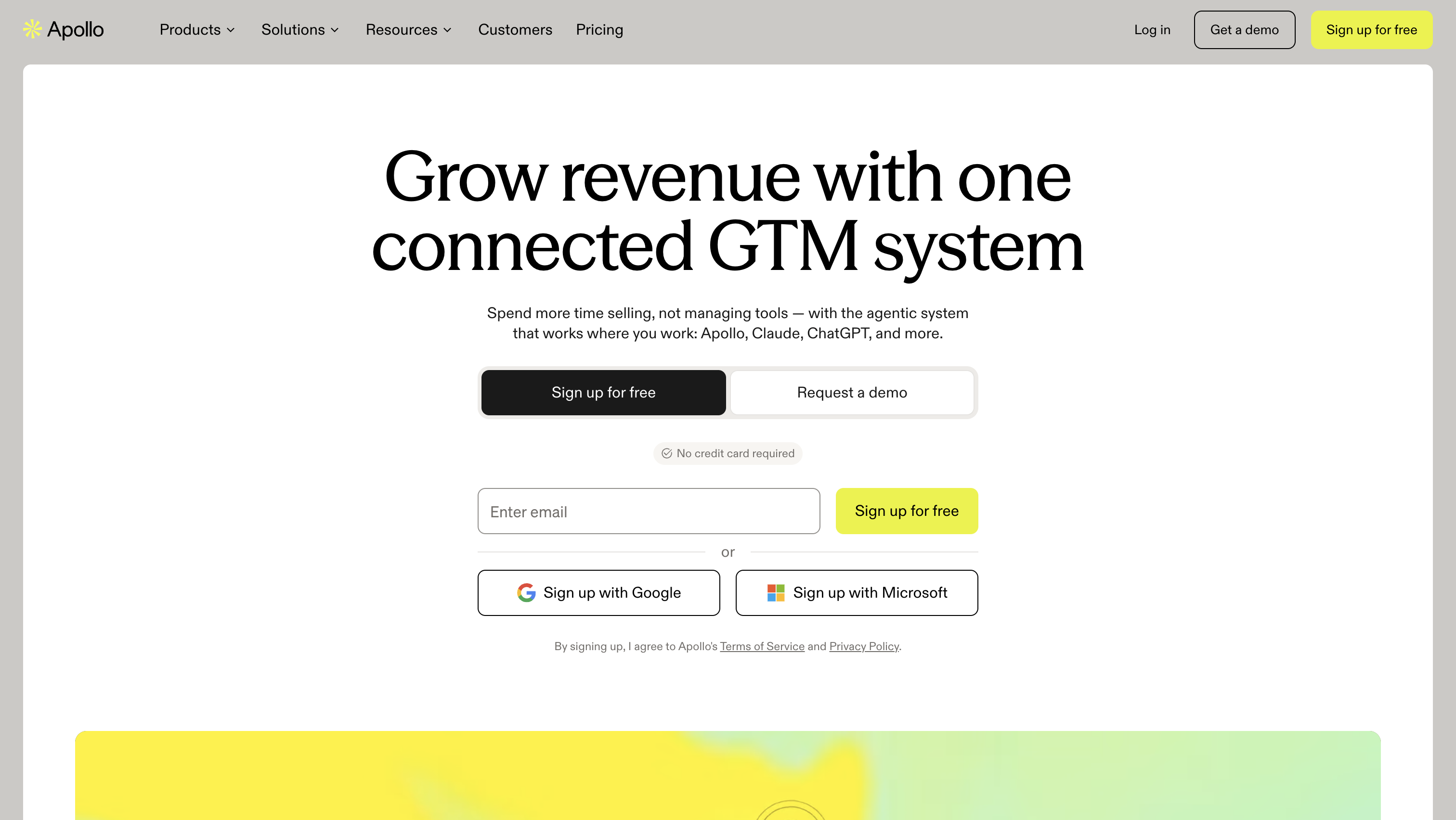
Best for: Small and midsize teams that currently pay for a contact database and a separate outreach platform.
Apollo.io is a good option if your team spends too much time moving between prospecting and outreach tools.
It combines a B2B contact database with sales engagement features, so reps can find prospects and add them to sequences without constantly switching platforms or exporting contact lists.
That combination is its biggest selling point. Instead of paying for separate tools to find contacts and contact them, you can manage both activities through Apollo.
The main thing to watch is credit usage.
Apollo's pricing depends on more than the number of seats you buy. Your team also needs to consider how many credits it uses for prospecting and data enrichment. If your reps regularly build large lists, you could burn through your allocation faster than expected.
Apollo’s annual-billing prices in U.S. dollars are Free at $0, Basic at $49, Professional at $79 and Organization at $119 per seat per month. Organization requires a minimum of three seats. The free plan includes 900 credits per seat per year, and paid plans grant substantially larger allocations. Spend rises with seat count and data usage.
I'd consider Apollo if you're paying separately for prospect data and sales engagement. Combining those workflows could make prospecting easier and reduce the number of tools your team needs to manage.
It's particularly worth testing if you're a smaller team that wants to get more out of its sales budget.
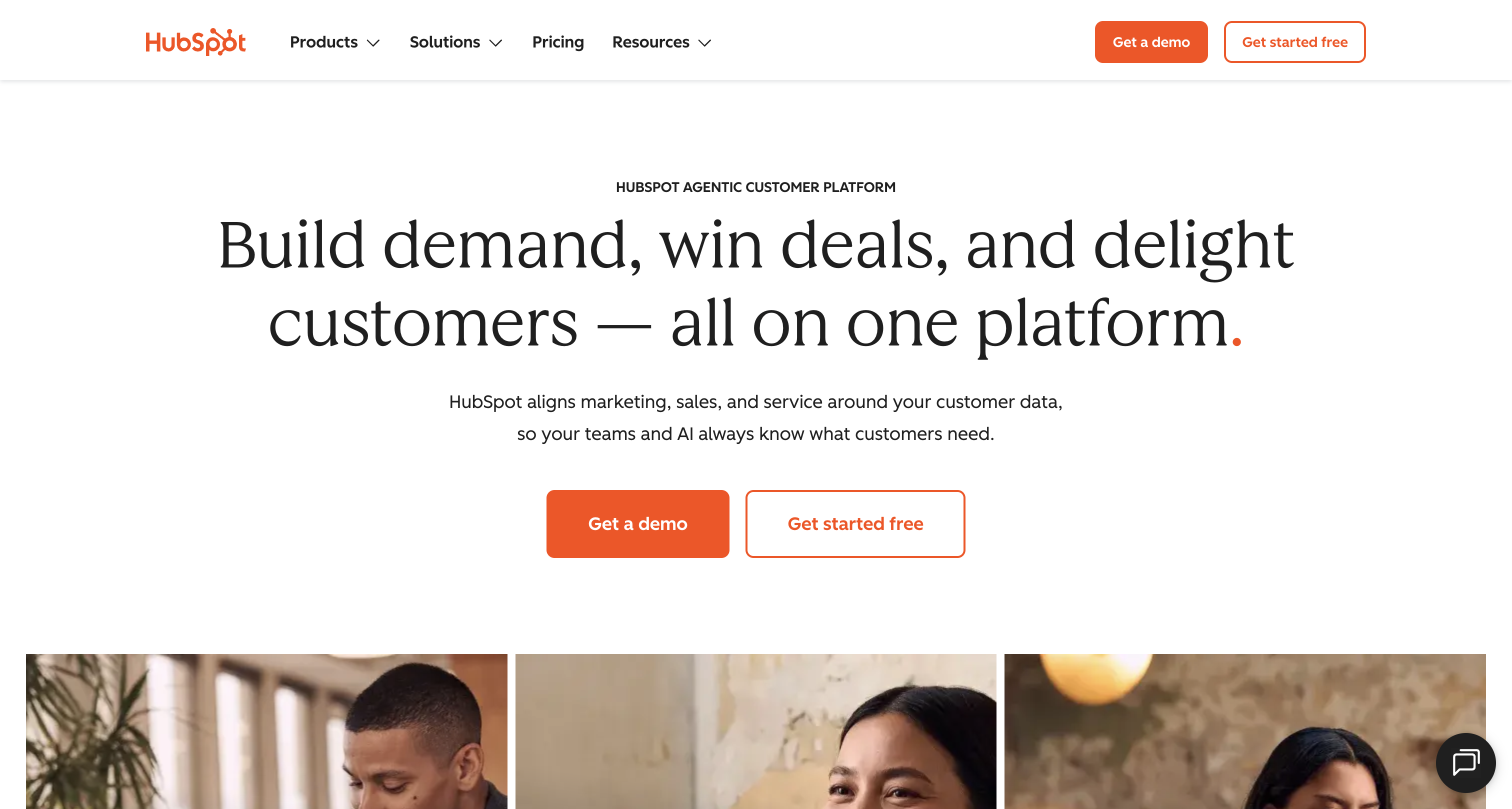
Best for: Sales teams that want to manage outreach and customer information in one place.
If your team already uses HubSpot CRM, I'd look at Sales Hub before adding another platform to the mix.
Sales Hub is built on HubSpot's Smart CRM, which means reps can manage their sales activities alongside the contact and company records they already use.
That can make day-to-day work simpler. Reps don't have to switch between a separate engagement platform and the CRM just to check contact details, send follow-ups, or manage tasks.
HubSpot's Professional plan supports up to 5,000 sequences per account and up to 500 sequence email sends per user per day. Enterprise supports up to 1,000 sequence email sends per user per day.
The biggest consideration is your CRM.
Sales Hub makes the most sense when HubSpot is already your system of record. If your organization runs on Salesforce, adopting Sales Hub just to replace Salesloft may mean paying for and managing a second CRM.
You should also check which plan includes the features your team needs. The entry-level paid plan isn't necessarily enough for a full Salesloft replacement.
HubSpot’s displayed prices in U.S. dollars are Free, Starter at $7, Professional at $90 and Enterprise at $150 per seat per month. The Starter figure appears as a promotional price, so confirm it at purchase. Professional is the first tier with full sequences, making it the realistic entry point for replacing Salesloft.
I'd start with HubSpot Sales Hub if your team already works in HubSpot and doesn't need a separate engagement platform.
You may be able to simplify your setup without introducing another vendor. Just make sure the plan you choose covers your team's sequencing and daily sending requirements.

Best for: Sales organizations that want outreach and sales coaching to work together.
Gong Engage takes a slightly different approach from a traditional sales engagement platform.
Its main advantage is the connection between outreach and conversation intelligence. Gong can use information from recorded customer interactions to help sales teams understand what happened in previous conversations and decide what to do next.
For example, a rep might use insights from a previous call to personalize a follow-up instead of relying only on the information stored in the CRM.
This can be especially useful for teams that already use Gong to record and analyze sales conversations.
Gong Engage makes the most sense when you're already getting value from Gong's conversation intelligence.
If your team doesn't use Gong, buying into the platform primarily to get a sales sequencer may be difficult to justify. You may be paying for capabilities you don't need.
It's also worth checking how Engage is packaged with the rest of Gong, since the overall cost depends on your contract and team size.
Gong uses custom pricing. Its licensing can include per-user charges and a platform fee that varies according to the number of users supported.
Ask how Engage would be priced alongside your existing Gong subscription, or request a complete quote if you're considering the platform for the first time.
I'd consider Gong Engage if your sales managers care as much about improving conversations as they do about getting reps to complete their outreach.
If all you need is a straightforward way to schedule emails and follow-ups, though, you probably don't need to start with a conversation-intelligence platform.

Best for: Salesforce-based sales teams with high call volumes and at least 15 seats.
Revenue.io is worth a look if phone conversations are central to your sales process.
The platform works directly inside Salesforce, allowing reps to make calls and automatically log call activity against the relevant records. That means less manual data entry and fewer gaps in your CRM activity history.
Revenue.io also offers real-time guidance during calls, helping reps respond to conversations and giving managers a way to coach their teams while calls are happening.
Revenue.io is a more specialized choice than Outreach or Apollo.io.
Its strongest fit is Salesforce-based teams with a call-heavy sales process. If your team primarily relies on email and LinkedIn, you may not get enough value from its calling and coaching capabilities.
It also targets teams with at least 15 seats, which makes it less suitable for a small startup or a handful of sales reps.
Revenue.io offers three custom-quoted packages:
You'll need to contact Revenue.io for a quote based on your team size and the package you need.
I'd put Revenue.io on the shortlist if your reps spend most of their day on the phone and your sales operations already run on Salesforce.
The native integration and real-time coaching are the main reasons to consider it. If you need a general-purpose outreach platform instead, compare it with Outreach first.
Once you've narrowed your options to a few platforms, focus on the things that will actually affect your team's day-to-day work.
Your CRM should be one of the first things you consider.
If your team uses HubSpot, Sales Hub is the natural starting point. If you use Salesforce, Revenue.io offers a native calling workflow, while Outreach provides a separate engagement platform that can sync with Salesforce.
Apollo.io and Gong Engage are also worth evaluating, depending on whether you need more prospect data or better visibility into sales conversations.
Not every team needs the same outreach features.
If reps mainly send emails and follow up with prospects, you may not need a platform built around advanced call coaching. If your team makes dozens of calls a day, real-time guidance and automatic call logging may be much more valuable.
Think about the channels your reps use most often, then make sure the tool supports those workflows.
Don't compare subscription prices alone.
Consider the number of seats you need, any platform fees, contact-data credits, and the additional features your team would have to pay for.
This matters particularly when comparing a platform with custom pricing, such as Outreach or Gong, against a tool with published plans, such as Apollo.io.
Also, check which features are included in each plan. A cheaper entry-level subscription isn't necessarily cheaper once you add everything you need to replace Salesloft.
A larger sales organization may benefit from advanced workflows, centralized management, and coaching features.
A smaller team might prefer a tool that's easier to set up and doesn't require a dedicated person to maintain it.
Before you commit, consider who will manage integrations, user permissions, reporting, and ongoing configuration. A platform can have plenty of useful features and still be the wrong fit if nobody has time to manage them.
A tool's integration page won't tell you everything you need to know about how it behaves in your setup.
During a trial or pilot, check which activities sync back to the CRM, how calls and meetings are recorded, and whether your reps can see the information they need.
For synced platforms, test the field mappings and permissions. For native tools, check how the workflows operate within the CRM itself.
I'd also test the everyday tasks your team performs most often, rather than relying on a generic product demo.
Before replacing Salesloft, ask yourself whether you have a platform-wide problem or just one missing capability.
If your main issue is the cost of the platform, its daily workflow, or its fit with your CRM, switching may make sense.
But if your team is generally happy with Salesloft and only needs better prospect data or call coaching, adding a specialist tool could be the simpler option.
For example, Apollo.io could help fill a prospect-data gap, while Gong could add conversation intelligence to an existing sales process. Neither necessarily requires you to replace your entire engagement setup.
A full switch makes more sense when the platform no longer fits the way your team sells, the cost no longer makes sense, or you're approaching a renewal and have time to plan the migration.
Before making the decision, check your contract's renewal terms and any notice requirements. A multiyear commitment could affect when you can realistically move.
For enterprise teams, it’s the closest equivalent rather than a clear upgrade. Both are quote-based platforms built around task-driven sequences. Choose based on which one demos better against your actual workflows and which one quotes better at your seat count.
No. Salesloft is a sales engagement platform that runs on top of a CRM like Salesforce. It handles outreach and rep tasks, while the CRM stays the system of record for accounts and deals.
Only in part. Salesforce Sales Engagement overlaps with Salesloft’s core sequencing, but many Salesloft customers run it on top of Salesforce, so the two vendors compete for the engagement budget, not the CRM.
It depends on what your team needs most. Apollo.io is worth considering if you want contact data and outreach tools in one platform, while HubSpot Sales Hub may be a better fit if you already use HubSpot CRM. For teams with more complex sales processes, compare the features and pricing carefully before committing to an enterprise-focused platform.
Yes, several alternatives offer Salesforce integrations, but the setup varies. Revenue.io is built around Salesforce, while Outreach and Apollo.io connect with CRM systems to sync sales activity and data. Before switching, check which records sync, how activities are logged, and whether the integration supports your team's existing workflows.
There’s no fixed timeline. Your existing sales cycle sets the earliest reasonable expectation. Pilot quality, rep adoption, clean CRM logging and a patient sender-reputation ramp also affect when pipeline changes appear.

Cindy is an Outreach Manager and SEO Specialist at ONSAAS who helps SaaS companies grow through strategic link building and SEO. Outside of work, she loves spending time in nature, especially hiking in the mountains.
.svg)
.svg)
.svg)
.svg)
.svg)