A free marketing tool is useful only if its limits fit the work you need to do.
You might need to create campaign graphics. Follow up with new leads. Or find out which channel brings inquiries instead of clicks.
This guide compares eight marketing tools for brands by the job they help you finish. You’ll see what is free, how to use it, and when its limits become a problem.
One detail matters upfront: free does not mean unlimited. SocialBu has a lifetime posting cap. TinyImage has a recurring website allowance and a separate API trial. Neither should be mistaken for unlimited ongoing access.
This is a review of official pricing pages and product documentation. It is not a hands-on performance test. The examples below are suggested workflows, not customer case studies or measured results.
We checked three things:
We selected tools across different marketing functions rather than ranking products against one another. Their usefulness depends on the task, team size, and free-plan allowance you need. The order is not an overall ranking. A CRM and an image compressor solve different problems.
Product previews show the interface, not proof that every visible feature is free. Read each caption alongside the plan details.
Best for: A brand testing a small social publishing workflow.
Free plan: Three social accounts and 10 lifetime posts.
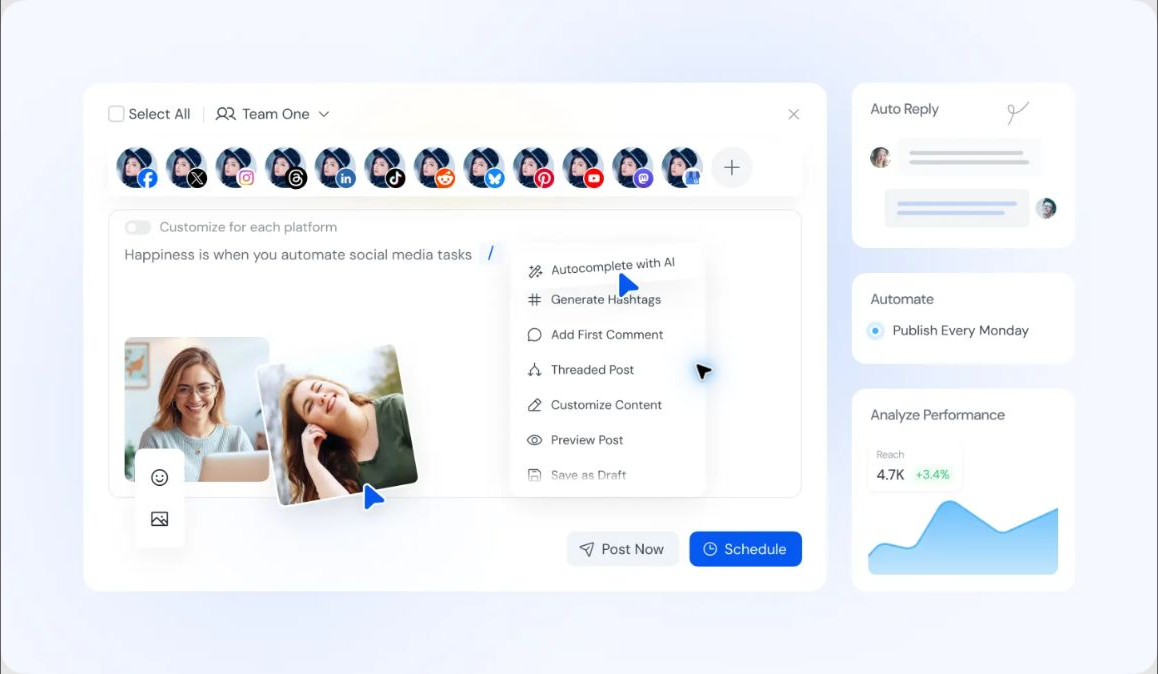
SocialBu helps organize social publishing. Its free tier gives you a small starting allowance across three social accounts.
The key word is lifetime. You do not receive another 10 posts next month. This makes the free tier more suitable for an initial campaign than a recurring content schedule.
For example, plan a short product-launch sequence. Introduce the product. Explain one benefit. Answer a common question. Decide what each post should achieve before using the allowance.
Estimate how many posts you normally publish. If you already have a weekly schedule, the lifetime cap will become a constraint quickly. Check paid-plan requirements for automation, collaboration, and advanced reporting rather than assuming they come with free access.

Start with three social accounts.
Useful for trying a small publishing workflow.

Only 10 lifetime posts.
Continued publishing beyond the cap requires payment.
Best for: A small team moving beyond scattered contact lists.
Free plan: Up to two users, 1,000 contacts, and 2,000 marketing email sends per calendar month. Emails include HubSpot branding.
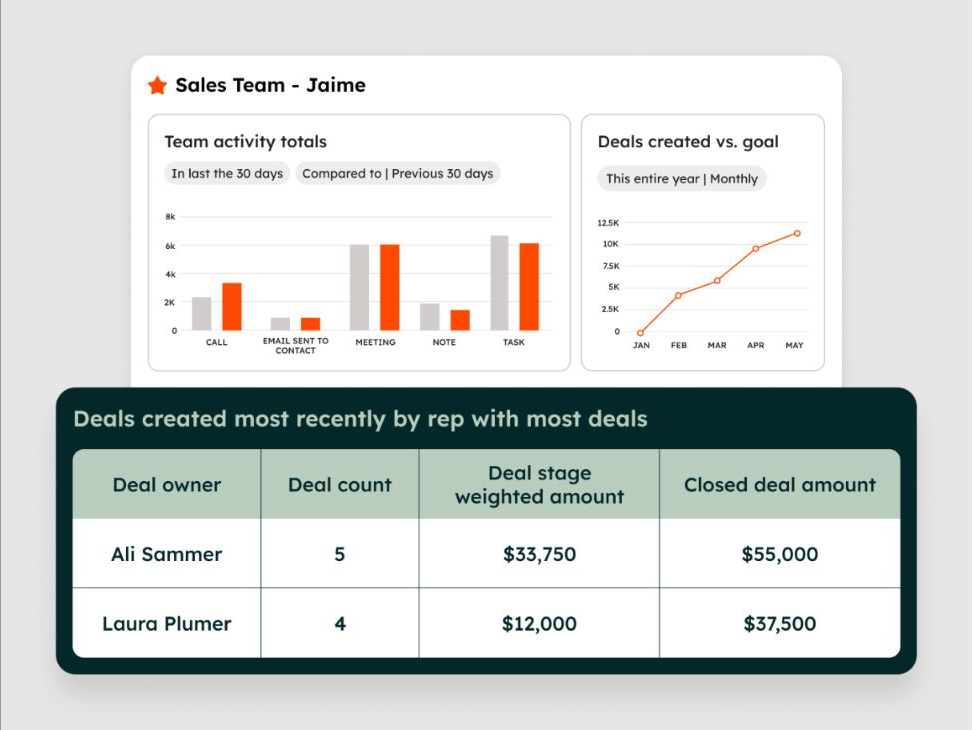
HubSpot combines contact management with basic lead-capture and email tools. Keep an inquiry in a contact record instead of relying on someone to remember the conversation.
For a launch, collect interest through a form. Record the product or topic each person asked about. Then send a relevant update rather than the same message to everyone.
These limits measure different things. One email sent to 500 recipients uses 500 sends. Four emails to those recipients use 2,000. That does not mean the account can store only 500 contacts.
The free plan also limits account size and automation. It lists one automated email action. More complex follow-up sequences or a larger team can require a paid tier. Check the specific workflow before building a campaign around it.
CRM and basic marketing tools share contact context.
Monthly email allowance supports small campaigns.
Two-user and 1,000-contact limits apply.
Branding remains; automation is limited.
Best for: Founders and small teams making everyday visual content.
Free plan: Free templates and media, 5GB storage, and one Brand Kit limited to three colors.
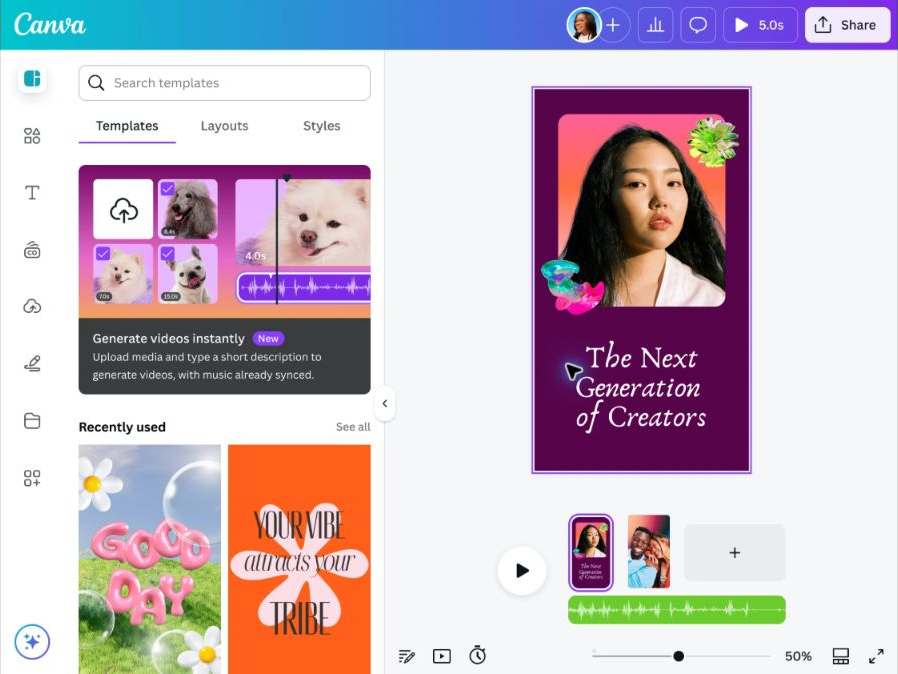
Canva provides a visual editor for social posts, presentations, and other marketing materials. Templates give you a starting layout. You can adapt the text, images, and colors to your campaign.
For example, make a weekly product-feature design. Keep the heading position and colors consistent. Change the product photo and the benefit for each version.
This gives you fewer design decisions to make for every post. It also gives the campaign a consistent visual pattern.
A free account does not make the entire content library free. Check the asset labels as you work. Using your own product photos can also make the message more specific.
Canva’s paid plans add premium content, wider brand features, and social scheduling. Upgrade for a feature you repeatedly need, rather than assuming the free editor includes the full publishing workflow.
Templates reduce setup work.
A basic Brand Kit supports consistent colors.
Premium assets may add costs.
Broader brand controls and scheduling are paid.
Best for: Brands that need to connect website visits with meaningful actions.
Free plan: Standard Google Analytics is available at no charge. Implementation and external services can still cost time or money.
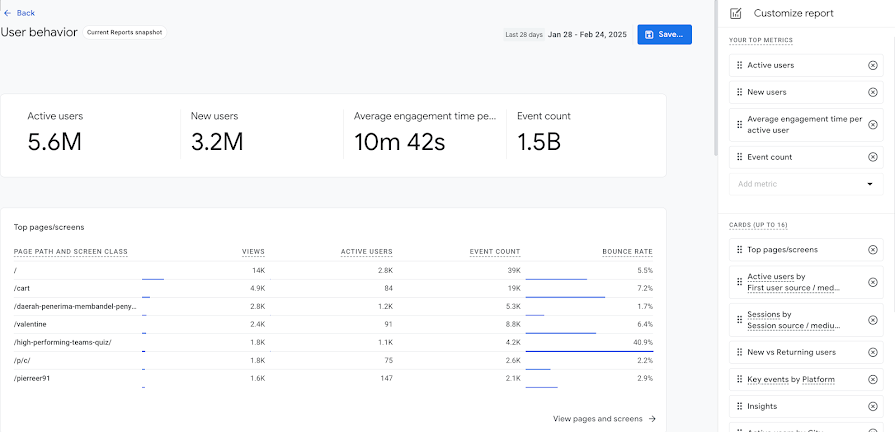
GA4 uses events to measure activity on websites and apps. For a small brand, begin with a useful business question: which campaigns bring completed inquiries or signups?
Set up the property and data collection. Then verify the event you want to measure. A report cannot answer a question reliably if the relevant action is missing or counted twice.
Add UTM parameters to campaign links. Use consistent values for source, medium, and campaign so similar traffic is not split across inconsistent names.
Compare visits from an email campaign with visits from a social post. Then review the relevant key event. More traffic alone does not establish which campaign brought better inquiries.
Keep the reporting limits in view. Standard properties offer two- or 14-month retention options for event-level data. That setting affects explorations and funnel reports, not standard aggregated reports. Large and XL properties have additional restrictions. Consent and tracking gaps also affect what you can observe.
Traffic and event measurement without a standard software fee.
Campaign tags support consistent comparisons.
Results depend on correct setup.
Retention limits and tracking gaps affect analysis.
Best for: One brand managing shared links and a social bio page.
Free plan: One brand, 200 new links and 10,000 clicks per month, plus one link-in-bio page. Basic page and link analytics are included.
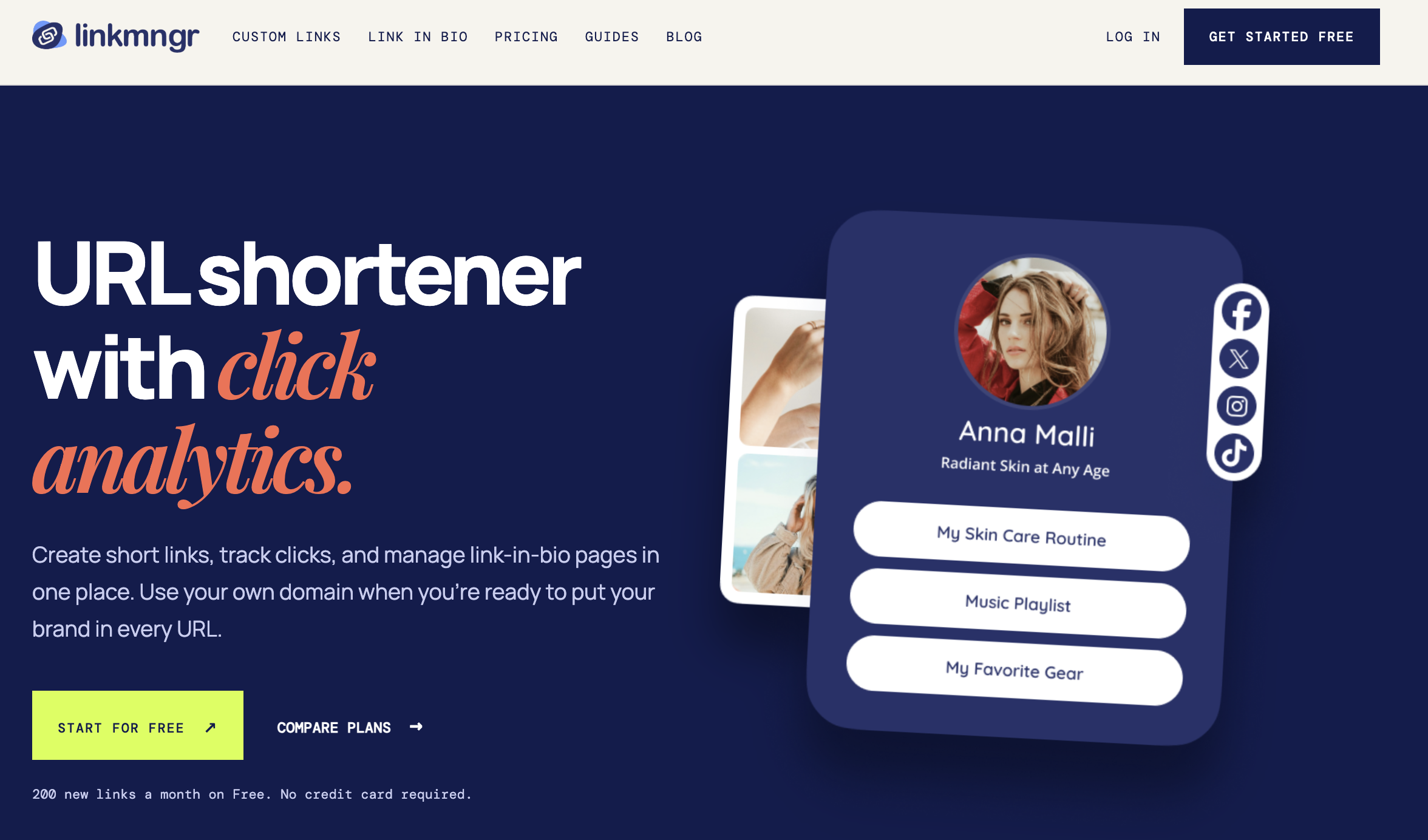
LinkMngr creates short links and link-in-bio pages. A short link makes a campaign URL easier to share. A bio page groups several destinations behind one profile link.
For a seasonal launch, create a separate link for each placement you want to compare. Keep a record of the destination, campaign name, and where you shared it. Add tracking parameters to the destination before shortening it.
Basic click totals can help you see which shared links receive activity. They do not prove that someone signed up or bought something. One click also does not necessarily equal one person.
Review website outcomes alongside link activity. Expect differences because the systems observe different steps. LinkMngr’s free tier also excludes custom domains and detailed insights, which are available on paid plans.
Short links and one bio page in the free plan.
Recurring monthly allowances and basic analytics.
Custom domains require payment.
Click totals do not establish leads or sales.
Best for: Brands preparing product photos and landing-page graphics.
Free plan: 250 successful website conversions per UTC month, including guests. The website accepts up to 20 images per batch, at 28 MiB per image.
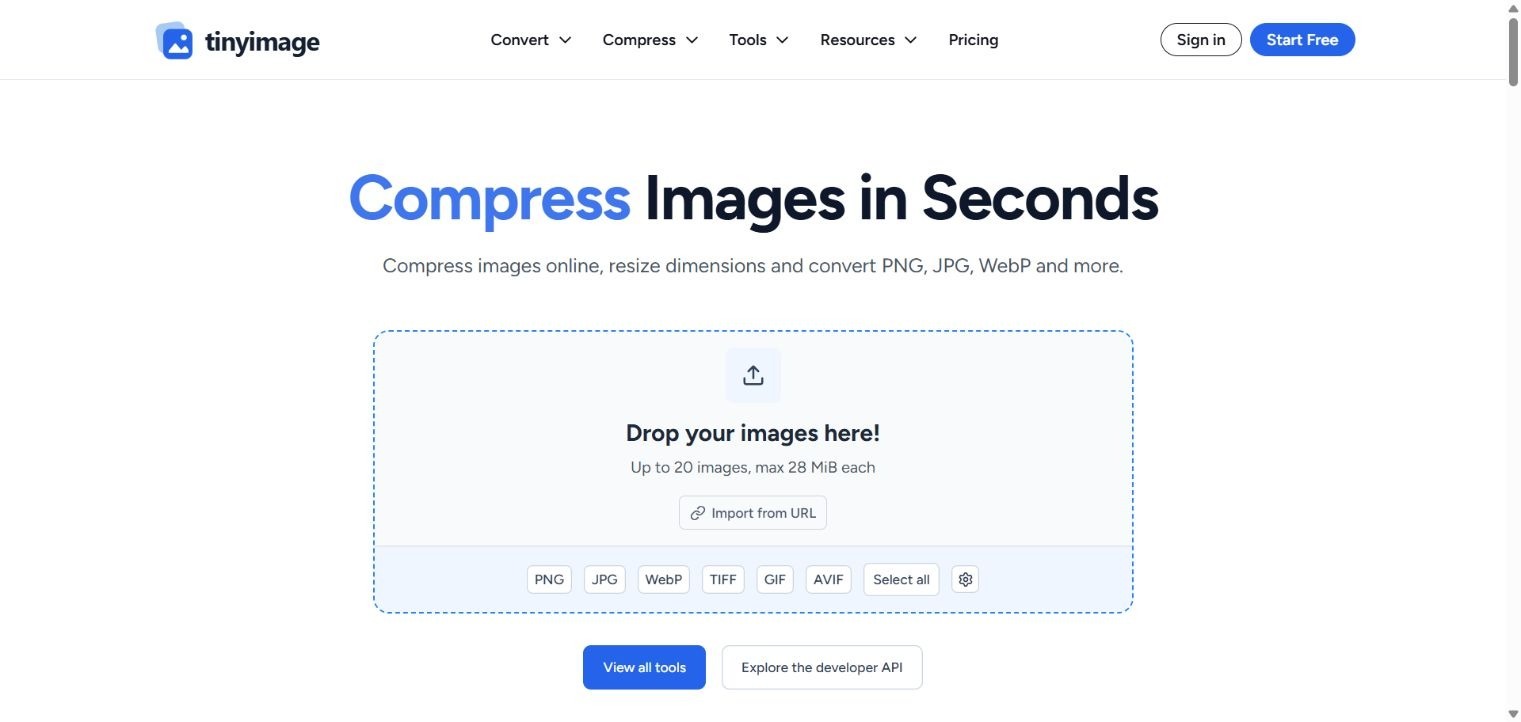
TinyImage offers compression, format conversion, and image-editing tools. Use it to prepare a web asset before uploading it to your site.
Start with a landing-page image. Resize it for the space it will occupy. Compare a compressed version with the original. Inspect product details, fine text, and edges at the size visitors will see.
You can compare formats such as JPEG, WebP, and AVIF. Keep the original so you can make another version later. The smallest output is not always the clearest choice.
The recurring website allowance resets on the first day of each UTC month. Only successful inputs count. Choosing several output formats for one image still counts once. Browser-only editing does not use the conversion quota.
API access has a separate, one-time trial of 250 conversions after email verification. That trial does not renew. Estimate ongoing API volume separately from occasional website work.
Compression, conversion, and editing in one place.
Recurring free website allowance includes guests.
Batch, file-size, and conversion limits apply.
The API trial does not renew.
Best for: Occasional domain research and small technical checks.
Free plan: One saved project, 10 monthly checks each for DR, Authority, and Domain Age, plus 500 shared SEO tool credits.
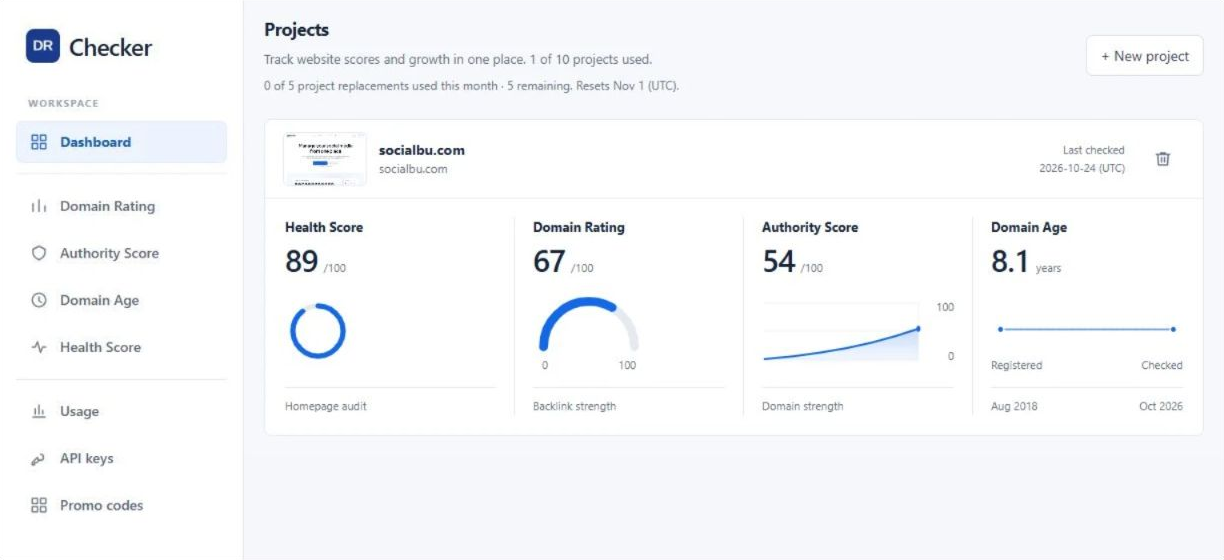
DR Checker reports Ahrefs Domain Rating, a 0–100 measure of backlink-profile strength. Its Authority score uses OpenPageRank, not Moz Domain Authority. Domain Age uses public registry records. Health reports cover performance, accessibility, best practices, and SEO.
Use these signals to shortlist a potential website partner. Then review its audience, articles, and relevant pages. A strong score does not prove good content, traffic, rankings, or sales.
The toolkit includes sitemap tools, a URL extractor, a search-snippet simulator, and checks for broken links, canonicals, schema, redirects, and robots.txt.
Credits are shared. A standard scan uses 50; a broken-link scan uses 150; a health report uses 50 per device. Five hundred credits therefore do not mean 500 full audits.
Signed-out visitors get five monthly checks per core metric and 250 tool credits, counted per network. Website and extension checks share metric allowances. Paid plans add bulk DR, CSV reports, and Website Audit. API access requires Pro. Monthly allowances reset without rollover.
Several domain metrics and focused SEO checks.
A small recurring allowance for occasional research.
Scores require context and manual review.
Bulk work, Website Audit, and API access are paid.
Best for: A solo marketer building a blog for guides, product updates, or customer education.
Free plan: Unlimited posts and pages for one owner, with no trial expiry. Hosting, custom domain support, and scheduled publishing are included. Domain registration costs extra.
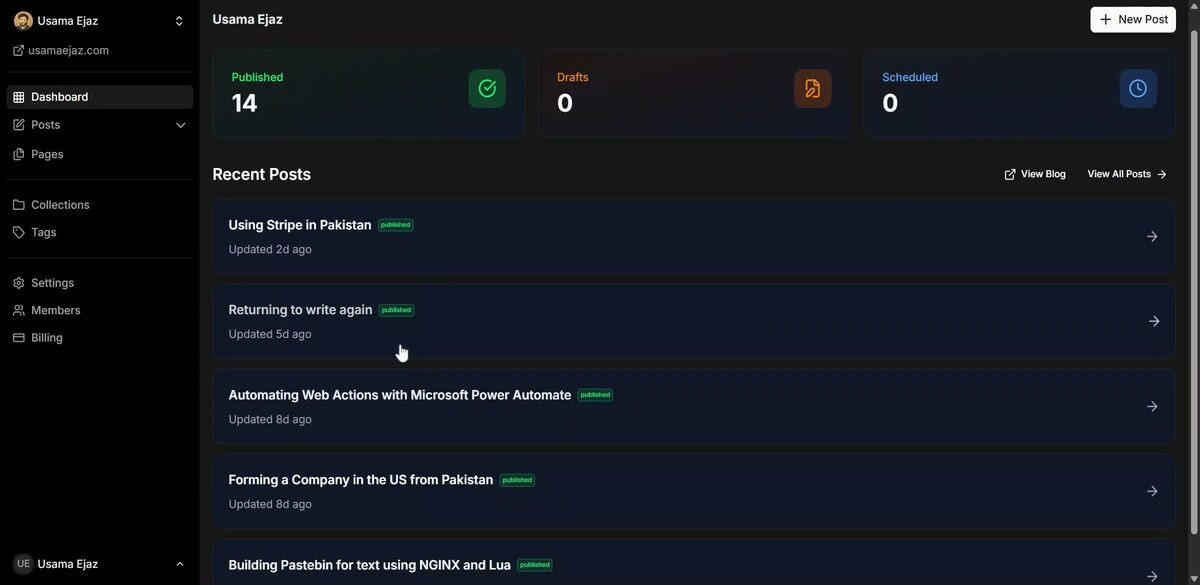
JustBlogged combines an editor, themes, and managed hosting. You can save drafts, add images, organize posts with tags and collections, and schedule publication.
For example, take a question your sales team hears often. Write a guide that explains the problem and the available options. Add relevant product details where they help the reader. Then schedule the article for your campaign.
Free also includes SEO controls, sitemaps, RSS, and MCP and REST API access. These can support publishing workflows. They do not guarantee search visibility or provide an audience by themselves.
Free suits a single owner. Team access, draft reviews, publishing permissions, editable theme files, and branding removal require Pro. Built-in theme settings are available on Free.
You can use a free subdomain or connect a domain you own. Before migrating an existing blog, check content transfer, redirects, and export options. A hosted blog is useful only if it fits how you maintain and distribute content.
Free hosted publishing with unlimited posts and pages.
Custom domain support and scheduling are included.
Free is limited to one owner and retains branding.
Team reviews and theme-file editing require Pro.
You don't need all separate tools to run a marketing campaign. The right combination depends on what you're promoting and where your marketing needs the most support.
Here's how some of the tools in this list can fit into a simple product-launch workflow.
For example, a small brand launching a new product could use Canva to prepare social graphics, TinyImage to optimize website images, and SocialBu to publish its initial announcements. LinkMngr can help organize campaign URLs, while HubSpot collects inquiries and GA4 measures what happens after visitors reach the website.
These tools don't necessarily integrate directly with one another, and you don't need to use every product in the workflow. Think of them as separate options for covering different marketing tasks.
Start with the stages your current team can manage, then add tools when you need more support.
Start with the problem you're trying to solve. If inquiries are getting lost, look for a CRM before adding more acquisition tools. If you don't know which campaigns bring website visits or conversions, prioritize analytics. Choose software based on what's missing from your current workflow.
Estimate your monthly usage. Check how many social posts you publish, how many contacts receive emails, how many images you process, and how many people need account access. Compare those numbers with each tool's free allowance. A plan that works for a one-time campaign might not be enough for ongoing marketing.
Look beyond the free plan. Check what happens when you reach a usage limit or decide to stop using the tool. Can you export your contacts, download your content, or move your blog to another platform? Also check whether custom domains, integrations, or important features become unavailable when you downgrade.
Consider the time involved. Free software still takes time to set up, maintain, and manage. Using separate tools for social publishing, email, analytics, and content creation can also mean switching between dashboards and keeping information consistent. Give each tool a clear purpose and avoid adding another platform if your existing setup already covers the task.
You don't need all eight tools to run a marketing campaign. Start with the tasks you need to cover. Canva can help with campaign visuals, SocialBu with initial social publishing, HubSpot with lead management, and GA4 with website measurement. LinkMngr, TinyImage, DR Checker, and JustBlogged cover more specific needs around campaign links, image preparation, domain research, and publishing.
For a small brand, the goal isn't to build the biggest marketing stack. It's to find a few tools that cover your immediate needs without introducing unnecessary costs or extra work.
Before committing, check how often each free allowance resets, which features are restricted, and what happens when you outgrow the plan. A tool is a good starting point when its free features are enough to complete the work you actually need to do.
Start with the tasks in your current campaign: creating content, distributing it, capturing inquiries, and measuring outcomes. You may also need tools for website maintenance or research. One platform can cover several tasks. Buy or adopt another only when it fills a real gap.
A free plan has no scheduled trial end date, but it may limit usage, features, or team access. A trial ends after a period or a fixed allocation. Also check whether a quota renews monthly or is available only once. “Free forever” does not guarantee that future terms will never change.
They can cover many tasks in a small campaign. Check the expected workload against each limit before starting. Software may be free while advertising, hosting, creative production, and staff time still cost money. A free stack also needs a clear plan and someone to run it.
Choose a goal before reviewing the dashboard. Track the relevant outcome, such as qualified inquiries or completed orders, alongside time spent. Check data quality and compare similar periods. A rise in clicks or impressions alone does not prove that a tool improved business performance.
Upgrade when a specific restriction blocks work that matters. It might be a usage cap, approval process, export requirement, or team-access limit. Compare the full cost with the time saved and the value of the task. A paid plan is not automatically better for every campaign.
Use the smallest set that covers the work reliably. Map each tool to a task, an owner, and a useful output. If two tools overlap, keep both only when the extra value justifies the added work. A larger stack can create more administration without improving results.

Cindy is an Outreach Manager and SEO Specialist at ONSAAS who helps SaaS companies grow through strategic link building and SEO. Outside of work, she loves spending time in nature, especially hiking in the mountains.


