
.svg)
%20(1).svg)
%20(3).svg)
Back to articles
7 SaaS Marketing Automation Tools for Every Stage of Growth
September 4, 2026
By
Cindy Graciella
A lot of “best marketing automation” lists just rank tools by how many features they have. But that can lead you in the wrong direction. For example, a self-serve SaaS might end up paying for a CRM-heavy platform when what it really needs is something that can trigger messages based on what users are doing inside the product. The features might look similar, but the way the tools actually work is pretty different.
So how do you know what’s right for you? It really comes down to three things: how your company grows, where you’re getting stuck in the funnel, and whether you have an engineer who can send product events into the platform. CRM-based tools and behavior-triggered messaging tools can both automate marketing, but they’re built for different jobs.
With that in mind, let’s dive right in and look at which tools make the most sense for different SaaS growth motions.
Start by identifying which of four jobs you're hiring for:
Placement here comes from documented capabilities, vendor documentation, and published pricing rather than hands-on lab testing. For more autonomous marketing, check this guide on AI marketing agent to help you streamline tasks like campaign execution and audience research. Seven criteria decide it, and you can audit any tool’s position against them:
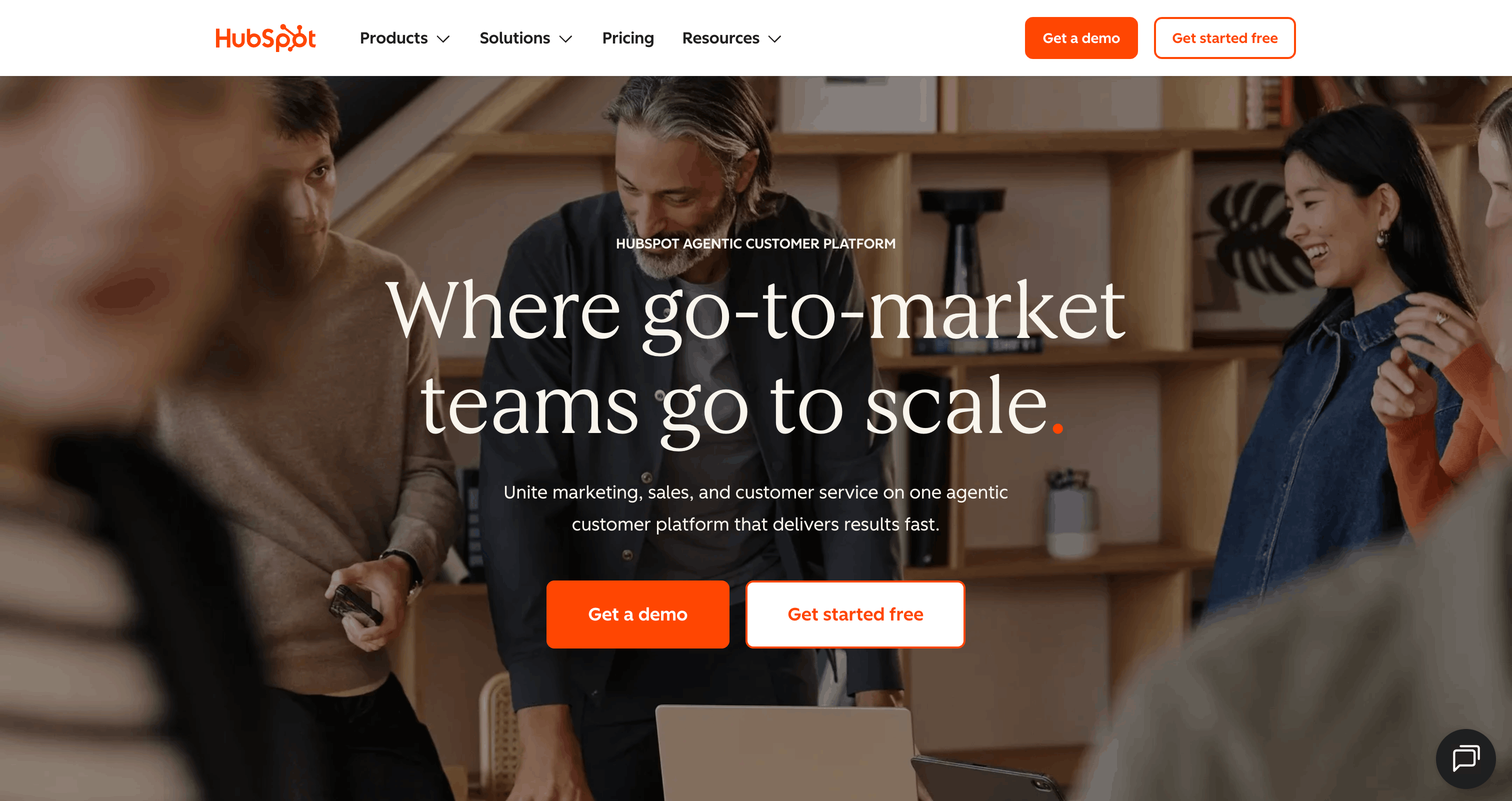
Best for: mid-market and enterprise B2B SaaS with a demo-request funnel and a sales team that lives in the CRM.
HubSpot wins the sales-led case because the CRM and the marketing automation share one object model. When a rep asks which campaign sourced a deal, the answer is a report rather than a spreadsheet reconciliation between two systems. That’s a structural advantage no combination of Customer.io and a separate CRM gives you cheaply.
The cost of that coherence is trigger depth. HubSpot reasons about contacts, lifecycle stages, and deals, so it’s fluent in “requested a demo, no meeting booked in five days” and comparatively blunt about “created a second workspace.” Setup is marketer-ownable, though the paid onboarding fee is a fair signal that a real Professional-tier build is a project, not an afternoon.
Email, forms, ads, and web personalization.
Marketing Hub Free at $0/month; Starter at $10/month/seat; Marketing Hub Professional at $880/month on the annual plan, plus a one-time $3,300 onboarding fee.
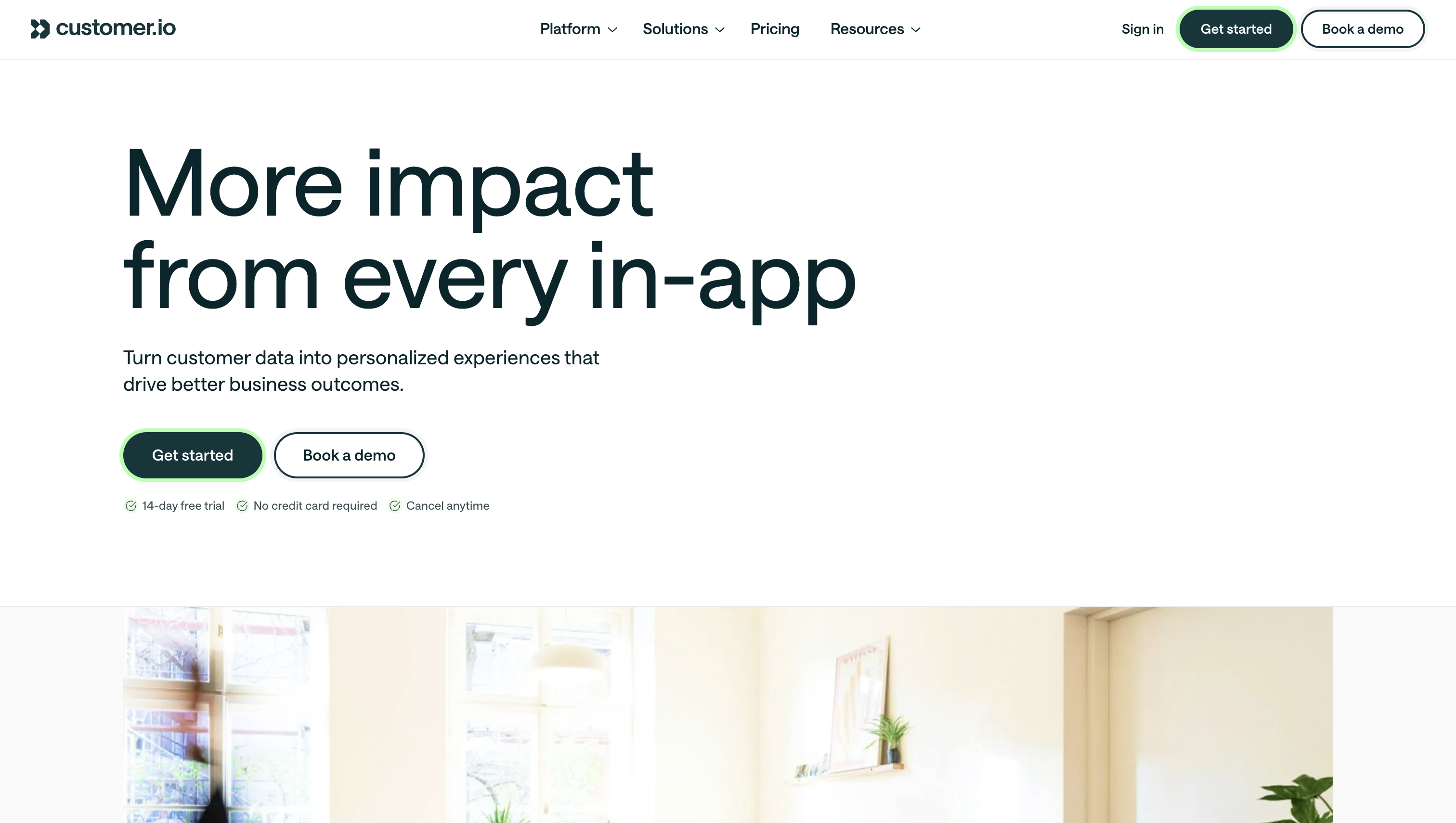
Best for: self-serve SaaS with an instrumented product and at least part-time engineering support.
This is where product-led teams end up once rules-and-lists tools stop being able to express what they want to say. Customer.io’s data model is built around events your product emits, so segmentation logic reads like product behavior instead of like email marketing: users who invited three teammates but never shared a document, trials expiring in seven days with fewer than two active seats.
That power is gated on instrumentation. Nobody ships value here until someone writes the tracking calls, which makes the buying decision partly an engineering-capacity decision. Compared with HubSpot, its center of gravity is the message and the journey, not the pipeline report.
Email, push, SMS, and in-app style lifecycle messaging orchestrated from a single journey.
Essentials starts at $100/month for up to 5,000 profiles when billed monthly. Premium starts at $1,000/month when billed annually. Pricing is primarily based on the number of profiles and usage.
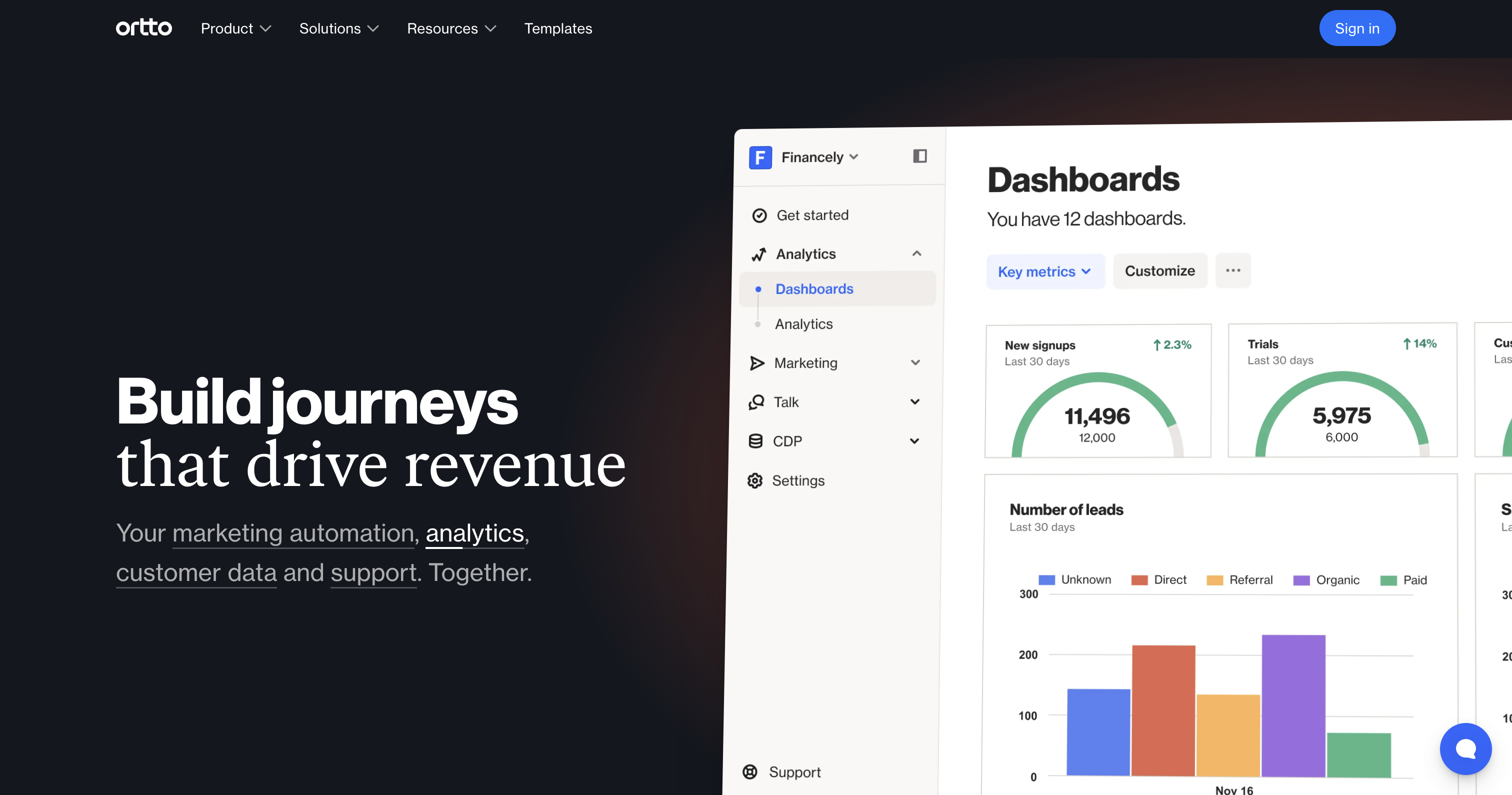
Best for: SaaS teams that want product analytics and lifecycle messaging in one place instead of stitching two tools together.
Ortto was built for SaaS specifically, and its distinguishing move is putting analytics next to the automation rather than in a separate product. You can look at a funnel drop-off and build the campaign that addresses it without exporting a cohort or asking an analyst for a segment. For a small growth team, that shortens the loop between noticing something and acting on it.
Against Customer.io, it trades a measure of custom-event depth for approachability: a marketer can get further alone here before engineering has to get involved. Against HubSpot, it’s a lifecycle and analytics tool rather than a pipeline system of record.
Multi-channel lifecycle messaging built around the same customer profile.
Ortto uses contact-based pricing, but its current pricing is not publicly listed in a simple starting-price format. Contact Ortto for a quote.
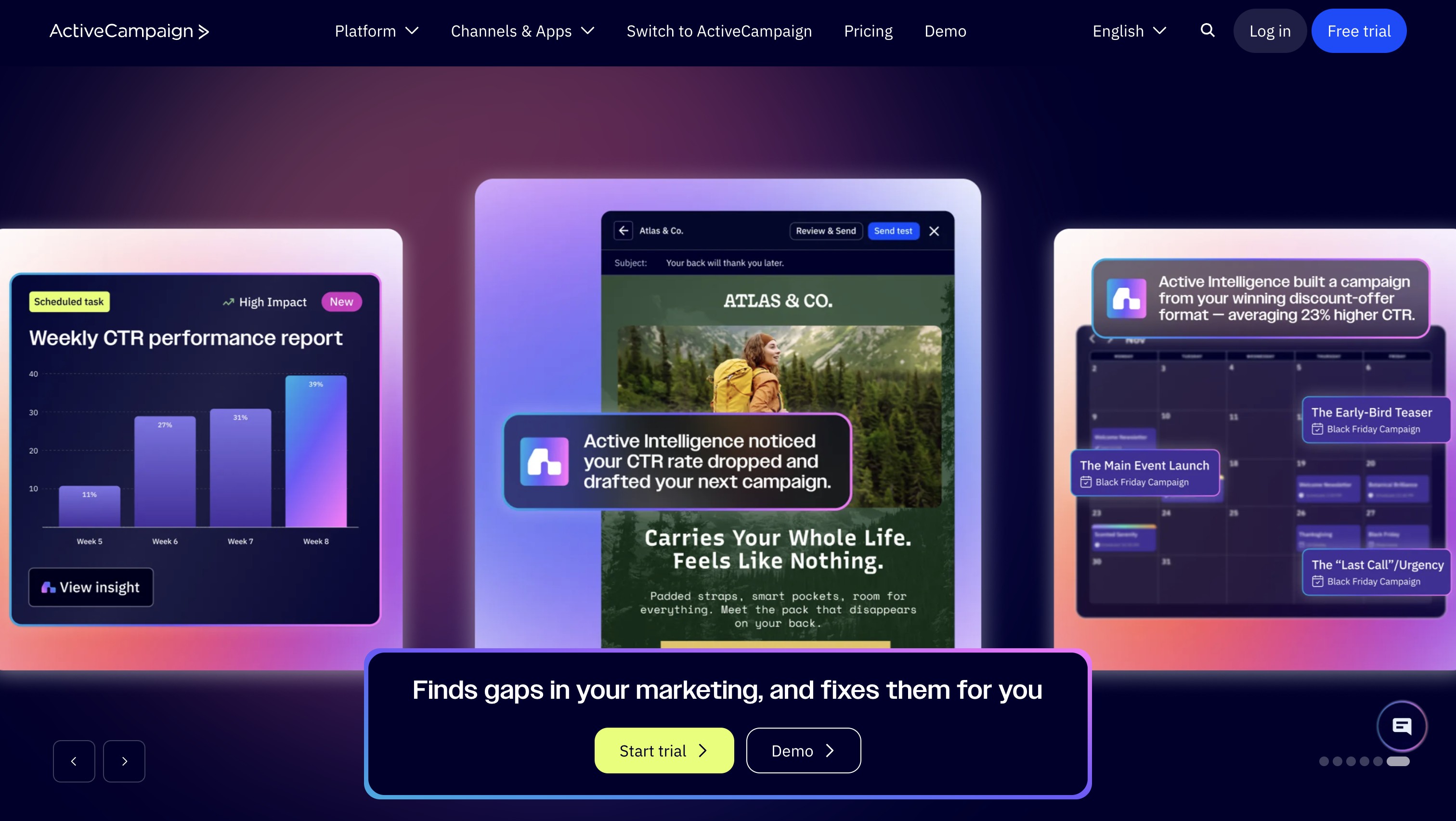
Best for: small to mid-market SaaS with longer sales cycles and heavy nurture requirements.
ActiveCampaign is the sales-led choice for teams that want serious workflow logic without enterprise suite pricing. If your motion is a months-long nurture with multiple stakeholders, its branching gets intricate quickly, and the included CRM means deals and contacts don’t live in a second system you also pay for.
Understand what “advanced automation” means here. Depth comes from conditional logic on tags, attributes, and engagement, which covers most B2B nurture beautifully and covers in-product behavior only as well as whatever you sync into a field. It’s the budget alternative to an all-in-one suite, not a substitute for an event platform.
Email-led, with additional messaging channels layered on.
Starter starts at $15/month for up to 1,000 contacts. Plus starts at $49/month for 1,000 contacts, with pricing increasing as your contact list grows.
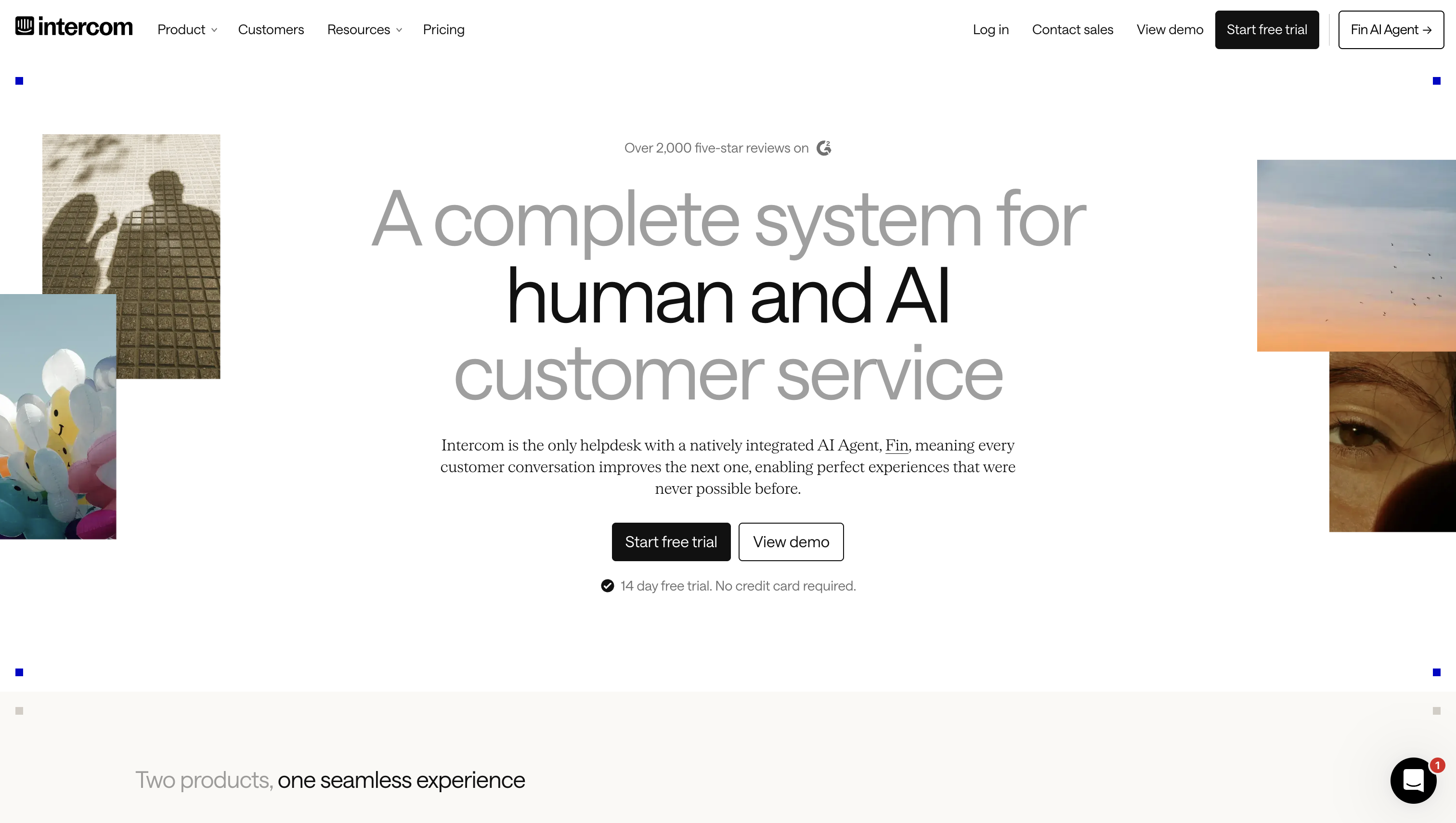
Best for: product-led SaaS that needs activation messaging and support living in the same place.
Intercom owns a surface most lifecycle platforms barely touch: the inside of your product. In-app messages, tours, and chat reach a user during the session where activation is actually won or lost, which beats an email they’ll read tomorrow. When the same workspace also handles inbound support, your onboarding nudges and your “I’m stuck” conversations share one history.
The tradeoff is scope. Its behavioral rules run inside its own workspace, so product events power messaging rather than feeding a lifecycle data model your whole stack can query. Pricing behaves like a support tool too: it grows with headcount and conversation volume, not with your marketing list.
In-app, chat, and messaging surfaces.
Essential starts at $29 per seat/month when billed annually. Advanced starts at $85 per seat/month, while Expert starts at $132 per seat/month. Additional usage-based charges can apply, including charges for AI-agent outcomes and certain messaging channels.
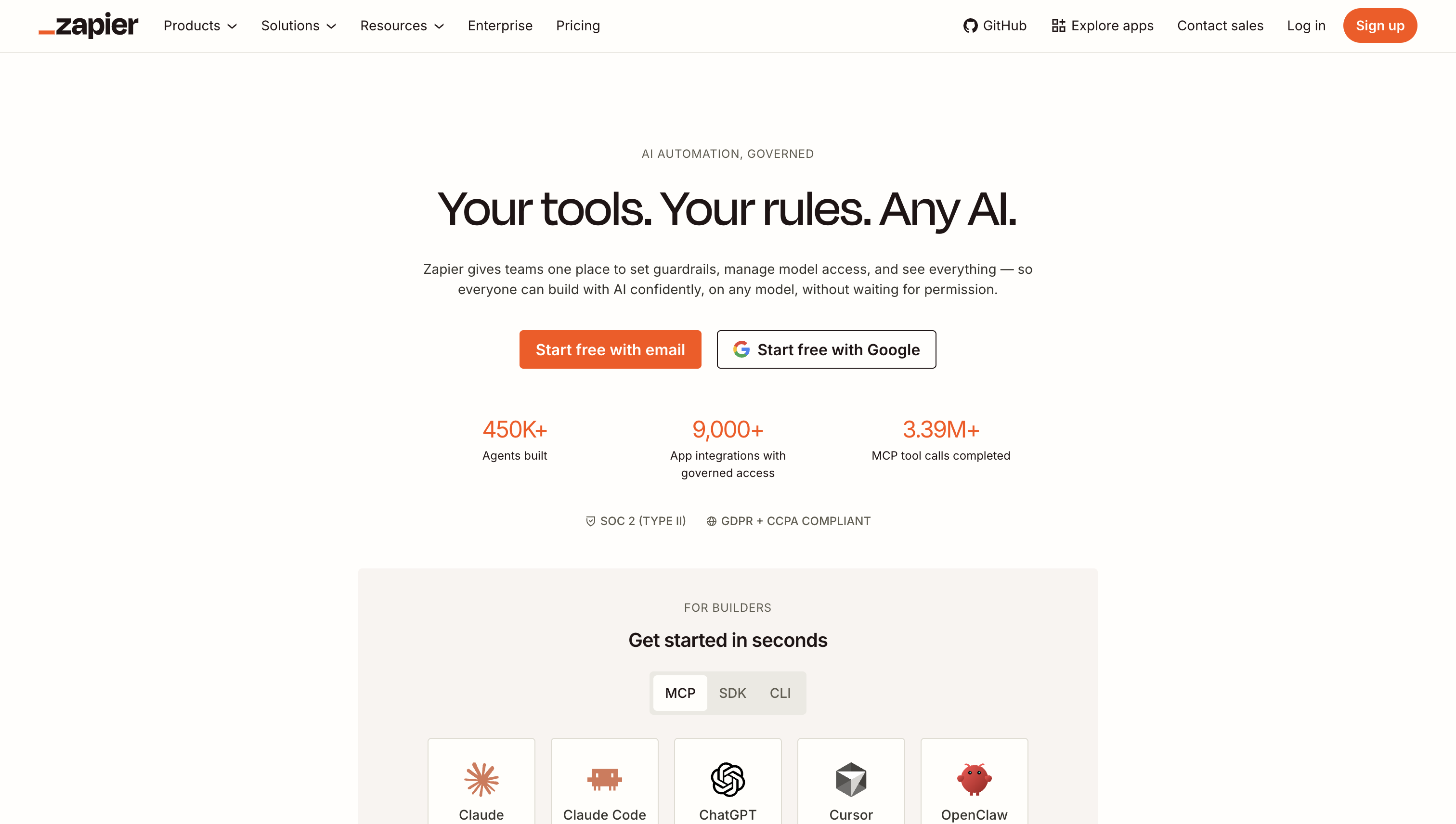
Best for: teams assembling a stack from specialist tools and needing them to talk to each other.
Zapier isn’t competing with the platforms above. It’s what makes them behave like one system when your product, CRM, and messaging tool have no native tie. New trial signup lands in the product database, a Zap creates the CRM record and pushes the attribute your email tool needs to start a sequence, and no engineer wrote a line of code.
Know its ceiling before you build a business process on it. It moves records between apps on a trigger-and-action basis, which is fine for hundreds of events and awkward for hundreds of thousands. It also fails quietly. Every Zap is something a human has to own when an API on either end changes.
None of its own. It routes data to whatever channel tool you already run.
Zapier has a free plan with up to 100 tasks per month. Paid plans start at $29.99/month for Professional, while the Team plan starts at $103.50/month. Enterprise pricing is available by contacting sales. Pricing is based on task usage, with more complex actions and AI features potentially using tasks at different rates.
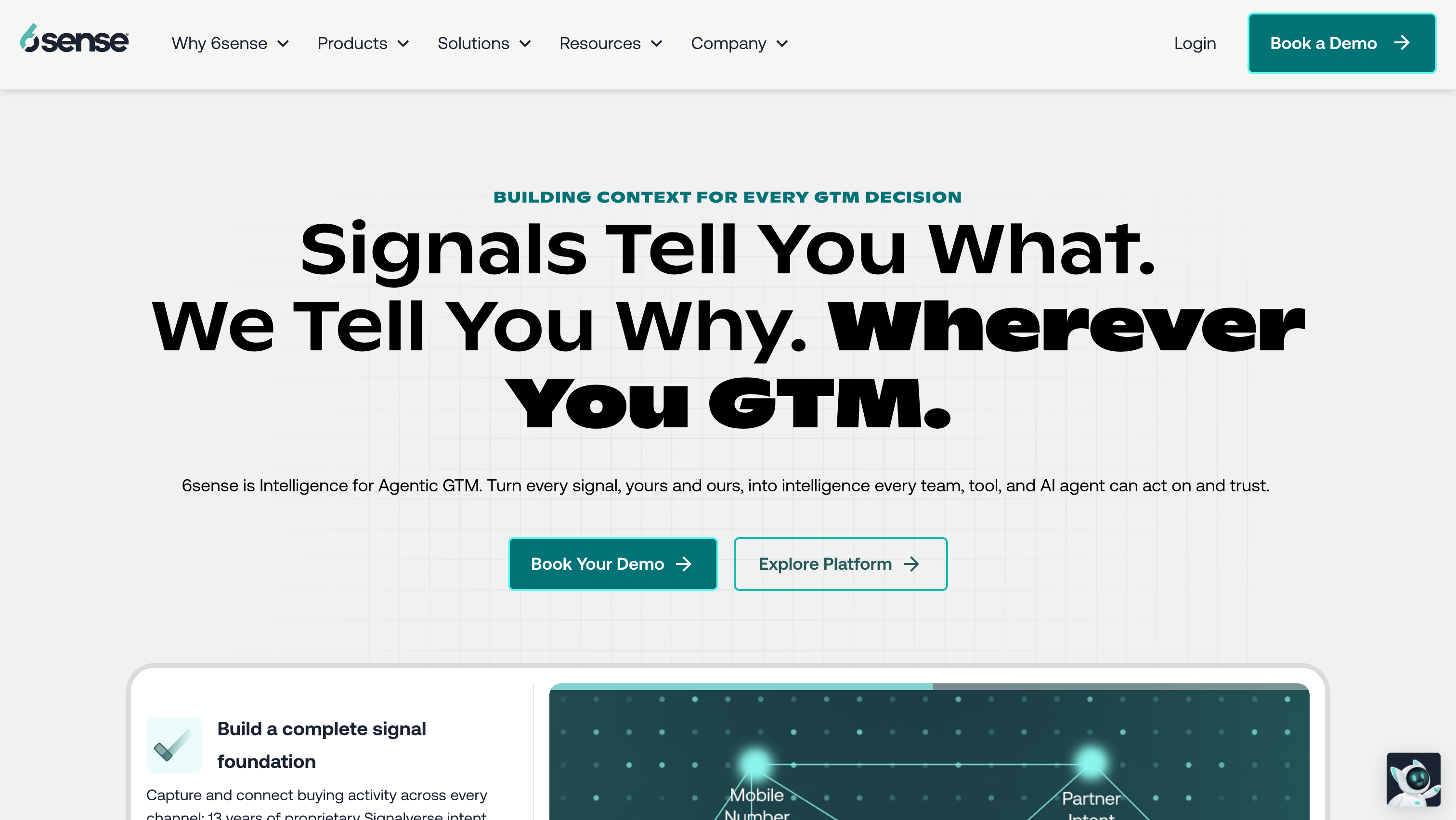
Best for: enterprise SaaS with large ACVs, an outbound sales team, and a lifecycle platform already running.
6sense answers a question lifecycle tools can’t: which accounts are in-market right now, before anyone identifies themselves. It matches anonymous traffic and third-party intent signals to accounts on your target list, then ranks them so sellers and ad budget go where buying activity is already happening.
Treat it as an addition to your stack rather than a replacement for anything in it. It works at the account level, feeds plays into other systems, and assumes you have both a defined account list and sellers with capacity to work prioritized accounts. Vendr data puts the median annual contract at $62,440, which makes this a budget line item, not a tool you trial on a credit card.
Feeds advertising, outbound, and sales plays rather than owning lifecycle email.
6sense does not publish standard platform pricing publicly. Pricing is quote-based, so you’ll need to contact sales for a custom quote.
Three answers narrow eight tools to two.
1. Does your funnel convert on a self-serve signup or a booked demo?
2. Where does your user data live today?
3. What stage are you, and who will run this?
There isn’t one SaaS marketing automation tool that’s best for everyone. The right choice depends on how your business grows and what you actually need the tool to handle.
If your SaaS is driven by product usage and in-app behavior, an event-based platform like Customer.io or Ortto will likely make more sense. If your sales team and CRM are at the center of your funnel, HubSpot or ActiveCampaign may be a better fit. And if you mainly need in-app engagement, support, or a way to connect different tools, Intercom or Zapier can fill that specific role.
The main thing is not to get distracted by feature lists. Start with your growth model, look at where your funnel needs the most help, and then choose the tool that fits those needs.
That way, you’re choosing one that actually fits the way your SaaS works today and can grow with you over time.
Rarely at paid tiers. Free plans cover the need: HubSpot’s Marketing Hub Free is $0/month, and Klaviyo’s free plan runs up to 250 profiles. The mis-buy to avoid is enterprise suite pricing before you have a list to automate against. GrowthTech Spotlight’s analysis of buyer data puts Marketo’s Growth tier around $895/month at 20K contacts, which is real money for a seed team.
Email marketing software sends messages to a list. Automation acts on a record: it can update a lifecycle stage, score a lead, notify a rep, or branch a journey based on behavior, with the send being just one possible action. The practical test at demo time is whether the tool can do something useful without sending anything at all.
Usually not, and not yet. Customer.io and Ortto hold event data themselves, and Zapier can bridge the gaps between two or three systems. A CDP earns its cost when several tools need the same event stream, they’ve started to disagree about the same user, and you have an ops person to own the schema. Before that, it adds a layer without removing a problem.
It depends on what the tool is. If it’s also your CRM system of record, as with HubSpot, RevOps or sales ops should own configuration and the object model while marketing owns campaigns. If it’s a messaging layer like Customer.io, growth or lifecycle marketing owns it, with engineering owning event definitions. Splitting schema ownership from campaign ownership is what keeps both from breaking.
Campaigns port faster than data. Rebuilding sequences is a few weeks of work; re-instrumenting events, recreating scoring logic, and reconciling contact properties is the part that runs long. Plan to dual-run for a quarter, and accept that historical attribution rarely survives the move intact, so cut over at the start of a reporting period rather than mid-quarter.
Yes, if your onboarding triggers are attribute-based. HubSpot or ActiveCampaign can run both when trial milestones are synced in as contact properties. The strain shows when onboarding depends on real-time in-product behavior, at which point you’re better off pairing an event platform with a CRM than forcing one tool to do both jobs at half strength.
Adobe Marketo Engage, Oracle Eloqua, and Pardot for enterprise stacks with existing Adobe, Oracle, or Salesforce commitments; Act-On and SharpSpring in the mid-market; Drip and Klaviyo for teams with ecommerce-style messaging needs; WebEngage for mobile-heavy lifecycles; Lemlist for outbound sequencing, starting from $55/user/month on its Email plan; ZoomInfo for contact data and intent; Copy.ai for AI content inside GTM workflows. On enterprise contracts, negotiate hard: VendorBenchmark reports B2B buyers cutting 25 to 48 percent off list on strategic Eloqua commitments.

Cindy is an Outreach Manager and SEO Specialist at ONSAAS who helps SaaS companies grow through strategic link building and SEO. Outside of work, she loves spending time in nature, especially hiking in the mountains.
.svg)
.svg)
.svg)
.svg)
.svg)